

PythonConvert.com
PythonConvert.com · Coding
Python Converter is a free browser tool that translates code between Python and other languages, handles Python data type conversions, and runs Python scripts online.
About PythonConvert.com
What Is Python Converter
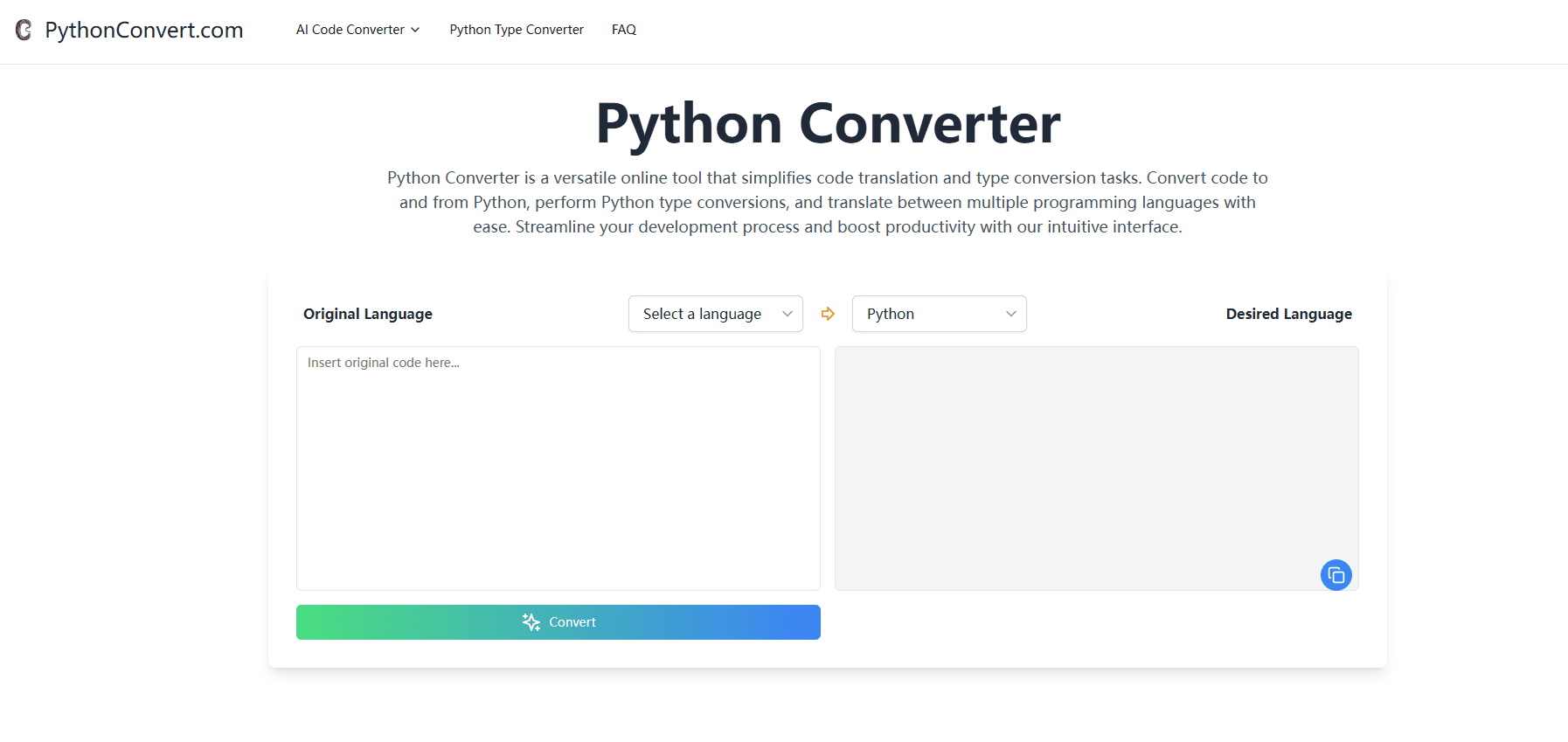
Python Converter is a website built around three related tools, and you can reach any of them from the top menu. The AI Code Converter takes source code in one language and returns an equivalent in another. The Python Type Converter shows how to move values between Python's built-in data types and lets you test the result. The Online Python Compiler runs Python in the browser so you can check a snippet without installing anything.
The pitch is narrow and practical. The AI Code Converter lists pairs like Python to C++, Python to Java, Python to Go, and the same routes in reverse, so a developer can move a file from one language to another or read how a familiar task looks in a new one. Under the surface, the tool leans on AI models to rewrite the code rather than a fixed set of text rules.
That design choice carries a trade-off worth naming up front. Because the translation is generated, straightforward code tends to come out clean, while heavy library use, unusual syntax, or framework-specific patterns may need hand edits before they run. The site says as much in its own FAQ.
You get these tools without an account for the core job, which fits a free utility. The privacy policy mentions optional accounts and paid subscriptions for some services, so treat the free tier as the default rather than a promise of unlimited use.
Getting Started
- Open pythonconvert.com in a browser. No download or install is needed.
- Pick a tool: AI Code Converter, Python Type Converter, or the Online Python Compiler.
- Paste your code, or choose an input and output type in the converter.
- Run the conversion or execution, then copy the output and test it in your own project.
Product Information
A quick look at PythonConvert.com's pricing, supported platforms, and performance.
Best for
The users, tasks, and scenarios where this tool fits best.
Users
- Developers moving a project across languages
- Learners comparing two languages
- Data-minded coders cleaning up types
Tasks
- Translating code between languages
- Running Python in the browser
- Converting Python data types
- Learning a new language by comparison
Scenarios
- You inherit a Python script and the team works in Java
- You are teaching yourself Python and want to run code on a school laptop
- You keep tripping over type errors in a data script
Key features
AI Code Translation
The AI Code Converter rewrites code from one language into another. It covers the common pairings: Python to C++, Java, C, C#, JavaScript, or Go, and each of those back to Python. You can also convert Python to JavaScript directly when you need a web-facing rewrite. You paste your source, set the original and desired languages, and the tool returns the new version. It reads best as a first draft. Any code that leans on a specific library or an unusual language feature usually needs a pass from you before it compiles.
Python Type Conversion
The type converter focuses on Python's own data types. It covers str, int, float, bool, list, tuple, dict, set, frozenset, bytes, bytearray, and range, with pages for each input and output pair like string to int or list to set. Each shows example code for the cast, and a small test box lets you try your own value and see the outcome. For anyone who keeps hitting a stubborn type error, seeing the exact conversion written out saves a round of guessing.
Online Python Compiler
The compiler runs Python in the browser, so you can execute a script and read the output without touching a terminal. There is an editor with a line for your code and a panel for results, plus a Run Code button. It suits quick checks, small experiments, and study sessions where installing Python is not an option. It is meant for snippets, so a large project with heavy dependencies is a poor fit.
Language Coverage
Across the tools, the site names a broad set of mainstream languages: Python, C++, Java, C, C#, JavaScript, and Go. The type converter widens this on the Python side by handling every built-in type. That spread covers most day-to-day work, but the list stays on mainstream languages rather than niche or domain-specific ones.
No Setup, Free to Try
None of the three tools needs a download, and the core use runs in a browser tab. The pages describe the tools as free, and the pages for the code converter and type converter say so in their headings. The privacy policy leaves room for optional accounts and paid plans on some services, so the free path is the baseline rather than a guarantee of unlimited volume.
Pros and cons
Pros
- Three tools in one place: translate code, convert types, and run Python without separate sites.
- No install and no account needed for the core tasks.
- The type converter writes out the exact cast, which speeds up debugging.
- The browser compiler handles quick tests and learning runs.
- Free to use for the tasks the pages describe.
Cons
- AI translation is a starting point, and complex or library-heavy code often needs manual fixes.
- The language list favors mainstream languages, so niche targets may be missing.
- The site keeps details thin on limits, quotas, and any paid tier.
- Generated code is not customizable from inside the tool, so edits happen in your own editor.
- The privacy policy mentions accounts and subscriptions without spelling out what they cost or unlock.
Frequently asked questions
Python Converter is a free web tool from PythonConvert.com that bundles three utilities: an AI code converter that translates between programming languages, a Python type converter for data types, and an online Python compiler.
Related content
Explore related tools, skills, and articles for PythonConvert.com.
PythonConvert.com Alternatives

Base Code
Base44 (Wix) · Coding · ProductivityBase Code is a shared cloud development environment from Base44. Teammates describe changes to an existing GitHub codebase in chat, preview them live and send them back as pull requests.

Google EmbeddingGemma 2
Google DeepMind · Writing · Image · CodingGoogle EmbeddingGemma 2 is a 740M-parameter open model that turns text, code, images, audio, and video frames into vectors in one 768-dimension space, running on phones and laptops.

GitGlow
GitGlow · Coding · ProductivityGitGlow is a local-first desktop Git client that lets independent developers review their own code and their AI agents' changes in one place before shipping.