

QApilot
QApilot · Coding
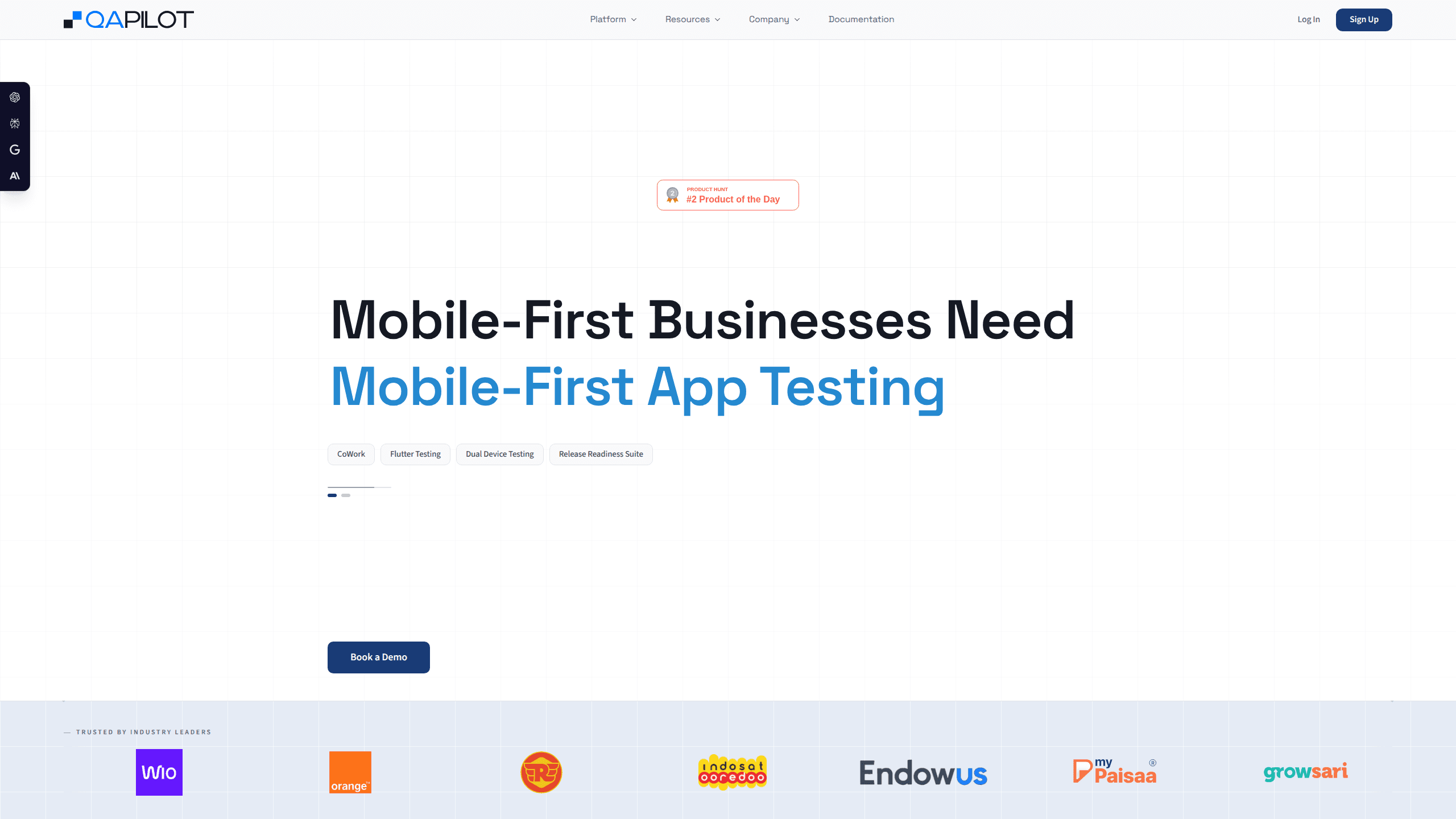
QApilot is an AI-native mobile app testing platform that autonomously explores your iOS, Android, and Flutter builds, then generates test coverage without anyone writing scripts by hand. It runs those tests on real devices, repairs the ones that break when the UI changes, and reports on release readiness, accessibility problems, and security signals. Teams that ship mobile releases every few weeks use it to replace slow manual regression passes with something that keeps running on its own.
About QApilot
What Is QApilot
QApilot is an autonomous testing tool for mobile apps. Instead of asking a QA engineer to map out every screen and flow, it explores your app the way a real user would. It builds a knowledge graph of the screens and journeys it finds, then turns that into executable test cases. The setup is simple. You hand it a build. Coverage starts appearing, with no test framework to wire up and no library of selectors to maintain.
The thing it solves is maintenance. Traditional mobile QA automation, the Appium and record-and-playback kind, breaks every time a button moves or a label changes. QApilot layers self-healing on top, so when the UI shifts, tests adapt instead of failing. That cuts the repair work that eats most of a QA team's week. Less firefighting, more shipping.
One limit worth knowing up front: the prices aren't published. QApilot runs on a demo-and-quote model, and it works best for teams that already have a device cloud or are willing to plug one in. If you just want to poke at something free this afternoon, this isn't shaped for that.
Getting Started
- Book a demo from the QApilot site so the team can size a setup around your release cadence and device coverage.
- Upload an app build (iOS, Android, Flutter, React Native, or native Kotlin, Swift, and Objective-C all work post-build).
- Let the autonomous crawler explore, which builds the knowledge graph and generates your first set of critical-flow tests.
- Connect your device cloud or CI/CD pipeline so runs trigger with each release.
- Review the release-readiness report and guide further crawling where you want deeper coverage.
Product Information
A quick look at QApilot's pricing, supported platforms, and performance.
Best for
The users, tasks, and scenarios where this tool fits best.
Users
- QA and QE leads
- Mobile release managers
- Developers who test in their editor
Tasks
- Generating regression coverage from scratch
- Keeping existing tests alive through UI changes
- Verifying dual-role journeys
- Spotting accessibility and security gaps before release
Scenarios
- Weekly or biweekly release cycles where manual regression can't keep pace with build output.
- Fintech and marketplace apps with complex, multi-step user flows that web-first automation tools handle poorly.
- Flutter and React Native projects where cross-platform consistency matters and framework-specific setup gets in the way.
- Teams already standardized on BrowserStack or LambdaTest that want intelligent coverage without switching device clouds.
Key features
Autonomous Exploration and Coverage Generation
QApilot's crawler moves through your app like a real user. It maps screens, flows, and interactions into a knowledge graph. That graph becomes the basis for generating executable tests, so you get zero-touch sanity coverage on your critical flows without writing anything first. After the initial crawl, you can steer exploration toward the areas you care about most.
Self-Healing Tests
When the UI changes, most automation suites break and someone has to fix them. QApilot's self-healing adapts tests to UI and flow shifts instead, which keeps maintenance overhead down and lets QE teams spend their time on release readiness rather than repairing selectors. It applies whether the test was recorded by hand or generated autonomously.
Dual-Device Testing
Real journeys often span two people. Buyer and seller, sender and receiver, agent and supervisor. Dual-device testing runs both sides as a single continuous transaction with step-level sync, so marketplace, messaging, and field workflows get proven end to end before they break in production.
QApilot MCP for Coding Agents
QApilot MCP puts mobile verification inside the coding agent you already use. You describe in plain language what needs to hold, and QApilot builds the test, runs it on your local device or emulator, and hands back a markdown report the agent can query. It's local-first, so the app stays on your machine, and it works with Claude Code, Cursor, Codex, Copilot, and Windsurf.
CoWork
CoWork turns the test cases you already have into runnable steps inside QApilot, so teams don't start from zero. It's a bridge for shops with an existing manual or automated suite that want the autonomous and self-healing benefits without throwing away prior work.
Release Readiness Suite
The platform frames testing as a path from build upload to sign-off, with structured quality signals along the way. Instead of a pile of pass-fail results, release managers get something closer to a decision aid, including security and accessibility findings that usually live in separate tools.
Framework-Agnostic Post-Build Testing
QApilot works on your binaries, independent of how they were built. Android, iOS, Flutter, React Native, and native Kotlin, Swift, or Objective-C apps all go through one pipeline. That matters for teams running mixed stacks. No framework-specific setup for each one.
Pros and cons
Pros
- Autonomous exploration produces coverage fast, with no scripting required before the first run.
- Self-healing meaningfully cuts test maintenance, the part of mobile QA that quietly consumes the most time.
- Works across iOS, Android, Flutter, React Native, and native apps through a single post-build pipeline.
- Integrates with device clouds like BrowserStack and LambdaTest rather than forcing its own.
- QApilot MCP brings mobile verification into popular coding agents with a local-first design, keeping the app on your machine.
Cons
- Pricing isn't published, so you can't judge fit or budget without booking a demo first, which slows evaluation for small teams.
- No standalone free plan, so self-serve trials aren't an option if you want to test drive it on your own schedule.
- Coverage starts with critical journeys and expands over time, so you won't get exhaustive regression on Day 1 if that's your expectation.
- SOC 2 and HIPAA compliance are still in progress, which may block regulated teams that need certifications settled before onboarding.
Frequently asked questions
QApilot automates testing for mobile apps. It explores an app to generate test coverage, runs those tests on real devices, self-heals them when the UI changes, and reports on release readiness, accessibility, and security. It's built for iOS, Android, Flutter, React Native, and native apps.
Related content
Explore related tools, skills, and articles for QApilot.
QApilot Alternatives
Forefront
Forefront · CodingForefront is a web platform for building with open-source AI. It lets you fine-tune leading open-source language models on your own data, evaluate how they perform, and run them through an API or export them to host yourself. Developers who want the convenience of a closed-source platform but insist on owning their models and data are the target audience here.

Startkit
StartKit.AI · CodingStartkit is a boilerplate for building AI SaaS and AI wrapper products. Think of it as an AI startup boilerplate with the boring parts already wired up: authentication, Stripe and Lemon Squeezy payments, usage limits, transactional email, and an AI API starter that talks to OpenAI, Anthropic, Groq, or Llama. You clone the repo, set your price, and start on the part of your product that people actually pay for. It's Next.js under React and Tailwind, so most of the boilerplate code already feels familiar.
Testim
Tricentis · CodingTestim is an AI-powered test automation platform for building and running end-to-end tests across web, mobile, and Salesforce applications. It leans on machine learning to keep tests stable when an interface changes, so teams spend less time fixing broken selectors. Not bad for an automated testing tool you can start using today. You create tests by recording actions in a browser, then optionally add JavaScript when you need more control. It's a solid pick for busy QA teams.