

Qoder
Alibaba Cloud (Alibaba Group) · Coding · China AI
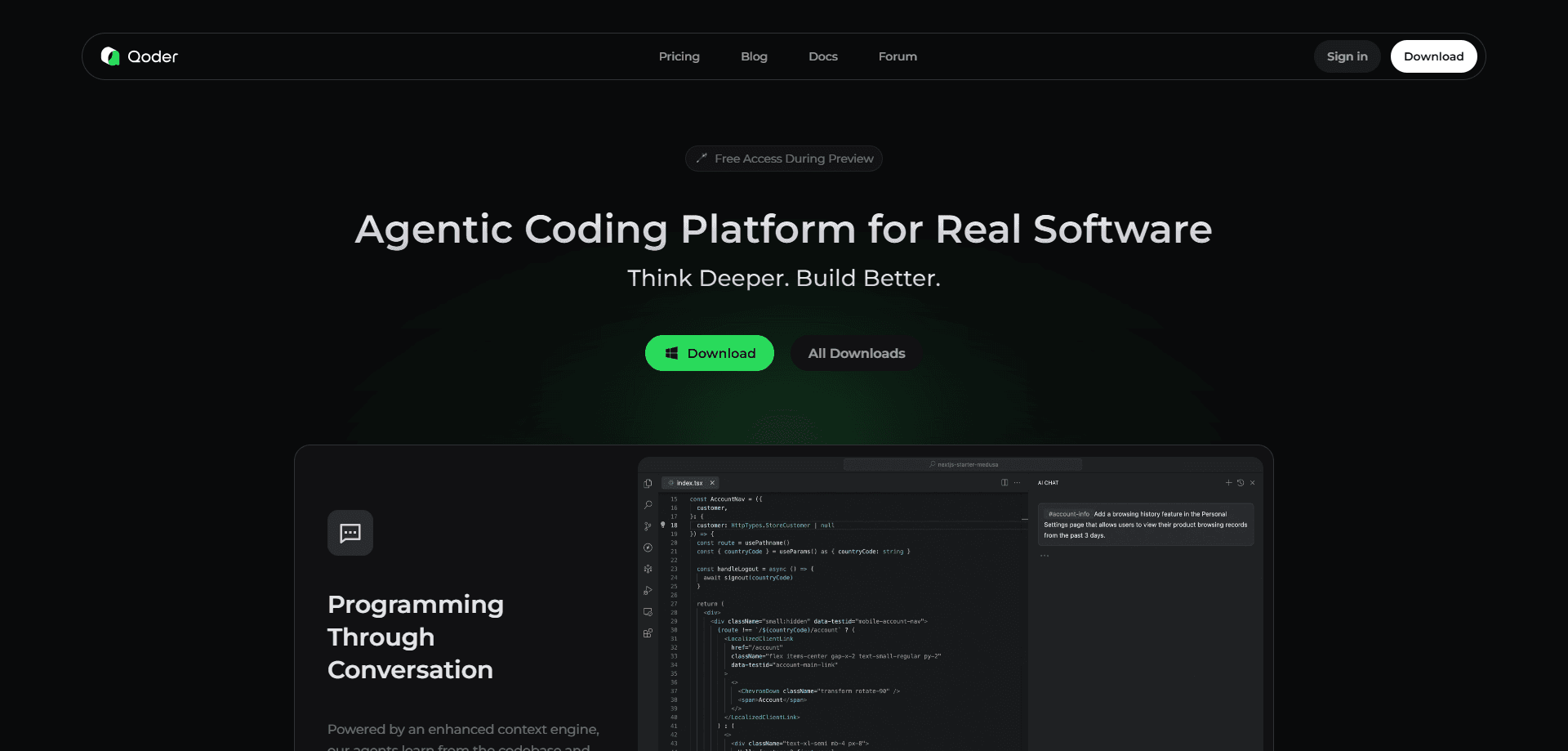
Qoder is Alibaba Cloud's agentic coding platform. It reads a whole repository, plans work from a plain-language goal, then writes, tests, and reviews code across an IDE, a terminal, and the cloud.
About Qoder
What Is Qoder
Qoder is an agentic coding platform built by Alibaba Cloud. It isn't a snippet autocompleter. The tool reads your repository the way a new teammate would, catching architecture, dependencies, and the unwritten rules teams carry in their heads, then acts on that understanding.
The problem it targets is familiar. Most AI coding helpers shine in demos but stumble inside a real, long-lived codebase. Qoder leans on context engineering: it indexes your project, keeps long-term memory of your decisions, and blends that with the models it routes behind the scenes. You describe the goal in plain language and the agent breaks it into steps.
It also ships several forms. There's a desktop IDE, a JetBrains plugin, a terminal CLI, cloud-hosted agents, and a mobile app for checking in on running tasks. The trade-off: the strongest features, Quest and Repo Wiki, sit behind paid plans, and heavy agent use burns through credits fast.
Getting Started
- Sign up at qoder.com with email, Google, or GitHub, then download the desktop app or install the JetBrains plugin.
- Open your project folder so Qoder can index the repository and build its Repo Wiki.
- Ask a question in Ask mode to check that context reads correctly, or type a goal in Agent mode.
- For bigger jobs, write a short spec and hand it to Quest, which plans, codes, and reports back.
- Track credit use and running tasks from the Usage page, the CLI, or the mobile app.
Product Information
A quick look at Qoder's pricing, supported platforms, and performance.
Best for
The users, tasks, and scenarios where this tool fits best.
Users
- Professional developers on real projects
- Developers juggling long refactors
- Solo builders and small teams
Tasks
- Understanding an unfamiliar codebase
- Delegating a feature or fix
- Automating repetitive engineering chores
Scenarios
- Inheriting an undocumented legacy project
- Running checks while away from your desk
- Reviewing a pull request under time pressure
Key features
Context Engineering Over the Whole Repository
Qoder indexes your codebase, files, rules, and tools, then reuses them across sessions. It handles large repositories, so the agent knows what the wider project does instead of guessing from one open file. That context is the difference between plausible code and code that runs.
Quest Mode for Delegated Work
Quest takes a written goal and carries it through planning, coding, testing, and delivery. You confirm the details up front, then let the agent work in a sandbox while you watch its plan and progress. It suits long, multi-step jobs where babysitting every edit would be slower than delegating.
Repo Wiki and Living Documentation
Repo Wiki generates structured docs for your project and keeps them in step with code changes. When a modification makes a page stale, Qoder flags it for an update. You can also edit the wiki by hand and share it through your repository so the whole team builds on the same notes.
Experts Mode and Multi-Agent Collaboration
Experts Mode splits a complex task across several agents that handle planning, implementation, testing, and quality review in parallel. It's the heaviest of the modes and the most credit-hungry, so it makes sense for genuinely tough jobs rather than routine edits.
Terminal and Cloud Workflows
The Qoder CLI brings the same agent into your terminal, where it generates code, reviews changes, and runs commands. Cloud Agents take that further: you define an agent and start a session through an API, and the work runs in an isolated sandbox while results stream back.
Model Routing and Bring Your Own Key
Qoder works less like a static AI coding assistant and more like an AI IDE with a mind of its own, routing requests across current frontier models automatically instead of making you pick one. Paid plans include a monthly credit pool for premium models and fall back to basic models when it runs dry. On the Free plan you can also plug in your own API key.
Pros and cons
Pros
- Repo-wide context and Repo Wiki set it apart from single-file autocomplete tools.
- Multiple surfaces cover IDE, terminal, cloud, and mobile without switching products.
- The free plan and 14-day Pro trial lower the cost of trying the full feature set.
- Cloud Agents expose a real API for automation, batch jobs, and backend integration.
- Transparent planning shows the agent's steps, which reduces the feeling of a black box.
Cons
- Quest, Repo Wiki, and Experts Mode all sit behind paid plans, so the best features aren't in the free tier.
- Credits expire at the end of each billing period, and heavy agent runs drain them quickly.
- Premium model work stops once credits run out, dropping you to basic models until the next day.
- There's no manual model selection, which frustrates users who want to pin a specific model.
Frequently asked questions
Qoder is an agentic coding platform that understands a whole repository, plans tasks from a goal you describe, and then writes, tests, and reviews code. It runs in an IDE, a terminal, or the cloud rather than only suggesting the next line.
Related content
Explore related tools, skills, and articles for Qoder.
Qoder Alternatives

Base Code
Base44 (Wix) · Coding · ProductivityBase Code is a shared cloud development environment from Base44. Teammates describe changes to an existing GitHub codebase in chat, preview them live and send them back as pull requests.

Google EmbeddingGemma 2
Google DeepMind · Writing · Image · CodingGoogle EmbeddingGemma 2 is a 740M-parameter open model that turns text, code, images, audio, and video frames into vectors in one 768-dimension space, running on phones and laptops.

GitGlow
GitGlow · Coding · ProductivityGitGlow is a local-first desktop Git client that lets independent developers review their own code and their AI agents' changes in one place before shipping.