

Quartz
Quartz · Writing
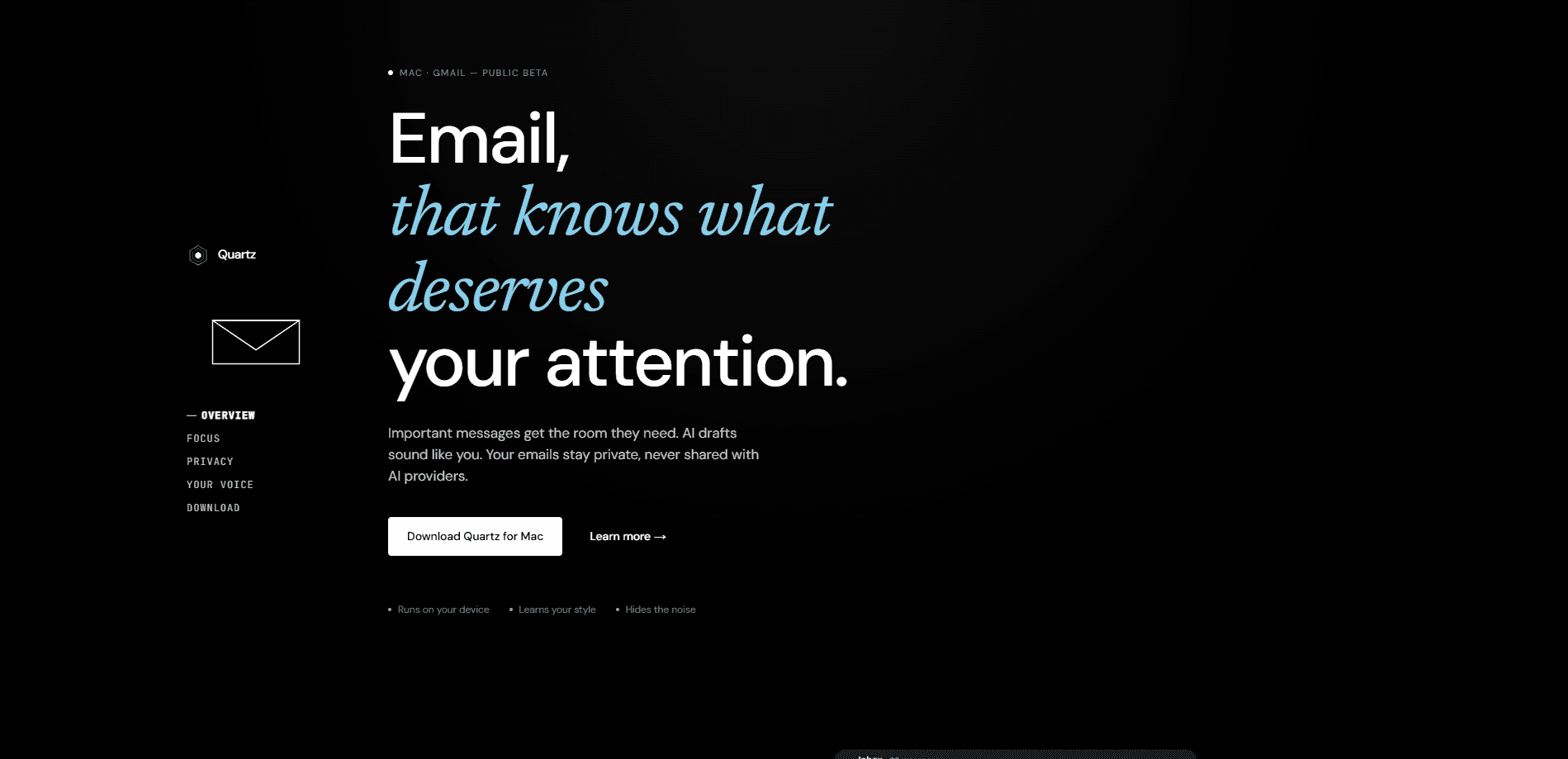
Quartz is an AI-native email app for Gmail that runs entirely on your Mac. It works as an AI email assistant that sorts incoming mail by importance, collapses the noise, and drafts replies that sound like you. Nothing gets uploaded to a server. If your mornings disappear into a wall of newsletters and FYI threads, Quartz is built to give the messages that matter room to breathe.
About Quartz
What Is Quartz
Quartz is a desktop email client for Mac that connects to your Gmail account and adds a local AI layer on top. Instead of sending your messages to a cloud service, the sorting and drafting models run on your own machine, so nobody else reads your mail. It's currently in public beta and free to use.
The pitch is simple. As a private email app, Quartz keeps everything on your machine. It learns which senders and threads matter to you, then pushes the rest out of sight. When you reply, it studies the way you write and produces drafts in your own tone rather than generic assistant-speak. Mail is encrypted on your device. The classification model never leaves it.
The trouble is that most people have never seen a desktop client learn this way, so the first day or two feels like handing the wheel to a stranger before you trust it with anything important.
The catch is hardware. Quartz runs only on Apple Silicon Macs, so Intel Macs and Windows machines are out. And it works with Gmail accounts only. That rules it out if you juggle Outlook, iCloud, or a work Exchange inbox in the same place.
Getting Started
- Download the Quartz app for Mac from the official site and install it.
- Launch the app and connect your Gmail account through the standard sign-in flow.
- Let it scan your existing inbox for a short while so the model can learn which senders you care about.
- Star or prioritize a few threads to teach it your preferences, then write a reply or two to begin shaping its drafting style.
- Use the categorized inbox daily; the importance ranking sharpens the more you interact with it.
Setup takes a few minutes, and the app handles most of the early learning on its own once your Gmail account is connected and it has read through a chunk of your recent history. You do very little. The rest is patience.
Product Information
A quick look at Quartz's pricing, supported platforms, and performance.
Best for
The users, tasks, and scenarios where this tool fits best.
Users
- Gmail power users on a modern Mac who get far more mail than they can read, and want it triaged automatically.
- People who care about privacy
- Writers and freelancers who send a lot of similar replies and want drafts that match their own voice.
Tasks
- Triaging a crowded inbox
- Drafting replies
- Reducing inbox noise
Scenarios
- Starting the workday
- Handling repetitive correspondence
- Managing subscription clutter
Key features
On-device AI processing
The model that sorts your inbox and drafts your replies runs locally on your Mac, not on a remote server. Your mail never gets uploaded, and the company can't read it because there's nothing stored on its side to read. That's a real difference from most AI email tools, which ship your messages off to a cloud provider and hope you don't think about where they end up sitting. The trade-off is that you need an Apple Silicon chip to run it.
Importance-based sorting
Quartz auto-categorizes every message by importance, and the definition of "important" is yours. It learns over time from how you interact with senders. Important mail gets visual room, while FYI, Icebox, and Noise categories collapse out of the way. In practice, you spend less time scrolling and more time answering the threads that matter. So what does that look like on a busy Tuesday? You open the app and see maybe eight threads. Everything else is folded away. The categories are worth setting up early, because a model that guesses wrong about what counts as noise will quietly bury a message you actually needed to see that morning.
Replies in your own voice
Give Quartz a few bullet points and it drafts a reply that sounds like you. It picks up your cadence, your phrasing, and how warm or terse you tend to be with a given sender. It reads the thread context, too, plus your relationship with the person. So the output avoids the flat, generic tone most AI assistants fall into. No robot voice here. That's the part most AI writing tools miss, since a draft only helps if you can send it without rewriting every sentence from scratch to sound like a human wrote it.
End-to-end encryption
Mail is encrypted on your device with keys only you hold. Combined with on-device processing, that means neither the developer nor any AI provider touches your messages in readable form. For anyone who's uneasy about feeding work email into a chatbot, this is a big deal. It's the feature that makes Quartz, as a private email app, worth a look. Encryption on your device only helps as much as the device itself stays secure, so keep your Mac locked and your account protected like you would with any mail client.
CASA Tier 2 certification
Quartz is independently audited and certified under Google's Cloud Application Security Assessment at Tier 2. That's a third-party check on how the app handles Gmail data, not just a promise from the developer. It matters if you're weighing a new email client that wants access to your whole inbox, because an outside auditor has already looked at how it treats that access. Third-party review beats a marketing page every time.
Pros and cons
Pros
- Runs on your device, so your email stays private and is never sent to an AI provider.
- Learns your writing style well enough to draft replies you'd actually send.
- Importance-based categories cut through newsletter and notification clutter.
- Free for beta users, with no subscription to test it out.
Cons
- macOS only, and specifically Apple Silicon: Intel Macs and Windows are unsupported, so it won't help you on older hardware.
- Gmail accounts only, which means no Outlook, iCloud, or Exchange in the same inbox.
- It's still in public beta, so expect rough edges and features that may shift.
Frequently asked questions
Yes. Quartz is free for beta users during the public beta period, and there's no paid tier listed yet. You just download the app and connect your Gmail.
Related content
Explore related tools, skills, and articles for Quartz.
Quartz Alternatives

Google EmbeddingGemma 2
Google DeepMind · Writing · Image · CodingGoogle EmbeddingGemma 2 is a 740M-parameter open model that turns text, code, images, audio, and video frames into vectors in one 768-dimension space, running on phones and laptops.

MePersona
MePersona, Inc. · Writing · Productivity · MarketingMePersona is an AI unified inbox for creators. It learns your voice, drafts replies to fan messages from 12 platforms, and sends only what you approve.

Fluence
Yay Software (Yannick Huchard) · Writing · Voice & Language · ProductivityFluence is an Android app that reads PDFs, EPUBs, Word files and web articles aloud, follows each sentence as it speaks, and answers questions about the text on the phone itself.