

Quell's UAT AI Agent Platform
Quell · Coding · Productivity
Quell's UAT AI Agent Platform is an AI test automation platform that runs UI-level acceptance and regression checks on web, Android, iOS, and desktop builds, replacing hand-written test cases.
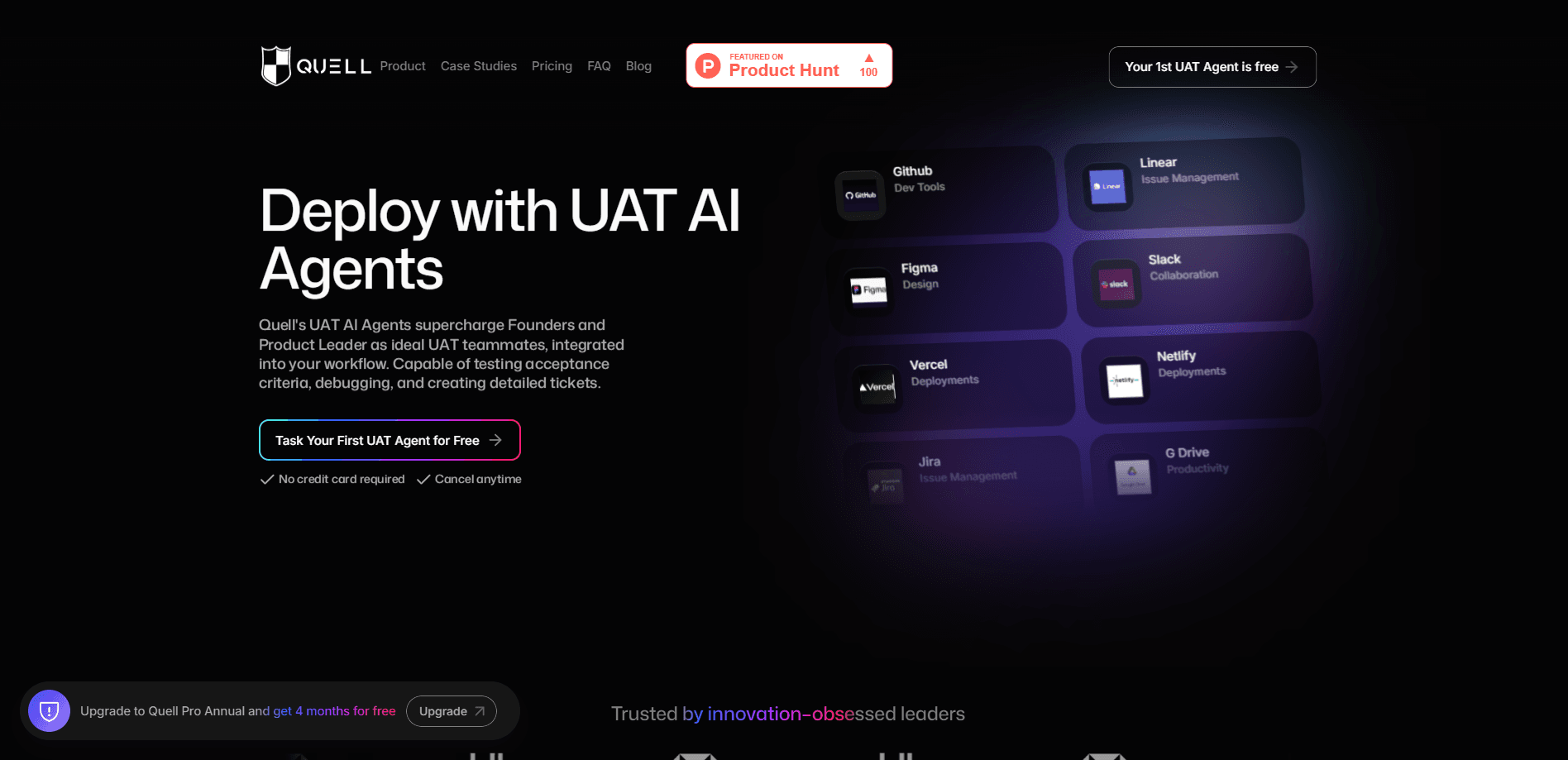
About Quell's UAT AI Agent Platform
What Is Quell's UAT AI Agent Platform
Quell's UAT AI Agent Platform is a testing tool built for product and QA teams that ship on multiple platforms at once. UAT stands for user acceptance testing, the last check before software reaches real users. Instead of asking testers to click through the same paths by hand, the platform uses AI agents to drive a running build through those paths and report what breaks.
The problem it targets is coverage. Manual testing slows down as an app grows, and the paths people forget to re-check are the ones that fail in front of customers. A platform that runs those checks for you closes that gap. It works best when the flows you care about are stable enough to describe as repeatable cases.
The main limit is scope. This is UI-level testing, so it validates what a user sees and does, not the internal logic behind a screen. It also leans on the AI agents themselves being kept current with the app, which means someone still has to own the test suite.
Getting Started
- Connect your build. Point the platform at the web, Android, iOS, or desktop app you want to test and give the agents access to a staging environment.
- Define acceptance cases. Describe the user journeys you care about, such as sign-up, checkout, or a key in-app action, as cases the agents can run.
- Run the suite. Launch the cases on demand or on a schedule, and let the agents walk the UI and record each step.
- Review results and fix. Read the run report, sort failures by severity, and feed fixes back into the build before release.
Product Information
A quick look at Quell's UAT AI Agent Platform's pricing, supported platforms, and performance.
Best for
The users, tasks, and scenarios where this tool fits best.
Users
- QA engineers at multi-platform teams
- Product managers who own release quality
- Test leads replacing manual regression passes
Tasks
- Running UI regression before a release
- Covering acceptance cases across four platforms
- Turning manual test cases into automated runs
Scenarios
- A release candidate that needs a fast go or no-go check
- A team that keeps shipping small updates
- Onboarding a new surface
Key features
AI agents that drive the UI
The core of the platform is a set of AI agents that operate a running app the way a tester would, following acceptance cases step by step. You describe a journey, and the agents click, type, and navigate to verify it. That shifts the work from writing brittle selectors to describing what a user is supposed to do.
Cross-platform acceptance coverage
Cases run against web, Android, iOS, and desktop builds, so a team shipping on several surfaces keeps one coverage set instead of four. Maintenance sits in one place, which matters most for teams that can't staff a dedicated tester per platform.
UI-level regression testing
The platform specializes in UI-level regression, the checks that confirm a new build hasn't broken screens users already rely on. It runs those checks repeatedly, which is where manual passes tend to slip as an app grows.
Run reports with failure detail
Each run produces a report that shows which cases passed or failed and what the agents saw. Reports are the payoff of automating acceptance work: you get a record of the run instead of a tester's memory of it.
Script authoring from user journeys
You build coverage by describing the flows that matter, not by writing framework-specific code. That lowers the skill bar for adding cases, so a product manager or tester can contribute a journey without a deep automation background.
Scheduling for repeated runs
Runs can be triggered on demand or set to repeat, which fits teams that want the same core journeys checked after every small update. Scheduling is what turns a one-off check into a standing regression net.
Pros and cons
Pros
- One coverage set spans web, Android, iOS, and desktop, so teams don't rebuild tests per platform.
- Agents run journeys from plain descriptions, which lowers the bar for adding cases.
- UI-level regression catches breakage in screens users already depend on.
- Run reports give a pass or fail record you can point to before a release.
- Scheduling keeps core journeys checked after each new build.
Cons
- It tests the UI layer, so it won't catch logic flaws that never surface on screen.
- Cases depend on the agents staying in sync with the app, so someone still owns the suite.
- The product page lists no pricing, so teams have to ask the vendor for plan details.
- There's no public API listed, which limits wiring runs into an existing CI pipeline.
Frequently asked questions
It runs user acceptance and UI regression tests with AI agents. You describe the journeys you care about, and the agents drive a running build through them and report what passed or failed.
Related content
Explore related tools, skills, and articles for Quell's UAT AI Agent Platform.
Quell's UAT AI Agent Platform Alternatives

Base Code
Base44 (Wix) · Coding · ProductivityBase Code is a shared cloud development environment from Base44. Teammates describe changes to an existing GitHub codebase in chat, preview them live and send them back as pull requests.

Google EmbeddingGemma 2
Google DeepMind · Writing · Image · CodingGoogle EmbeddingGemma 2 is a 740M-parameter open model that turns text, code, images, audio, and video frames into vectors in one 768-dimension space, running on phones and laptops.

GitGlow
GitGlow · Coding · ProductivityGitGlow is a local-first desktop Git client that lets independent developers review their own code and their AI agents' changes in one place before shipping.