

Quick Mock - AI interviewer for Any Job
MirWork AI · Business
Quick Mock is a Chrome extension by MirWork AI that turns any LinkedIn job posting into a voice-based AI mock interview in one click, with job-specific questions and instant feedback.
About Quick Mock - AI interviewer for Any Job
What Is Quick Mock - AI interviewer for Any Job
Quick Mock is a browser extension built by MirWork AI, an interview software company that also runs a hiring platform. The extension lives inside Chrome, so it opens right on the job pages you already browse instead of sending you to a separate website.
The idea is simple. You find a job posting on LinkedIn, click the Quick Mock button, and the AI reads that listing to build a mock interview around the exact role. It asks questions out loud, listens to your spoken answers, and scores how you did. The point is to rehearse the real conversation, not to memorize a script.
The tradeoff is that it runs in a browser and depends on your internet connection. Voice features need a stable link to work, and the tool simulates an interviewer, so it won't fully match the nuance of a human hiring manager. It's built for the moments before the interview, not during it.
Getting Started
- Install the Quick Mock with MIR extension from the Chrome Web Store and sign in with your MirWork account.
- Open a job posting on LinkedIn, Indeed, Glassdoor, or 104 and look for the Quick Mock button.
- Click it to let the AI pull the job description and generate a tailored set of interview questions.
- Answer the questions by speaking out loud, just like a live interview.
- Review your feedback report and your evolving interview profile, then practice the weak spots again.
Product Information
A quick look at Quick Mock - AI interviewer for Any Job's pricing, supported platforms, and performance.
Best for
The users, tasks, and scenarios where this tool fits best.
Users
- Active job seekers
- Career switchers
- University students and new grads
Tasks
- Turning a job description into practice questions
- Running a spoken mock interview
- Tracking your progress over time
Scenarios
- The night before an interview
- Practicing on a lunch break
- Preparing for a stretch role
Key features
One-Click Mock Interviews From a Job Posting
The core hook is speed. Quick Mock adds a button to the job listings you browse, and one click starts a mock interview built from that description. Instead of copying a job ad into another tool, the extension reads the page you're already on and turns it into a role-specific session. That means the questions reflect the posting's own wording and requirements.
Real-Time Voice AI Interviewer
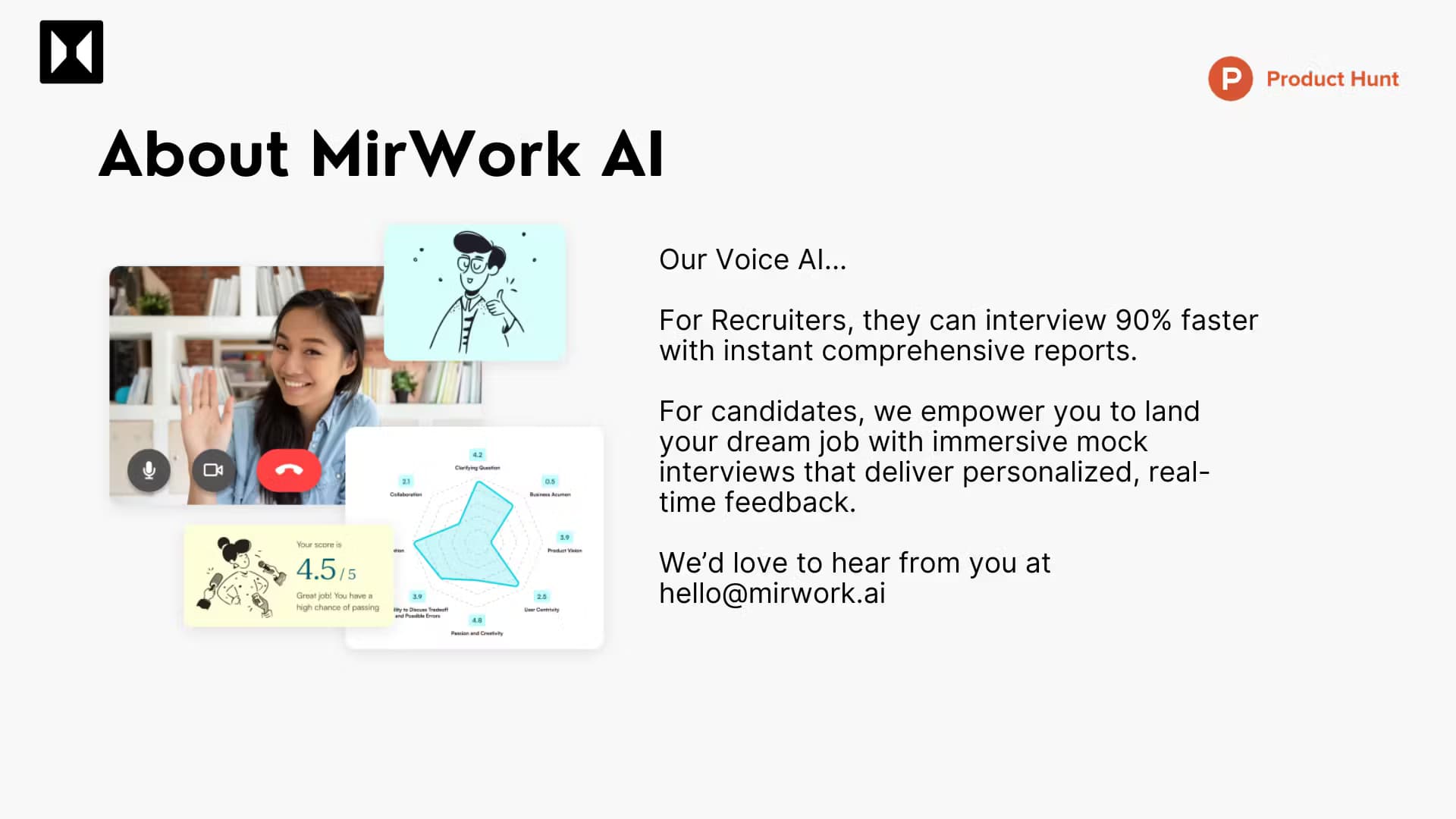
The AI, named Mir, asks each question out loud and listens while you speak, which mimics the flow of a real conversation rather than a questionnaire. MirWork says the system runs on a large language model trained on input from recruiters and hiring managers, and it draws on interview styles from companies like Meta, Apple, Amazon, Netflix, and Google. Voice, video, and captions are part of the experience, so you can hear and see how you come across.
Instant Feedback and Performance Analysis
After you finish, the tool scores your answers and breaks down your communication, problem solving, and business acumen. MirWork says feedback lands within 5 to 10 seconds, and the report highlights strengths alongside areas that need work. You also get a running interview profile that evolves as you practice, so progress is visible rather than assumed.
Support for Multiple Job Platforms
Quick Mock isn't tied to LinkedIn alone. The same one-click flow works on Indeed, Glassdoor, and 104, so you can practice against postings wherever you find them. That range matters if you're casting a wide net across several job boards at once.
Free to Start
MirWork lets candidates practice for free, and the platform's candidate page notes that no credit card is required to get going. The extension itself is a free Chrome install, so as an interview prep tool it's cheap to try. Paid tiers exist on the broader MirWork platform, but the core practice loop is open to anyone who signs up.
Pros and cons
Pros
- Works directly inside LinkedIn and other job boards, so there's no copy-paste between tools.
- Questions are generated from the actual job description, which keeps practice relevant to the role.
- Voice-based sessions and instant feedback build real speaking habits, not just reading.
- The personal interview profile tracks improvement across sessions.
- Free to start with no credit card required.
Cons
- Voice features need a stable internet connection, so weak Wi-Fi breaks the experience.
- It simulates an interviewer, so it can't fully replicate the nuance of a human hiring manager.
- As a Chrome extension, it only runs in the browser, and there's no standalone mobile app.
- Public pricing for the paid tiers isn't clearly documented on the main site.
Frequently asked questions
Quick Mock is a Chrome extension by MirWork AI that turns any job posting on LinkedIn, Indeed, Glassdoor, or 104 into a voice-based AI mock interview. You click one button on the listing, answer the AI's questions out loud, and get scored feedback on how you performed.
Related content
Explore related tools, skills, and articles for Quick Mock - AI interviewer for Any Job.
Quick Mock - AI interviewer for Any Job Alternatives

Knocket
Knocket (Tencent RTC team) · Productivity · Business · ChatbotKnocket is a free live chat and contact page tool that lets visitors message you from your website, app, or a shareable link, with every reply handled from Telegram or one inbox.

shippedit.me
Krawlup · Marketing · Businessshippedit.me now redirects to Krawlup, a web platform that audits SEO, AEO and page speed every week, then hands the fixes to AI coding agents over MCP.

Ayven
Alknoma · Productivity · BusinessAyven is an AI control centre by Alknoma that turns a plain-language goal into a dated plan, hands the work to your people and AI agents, and asks for your approval only when the call is yours.