

QuickQuill
QuickQuill · Writing · Productivity
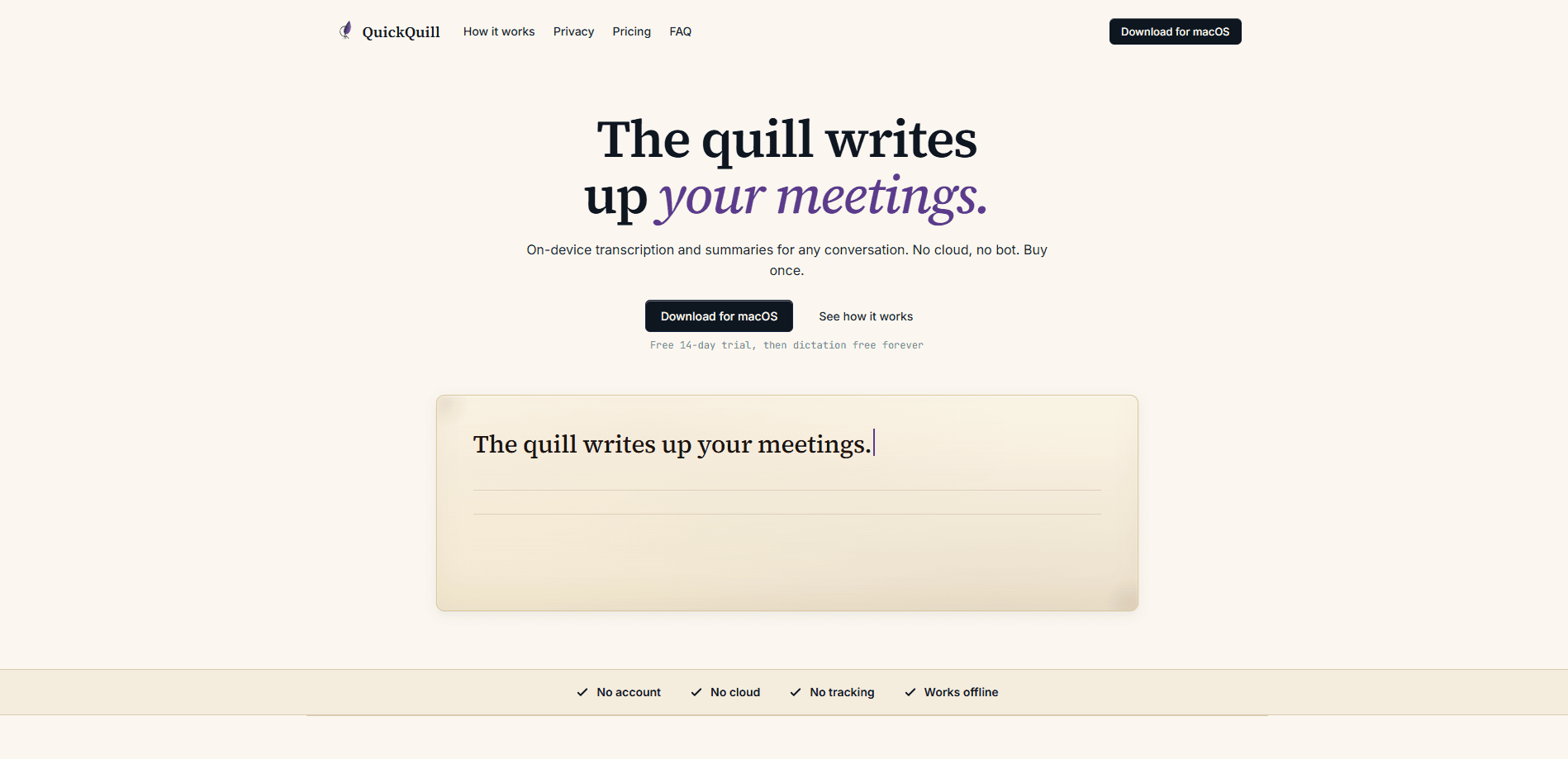
QuickQuill is a private meeting notes app that keeps everything local. It's a Mac transcription tool that records, transcribes, and summarizes your conversations entirely on your Mac. It captures both sides of a call from your menu bar, adds live captions and translation, and writes up a summary the moment you stop. Nothing gets uploaded.
About QuickQuill
What Is QuickQuill
QuickQuill is a local-first transcription and meeting notes app for macOS. It sits in your menu bar, records your voice and the other side of the call together, and turns the whole conversation into searchable text with a summary. The transcription engine is Apple's SpeechAnalyzer, which runs on your Mac, and summaries, captions, and translation lean on Apple's on-device Translation and Foundation Models frameworks. None of it makes a network request.
The pitch is privacy by architecture rather than privacy by promise. Cloud notetakers ask you to trust that they won't train on your meetings. QuickQuill stores nothing on a server. So there's nothing to send and no one to trust. Turn on airplane mode and it keeps working.
The biggest limitation is platform. This is a Mac app, full stop. There's no Windows build, no iPhone or Android version, and no web client. You also need a reasonably recent Mac with Apple silicon to run the on-device models comfortably, so an older Intel machine may struggle. Everything else is a trade-off you opt into. Pay once and own it. The cost is no team dashboards or shared workspaces.
Getting Started
- Download the app for macOS from the official site and drag it into your Applications folder.
- Open QuickQuill and grant microphone access when macOS asks, since recording needs it.
- Start a session either from the menu bar for a meeting or with push-to-talk for quick dictation.
- Turn on the floating caption bar if you want to read along, including on-device translation for other languages.
- Stop the recording, then review, search, or export the transcript and summary that QuickQuill writes up in the background.
Product Information
A quick look at QuickQuill's pricing, supported platforms, and performance.
Best for
The users, tasks, and scenarios where this tool fits best.
Users
- Journalists and researchers
- Remote workers in back-to-back calls
- Students and language learners
Tasks
- Capturing both sides of a video call without a bot joining
- Transcribing existing audio and video files
- Push-to-talk dictation for notes and email
Scenarios
- A confidential client call where a cloud recorder isn't an option
- Watching a foreign-language webinar
- Cleaning up notes after a long day of meetings
Key features
On-Device Transcription and Summaries
QuickQuill transcribes the whole conversation on your Mac and writes a summary in the background the moment you stop, using Apple's on-device frameworks. That means no audio or text ever hits a server, but it also means the writing-up quality is tied to Apple's models rather than a hosted frontier model. For most meetings, the summary lands close enough to work from directly.
Both Sides Captured, No Bot
The app works as a private meeting recorder that captures your voice and the other side of the call together, in order, straight from your Mac's audio. There's no bot to invite and no link to paste, so nobody else on the call sees a third party join. If a service blocks third-party recorders, this is the workaround that keeps working.
Live Captions and Translation
A floating caption bar shows the conversation as it unfolds, and watching a call or video in another language triggers on-device translation. The captions and the translation both run locally, which is the point: you can read along without shipping the conversation anywhere. Accuracy drops on heavy accents or overlapping speakers, as you'd expect from any local model.
Push-to-Talk Dictation
Dictation is a separate, always-free feature. Hold the shortcut, talk, and the text appears wherever your cursor sits, with custom vocabulary to catch names and jargon. It works with any app on the Mac, so it's useful well beyond meetings, and it's the one part of QuickQuill you keep for nothing.
File Import and Flexible Exports
On the paid plan, you can import existing audio and video files and get a transcript without a live recording. Exports cover the formats editors actually ask for: plain text, Markdown, SRT, VTT, and subtitled video. That last one is handy if you publish recordings and need captions baked in.
Local History and Retention Control
Sessions are saved locally so you can search them later, and you control how long they stick around. Set a retention period in Settings and older sessions clear out on their own. Delete any session and it's gone, since there's no backup copy sitting on someone else's disk.
Pros and cons
Pros
- Transcription and summaries run entirely on your Mac, so private meetings stay private.
- No account, no login, and no tracking, which removes the usual sign-up friction.
- Records both sides of a call without a bot joining, useful for services that block recorders.
- One-time purchase instead of a monthly seat, and dictation stays free forever.
- Live captions and on-device translation cover foreign-language calls and videos.
Cons
- macOS only, so Windows and mobile users can't use it at all.
- On-device models need a recent Apple silicon Mac to run well, and older Intel Macs may lag.
- No team features like shared workspaces or admin dashboards, which rules it out for larger orgs.
- The $49 launch price is temporary and rises to $79, so early buyers get the better deal.
Frequently asked questions
Yes. This is offline transcription in the strictest sense. Transcription and summaries run on your Mac, and neither makes a network request. The app only touches the network when you download it or check for updates, which is why turning on airplane mode doesn't break anything.
Related content
Explore related tools, skills, and articles for QuickQuill.
QuickQuill Alternatives

Google EmbeddingGemma 2
Google DeepMind · Writing · Image · CodingGoogle EmbeddingGemma 2 is a 740M-parameter open model that turns text, code, images, audio, and video frames into vectors in one 768-dimension space, running on phones and laptops.

MePersona
MePersona, Inc. · Writing · Productivity · MarketingMePersona is an AI unified inbox for creators. It learns your voice, drafts replies to fan messages from 12 platforms, and sends only what you approve.

Fluence
Yay Software (Yannick Huchard) · Writing · Voice & Language · ProductivityFluence is an Android app that reads PDFs, EPUBs, Word files and web articles aloud, follows each sentence as it speaks, and answers questions about the text on the phone itself.