

QuillBot
Learneo (formerly Course Hero) · Writing
QuillBot is an AI writing assistant that rewrites sentences, fixes grammar, humanizes text, and flags AI-generated content, with extra tools for summarizing, translating, and citing sources.
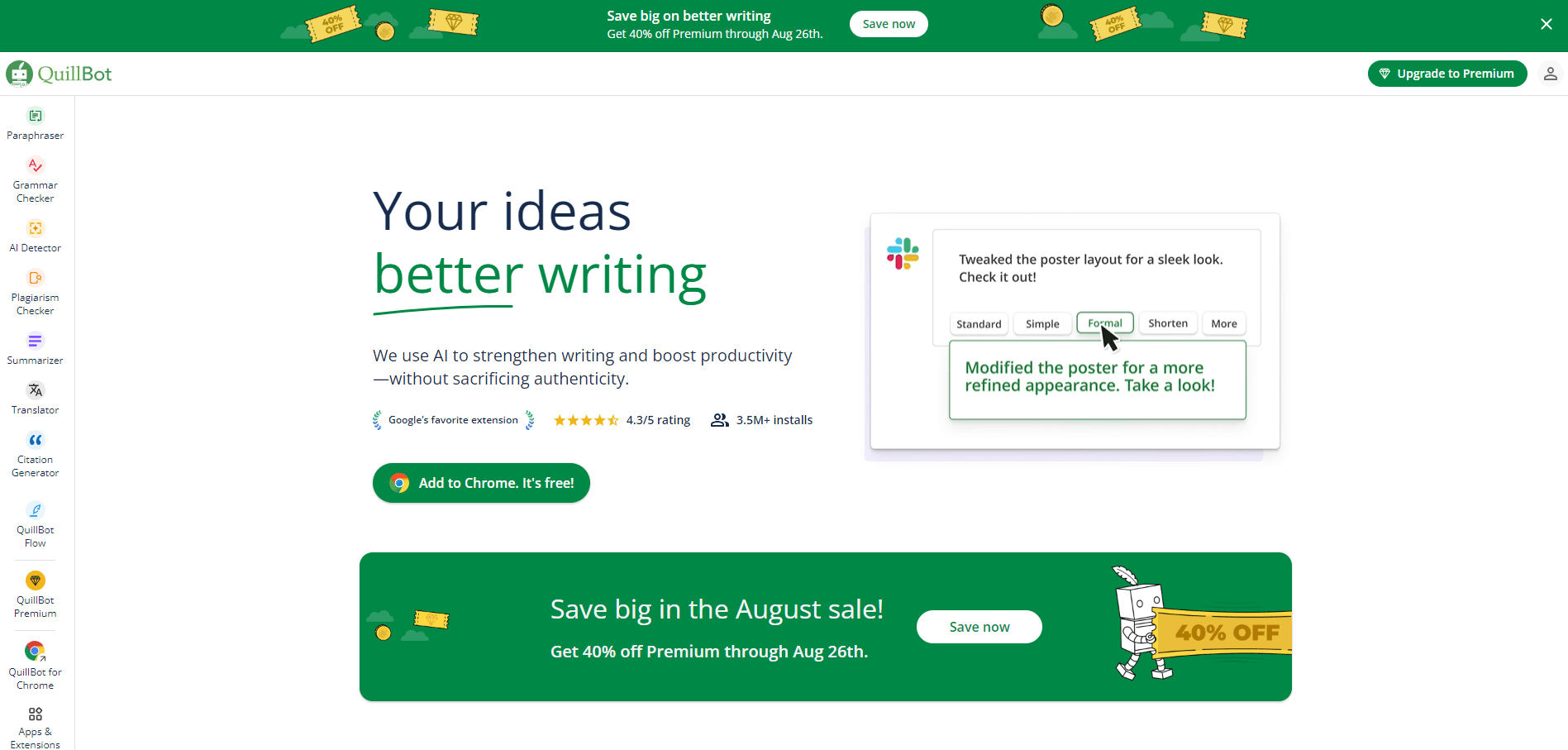
About QuillBot
What Is QuillBot
QuillBot started in 2017 as an AI paraphrasing tool built by three students at the University of Illinois. It now sits inside Learneo, the company formerly known as Course Hero, and bundles a paraphraser, a grammar checker, an AI detector, an AI humanizer, and a plagiarism checker into one workspace.
The pitch is narrow and useful. You paste text, and the tool hands back a cleaner version of it. Students use it to smooth out essays, office workers use it to soften an email before sending, and non-native speakers use it to check that a sentence reads the way they meant it.
The catch is the free plan. You get 100 words at a time in the paraphraser, two writing modes, and a limited number of humanizer runs. Most people hit that ceiling on the first real document.
Getting Started
- Create an account with email, Google, Facebook, or Apple, or install the Chrome extension and start typing in any text box.
- Paste or upload your draft into the paraphraser box, then pick a mode such as Formal, Simple, or Creative.
- Drag the synonym slider to control how much wording changes, and click any word to swap in a suggested synonym.
- Run the grammar checker and AI detector on the result, then copy the text out or export the document.
Product Information
A quick look at QuillBot's pricing, supported platforms, and performance.
Best for
The users, tasks, and scenarios where this tool fits best.
Users
- Students writing essays and reports
- Non-native English speakers
- Office workers and support teams
- Content marketers and bloggers
Tasks
- Rewriting a paragraph without changing its meaning
- Polishing grammar before submission
- Making AI drafts sound human
- Condensing long articles into notes
Scenarios
- A deadline the night before
- Writing in a second language
- Checking a paper before it reaches a client or a professor
Key features
Paraphraser with Modes
This is the core tool. Nine preset modes cover Formal, Simple, Creative, Expand, and Shorten, and Premium adds custom modes. A synonym slider sets how far the rewrite drifts from your original wording, so you can keep your voice or push for something new.
Grammar Checker
Catches spelling, punctuation, and sentence structure problems, then offers a one click fix for everything it finds. It also reports a readability score and word count, which helps when a limit is part of the assignment.
AI Humanizer
Takes text that reads as machine-generated and rewrites it to sound more natural. Handy before submitting work that went through a chatbot first. Free accounts get a short trial, and the word cap applies.
AI Detector
Scans a passage and estimates how much of it looks AI-generated, sentence by sentence. Treat the percentage as a signal, not a verdict. No detector on the market is reliable enough to settle an academic integrity case on its own.
Plagiarism Checker
Compares your text against a large index of published sources and returns matched passages with links. Premium only, and it's the feature most students subscribe for.
Summarizer and Citation Generator
The summarizer turns a long article or PDF into bullet points you can skim in a minute. The citation generator builds APA, MLA, and Chicago references from a URL, DOI, or title, which saves the tedious part of a bibliography.
Pros and cons
Pros
- The paraphraser handles long text gracefully, and mode switching produces genuinely different output rather than shuffled synonyms.
- Extensions work inside Gmail, Google Docs, Word, and most text boxes, so you rarely need to switch tabs.
- The free tier is usable for short passages, which makes it easy to test before paying.
- Bundled grammar, plagiarism, and AI detection tools cost less than three separate subscriptions.
- The interface stays out of the way, and the browser extension loads fast on weak connections.
Cons
- The 100 word free cap is tight. A standard essay needs three or four passes.
- Rewrites can flatten distinctive phrasing. Creative mode helps, but you still need to edit the output yourself.
- AI detector scores swing between runs on the same text, so a low number proves nothing.
- No public API, which rules it out for teams that want to automate rewriting inside their own product.
Frequently asked questions
Yes, with limits. The free plan paraphrases 100 words at a time, offers two modes, and includes a capped amount of humanizing. Everything else, including the plagiarism checker and full mode access, needs Premium.
Related content
Explore related tools, skills, and articles for QuillBot.
QuillBot Alternatives

Google EmbeddingGemma 2
Google DeepMind · Writing · Image · CodingGoogle EmbeddingGemma 2 is a 740M-parameter open model that turns text, code, images, audio, and video frames into vectors in one 768-dimension space, running on phones and laptops.

MePersona
MePersona, Inc. · Writing · Productivity · MarketingMePersona is an AI unified inbox for creators. It learns your voice, drafts replies to fan messages from 12 platforms, and sends only what you approve.

Fluence
Yay Software (Yannick Huchard) · Writing · Voice & Language · ProductivityFluence is an Android app that reads PDFs, EPUBs, Word files and web articles aloud, follows each sentence as it speaks, and answers questions about the text on the phone itself.