

Rapture Parser
Not publicly disclosed · Coding
Rapture Parser turns any web page or raw HTML snippet into clean JSON: title, text, author, date, tags, language, and images, through a dashboard or a single REST call.
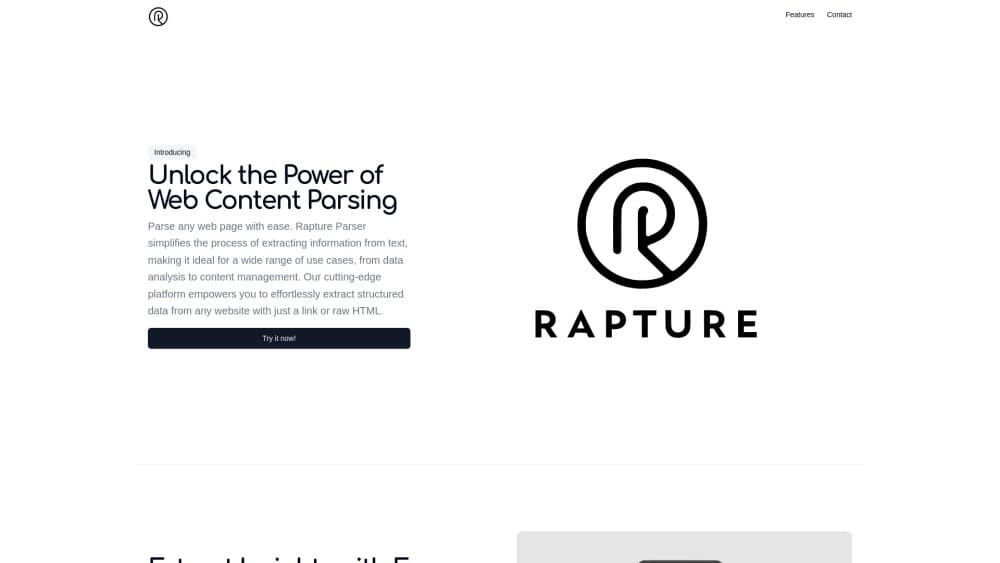
About Rapture Parser
What Is Rapture Parser
Rapture Parser is a web content parser for people who want the inside of a page without writing selector code. The job is easy to describe: extract website content, then hand it back in fields you can filter. You hand it a URL or an HTML file, and it returns the parts that normally take a scraper script to dig out: headline, body copy, byline, publish date, tags, language, and image links.
Most users meet it as a dashboard. Paste a link, press parse, read the result. Developers skip the screen and call the web parsing API instead, which is the same engine behind a different door.
The catch is status. The site that hosted Rapture Parser no longer serves the tool: when we checked in October 2026, rapture-parser.com redirected to an unrelated page, and the pricing page returned a 404. Directory listings still describe the product, but nobody is publishing limits or support terms. Treat this as a small utility for experiments and side projects, not the backbone of a pipeline you have to keep running.
Getting Started
- Open the Rapture Parser dashboard in a browser, or grab an API key if the service is reachable for your account.
- Paste a target URL into the input field, or drop in saved HTML when you can't or won't fetch the page yourself.
- Choose which fields you need. Title, text, and images come back by default, and the rest can be trimmed if you're feeding a fixed schema.
- Copy the JSON output into your spreadsheet, database, or script.
Product Information
A quick look at Rapture Parser's pricing, supported platforms, and performance.
Best for
The users, tasks, and scenarios where this tool fits best.
Users
- Content marketers
- Data analysts
- Developers building a prototype
Tasks
- Assembling a reading list or news digest
- Backfilling a CMS or archive
- Watching a handful of competitor blogs
Scenarios
- A research sprint where you're pasting 30 links a day and don't want to open each page by hand.
- Cleaning a folder of saved HTML dumps offline, when re-fetching the live pages would give you different content.
- Enriching an RSS feed with summaries and images so the entries read well in a reader app.
Key features
URL or Raw HTML Input
The parser takes either a live link or the HTML you already have on disk, which matters more than it sounds. Saved pages keep the text you saw that day, and they work when the source site blocks new requests. You paste, you parse, you compare.
Field-Level Metadata Extraction
One pass returns title, body text, summary, author, publication date, tags, language, and image URLs. That's the usual metadata block for an article page, and it saves you from writing eight separate regex rules. Field quality varies by site, so spot-check the first few results before you trust a whole batch.
REST API Access
The same engine answers over HTTP, so a script can loop through a list of URLs and collect JSON responses. This is the practical route for anything above a few dozen pages. You handle retries and pacing yourself, since the service publishes no rate-limit documentation.
Browser Dashboard
Paste a link, read the output, copy it. The dashboard is the fastest way to test whether a given site parses cleanly before you automate it. No install, no config file, no terminal.
Custom Parsing Rules
You can narrow the extraction to the fields you care about instead of taking the full payload. Teams that load results into a fixed table usually cut it down to title, text, and date. Less noise downstream.
JSON Output Ready for Storage
Everything comes back as structured data, not a wall of text, so it drops straight into Airtable, Postgres, a Sheets import, or a language model prompt. Plain JSON also means you can diff two runs and see what changed on the page.
Pros and cons
Pros
- Handles the boring metadata set in one request, so you skip selector maintenance when a site changes its layout.
- Accepts saved HTML, which covers offline work and pages behind a fetch block.
- The dashboard doubles as a quick test bench before you commit a site to an automated run.
- Entry cost is low: the free tier is enough to judge whether the output quality fits your pages.
Cons
- No published pricing or usage limits. You can't forecast cost or know when you'll hit a ceiling, which kills it for budgeted team work.
- Service status is unclear. The domain no longer serves the product, so there's no support channel and no guarantee your calls keep working.
- No documented rate limits, retry behavior, or SLA. Anything time-sensitive needs your own queue and fallback parser.
Frequently asked questions
It handles structured data extraction for a single page: title, text, summary, author, publish date, tags, language, and images. Think of it as a web scraping API without the scraping code.
Related content
Explore related tools, skills, and articles for Rapture Parser.
Rapture Parser Alternatives

Base Code
Base44 (Wix) · Coding · ProductivityBase Code is a shared cloud development environment from Base44. Teammates describe changes to an existing GitHub codebase in chat, preview them live and send them back as pull requests.

Google EmbeddingGemma 2
Google DeepMind · Writing · Image · CodingGoogle EmbeddingGemma 2 is a 740M-parameter open model that turns text, code, images, audio, and video frames into vectors in one 768-dimension space, running on phones and laptops.

GitGlow
GitGlow · Coding · ProductivityGitGlow is a local-first desktop Git client that lets independent developers review their own code and their AI agents' changes in one place before shipping.