

REAPER Daemon
Dead Pixel Design · Coding
REAPER Daemon is a free, open-source REAPER MCP server and file bridge from Dead Pixel Design that lets an AI agent control REAPER with AI on macOS, Windows, or Linux. Instead of opening a port or installing an extension, it watches a folder: your agent writes a JSON command file, a Lua loop inside REAPER runs it against the native API, and the answer comes back as JSON. Ask Claude to help mix your session and every change lands inside a REAPER undo block, so a single Cmd+Z takes it back like anything you did by hand. For Claude REAPER integration without a server, this is the whole trick: REAPER automation happens one JSON file at a time.
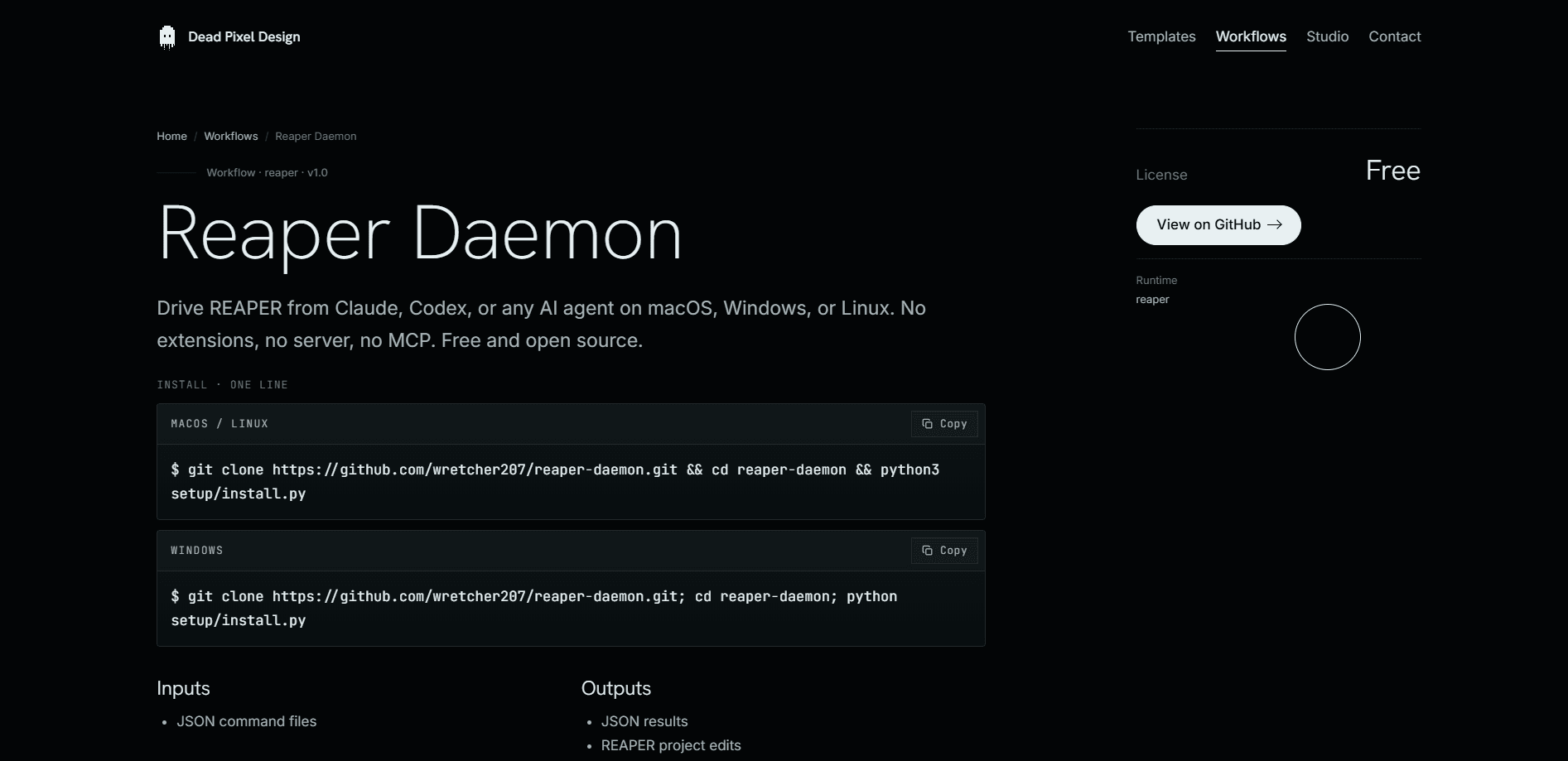
About REAPER Daemon
What Is REAPER Daemon
REAPER Daemon is a bridge between an AI assistant and REAPER, the audio workstation made by Cockos. It doesn't ship a plugin, a socket, or a server. It polls a folder on disk, so anything that can write a file can control REAPER. That design choice is the whole product: there's nothing listening on a network port, and nothing extra loaded into your session. Small footprint, fewer surprises.
The problem it solves is a familiar one for anyone who mixes. You have an idea, "cut the band here" or "humanize this drum take," and turning that into clicks on the timeline is slow. The daemon turns a sentence into the exact set of edits, whether that's 864 velocity changes on a MIDI take or a fresh set of markers. So what's the catch? It isn't a chat window you double-click. You need an agent on one side, a Python driver and the ReaScript loop on the other, and a working REAPER install. If you want a one-click AI mixer, keep looking. If you want to script your DAW with an agent, this is the plumbing.
The bridge also stays deliberately dumb about your gear. It starts with no knowledge of any synth or amp sim. Your agent learns what's actually in the project by running scan_fx first, then refers to effects by name and every parameter by name. That means it works with whatever you have installed instead of a fixed list of supported plugins. Good news for anyone with a heavily customized setup.
Getting Started
- Download the daemon from the Dead Pixel Design site and unzip it somewhere you can reach from both your agent and REAPER.
- Load the included Lua script into REAPER through the Actions window so the defer loop starts running and begins watching the inbox folder.
- Point your agent at the same folder and give it the driver script, then confirm the heartbeat file appears to show the loop is alive.
- Run scan_fx or ask your agent to list the project state so it learns your tracks, effects, and parameters by name.
- Write a command in plain language, watch it run inside an undo block, and press Cmd+Z if you want the session back where it started.
Product Information
A quick look at REAPER Daemon's pricing, supported platforms, and performance.
Best for
The users, tasks, and scenarios where this tool fits best.
Users
- Music producers
- AI tinkerers
- Mixing engineers with repeatable recipes
Tasks
- Batch MIDI edits
- Project setup
- Stem analysis
Scenarios
- You've tracked a guitar part and want drums that follow its actual feel rather than a fixed grid.
- You're cleaning up a large session and want markers, regions, and track colors set in one pass.
- You're experimenting with AI-assisted mixing and want an easy way to undo anything an agent does.
Key features
No Ports, No Sockets, No Extensions
The bridge doesn't open a network port or load an extension into REAPER. It works through files on disk, which means anything that can write a file can drive the DAW. For users, that's a smaller attack surface and fewer moving parts to break. It also means you manage the folders yourself.
One Command Per Tick
REAPER Daemon runs as a defer loop that never exits while REAPER is open. It picks up one command per tick from the inbox, executes it, and writes the result to the outbox. Results arrive as JSON, and every write is atomic, so a reader never catches a half-written file. Slow, but reliable. That trade pays off on long edits.
Full Undo Integration
Every command that changes the project runs inside a REAPER undo block. That's the feature that makes AI control feel safe: Cmd+Z reverts an agent's edit exactly like one you made by hand. Not ideal if you wanted it kept, and that's the point. You can experiment freely and roll back without hunting for a redo.
The Heartbeat
The loop drops a heartbeat file on every pass. That's how you know it's alive without asking it anything, which matters when the loop and your agent are two separate processes that can drift out of sync. No heartbeat, no confidence.
Discovery With scan_fx
The daemon ships with no knowledge of any specific synth or amp sim. Your agent calls scan_fx to learn what the project actually contains, then works by name across every effect and every parameter. It adapts to your setup instead of a hardcoded list. No manifest to update.
Everything It Can Touch
Commands reach the transport, tempo, cursor, and time selection; tracks (add, delete, rename, volume, pan, mute, solo, arm, color); FX (add, remove, bypass, reorder, parameters, automation envelopes); and the timeline (markers, regions, media items, MIDI insert, audition). Rendering and offline media are covered too. That's most of what a session touches.
Daemon Beater
Point it at a stem and it walks the take bar by bar. It measures what a drummer listens for: how dense the picking gets, how steady the timing holds, whether notes ring out or die palm muted, where the silence sits, and where the feel changes. Drums then get built against real numbers instead of guesswork.
Pros and cons
Pros
- Completely free and open source under the MIT license, with no subscription or account.
- Runs on macOS, Windows, and Linux, so it isn't tied to one platform.
- Every change is undoable in REAPER, which lowers the risk of letting an agent edit your project.
- No network port and no extension, so there's nothing extra listening in your project.
Cons
- It's plumbing, not a polished app. You need REAPER, an agent, and a working driver setup before anything happens.
- Folder-based control means you're responsible for the inbox, outbox, and heartbeat files staying in sync.
- The daemon never exits while REAPER stays open, so a stalled loop can leave commands waiting until you restart it. Not ideal.
Frequently asked questions
It's a local file bridge that lets an AI agent send JSON commands to REAPER and get JSON results back. Your agent writes a command file, a Lua loop inside REAPER runs it against the native API, and the answer is written to an outbox folder.
Related content
Explore related tools, skills, and articles for REAPER Daemon.
REAPER Daemon Alternatives
Forefront
Forefront · CodingForefront is a web platform for building with open-source AI. It lets you fine-tune leading open-source language models on your own data, evaluate how they perform, and run them through an API or export them to host yourself. Developers who want the convenience of a closed-source platform but insist on owning their models and data are the target audience here.

Startkit
StartKit.AI · CodingStartkit is a boilerplate for building AI SaaS and AI wrapper products. Think of it as an AI startup boilerplate with the boring parts already wired up: authentication, Stripe and Lemon Squeezy payments, usage limits, transactional email, and an AI API starter that talks to OpenAI, Anthropic, Groq, or Llama. You clone the repo, set your price, and start on the part of your product that people actually pay for. It's Next.js under React and Tailwind, so most of the boilerplate code already feels familiar.
Testim
Tricentis · CodingTestim is an AI-powered test automation platform for building and running end-to-end tests across web, mobile, and Salesforce applications. It leans on machine learning to keep tests stable when an interface changes, so teams spend less time fixing broken selectors. Not bad for an automated testing tool you can start using today. You create tests by recording actions in a browser, then optionally add JavaScript when you need more control. It's a solid pick for busy QA teams.