

RecordMeeting
Qualtir · Writing · Productivity
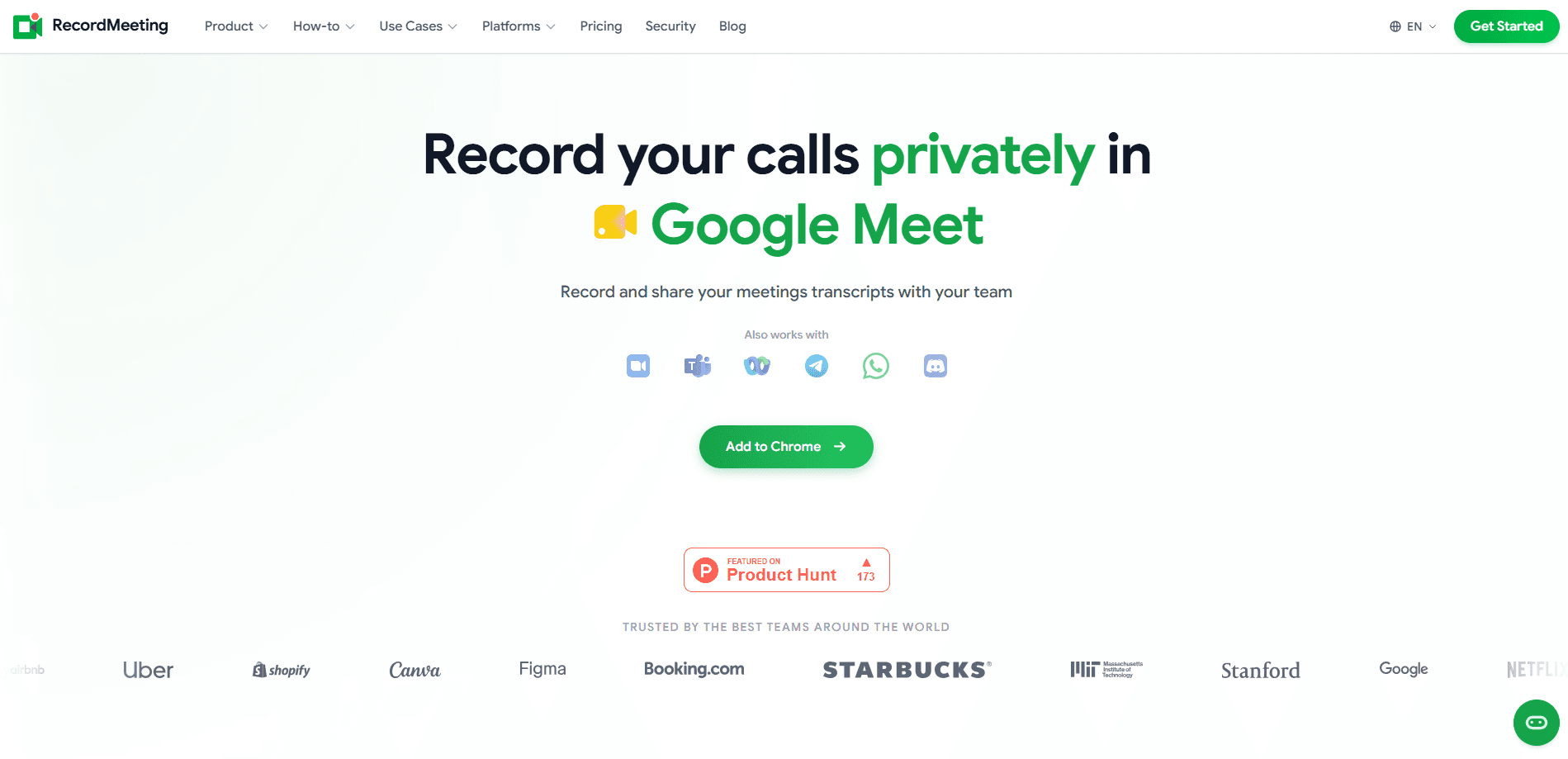
RecordMeeting is an AI meeting recorder that captures browser-based calls in Google Meet, Zoom, Microsoft Teams, and Webex, then turns each one into a searchable transcript with speaker labels, an AI summary, and a list of action items. It runs quietly inside your browser instead of joining as a visible bot. Nobody in the call sees a stranger on the participant list. For individuals and small teams that live in video calls, it covers the part of the job people hate most: writing up what was said afterward.
About RecordMeeting
What Is RecordMeeting
RecordMeeting is a browser-based meeting recorder built by Qualtir, a company that makes tools for Google Workspace. It started life as a Chrome extension for recording Google Meet calls without a paid Workspace plan or host permission, and it has grown into a fuller platform that also handles Zoom, Microsoft Teams, Webex, Discord, Telegram, and WhatsApp.
The core problem it solves is simple. Meetings produce decisions and action items. Most of that gets lost the moment the call ends. RecordMeeting keeps a transcript of every call, labels who said what, and has AI write a summary with the to-dos pulled out. A team can then search past conversations instead of relying on someone's notes.
The main limit is scope. It's built for browser-based calls, not in-person meetings or phone calls. And its AI notes are only as good as the audio it captures. Background noise and crosstalk still trip up transcription the same way they do everywhere else.
Getting Started
- Install the RecordMeeting extension from the Chrome Web Store or open the web app at recordmeeting.com.
- Sign in with your Google account. No credit card is needed for the free plan.
- Start or join a call in Google Meet, Zoom, Teams, or Webex, then hit the record button in the extension.
- Let the call run. RecordMeeting transcribes in real time and syncs the recording to the cloud.
- Open the finished recording to read the transcript, the AI summary, and the action items, then share it with your team by link.
Product Information
A quick look at RecordMeeting's pricing, supported platforms, and performance.
Best for
The users, tasks, and scenarios where this tool fits best.
Users
- Sales and account teams
- Project managers and team leads
- Remote workers who take lots of calls
Tasks
- Turning a call into written notes
- Finding what was decided weeks ago
- Sharing a recap with people who missed the call
Scenarios
- A weekly client check-in where you need a clean record of what was agreed
- A long all-hands or workshop that runs past an hour
- Reviewing a hiring or vendor interview
Key features
Silent, bot-free recording
RecordMeeting records from inside your browser. No bot joins the call. No voice announcement interrupts the conversation. That matters for client calls where a visible recorder raises questions, and it means you don't need host rights to start capturing. One click in the extension kicks off the recording.
Real-time transcription with speaker labels
Every call gets a full transcript as it happens, and RecordMeeting labels who said what so a long discussion stays readable. You can download the transcript or read it in the app. Be aware that overlapping speakers and heavy background noise can still cause mistakes, so a quick skim before sharing is worth it.
AI summaries and action items
After the call, RecordMeeting produces a summary of the key points and a separate list of action items. This is the part that saves the most time. It replaces the manual write-up that usually follows a meeting. The summaries are generated automatically, so treat them as a first draft rather than a perfect record.
Search across all your meetings
Transcripts are searchable, which turns your meeting history into something you can actually look things up in. Need to remember which deadline was agreed in a call three months ago? Search a keyword and jump to the moment. Recordings support faster playback too. Skim instead of watching the whole thing.
Team sharing and access control
Recordings can be shared by link, grouped by team or project, and locked down so you decide who can view, comment on, or download each one. Enterprise adds folders, organizations, and team management, which is useful once several people are recording calls and you need to keep them organized.
Works on desktop and mobile
You can start and manage recordings from your phone as well as the desktop extension. Everything syncs to the cloud, so it's available on any device. The company says mobile has full feature parity with desktop. This makes it practical to record a call when you're away from your computer.
Integrations with your other tools
Notes and recordings sync to Slack, Notion, HubSpot, Salesforce, and Google Calendar. The output lands where your team already works. If your workflow runs on those tools, this cuts out the copy-paste step between a meeting and your project tracker or CRM.
Pros and cons
Pros
- No bot joins the call and no recording announcement plays, which keeps client-facing meetings clean.
- Free plan includes AI notes, full transcription, and download, so you can test the core workflow at no cost.
- Searchable transcripts with speaker labels make old meetings easy to revisit.
- Works across Google Meet, Zoom, Teams, Webex, Discord, Telegram, and WhatsApp from one tool.
- Syncs notes to Slack, Notion, HubSpot, Salesforce, and Google Calendar.
Cons
- It's limited to browser-based calls, so in-person meetings and phone calls aren't covered.
- The free plan caps you at 5 recordings of up to 1 hour each, which runs out fast for regular callers.
- AI summaries and action items are generated automatically and can miss nuance, so they still need a human check.
- Pricing is billed yearly, so the head-line monthly rate isn't what you'd pay month to month.
Frequently asked questions
It records browser-based meetings and turns them into transcripts, AI summaries, and action items. The point is to keep a searchable record of what was said so your team doesn't rely on memory or manual notes.
Related content
Explore related tools, skills, and articles for RecordMeeting.
RecordMeeting Alternatives

Google EmbeddingGemma 2
Google DeepMind · Writing · Image · CodingGoogle EmbeddingGemma 2 is a 740M-parameter open model that turns text, code, images, audio, and video frames into vectors in one 768-dimension space, running on phones and laptops.

MePersona
MePersona, Inc. · Writing · Productivity · MarketingMePersona is an AI unified inbox for creators. It learns your voice, drafts replies to fan messages from 12 platforms, and sends only what you approve.

Fluence
Yay Software (Yannick Huchard) · Writing · Voice & Language · ProductivityFluence is an Android app that reads PDFs, EPUBs, Word files and web articles aloud, follows each sentence as it speaks, and answers questions about the text on the phone itself.