

Recume
Recume · AI Detection
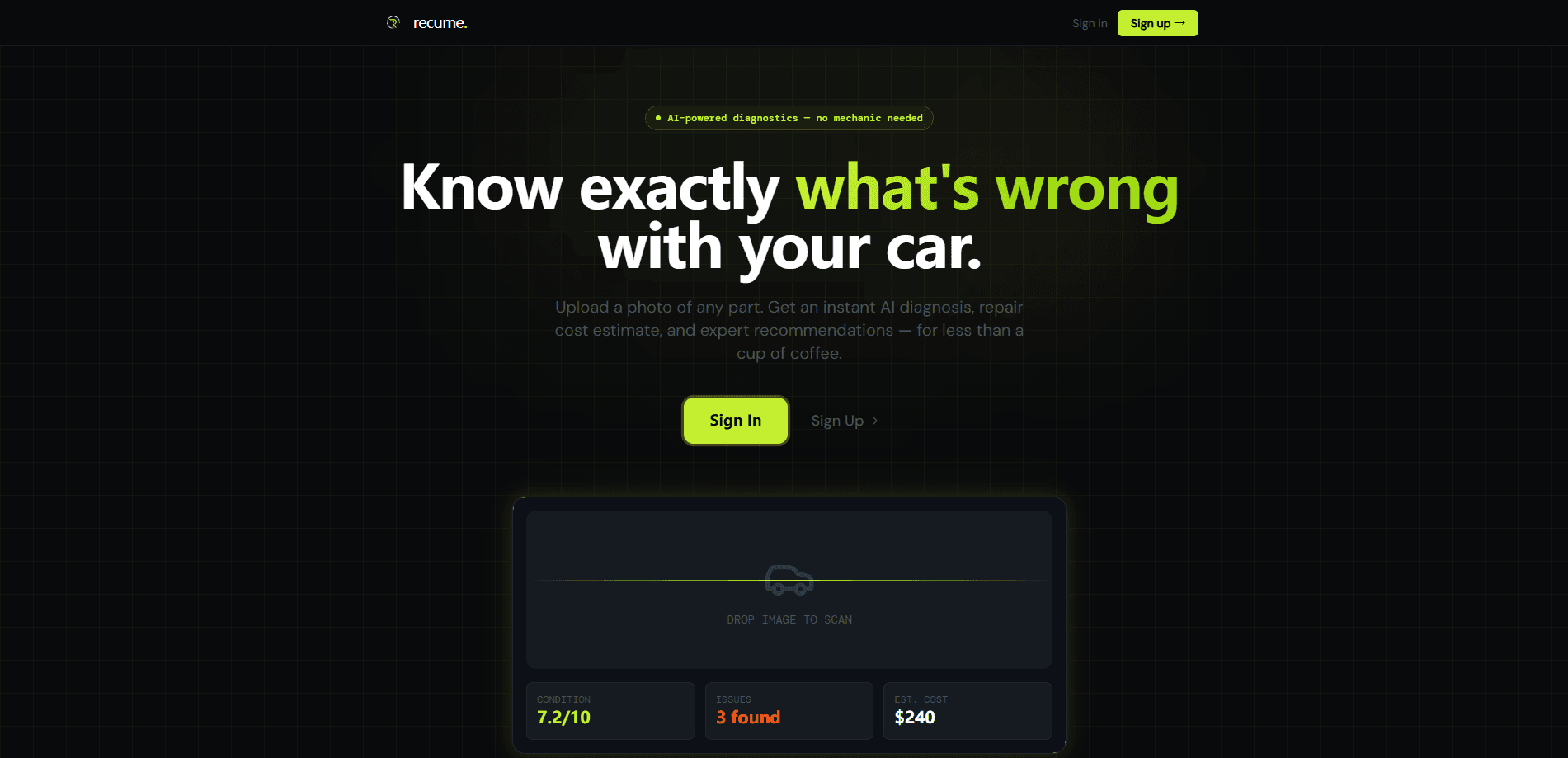
Recume is an AI car scanner that turns a phone photo or short video of any car part into a diagnosis. Upload a shot of worn brake pads, a cracked engine component, or a noisy exhaust, and the app returns a condition score, a list of suspected issues, a severity rating, and a repair cost range for your region. Think of it as a car diagnostic app that skips the jargon. It's aimed at drivers who want to know what's wrong before they hand the car to a shop.
About Recume
What Is Recume
Recume is a web-based automotive intelligence tool built around a simple idea. Most people can see that something is wrong with their car, but they can't name it, and that gap is where repair bills get scary. AI vehicle diagnosis closes the gap by reading images instead of asking you to interpret warning lights or fault codes. You just point and shoot.
The workflow is visual. You photograph or film the part in question, and the app's vision model compares what it sees against a large base of automotive data. It then tells you what it likely found, how serious it seems, and roughly what a fix should cost where you live, with labor and parts broken out. Afterwards you can keep asking questions in a chat, like whether it's safe to drive or whether the job is doable at home. No mechanic required for that first read.
The main limit is that Recume reads surfaces, not internals. A photo can reveal a worn belt or a leaking seal, but it can't run a live diagnostic on an engine computer the way an OBD2 scanner can. So what does that mean for you? Treat it as a second opinion you get for free, not a replacement for a mechanic's hands-on inspection.
Getting Started
- Open the Recume site and start a scan without installing any hardware.
- Upload a clear photo or a short video of the part you're worried about, such as a wheel, brake caliper, or engine bay.
- Wait a few seconds while the AI analyzes the image and cross-references its automotive data.
- Read the report: condition score, detected issues, severity rating, and a repair cost range for your area.
- Use the chat to ask follow-ups, or share the scan and the built-in question checklist with your mechanic.
Product Information
A quick look at Recume's pricing, supported platforms, and performance.
Best for
The users, tasks, and scenarios where this tool fits best.
Users
- Everyday drivers
- Used-car buyers
- DIY owners
Tasks
- Identifying a part from a photo
- Estimating repair cost by region
- Prepping questions for the shop
Scenarios
- A grinding sound when braking
- Checking a car before you buy it
- A quote that seems too high
Key features
Photo and Video Scanning
Photos work. Videos work too. Recume accepts either a still image or a short video clip and processes both in the same way. You point the camera at the part, upload it, and the app analyzes the frame without extra gear. That matters because most drivers don't own a diagnostic tool, but nearly everyone has a phone camera. A clean, close-up shot in good light gives the clearest result.
AI Visual Diagnosis
The vision model looks for damage, wear, and failures, including small defects like hairline cracks that are easy to overlook by eye. It reports a condition score alongside the specific issues it detects, so you get both an overall read and the underlying reasons. Not bad for a phone snapshot. The catch is that it works from what a camera can see, so internal or electrical faults may not show up at all.
Regional Repair Cost Estimates
Each diagnosis comes with a low, mid, and high cost estimate for your area, with labor and parts listed separately. This is the feature that turns a scary warning light into a budget number you can plan around. Numbers, not vibes. It's an estimate, not a quote, so your actual bill will still depend on the shop and the parts it uses.
Follow-up Chat
After a scan you can keep asking questions, such as whether it's safe to drive, whether the fix is DIY-friendly, or what to watch for. The chat stays tied to the scan, so you don't have to re-explain the problem each time. That's the whole point. It's useful for people who have a diagnosis but still aren't sure what to do next.
Pre-Mechanic Checklist
Every scan includes a short checklist of questions to ask the shop, written in the terms a mechanic would use. It nudges you to request the worn part back, ask for OEM versus aftermarket pricing, and get a second quote on anything safety-related. Small thing, big difference. It changes how a conversation at the counter goes.
Scan History and Reminders
Recume keeps a record of your past scans and can remind you before a small issue grows into an expensive one. Tracking the same part over time makes it easier to tell whether wear is progressing. Watch it over weeks. The PDF export for sharing a report with a mechanic is listed as coming soon rather than fully live.
Pros and cons
Pros
- No hardware needed. A phone photo replaces an OBD2 scanner for visible problems.
- Gives a regional repair cost range with labor and parts split out, which helps you judge a quote.
- The follow-up chat answers practical questions like whether it's safe to drive.
- The pre-mechanic checklist gives you a stronger hand when talking to a shop.
Cons
- It reads surfaces, so it can't diagnose internal, electronic, or engine-computer faults the way a scan tool can.
- Accuracy depends on image quality. A blurry or badly lit photo will weaken the result.
- The PDF export is still listed as coming soon, so sharing a formal report isn't fully available yet.
Frequently asked questions
Recume is an AI car scanner that diagnoses vehicle issues from a photo or video. You upload an image of a car part, and it returns a condition score, likely problems, a severity rating, and a regional repair cost range, then lets you ask follow-up questions in a chat.
Related content
Explore related tools, skills, and articles for Recume.
Recume Alternatives
Isgen AI
Isgen · AI DetectionIsgen AI is a web-based AI detector that scores text for machine authorship and shows you which sentences and phrases push the number up. It's built for teachers, editors, students, and writers. Their question is simple: did this draft come from ChatGPT, GPT-5, Claude, Gemini, DeepSeek, or another model? You paste or upload content, run a scan, and get a Human, AI, and Mixed breakdown in seconds. There's also a companion editor that scores text while you write it.
Humanizeai Tools
Humanizeai Tools · Writing · AI DetectionHumanizeai Tools is a web-based AI humanizer that rewrites machine-generated text so it sounds like a person wrote it, which is the whole point of the category it belongs to. Paste a draft from ChatGPT, Claude, or Gemini, run it through the tool, and it swaps out the phrases and sentence patterns that AI detectors flag. If your goal is to make AI text sound human before you publish it, this is the kind of tool built for exactly that. It suits students, bloggers, and marketers who need copy that reads naturally and clears tools like GPTZero, Copyleaks, and Winston AI after a single pass.

Hidemyai
Hidemyai · Writing · AI DetectionHidemyai is an AI content humanizer. It rewrites text from ChatGPT, Jasper, and similar tools so the result reads like a person wrote it. You paste your draft, pick a document type and tone, and the service returns a version meant to bypass AI detectors such as Originality.ai, Turnitin, and ZeroGPT. It targets writers, marketers, and students who lean on AI drafts but can't ship copy that sounds robotic. The promise is simple: make AI content undetectable.