

Refinder AI
Thinkfree Inc. · Coding · Leaning
Refinder AI is an AI work hub built for workplace productivity, connecting the tools your company already uses and turning them into one place you can search and command. It pulls scattered information from work apps into a single AI search layer. Ask a question in plain language and you get an answer drawn from your own documents. The open web has nothing to do with it. Alongside search, an AI agent runs tasks across connected apps. It all happens inside Slack or Google Chat, so you don't learn a new interface to get value out of it.
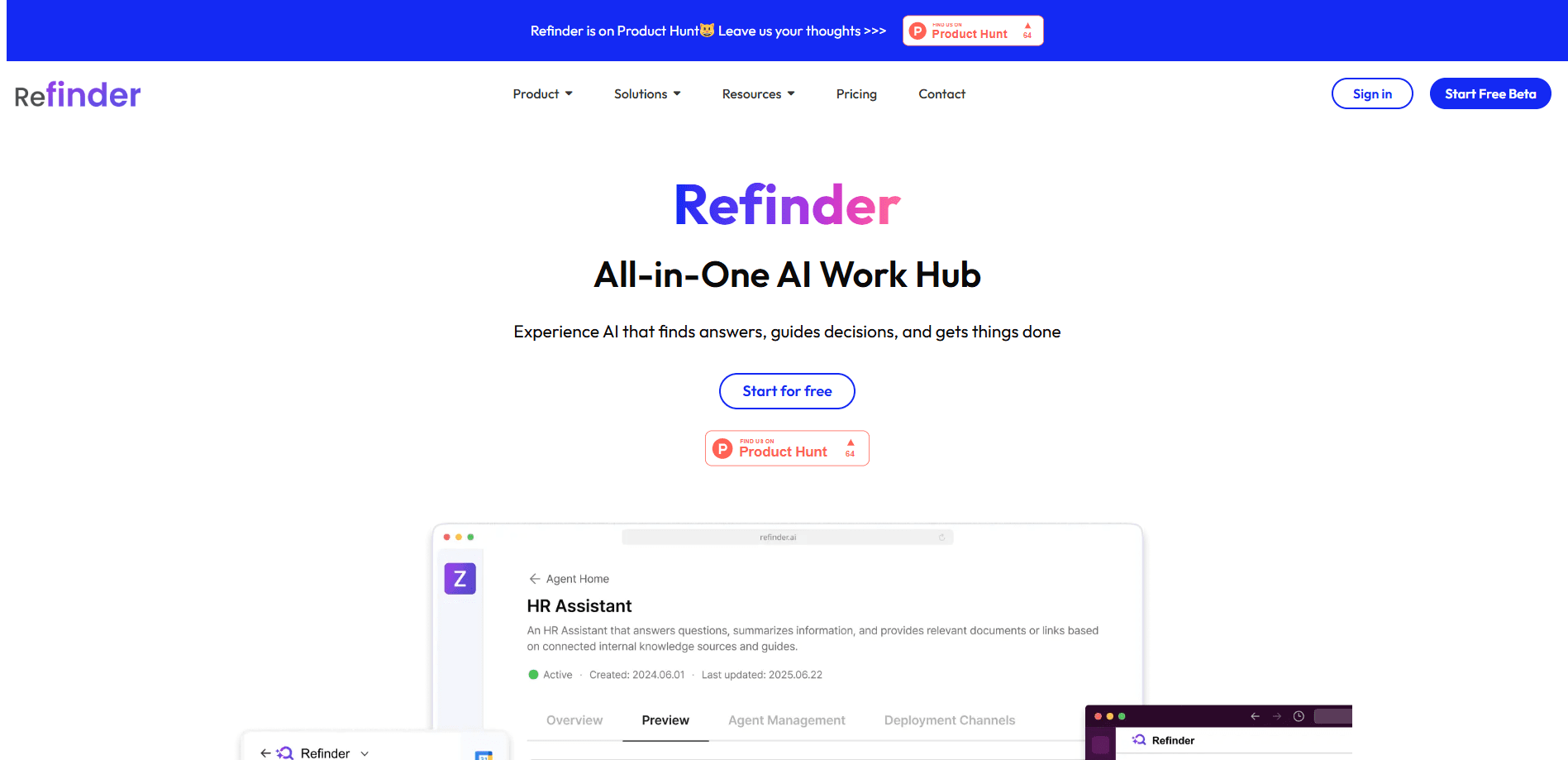
About Refinder AI
What Is Refinder AI
Refinder AI is a work hub from Thinkfree Inc., a software company based in South Korea. The pitch is simple: companies juggle dozens of apps, and the knowledge inside them is hard to find when you need it. Refinder connects those apps and layers AI search and an AI agent on top, so information that used to be buried in a project tool or a shared drive shows up in your chat window.
Think of it less as another destination you log into and more as a helper that lives where work already happens. You ask in Google Chat or Slack, and it answers using your organization's own content.
The biggest limitation is scope. Refinder is built for teams. A single person with two apps gets little from it, and the value grows only as more of your tools are connected. It also leans on chat platforms as the front door. Does your team live in Slack or Google Chat? If not, most of the appeal disappears.
Getting Started
- Create an account with the free plan at the Refinder signup page. No credit card is required to start.
- Connect your work apps and services from the integrations menu. The setup is point-and-click, so you don't need a developer.
- Install Refinder in Slack or Google Chat and invite it into the channels where your team already talks.
- Ask a question in plain language to test enterprise search, then phrase a small task as a command and let the agent run it.
Product Information
A quick look at Refinder AI's pricing, supported platforms, and performance.
Best for
The users, tasks, and scenarios where this tool fits best.
Users
- Team leads who need a straight answer about a project without pinging five people
- Operations and support staff who answer the same questions every week
- New hires trying to get oriented
Tasks
- Finding a document or policy
- Routing a repetitive update
- Building a small workflow
- Answering common team questions
Scenarios
- A support team fielding the same product questions daily
- A sales rep prepping for a call
- An HR team sharing policy answers
Key features
Unified Enterprise Search
Refinder AI searches across the apps your company already uses and returns answers from internal content, not the public web. You type a normal question, and it works across connected sources instead of making you remember which tool holds the file. One search box. That's the whole idea.
AI Agent for Task Automation
The AI agent connects to your tools and carries out actions like sending emails, updating records, or notifying a team. You describe what you want in a chat command and it runs the steps. No drag-and-drop builder required. It handles the repetitive work so you can spend time on the parts that need a person.
Chat-First Interface
Refinder works inside Slack and Google Chat, which means there's nothing new to install for most users. You talk to your apps the way you talk to a colleague, and the assistant replies in the same thread. That keeps adoption low-effort, because the tool shows up where your team is already typing.
Simple, No-Code Integrations
Connecting tools takes clicks, not code. You link apps and services from an integrations menu, with no development work required. That matters for small teams without an engineer on hand. Setting up the hub doesn't turn into a project of its own.
Natural-Language Workflows
You build workflows by describing them in a conversation rather than wiring up triggers and conditions. Complex logic is off the table, and that's the point. For routine, repeatable tasks, chatting your way to a working flow beats dragging boxes around a canvas. It just does.
Low-Maintenance Operations
Refinder is designed to run without a lot of babysitting. Because the connections are managed for you and the interface is chat, there's less to configure and keep in sync than a homegrown automation stack. Fewer things break. For a lean team, that's the whole point.
Pros and cons
Pros
- Searches across many work apps from one place, so you stop guessing where a file lives.
- Runs inside Slack and Google Chat, which cuts the learning curve for teams already there.
- Automates repetitive tasks with plain chat commands instead of a visual builder.
- Integrations need no coding, so non-technical teams can set it up themselves.
- A free plan lets you test enterprise search and task automation before paying.
Cons
- The value depends on how many tools you connect, so it's weak for individuals with just one or two apps.
- It assumes your team lives in Slack or Google Chat, and people outside those platforms miss most of the benefit.
- Complex, branching workflows aren't its strong suit, so advanced automations may still need a dedicated tool.
- Public pricing isn't easy to pin down, which makes budgeting harder before you talk to sales.
Frequently asked questions
It connects your company's work apps into one searchable hub and adds an AI assistant that answers questions and runs tasks. You ask in plain language and it pulls from your own internal content rather than the web.
Related content
Explore related tools, skills, and articles for Refinder AI.
Refinder AI Alternatives
Forefront
Forefront · CodingForefront is a web platform for building with open-source AI. It lets you fine-tune leading open-source language models on your own data, evaluate how they perform, and run them through an API or export them to host yourself. Developers who want the convenience of a closed-source platform but insist on owning their models and data are the target audience here.

Startkit
StartKit.AI · CodingStartkit is a boilerplate for building AI SaaS and AI wrapper products. Think of it as an AI startup boilerplate with the boring parts already wired up: authentication, Stripe and Lemon Squeezy payments, usage limits, transactional email, and an AI API starter that talks to OpenAI, Anthropic, Groq, or Llama. You clone the repo, set your price, and start on the part of your product that people actually pay for. It's Next.js under React and Tailwind, so most of the boilerplate code already feels familiar.
Testim
Tricentis · CodingTestim is an AI-powered test automation platform for building and running end-to-end tests across web, mobile, and Salesforce applications. It leans on machine learning to keep tests stable when an interface changes, so teams spend less time fixing broken selectors. Not bad for an automated testing tool you can start using today. You create tests by recording actions in a browser, then optionally add JavaScript when you need more control. It's a solid pick for busy QA teams.