

Relevance AI
Relevance AI · Coding · Other
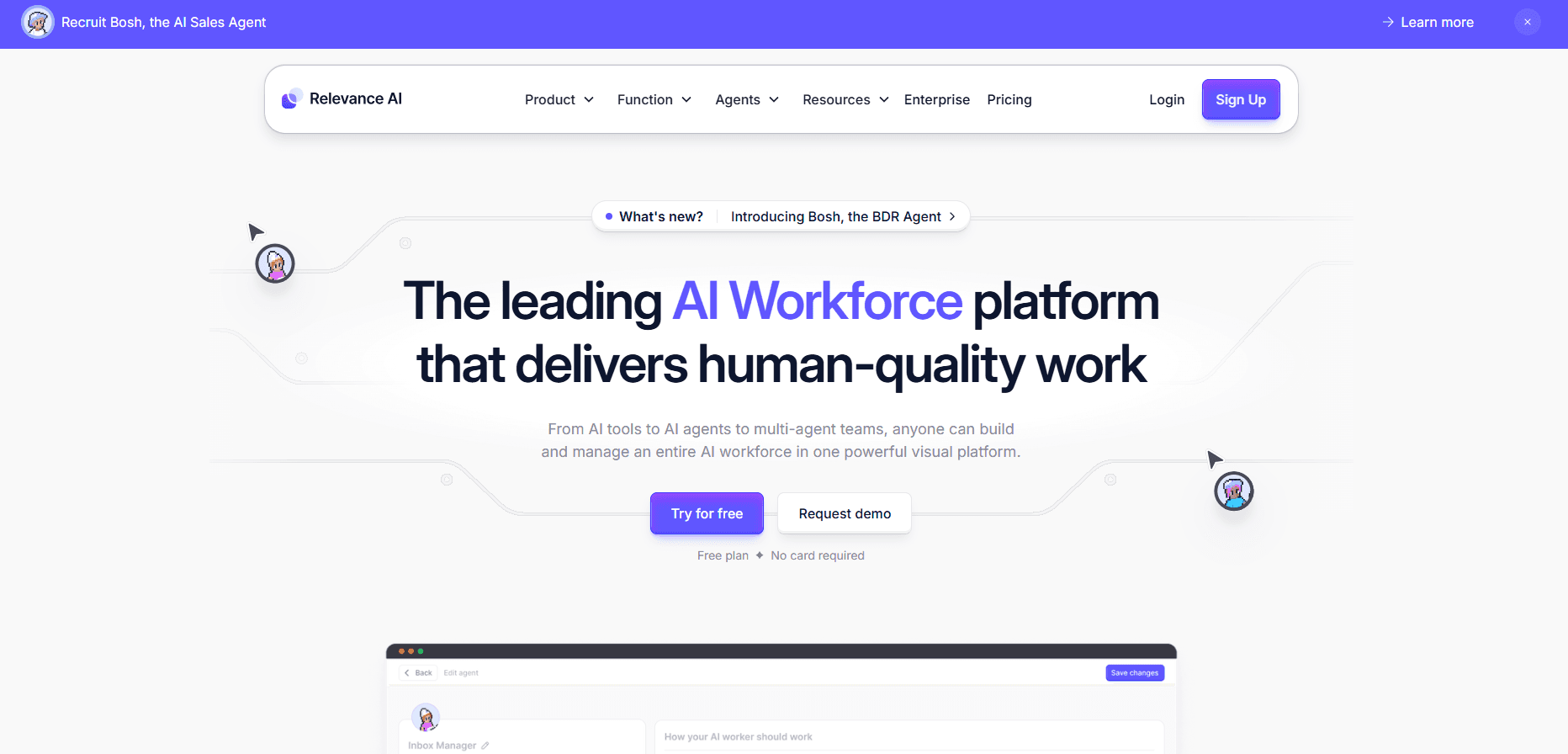
Relevance AI is a no-code platform for building AI agents and multi-agent teams that handle real work, aimed at teams automating support, sales, and ops.
About Relevance AI
What Is Relevance AI
Relevance AI is a low-code and no-code platform for building AI agents, then linking them into multi-agent teams it calls an AI workforce. Each agent gets its own tools and knowledge, so it can send emails, update a CRM, search the web, or pull from your own files instead of just chatting. That's the whole idea.
The pitch is simple. Traditional automation breaks the moment a task stops being predictable, and then someone has to babysit the workflow. Relevance AI bets that agents which reason and adapt handle that mess better, while you keep control through approvals and escalation rules.
It won't run itself. You still map the use cases, define the guardrails, and decide where a human signs off. Teams that skip that step end up with agents that look impressive in a demo and fail in production. Not fun.
Getting Started
- Sign up at app.relevanceai.com and pick a workspace name for your team.
- Build your first agent in Invent by describing what it should do, or clone a ready-made one from the Marketplace.
- Give the agent tools and knowledge, like a web search action, an email step, or a synced Google Drive folder.
- Test the agent, then wire several agents together on the visual canvas for multi-step work.
- Set approval workflows and triggers, then deploy and monitor the run.
Product Information
A quick look at Relevance AI's pricing, supported platforms, and performance.
Best for
The users, tasks, and scenarios where this tool fits best.
Users
- Startup ops teams
- Customer support leads
- Sales teams
- Automation builders
Tasks
- Customer support triage
- Lead qualification
- Content drafting
- Data summarising
- Scheduling
Scenarios
- Handling a spike of inbound tickets without adding headcount.
- Researching a long prospect list before an outbound push.
- Turning messy internal documents into a searchable answer source for the team.
- Coordinating handoffs between several agents on one workflow.
Key features
No-Code Agent Builder
You describe the job you want done, and Invent generates an agent from that description, or you clone one from a pre-built Marketplace. There's also a from-scratch builder for teams that want full control over behaviour. The point is speed. Some use cases stand up in hours rather than weeks.
Tool Builder
Agents need hands, not just a chat box. Relevance AI ships a no-code tool builder that lets an agent send email, update a CRM, search the web, or call any API. You connect the action once and reuse it across agents. Big difference.
Knowledge Connections
Agents answer with your data, not just their training. You upload files or sync from Google Drive, SharePoint, and Notion, and agents can also pull from websites. For teams drowning in documents, this turns scattered notes into a source they can actually ask questions of.
Multi-Agent Workforces
The canvas lets you link several agents into one team, where each handles the part it's best at and the workforce manages the handoffs between them. That's how you cover a long, multi-step process instead of one agent juggling everything and quietly dropping steps halfway through.
Triggers and Managed Queues
An agent can start from a schedule, an app event, a webhook, or a custom signal, and when thousands of tasks land at once, a managed queue paces the work so nothing downstream falls over on a busy morning. Handy when a big campaign hits. Your inbox fills overnight.
Guardrails and Human Oversight
You configure approvals, escalations, and triggers before anything goes live. Agents can hand a task back to a person when they hit a rule you set. That matters if you work in a field where a wrong answer carries real cost.
Pros and cons
Pros
- No-code building means non-engineers can ship working agents fast, and it also means the people who understand the actual business process can build the automation themselves instead of filing a ticket and waiting weeks for an engineering team to get to it.
- Multi-agent workforces handle long, multi-step processes one agent alone can't.
- Knowledge sync from Drive, SharePoint, and Notion keeps answers grounded in your own data.
- Triggers and managed queues keep high-volume runs from collapsing.
- Enterprise case studies from Canva, Autodesk, and others give a sense of scale, and they're worth reading if you want to see what a mature multi-agent rollout actually looks like in a large company before you commit your own team to the platform.
Cons
- Pricing beyond the free tier is custom, so you can't estimate cost without talking to sales.
- The platform rewards teams willing to map workflows first; without that discipline, agents underdeliver.
- It's web-only, so there's no desktop or mobile app for quick checks on the go.
Frequently asked questions
Relevance AI is used as an AI automation platform to build AI agents and multi-agent teams that handle customer support automation, lead qualification, content drafting, and internal reporting. You describe a task, give the agent tools and knowledge, and it runs.
Related content
Explore related tools, skills, and articles for Relevance AI.
Relevance AI Alternatives

Base Code
Base44 (Wix) · Coding · ProductivityBase Code is a shared cloud development environment from Base44. Teammates describe changes to an existing GitHub codebase in chat, preview them live and send them back as pull requests.

Google EmbeddingGemma 2
Google DeepMind · Writing · Image · CodingGoogle EmbeddingGemma 2 is a 740M-parameter open model that turns text, code, images, audio, and video frames into vectors in one 768-dimension space, running on phones and laptops.

GitGlow
GitGlow · Coding · ProductivityGitGlow is a local-first desktop Git client that lets independent developers review their own code and their AI agents' changes in one place before shipping.