

RenderCut
RenderCut · Writing · Video
RenderCut is an AI video caption generator that turns plain clips and audio into short-form videos with animated subtitles, B-rolls, and emojis, all from a web browser.
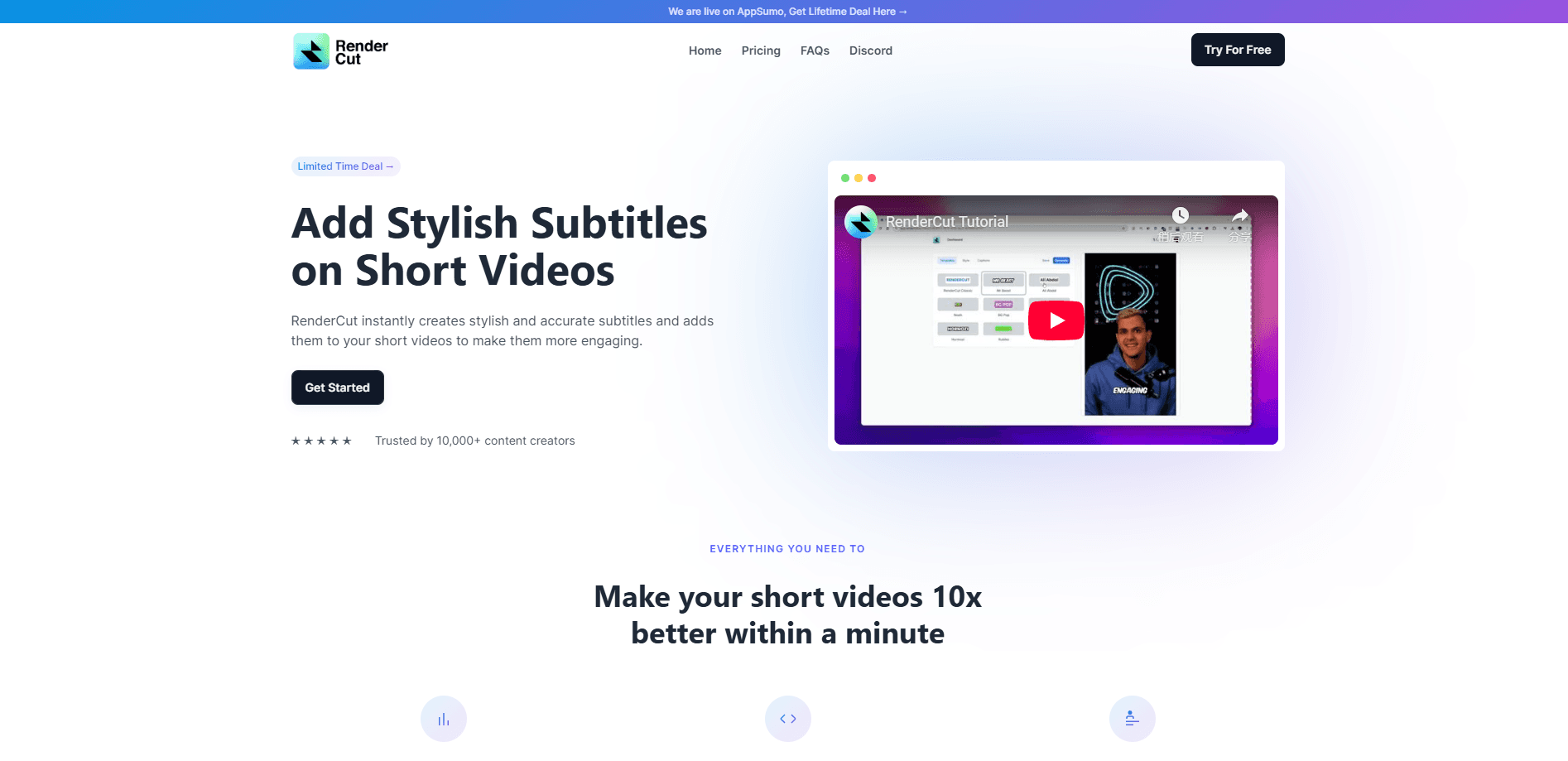
About RenderCut
What Is RenderCut
RenderCut is a browser-based video captioning tool built for people who post short clips on TikTok, Instagram Reels, and YouTube Shorts. It listens to your footage, writes the auto subtitles, and styles them with fonts, colors, and animations in one pass. The point is speed. Instead of opening a full editor and hand-timing every caption, you upload a file and let the AI handle the text.
The tool also reaches beyond captions. It drops in contextual B-roll clips, animated emojis, and GIFs at moments the AI finds worth highlighting. You can upload audio only and still get a captioned video back, which helps podcasters and voiceover creators publish without filming anything.
The main limit is control. RenderCut automates the whole caption and sticker pass, so editors who want frame-level timing or layered compositions will outgrow it fast. Accuracy also dips on heavy accents, noisy rooms, and dense jargon, so plan on a quick proofread before you post.
Getting Started
- Sign up at rendercut.io with an email address. The free plan starts you with 5 videos and needs no credit card.
- Upload a video or audio file from your computer. Accepted formats cover the common phone and camera outputs.
- Pick a caption template, then adjust the font, color, background, and animation until the style matches your channel.
- Let the AI transcribe, then review the text and fix any words it misheard.
- Export the finished clip and post it straight to TikTok, Reels, or YouTube.
Product Information
A quick look at RenderCut's pricing, supported platforms, and performance.
Best for
The users, tasks, and scenarios where this tool fits best.
Users
- Short-form creators
- Podcasters and voiceover artists
- Social media managers
Tasks
- Adding subtitles to vertical clips
- Reaching non-English viewers
- Turning a talking-head video into a punchy cut
Scenarios
- Posting a daily Reel before the trend fades
- Repurposing a long interview into shorts
- Running a small agency with tight turnaround
Key features
Auto Captions With Animation
RenderCut transcribes your video and applies animated captions in one step. Subtitles can pop, slide, or highlight word by word, and the AI syncs them to the actual speech rather than a fixed timer. For viewers scrolling with sound off, which is most of them, this is the feature that decides whether they stop.
Brand Styling and Templates
Every caption can carry your own font, color, background, and placement. The Brand Kit saves those choices so each new video starts on-brand instead of from scratch. Agencies handling several clients get the most out of this, since each account can keep its own look.
Auto B-rolls and Emojis
The tool inserts contextual footage clips, GIFs, and animated emojis at points it judges relevant. On talking-head videos, this breaks up a static frame and gives viewers a reason to keep watching. The suggestions are automatic, so expect to delete a few that miss the tone.
Multilingual Transcripts
Auto transcripts cover 40+ languages, from Spanish to Swahili. You can caption a clip in its original language or reach an audience that speaks something else. Caption translation across languages is listed as coming soon rather than live today.
Audio to Video
Upload an audio file and RenderCut returns a finished captioned video. Podcasters can turn a segment into a visual post without filming, and voiceover creators get a published-ready upload from a raw recording.
AI Hook Titles
The generator writes a hook title for your clip based on its content. A strong first line is what stops the scroll, and having the tool draft it saves the blank-page pause. You can still rewrite it if the phrasing does not land.
Pros and cons
Pros
- Captions, styling, and stickers happen in one automated pass, so a short clip is publishable in about a minute.
- The free plan allows 5 videos with no credit card, enough to test whether the caption quality fits your voice.
- Audio-only uploads turn podcast and voiceover recordings into captioned videos.
- Brand Kit and custom templates keep multi-account output visually consistent.
- Exports carry no watermark, even on the entry plan.
Cons
- Caption accuracy slips on strong accents, background noise, and technical vocabulary, so a manual proofread is still needed.
- The free plan caps you at 5 videos, which runs out fast for anyone posting daily.
- There is no public API yet, so you cannot wire RenderCut into an existing publishing pipeline.
- Caption translation is not live yet, meaning true multi-language output is still on the roadmap.
Frequently asked questions
RenderCut is an AI video caption generator that adds animated subtitles, B-rolls, and emojis to your clips. You upload a video or audio file, pick a style, and export a captioned result without using a timeline editor.
Related content
Explore related tools, skills, and articles for RenderCut.
RenderCut Alternatives

Claude for Google Workspace
Anthropic · Writing · Productivity · BusinessClaude for Google Workspace puts Claude in a sidebar inside Google Docs, Sheets, and Slides, where it reads the file you have open and edits it in place.

Claude Haiku 5.5
Anthropic · Writing · Coding · ChatbotClaude Haiku 5.5 is Anthropic's fastest and cheapest small model, built for high volume tasks at $0.10 per million input tokens with a 1M token context window.

NoteWorthy
Suman Hansada · Writing · Productivity · AI AssistantNoteWorthy is a notes app for iPhone, iPad and Mac that writes titles, tidies formatting, summarizes long notes and files each one with on-device AI. No account, no upload, no network requests.