

Replit
Replit, Inc. · Coding
Replit is a browser-based AI app builder that turns plain-language prompts into working full-stack apps. Replit Agent writes, tests, and deploys the code for you.
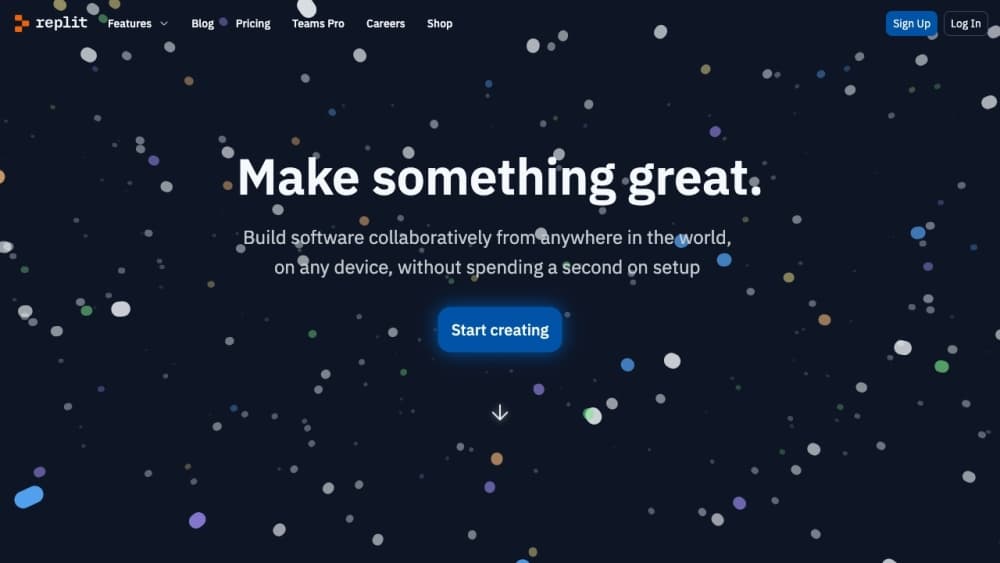
About Replit
What Is Replit
Replit is an AI app and website builder that runs entirely in your browser. You describe what you want in a chat box, and Replit Agent writes the code, sets up the database, wires the login screen, and publishes the result to a live URL. Founded in 2016 and based in San Francisco, Replit started as an online coding sandbox for students and grew into a platform where a non-technical founder can ship a working product in an afternoon.
The pitch is that you never touch a terminal. The Agent plans the build, installs packages, and fixes its own errors across a long run, while you review each step and steer it. That's a real shift from older AI tools that only autocompleted lines you'd already started. Replit also keeps the classic cloud IDE underneath, so developers who want to edit files by hand still can.
Where it earns its keep is speed from idea to live app. Where it struggles is the edges: long Agent runs can burn through credits fast, and the most complex production systems still need real engineering review. Knowing which job you're handing to Replit matters before you start.
Getting Started
- Open replit.com in a browser and sign up with an email, Google, or GitHub account. A free plan gets you started without a card.
- Type what you want to build into the prompt box, for example "a booking page for a barber shop with a contact form."
- Review the plan the Agent proposes, then let it build. It writes code, adds a database, and spins up a preview you can click.
- Test the preview and ask for changes in plain language, like "make the header blue and add a price list."
- Publish when it looks right and share the public link. Move to a paid plan only when you need more Agent usage or team controls.
Product Information
A quick look at Replit's pricing, supported platforms, and performance.
Best for
The users, tasks, and scenarios where this tool fits best.
Users
- Non-technical founders
- Students learning to code
- Product teams prototyping fast
Tasks
- Building a web app from a prompt
- Wiring up payments and logins
- Automating a recurring job
Scenarios
- A weekend side project
- A client landing page
- Testing an idea before committing budget
Key features
Prompt-to-App Agent
Replit Agent is the core of the product. You type a description, and it writes production-ready code, adds the pieces your app needs, and keeps working through multi-step tasks on its own. It tests what it builds, spots errors, and fixes them without you pasting in a stack trace. That autonomy is why people call it vibe coding: you set the direction and let the Agent do the labor.
Full-Stack Infrastructure Included
Replit ships with authentication, database, hosting, and monitoring built in and ready on day one. You don't sign up for four vendors or wire up a cloud account to get a login screen working. For someone building a real app rather than a demo, having these pieces pre-wired removes most of the setup that usually stalls a project before it launches.
Integrations with 100+ Services
The platform connects to OpenAI, Stripe, Google Workspace, and more than 100 other tools, so an app can take payments, read a spreadsheet, or call a model in a few minutes. This matters because most real apps are a core idea plus a pile of outside services, and Replit handles the connections instead of leaving you to write glue code.
Browser IDE for Hands-On Editing
Underneath the chat, Replit keeps a full cloud development environment. You can open files, edit code, run commands, and debug in the browser, on any device. Developers who don't want to hand every decision to the Agent still get a familiar workspace, which makes the tool useful to a mixed team of coders and non-coders.
Publish and Host in One Step
Publishing doesn't mean moving your project to another service. Replit hosts the app and gives you a public link, so the gap between "it works on my screen" and "it's live" nearly disappears. That short loop is what makes quick experiments feel low-risk, since you can show someone real work the same afternoon you started.
Mobile App for Building Anywhere
Replit has iOS and Android apps, so you can start or steer a build from your phone. This is unusual for a dev platform and fits the tool's aim at people who want to turn a thought into something real before they get back to a desk.
Team and Enterprise Controls
Teams get shared workspaces and collaboration, while enterprise plans add SSO and SAML, SOC 2 compliance, and admin controls. For a company putting an internal tool online, these controls decide whether the platform passes a security review at all.
Pros and cons
Pros
- Turns a plain-language description into a deployed app, which cuts weeks of setup for a working prototype.
- Auth, database, hosting, and monitoring come built in, so you skip wiring four separate services.
- The browser IDE keeps everything editable by hand, so developers aren't locked out of their own code.
- Publishing and hosting happen in one place, which shortens the loop from idea to a shareable link.
- Mobile apps let you start or direct a build away from your desk.
Cons
- Long Agent runs consume credits quickly, so heavy use can cost more than the sticker price suggests.
- Complex production systems still need human review, which means the tool speeds up work rather than replacing an engineer.
- The Agent can take an approach you didn't intend, so you have to check each change instead of walking away.
- Enterprise features like SSO and SOC 2 sit behind business pricing, out of reach for solo builders.
Frequently asked questions
Replit is an AI app and website builder that turns plain-language prompts into working full-stack apps. It writes code, sets up a database and login, and publishes the result to a live URL, all in the browser. Many people use it as a no-code app builder, and you can drop into the code whenever you want.
Related content
Explore related tools, skills, and articles for Replit.
Replit Alternatives

Base Code
Base44 (Wix) · Coding · ProductivityBase Code is a shared cloud development environment from Base44. Teammates describe changes to an existing GitHub codebase in chat, preview them live and send them back as pull requests.

Google EmbeddingGemma 2
Google DeepMind · Writing · Image · CodingGoogle EmbeddingGemma 2 is a 740M-parameter open model that turns text, code, images, audio, and video frames into vectors in one 768-dimension space, running on phones and laptops.

GitGlow
GitGlow · Coding · ProductivityGitGlow is a local-first desktop Git client that lets independent developers review their own code and their AI agents' changes in one place before shipping.