

Rerun
Rerun · Coding
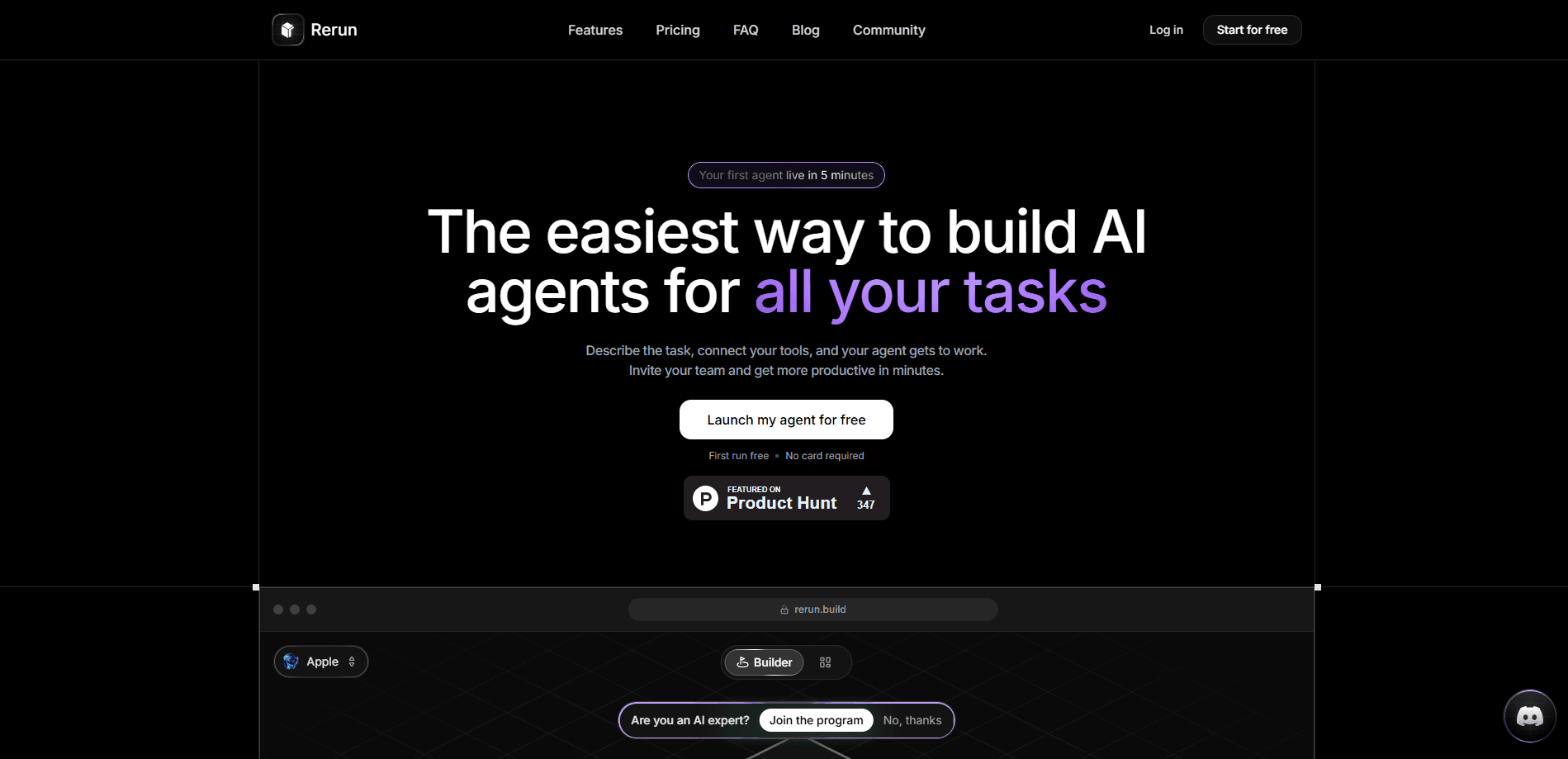
Rerun is a no-code AI agent automation platform that lets you describe a job in plain words and have an agent set itself up to do it, connecting to tools like Gmail, Slack, and Notion and running on Claude or ChatGPT on a schedule or a trigger. You watch runs, logs, and metrics from a live dashboard. Teams that want AI workflow automation without touching a terminal are the ones it's built for.
About Rerun
What Is Rerun
Rerun is a platform for building, running, and monitoring AI agents that handle recurring business work. Instead of wiring up scripts or chaining API calls yourself, you give an agent a job in your own words, pick the tools it should reach, and let it run. The platform handles the scheduling, the execution loop, and the reporting.
The main problem it solves is the gap between "we could automate this" and "someone has to build and babysit it." Rerun skips the build step, giving you three agents on the base plan that each live on a private cloud machine and share files and data inside your own workspace, so nothing runs on someone else's tenant.
The biggest constraint to know up front: this isn't a free tool. The plan starts at $24/month, and the trial is 7 days with a card required. If you want something you can poke at indefinitely for nothing, look elsewhere. There's also no mobile app, so it's a browser product through and through.
Getting Started
- Sign up at the Rerun app and start the 7-day trial. A credit card is required, but you're not charged if you cancel during it.
- Describe your first agent's job in plain language. The agent parses the description and sets up its own steps.
- Connect the tools it needs, one click each. Gmail, Slack, and Notion are among the 200+ apps, and any MCP or API works too.
- Pick the model. Bring your own Claude or ChatGPT subscription, your own API keys, a local model, or use the included model credit.
- Set the run to a schedule or a trigger, then watch the first pass on the dashboard and approve anything that needs a human.
Product Information
A quick look at Rerun's pricing, supported platforms, and performance.
Best for
The users, tasks, and scenarios where this tool fits best.
Users
- Small business owners
- Operations teams at small companies
- Solo founders
Tasks
- Chasing unpaid invoices
- Responding to inbound leads
- Building lead lists
- Weekly reporting
Scenarios
- Work that repeats on a fixed cadence
- Processes that need a human check
- Handing off work across a team
- Keeping an eye on automation you don't fully trust yet
Key features
Describe the Job and Let the Agent Set Itself Up
You don't configure a workflow node by node. You write what you want done, and Rerun's agent interprets the task and sets its own steps. That's the core time-saver here. The upside is speed. The tradeoff is trust: you're relying on the agent's plan, so review the first run.
Runs on Your Own Private Machine
Every agent in a workspace lives on a dedicated cloud computer that's yours alone. Agents inside it share files and data. You arrange them into Boxes by team, client, or project. This keeps your work off shared infrastructure, which matters if you're handling client data.
Bring Your Own AI Model
Plug in a Claude or ChatGPT subscription, your own API keys, or a local model, and the model costs you nothing on Rerun's side. The plan also includes a bit of model credit. Either way, you're not locked to one provider's pricing.
200+ App Connections Plus Any MCP or API
Gmail, Slack, and Notion connect with one click, and the library covers 200+ apps on top of that. Missing a tool? Wire it in yourself. Any MCP server or API works, which matters for teams whose stack goes past the popular names.
Human-in-the-Loop Approvals
Agents can pause and ask before doing something consequential. Creating 26 HubSpot records. Sending a batch of emails. You review the staged action, approve it, and the agent finishes the job. That's the feature that makes automation easier to trust when output touches real systems.
Unlimited Runs on a Flat Price
No run quotas. Agents execute around the clock for the same monthly cost. What you pay for is capacity, meaning agents and seats, never the number of executions. This is AI workflow automation without a meter running on every task, which changes the math for high-frequency work.
Live Dashboard for Runs, Logs, and Metrics
A single view shows what every agent is doing, when it last ran, and how it performed. Watch a run in progress. Read the logs. Spot a failure before it snowballs. This is the thing that lets you leave autonomous agents running unattended.
Agent and Skill Library
Ready-made agents and skills sit in a library you can drag into a workspace. Instead of starting from a blank description, grab a proven setup for a common job and adjust it. Good for teams running no-code AI agents who want a head start.
Pros and cons
Pros
- Describing a job in plain words gets you a working agent faster than building a workflow by hand.
- Your own private cloud machine per workspace keeps agent data separate from other customers.
- Bring-your-own-model support means you can use the AI subscription you already pay for.
- Unlimited executions with no run quotas suits high-frequency, always-on tasks.
- Approvals and a live dashboard make unattended automation easier to supervise.
Cons
- No free tier. The entry plan is $24/month, and the trial needs a card, which rules it out for casual testing.
- It's web only. There's no desktop or mobile app, so you need a browser to manage anything.
- The three included agents and one seat are tight for a growing team; extra agents and seats cost $10 each per month.
- Setup still asks you to trust the agent's interpretation. A vague job description can produce a plan you'll want to rewrite.
Frequently asked questions
It builds and runs AI agents that perform recurring business tasks and then report on what they did, so you can describe a job, connect your tools, and let the agent execute on a schedule or a trigger without writing any code yourself.
Related content
Explore related tools, skills, and articles for Rerun.
Rerun Alternatives
Forefront
Forefront · CodingForefront is a web platform for building with open-source AI. It lets you fine-tune leading open-source language models on your own data, evaluate how they perform, and run them through an API or export them to host yourself. Developers who want the convenience of a closed-source platform but insist on owning their models and data are the target audience here.

Startkit
StartKit.AI · CodingStartkit is a boilerplate for building AI SaaS and AI wrapper products. Think of it as an AI startup boilerplate with the boring parts already wired up: authentication, Stripe and Lemon Squeezy payments, usage limits, transactional email, and an AI API starter that talks to OpenAI, Anthropic, Groq, or Llama. You clone the repo, set your price, and start on the part of your product that people actually pay for. It's Next.js under React and Tailwind, so most of the boilerplate code already feels familiar.
Testim
Tricentis · CodingTestim is an AI-powered test automation platform for building and running end-to-end tests across web, mobile, and Salesforce applications. It leans on machine learning to keep tests stable when an interface changes, so teams spend less time fixing broken selectors. Not bad for an automated testing tool you can start using today. You create tests by recording actions in a browser, then optionally add JavaScript when you need more control. It's a solid pick for busy QA teams.