

Researcher & Analyst in M365 Copilot
Microsoft · Coding
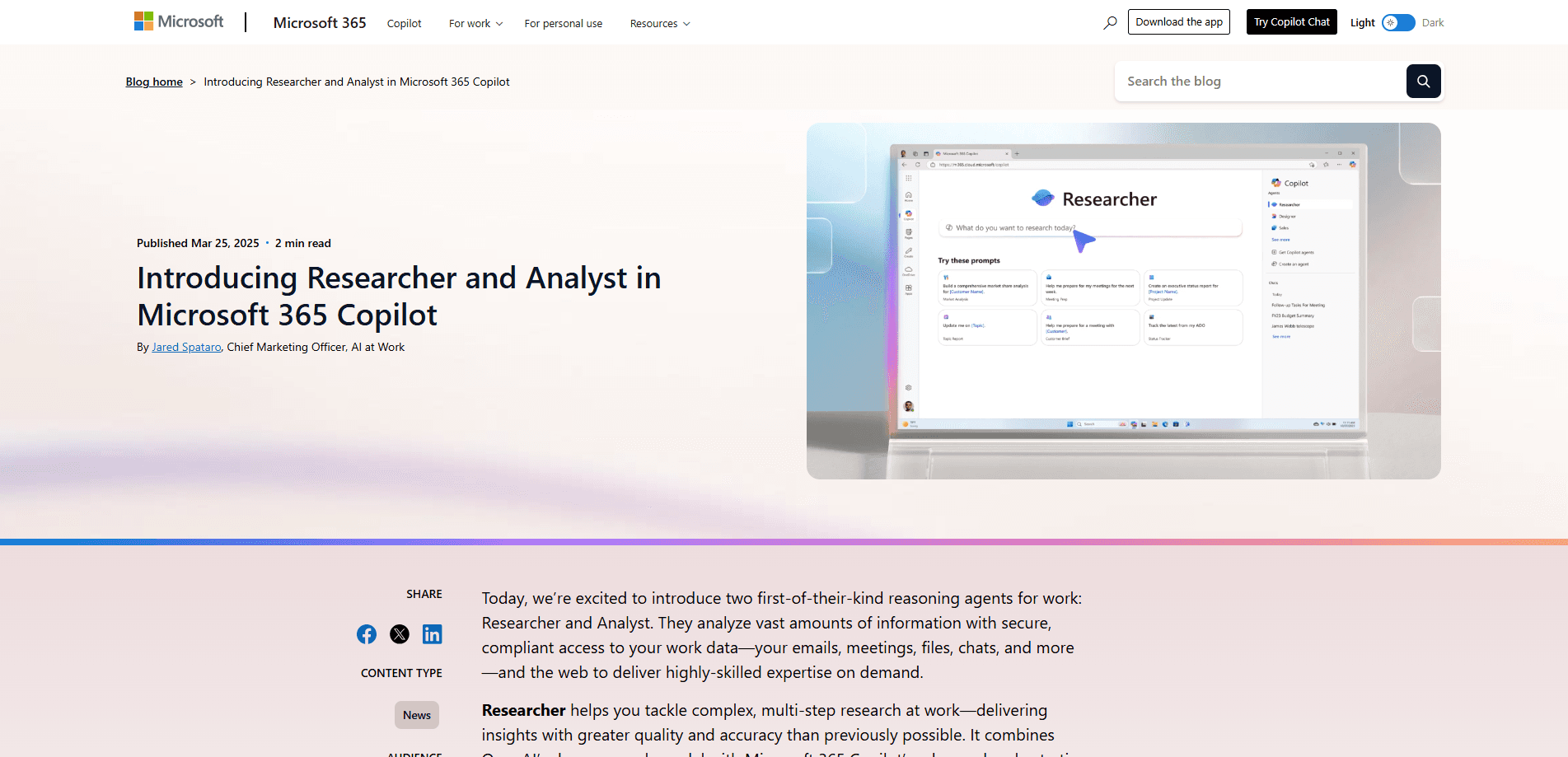
Researcher and Analyst are Microsoft's built-in agents in M365 Copilot. Researcher runs deep multi-step research across work data and the web; Analyst turns spreadsheets into charts and insights.
About Researcher & Analyst in M365 Copilot
What Is Researcher & Analyst in M365 Copilot
Researcher and Analyst are two reasoning agents Microsoft ships inside Microsoft 365 Copilot. Microsoft announced both on April 24, 2025, and treats them as first-party experiences rather than add-ons you build yourself. Researcher handles deep, multi-step research questions. Analyst handles data analysis. Both sit under a paid Microsoft 365 Copilot license, and Microsoft pre-installs and pins them for licensed users.
The split matters more than the branding. Standard Copilot chat answers quick questions in seconds. Researcher works a question over minutes, pulling from your email, files, meetings and chats through Microsoft Graph, then adding recent web results from the Bing index. Analyst skips the web and focuses on files you attach, like an Excel workbook or a CSV export, and returns statistics, trends, outliers and charts.
Both come with limits worth knowing before you plan around them. Researcher caps at 25 queries per user per month, and complex runs can take 10 to 45 minutes. Analyst depends on the data you feed it, so a messy file gives messy answers. Neither is a replacement for a person who knows the question to ask.
Getting Started
- Sign in at microsoft365.com with your work or school account and confirm you hold a Microsoft 365 Copilot license
- Open Microsoft Copilot, then pick Researcher or Analyst from the Agents list in the left navigation pane
- For Researcher, type the research question you want answered; for Analyst, attach the spreadsheet or file with the data you need analyzed
- Review the report or charts, open the cited sources behind the result, then refine the prompt and run it again if the first pass missed the point
Product Information
A quick look at Researcher & Analyst in M365 Copilot's pricing, supported platforms, and performance.
Best for
The users, tasks, and scenarios where this tool fits best.
Users
- Consultants and analysts
- Finance and operations staff
- Product and marketing managers
- Executives and team leads
Tasks
- Deep research reports
- Spreadsheet analysis
- Competitive and market summaries
- Data visualization
- Document drafting from findings
Scenarios
- A client asks for a market map by Friday
- A quarterly sales file lands with thousands of rows
- A new category opens up
- A budget review needs numbers, not guesses
- Someone inherits an unfamiliar account
Key features
Deep Research With Citations
Researcher is built for multi-step questions that a standard chat reply can't cover, and it's the deep research agent Microsoft ships for that job. It runs across Microsoft Graph, connectors and the Bing index, then hands back a structured report with sources attached. Microsoft lists citation as a core design principle, so you can open the underlying material and check the claim. The trade-off is time: simple queries land in under five minutes, while a complex one can run 10 to 45 minutes.
Spreadsheet Analysis That Skips the Formulas
Analyst is the data analysis agent for people who don't want to write VLOOKUPs. You attach a file, ask a plain question, and it returns statistics, trends and outliers along with charts and tables. It reads Excel workbooks and CSV exports, and it's built for the moment when a file arrives with thousands of rows and nobody wants to scroll through them. The output is a report in readable language, not a wall of raw cells.
Multi-Model Reasoning
Researcher treats one model as not enough. Microsoft added multi-model intelligence so Researcher can call on both GPT and Claude, and users or admins can switch on Claude inside the agent. The Critique and Council modes put models to work against each other, each drafting a report so the results can be compared. The idea is a second opinion built into the research pass, not a single model answering once.
Model Picker and Computer Use
A licensed user can open the model picker in the top right of the Researcher page and choose the model and mode. When Researcher is added to a Copilot chat outside the agent, the picker locks to auto. Researcher also gained a computer use capability that lets it drive a secure virtual machine to interact with web pages, which widens the range of sites it can read for a report.
Work Data Grounding
The agents read your organization's own material, not just the public web. Researcher pulls from Microsoft Graph, so email, files, meetings and chats in the tenant can ground an answer, with the archive mailbox used as backfill when the primary inbox is thin. Analyst reads the files you hand it. That grounding is what separates these agents from a generic chatbot, since the output reflects your documents and not only the internet.
Security and Governance Controls
Both agents run inside the Microsoft 365 commercial data processing boundary and inherit the suite's security, privacy and compliance commitments. Researcher follows the same DLP policies and Responsible AI practices as Microsoft Copilot, and Microsoft states it isn't trained on tenant data. Admins can block the agents, and the only lever over web content is the tenant-level web search toggle.
Enterprise Integration
The agents are wired into the Microsoft 365 surface you already use, from Copilot Chat to Word, Excel and PowerPoint, with Office integration planned to deepen. Researcher works on the web and in the Copilot mobile app on iOS and Android. Analyst is the better fit for Excel tasks, and Microsoft points users there for spreadsheet work rather than to Researcher.
Pros and cons
Pros
- No separate purchase, both agents come with a Microsoft 365 Copilot license and are pre-pinned for licensed users
- Researcher cites its sources, so you can verify a finding instead of trusting a black-box answer
- Analyst turns an attached workbook into charts and statistics without any formula writing
- Multi-model reasoning lets Researcher compare GPT and Claude output in one pass
- Grounded in your own email, files and meetings, so answers reflect work data and not just the open web
Cons
- Researcher caps at 25 queries per user per month, which a heavy research week can burn through fast
- Complex Researcher runs take 10 to 45 minutes, so it fits planned work better than a live meeting
- Analyst is only as good as the file you attach, and a messy export drags the answer down with it
- Users can't remove or disable either agent, and there's no admin dashboard for tracking their usage
Frequently asked questions
They are two first-party reasoning agents Microsoft builds into Microsoft 365 Copilot. Researcher works as an AI research assistant for deep, multi-step questions that pull from your work data and the web, and Analyst acts as an AI data analyst on files you attach. Microsoft announced both on April 24, 2025, and installs them for licensed users.
Related content
Explore related tools, skills, and articles for Researcher & Analyst in M365 Copilot.
Researcher & Analyst in M365 Copilot Alternatives

Base Code
Base44 (Wix) · Coding · ProductivityBase Code is a shared cloud development environment from Base44. Teammates describe changes to an existing GitHub codebase in chat, preview them live and send them back as pull requests.

Google EmbeddingGemma 2
Google DeepMind · Writing · Image · CodingGoogle EmbeddingGemma 2 is a 740M-parameter open model that turns text, code, images, audio, and video frames into vectors in one 768-dimension space, running on phones and laptops.

GitGlow
GitGlow · Coding · ProductivityGitGlow is a local-first desktop Git client that lets independent developers review their own code and their AI agents' changes in one place before shipping.