

Resume Builder - CV Engineer
First Pick Ltd · Writing · AI Assistant · Business
CV Engineer is a free AI resume builder for iPhone, Android, and Mac with recruiter-made templates, an ATS resume checker, and AI rewriting for work experience and skills.
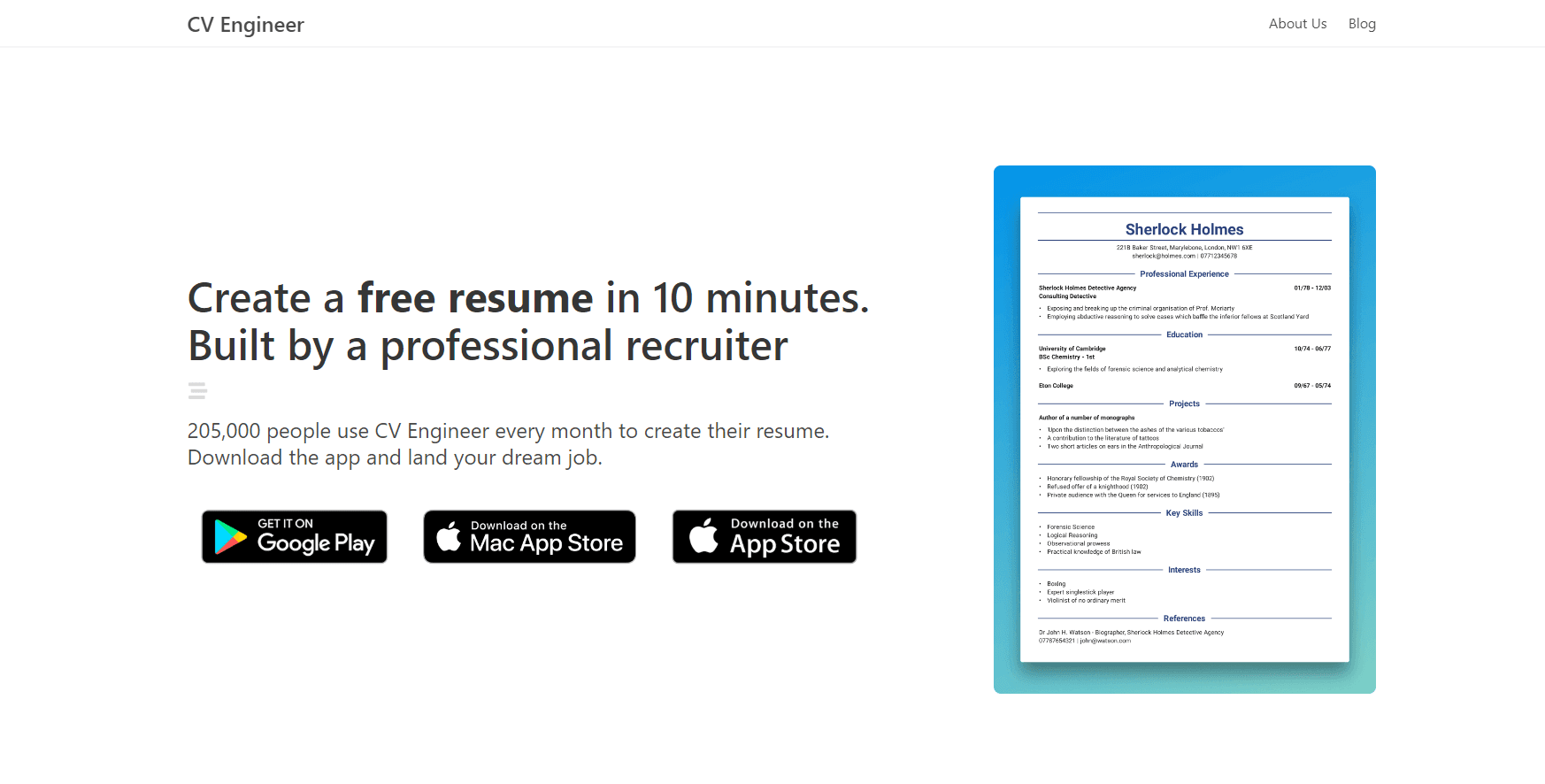
About Resume Builder - CV Engineer
What Is CV Engineer
CV Engineer is a free resume builder and CV maker app for people who need a clean CV tonight, not a course in resume theory. First Pick Ltd ships it for iOS, Android, and Mac, and the app has passed 6.1 million downloads with about 210,000 people using it each month. The promise is narrow and useful: pick a template, fill in your history, fix the weak sentences, and export a PDF.
The template library is the part that carries the product. Every layout was built by a recruiter, and the app says the formats are tested against applicant tracking systems, the software that screens CVs before a human opens them. You get section-by-section advice plus sample wording for nurses, construction workers, software developers, students, graduates, executives, and sales managers. When you stall on a bullet, the resume writing assistant rewrites it.
The AI layer is smaller than the marketing suggests. It polishes sentences, fixes spelling and grammar, and suggests more professional phrasing for work experience, personal statements, and skills. It does not read a job posting and tailor your CV to that specific role, and the ATS scan flags problems rather than guaranteeing an interview. There is also no browser editor and no public API, so everything happens inside the mobile or Mac app.
Getting Started
- Install CV Engineer from the App Store, Google Play, or the Mac App Store. The download costs nothing.
- Choose a resume template and start a new CV, or import an existing PDF or Word file and edit the text in place.
- Work through the sections in order: contact details, summary, experience, education, skills. Advice and examples sit under each one.
- Run the AI rewrite on any bullet that sounds flat, then run the ATS resume checker and fix what it flags.
- Adjust font size and margins to fit one or two pages, then save the PDF and send it.
Product Information
A quick look at Resume Builder - CV Engineer's pricing, supported platforms, and performance.
Best for
The users, tasks, and scenarios where this tool fits best.
Users
- Students and recent graduates writing a first CV
- Career changers with experience that does not fit standard headings
- Job seekers applying outside English-speaking markets
Tasks
- Rewriting duty lists into achievement bullets
- Checking a CV before you hit send
- Rebuilding an old resume from a PDF
Scenarios
- A job goes up in the morning and you want a tailored PDF by the evening.
- You have stayed at one company for years and your last CV no longer matches your role.
- You are applying to a company abroad and need the CV in the local language.
Key features
Recruiter-Designed Templates
Every layout in the app comes from a recruiter, and the structure follows what hiring managers expect to see first. Templates are built to survive parsing by applicant tracking systems, which mostly means clean headings, standard section names, and no text locked inside images. You can change the template after you have written the content, so styling is not a decision you have to make before you start.
AI Resume Writing Assistant
The assistant rewrites work experience bullets, personal statements, and skill lines, then checks spelling and grammar across the document. It aims at the flat phrasing most people default to, the kind that describes a job rather than a result. You still supply the facts, and the tool works on the sentence you already wrote. Think of it as an editor that never gets tired of a second pass.
ATS Resume Checker
The scan looks for the issues that knock a CV out of automated screening: odd formatting, unreadable structure, missing details, and text that a parser will mangle. It returns a list of problems you can fix one by one. The result tells you whether your resume is readable by software, not whether a recruiter will like it, and that distinction matters when you read the score.
Import an Existing Resume
You can bring in a PDF or Word file and keep editing instead of starting over. For anyone with a decade of history, that shortcut saves the worst hour of the process. The imported text lands in the app's sections, so you still get the formatting controls and the AI pass on top of it.
Section Advice and Examples
Each section carries a short explanation of what belongs there and a sample you can adapt. The examples cover nursing, healthcare, construction, data science, programming, sales management, and executive roles. The advice is written in plain language, which makes it usable for a first CV and for a rebuild after years away from job hunting.
Custom Sections and Layout Controls
You can add sections with your own titles for anything the standard template ignores, such as publications, volunteer work, or a portfolio. Font size and margin controls let you pull a two-page draft back onto one page without deleting content. Small tool, real difference when a posting asks for a single page.
14-Language Resume Editor
The editor supports English, Spanish, Czech, Dutch, German, French, Indonesian, Italian, Norwegian, Polish, Portuguese, Romanian, Turkish, and Vietnamese. You write in the language you need and keep the same template and layout. For cross-border applications, that removes the usual step of exporting and reformatting in another program.
Pros and cons
Pros
- Free to download and use, with recruiter-designed templates that follow ATS-friendly structure.
- The AI assistant targets the exact sentences most people struggle with: experience bullets and personal statements.
- Import from PDF or Word means an old resume can be updated rather than rewritten.
- 14 languages in one editor covers most cross-border applications without a second tool.
- Custom sections and margin controls solve the one-page problem that templates usually force.
Cons
- The AI works sentence by sentence and never reads the job posting, so tailoring to a specific role is still manual work.
- Editing happens on a phone or Mac only, which is slow for anyone who types long documents on a keyboard and a large screen.
- The subscription price sits inside the store listing and varies by region, so you cannot compare plans on the website before installing.
Frequently asked questions
The download and the basic builder are free, and you can create a resume without paying. Premium features and some templates sit behind an in-app subscription sold through the App Store or Google Play. The company publishes rates inside the app and the store listing, not on its website.
Related content
Explore related tools, skills, and articles for Resume Builder - CV Engineer.
Resume Builder - CV Engineer Alternatives

Google EmbeddingGemma 2
Google DeepMind · Writing · Image · CodingGoogle EmbeddingGemma 2 is a 740M-parameter open model that turns text, code, images, audio, and video frames into vectors in one 768-dimension space, running on phones and laptops.

MePersona
MePersona, Inc. · Writing · Productivity · MarketingMePersona is an AI unified inbox for creators. It learns your voice, drafts replies to fan messages from 12 platforms, and sends only what you approve.

Fluence
Yay Software (Yannick Huchard) · Writing · Voice & Language · ProductivityFluence is an Android app that reads PDFs, EPUBs, Word files and web articles aloud, follows each sentence as it speaks, and answers questions about the text on the phone itself.