
ResumeInvent
ResumeInvent · AI Assistant · Business
ResumeInvent is an AI resume builder that turns your details and a job description into job-specific, ATS-optimized resumes and cover letters you can download in Word or PDF.
About ResumeInvent
What Is ResumeInvent
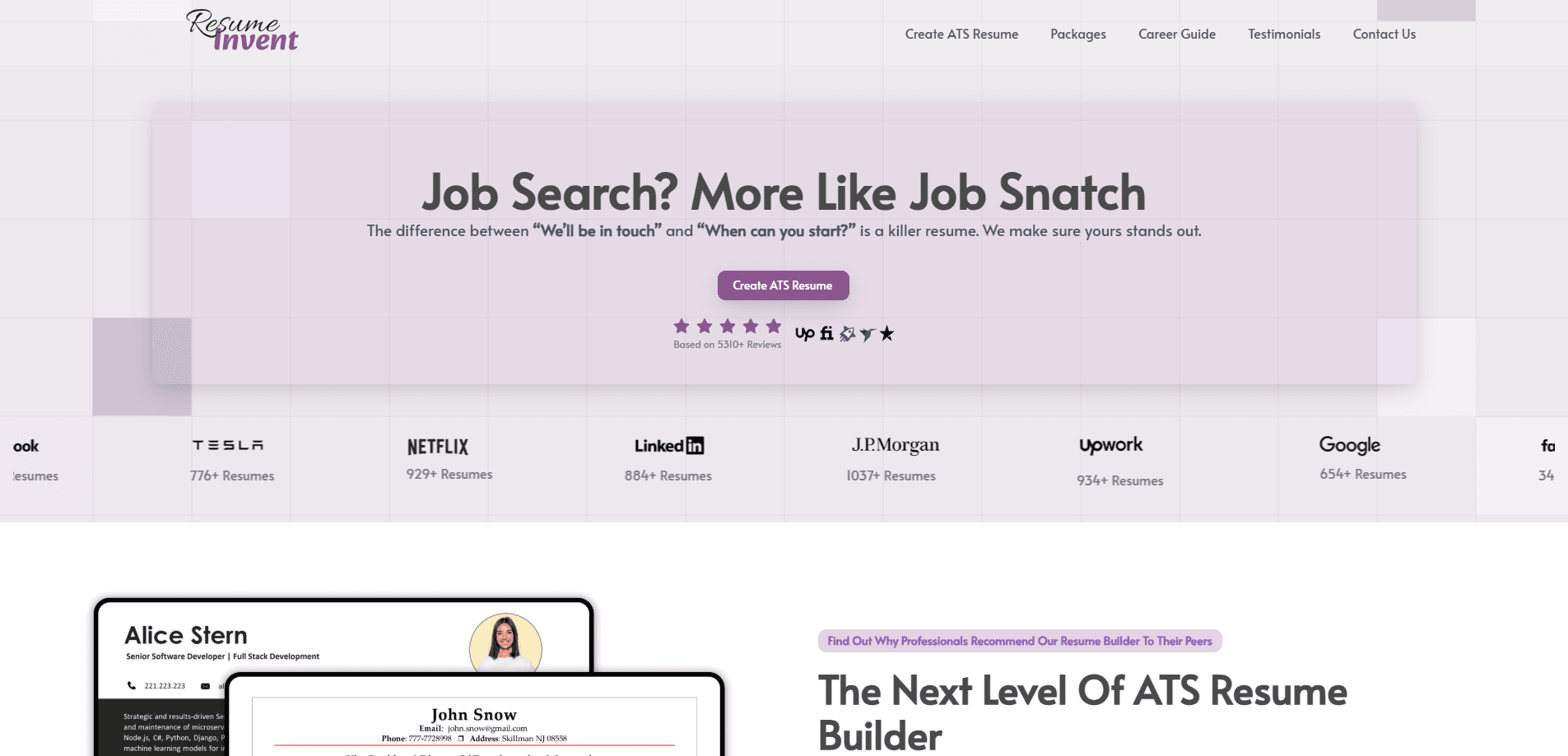
ResumeInvent is a web tool for building resumes and cover letters that pass Applicant Tracking Systems (ATS). An ATS is the software many companies use to scan and rank applications before a human reads them. If a resume uses fonts, columns, or keywords the scanner can't read, it can get filtered out even when the candidate is a good fit.
The product leans on Harvard-style templates, which use a clean, single-column layout that ATS software reads reliably. You pick a template, fill in your work history and skills, paste in a job description, and the builder aligns your wording and keywords to that role.
The main limits are scope and depth. ResumeInvent covers resumes and cover letters well, but it does not build portfolios, LinkedIn profiles, or interview prep. The most advanced rewriting is also tied to paid bundles, so free use is best for a quick, clean document rather than heavy hand-holding.
Getting Started
- Open resumeinvent.com and choose a template, such as the Harvard CV format.
- Enter your details or import an existing resume from your computer or LinkedIn.
- Paste the job description or job link so the builder can pull out the skills and keywords it wants.
- Review the suggested wording and formatting, then adjust tone and content to fit your experience.
- Download the finished file as a PDF or Word document, or save it to your account for later edits.
Product Information
A quick look at ResumeInvent's pricing, supported platforms, and performance.
Best for
The users, tasks, and scenarios where this tool fits best.
Users
- Job seekers who apply to many roles
- Students and new graduates
- Career changers and professionals
Tasks
- Passing ATS screening
- Building a matching cover letter
- Converting a PDF resume back to an editable file
Scenarios
- Applying to a shortlist of similar jobs
- Updating a resume before a deadline
- Quick first draft from LinkedIn
Key features
Job-Description Matching
Paste a job posting and the builder pulls out the skills, responsibilities, and keywords that matter most. It then lines your resume up with that language so the document reads as relevant to the specific role instead of generic.
Harvard-Style ATS Templates
Each template uses a clean, single-column layout that Applicant Tracking Systems read without trouble. The Harvard CV format suits academics and professionals, while simpler student formats cover first jobs and internships.
Multiple Resumes Per Job
You can upload more than one job description and get a separate tailored resume for each. The builder labels and sorts the results by job title or company, which saves hours when you're applying widely.
Cover Letter Builder
The cover letter tool matches tone, skills, and phrasing to the same job description. It keeps formatting and keyword choices consistent with your resume so the two documents read as a set.
Resume Fixer
This tool rewrites and restructures an existing resume without targeting a specific posting. It is meant for people who want a stronger, cleaner document before they start customizing it for individual roles.
Instant Word and PDF Downloads
Finished documents come out in both Word and PDF, so you can keep editing in Word or send a fixed PDF. Free downloads are part of the base experience, with paid bundles adding rewriting and higher quotas.
Pros and cons
Pros
- Free Word and PDF downloads with no account needed to start, which lowers the barrier for a quick first resume.
- Harvard-style, ATS-optimized templates are built for the screening software most companies run.
- Job-description matching tailors each resume and cover letter to the role, not just to your history.
- Generates a set of separate resumes from multiple job postings, useful when you apply in volume.
- Cover letters, a resume fixer, and a PDF to DOC tool sit in the same place as the builder.
Cons
- The deepest rewriting and the largest quotas sit behind paid bundles, so free use is limited to cleaner, lighter output.
- Paid bundles work on a quota model that auto-renews, which you need to track or it keeps billing.
- It covers resumes and cover letters only, with no portfolio, LinkedIn, or interview tools.
- Templates are ATS-safe by design, so the most visually creative layouts are not on offer.
Frequently asked questions
ResumeInvent is a web-based AI resume builder that creates job-specific, ATS-optimized resumes and cover letters from your details and a job description. It uses Harvard-style templates that pass Applicant Tracking Systems and lets you download in Word or PDF.
Related content
Explore related tools, skills, and articles for ResumeInvent.
ResumeInvent Alternatives

Hark
Hark · Productivity · AI Assistant · China AIHark is a personal AI assistant that books, buys, and organizes things for you. It runs on web, iOS, and Android, remembers your preferences, and hands bigger jobs to a computer-use agent.

Rhem Labs
Rhem Labs · AI Assistant · China AIRhem is a tabletop health assistant robot from Rhem Labs that takes blood pressure and other wellness readings, runs reminders, makes calls, and sends fall alerts to family.

Wabi
Wabi, Inc. · Productivity · AI Assistant · ChatbotWabi is a messenger-style AI assistant for iOS, Android and Mac. It sorts your life into shared threads, builds small apps inside each one, and handles email, calendar and errands after you approve.