

Retext
Aaron Myers & Corey Haines · Writing · Coding
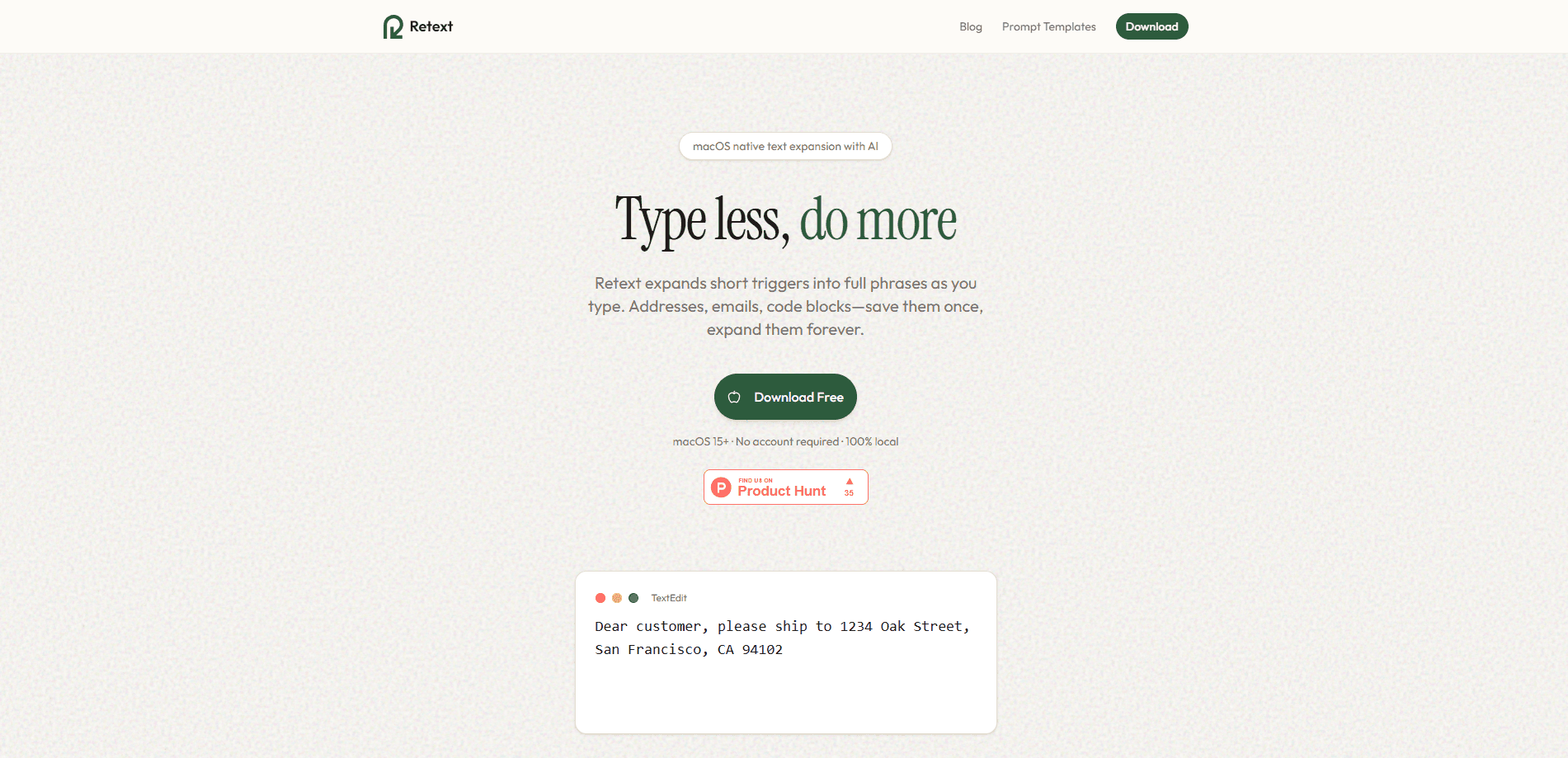
Retext is a native macOS text expander that replaces short triggers with full blocks of text as you type. Set a trigger like `;addr` and it expands into your address, email signature, or a code template in any app on your Mac. It adds AI snippet generation and tag-based organization, and it keeps everything on your machine. Why bother? Because retyping the same text is a tax on your attention.
About Retext
What Is Retext
Retext is a text expander built for Mac, and the whole idea fits in one sentence: you save snippets once, give each one a short trigger, and the app swaps that trigger for the full text the moment you type it. It works in the background, so it doesn't care which app is open.
The main problem it solves is repetition. Addresses, canned email replies, code headers, and support macros all get typed again and again, which adds up to hours of wasted time over a working month. Retext turns each of those into a few keystrokes. The AI side can draft a snippet from a title, which helps when you know what you want but don't feel like writing it out.
The biggest limit is the platform. Retext is macOS only, so Windows and Linux users are out of luck here. It keeps snippets in local storage, which is great for privacy but means there's no browser version or web dashboard to edit from. Team sharing exists on paid tiers, but personal use is where it shines.
Getting Started
- Download Retext for Mac from the official site and drag it into your Applications folder.
- Grant the app accessibility permissions so it can detect triggers and expand them while you type.
- Create your first snippet and assign it a short trigger, such as
;sigfor your email signature. - Type the trigger in any app to test the expansion, then refine the snippet content if needed.
- Add tags to group snippets by project or client, and turn on AI generation if you want help drafting new ones.
Product Information
A quick look at Retext's pricing, supported platforms, and performance.
Best for
The users, tasks, and scenarios where this tool fits best.
Users
- Customer support agents
- Developers and writers
- Freelancers juggling clients
Tasks
- Sending routine emails
- Filling repetitive forms
- Drafting reply variations
Scenarios
- Working across many apps
- Onboarding a new machine
- Privacy-sensitive work
Key features
System-Wide Text Expansion
Retext runs in the background and works in any Mac app, so you don't switch tools to use it. Type a semicolon trigger and the snippet expands instantly, with no popup or delay. The point is that expansion stays invisible and doesn't break your typing flow.
AI-Powered Snippet Generation
Describe what you need and Retext drafts the snippet for you. It can write email responses, produce prompt variations, or generate text from a title alone. Free users get one complimentary AI generation, while Pro and Lifetime users get unlimited runs.
Smart Fields With Live Data
Snippets can include fields that resolve when they expand, covering dates, times, clipboard contents, fill-in prompts, and cursor position. {date+7} gives you next week's date automatically, and {clipboard} inserts whatever you last copied. It keeps generated text current without manual edits.
Tag-Based Organization
A three-panel layout lets you group snippets by project, client, or category, then filter by tag. When your library grows past a few dozen entries, tags are what keep it from becoming a junk drawer. Each client or project can keep its own set.
Native macOS Build
Retext is written in Swift rather than wrapped in Electron, so it stays light and launches fast. It's notarized by Apple and ships as a Universal Binary that runs on both Apple Silicon and Intel Macs. That combination matters if you care about battery life and startup speed.
Local Storage and No Account
Snippets stay on your machine, and you don't need an account to use the app. Nothing gets uploaded for basic expansion, which is a real difference from cloud-first snippet tools. Team features are the exception, since sharing requires sign-in.
Team Snippet Sharing
Paid teams can create a workspace, invite members, and share snippets with real-time sync and offline support. Conflicting edits get resolved rather than lost. Seat-based plans start at $19.99/mo, and you set up a team inside Settings.
Pros and cons
Pros
- Native Swift app feels fast and light, with no Electron overhead.
- Works in every Mac app, so there's nothing new to learn per tool.
- Smart fields like `{date}`, `{clipboard}`, and `{fill:}` keep snippets up to date.
- Local storage plus no account requirement suits privacy-conscious users.
- Clear Retext pricing, including a $49.99 lifetime option that avoids subscriptions.
Cons
- macOS only, so Windows and Linux users can't use it at all.
- Free tier caps you at 5 snippets and 1 AI generation, which runs out fast.
- No public API, so you can't script snippet creation or pull data into other tools.
- Local-only storage means your snippets don't sync across Macs without a paid team plan.
Frequently asked questions
Retext is a text expander for Mac. It replaces short triggers with saved snippets, so you can insert addresses, signatures, code blocks, or canned replies without retyping them.
Related content
Explore related tools, skills, and articles for Retext.
Retext Alternatives

Emailwritr
Emailwritr · Writing · MarketingEmailwritr is an AI email copywriting tool built for affiliates, course creators, and online businesses that want more revenue from the list they already own. Instead of blank pages or generic chatbot prompts, this AI email writer generates welcome sequences, launch campaigns, cart recovery emails, and promo series from frameworks modeled on well-known direct-response copywriters. You connect your autoresponder, answer a few questions about your offer, and it writes the copy for you.

Swms
Swms AI · Writing · Productivity · BusinessSwms is an AI safety compliance tool that turns a plain description of a job into ready-to-use safety documents. Describe your project, trade, and known hazards, and it writes a safe work method statement, job hazard analysis, safe work procedure, RAMS, or safety data sheet in seconds. It also ships with Oscar, a chat assistant that answers workplace safety questions in any language. Teams in construction, mining, transport, and warehousing use it to cut the paperwork that usually eats into a workday.

Prosp
Prosp · Writing · Voice & Language · MarketingProsp is an AI LinkedIn outreach tool built for agencies and sales teams, and it writes the message and the voice note in your own voice for each prospect so they actually reply. You connect your accounts, find leads, and let the AI draft and send personalized messages at scale, all from one inbox. It's built for people running outbound at volume. That's the whole pitch. Every touchpoint still has to feel human.