

Retool
Retool, Inc. · Coding
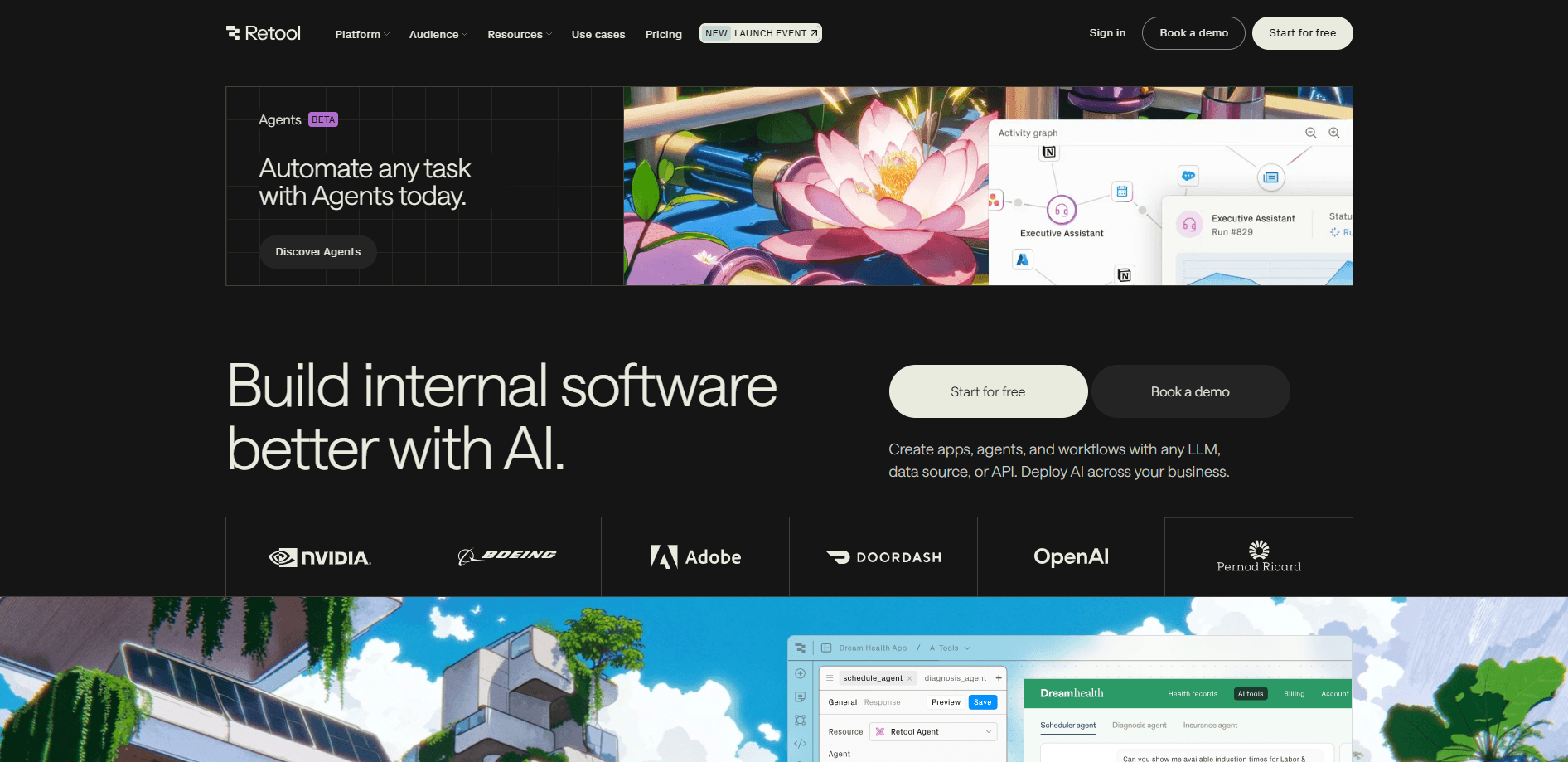
Retool is a low-code platform for building internal apps, automations, and AI agents that connect to your own databases and APIs, then ship with enterprise security already in place.
About Retool
What Is Retool
Retool is a development platform for internal software. Instead of waiting weeks for an engineering team to build an admin panel or dashboard, teams describe what they need and get a working app connected to real data. The Retool app builder launched in 2017 and now counts over 10,000 companies among its users, including Amazon, Stripe, and Brex.
The core idea is speed without the rebuild. Every app you make inherits your organization's login, permissions, and audit logging automatically, so a tool built in an afternoon doesn't need a second pass from IT. That matters most for operational teams who need a database dashboard or a support queue now, not next quarter.
The main limits are scope and price. Retool targets businesses, not hobby projects, and features like single sign-on, audit trails, and source control sit on the higher tiers. A solo developer gets little value here, and Retool pricing is built around teams. The platform also expects you to bring your own data sources, since it isn't a place to store customer data long term.
Getting Started
- Sign up for a free account with your work email and pick a workspace name.
- Connect a resource, such as a PostgreSQL database, a REST API, or a service like Stripe or Salesforce.
- Describe the app you want in plain language, or drag components onto the canvas and wire up queries by hand.
- Set who can view or edit the app, then publish it to your team or embed it in another product.
Product Information
A quick look at Retool's pricing, supported platforms, and performance.
Best for
The users, tasks, and scenarios where this tool fits best.
Users
- Developers at growing companies
- Operations and data teams
- Business analysts
Tasks
- Building admin panels
- Automating scheduled jobs
- Adding human review to AI agents
- Embedding tools in other products
Scenarios
- Replacing a spreadsheet workflow
- Shipping a support queue fast
- Kicking off a project before headcount
Key features
AI App Generation
Describe the app you want and Retool generates a working version connected to your data, with a user interface, logic, and editable components. You refine it from there instead of retyping prompts. As a low-code app builder, it offers the fastest path from an idea to something you can actually operate.
Native Database and API Connections
Retool connects directly to databases like PostgreSQL and MongoDB, plus any REST or GraphQL API, and services such as Stripe and Salesforce. Queries run against your production data under your existing permissions. That keeps you from exporting data into yet another tool.
Retool Workflows
Workflows automate jobs, alerts, and ETL tasks on a schedule or through a webhook. Teams that build custom internal apps often start here before adding a full interface. You write Python or JavaScript when you need it, or use built-in branching and looping. One click deploys a version, and every run is logged so failures are easy to trace.
Retool Agents
Agents bundle prompts, tools, and human-in-the-loop steps into a governed automation. You pick the model for each task to balance cost and quality, and watch every step run in real time. Approval gates let a person sign off before an agent takes an action.
Enterprise Security and Governance
Every app inherits single sign-on, role-based access controls, and audit logging by default. Business and Enterprise tiers add granular permissions and version history. This is the part that usually blocks internal tools, and here it comes built in.
Mobile App Building
You can build native mobile apps for iOS and Android, or ship a progressive web app, with offline mode and push notifications on higher tiers. Field teams get the same data access they have on desktop, without a separate codebase.
Pros and cons
Pros
- Connects natively to databases and APIs, so internal apps work with real production data.
- Security features like SSO, role-based access, and audit logs come built in rather than bolted on.
- AI app generation turns a plain-language prompt into an editable app, cutting the time to a first version.
- One platform covers web apps, mobile apps, workflows, and agents, which avoids stitching together separate hosting and auth tools.
Cons
- The free plan caps you at five users and 500 workflow runs a month, which is tight once a team adopts it.
- Single sign-on, audit logs, and source control sit on Business or Enterprise tiers, so smaller teams hit the useful features only after upgrading.
- Pricing is per user per month, and costs climb quickly across a large organization with many builders.
- It expects you to supply your own data sources and isn't built to store customer data long term.
Frequently asked questions
Retool builds internal software: admin panels, dashboards, support queues, approvals, and automated jobs. Most teams use it to replace tools they'd otherwise wait months for engineering to build.
Related content
Explore related tools, skills, and articles for Retool.
Retool Alternatives

Base Code
Base44 (Wix) · Coding · ProductivityBase Code is a shared cloud development environment from Base44. Teammates describe changes to an existing GitHub codebase in chat, preview them live and send them back as pull requests.

Google EmbeddingGemma 2
Google DeepMind · Writing · Image · CodingGoogle EmbeddingGemma 2 is a 740M-parameter open model that turns text, code, images, audio, and video frames into vectors in one 768-dimension space, running on phones and laptops.

GitGlow
GitGlow · Coding · ProductivityGitGlow is a local-first desktop Git client that lets independent developers review their own code and their AI agents' changes in one place before shipping.