

revocalize.ai
Revocalize AI · Voice & Language
Revocalize AI is an AI singing voice generator and voice to voice platform for singers and producers. It clones a voice, converts a vocal take and exports studio quality vocals.
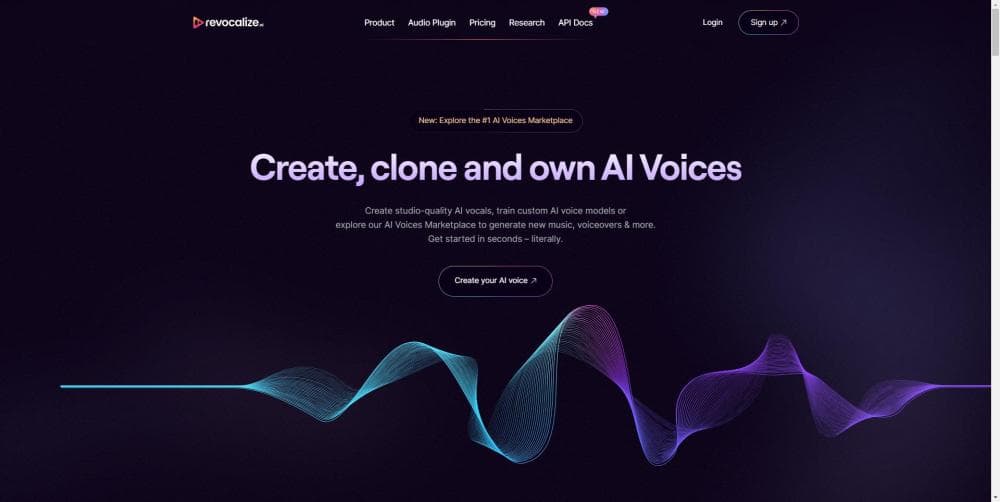
About revocalize.ai
What Is Revocalize AI
Revocalize AI is a web platform built around music vocals rather than narration. You upload a clean take, pick a voice model, and the system rewrites the performance in that voice while keeping your timing and phrasing. The company describes the process as Photoshop for voices: the melody and words stay yours, the timbre changes.
The underlying method is a generative adversarial network, a deep learning setup that the company says learns a voice's texture and emotion from a limited amount of audio. That matters for hobby singers, because a trained voice model usually needs far less material than a full dataset. Beyond conversion, the toolkit covers voice beautification, pitch and speed adjustment, text to singing, and a monetization option that lets artists get paid when their voice model is used.
Most AI voice cloning tools start with narration and add singing later. Revocalize started with vocals, and that origin shows in how it treats pitch and sustained notes. Robotic phrasing is the usual failure of generic speech models, and this system is aimed at the opposite outcome.
The catch is practical: conversion is metered in minutes, so long songs eat through an allowance fast. The platform has also carried a beta label for years, and some marketing pages load as skeleton screens, which makes it hard to confirm details such as sample rates and model catalogs without signing up.
Getting Started
- Create an account on the Revocalize AI website and open the dashboard.
- Train a voice model by uploading a clean vocal sample, or pick a ready model from the catalog if your goal is to change an existing take.
- Upload the vocal stem you want to process and choose the target voice model.
- Apply the pitch, vibrato, or auto-pitch controls and generate a conversion.
- Download the result as a WAV or MP3 file, or pull it straight into a DAW session if you work through the plugin.
Product Information
A quick look at revocalize.ai's pricing, supported platforms, and performance.
Best for
The users, tasks, and scenarios where this tool fits best.
Users
- Independent singers and songwriters
- Music producers and beat makers
- Content creators and cover artists
- Aspiring singers without a trained ear
Tasks
- Converting a sung take into another voice
- Polishing a rough vocal performance
- Turning written lyrics into singing
- Building a voice model from a short sample
- Generating vocal variations for a chorus
Scenarios
- A bedroom producer finishing a demo over a weekend
- A songwriter pitching a song to an artist's team
- A cover channel publishing weekly
Key features
Voice Model Training
Revocalize AI trains a model from a collection of vocal recordings and keeps the unique texture of that voice. The pitch is that a small sample is enough, which lowers the bar for hobby singers who never kept a clean archive. Once trained, the model drops into the conversion tool like any voice from the catalog.
Voice to Voice Conversion
This is the core tool. Upload a vocal file, pick a target model, and the platform rewrites the performance while keeping your timing. Singers who write and arrange well but who can't hit a certain register use it to test how a song would sound in a higher or lower voice. Clean, dry stems convert better than a mix with reverb baked in.
Voice Beautification and Modulation
The toolkit trims the rough edges from a take without asking you to relearn how to sing. Real time auto pitch catches high notes, and separate controls let you shift pitch, volume, and speed. On a performance that already carries the emotion, small moves do more than heavy correction.
Text to Singing and Text to Speech
According to Revocalize AI, the platform covers both singing and speech generation. You feed in lyrics or a script and get a rendered vocal. That range matters for podcasters, advertisers, and video creators who want the same character voice across talking segments and song hooks.
Vocal Variation Generation
One voice can be expanded into several emotional readings. Generate a set of variants and pick the one that fits the arrangement, or layer two of them to widen a chorus. For producers, this crowds out the temptation to settle for the first take.
Licensed Voice Catalog
The platform markets officially licensed voice models alongside the option to train your own. Licensed models matter for anyone planning to publish, since the rights story is part of the offer rather than something you sort out at release time. The catalog spans pop, rock, R&B, country, opera, trap, and jazz styles.
VST Plugin for DAWs
The Revocalize AI VST plugin brings three modules into a DAW session: transformation, beautification, and harmonizing. Producers can call the models without leaving the timeline, which keeps a project in one place. It runs on macOS and Windows, and the plugin is a separate download from the web app.
API and Business Access
Developer docs cover model creation, training, and audio conversion over REST, with a Python SDK on GitHub. A model is created in a pending state and only converts audio after training finishes. The API is marked beta, and Enterprise plans add bulk conversions, a dedicated sound engineer, and a priority training queue.
Pros and cons
Pros
- Built for singing, not just narration, so it handles vibrato and sustained notes instead of flat speech.
- Training a custom model works from a modest sample, which keeps hobby singers in the game.
- A commercial license is included on the Starter plan at $9 a month, well below what most music AI tools charge for rights.
- The VST plugin puts conversion inside a DAW, so you avoid the export and reimport loop.
- A public REST API and Python SDK make it possible to automate conversions for a catalog of tracks.
Cons
- Conversion is sold in minutes, and five minutes on the free plan covers roughly one song, so experimentation runs out fast.
- The site still carries a beta label after several years, and key details such as training length are never published.
- Conversion quality depends on a clean, dry vocal stem, and a noisy or reverb heavy take will come back muddy.
- Enterprise features sit behind a contact only gate, so pricing for bulk work and a dedicated engineer stays opaque.
Frequently asked questions
Revocalize AI changes the voice in a vocal recording. You upload a sung take, pick a voice model, and the platform returns the same performance in a different timbre. It also beautifies a voice, generates pitches, and turns text into singing.
Related content
Explore related tools, skills, and articles for revocalize.ai.
revocalize.ai Alternatives

Foley
Hanamori Labs, LLC · Voice & Language · Productivity · AI AssistantFoley is a voice to-do list that turns a spoken sentence into a filed task, complete with project, date and time, then helps you plan the day around what is already there.

HireKey
HireKey · Voice & Language · Productivity · LeaningHireKey is an AI job search copilot built by a former tech recruiter. It checks role fit, tailors resumes, runs interview practice and tracks every application.

Fluence
Yay Software (Yannick Huchard) · Writing · Voice & Language · ProductivityFluence is an Android app that reads PDFs, EPUBs, Word files and web articles aloud, follows each sentence as it speaks, and answers questions about the text on the phone itself.