

Reword
Whybex · Writing
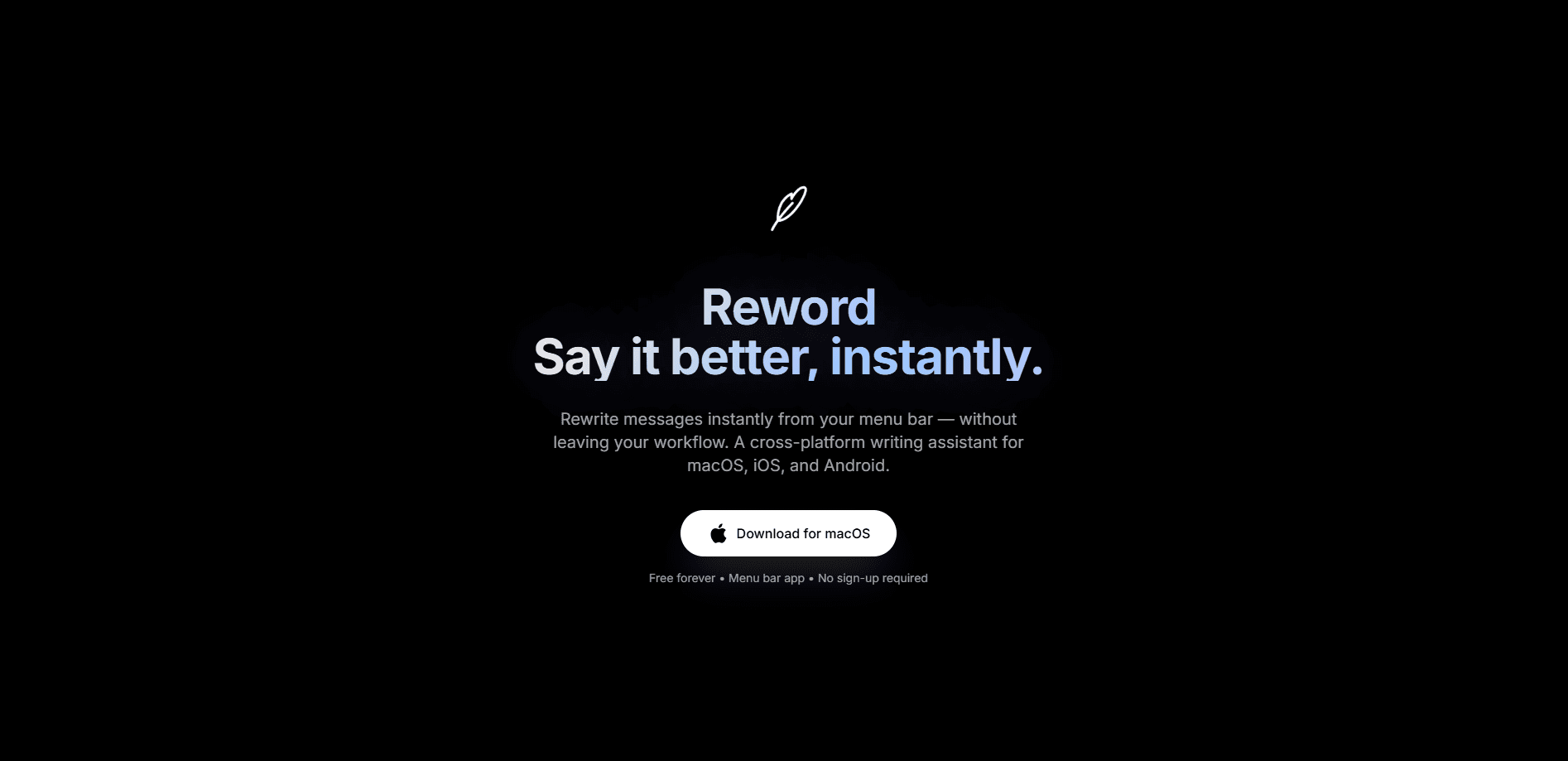
Reword is a macOS menu bar writing assistant that rewrites text right where you typed it. Select a rough message, press a shortcut, and pick a tone. The new version lands in the same spot, so you don't copy, paste, or jump to another window. It's built for anyone who writes in a hurry. Your words get cleaned up without a trip to another app. Think of it as a rephrase tool that lives in the menu bar.
About Reword
What Is Reword
Reword is a lightweight AI writing assistant for Mac that fixes text in place. You highlight what you just wrote, hit ⌥⇧R, and choose from presets like Professional, Casual, or Shorter. The rewrite replaces your original selection inside Mail, Slack, a doc, or any comment box. No second window, no lost train of thought.
The tool comes from Whybex, runs on macOS 14 or later, and shipped version 2.1.2 as a native Swift rebuild that the team says launches faster and uses less memory than the version before it. It's free right now, with a paid Pro tier the team says is on the way. You can run rewrites through Apple's on-device model so nothing leaves your Mac, or through Reword Secure Cloud, which the company says encrypts text in transit and doesn't store it.
The main catch is the platform, and it's a real one if your team isn't all on Macs. Reword is macOS only, so Windows and Linux users are out. There's also a real difference between the two ways to install it, and it's the kind of thing worth knowing before you download. The version from reword.in can read your selection and rewrite in place; the Mac App Store build is sandboxed by Apple's rules and can't read text in other apps, so it only offers the menu bar panel where you paste, pick a tone, and copy the result.
Getting Started
- Download Reword from reword.in or the Mac App Store, then drag it into Applications.
- Open the app and grant Accessibility access once. That permission is what lets it read your selection and put the rewrite back.
- Pick your favourite tones during setup. Three or four sit at the top of the quick pill; the rest stay behind More.
- In any app, select the text you want to change and press ⌥⇧R.
- Choose a tone from the pill, or open the panel to add your own instruction before anything gets replaced. Hit ⌘Z to undo.
Product Information
A quick look at Reword's pricing, supported platforms, and performance.
Best for
The users, tasks, and scenarios where this tool fits best.
Users
- Busy professionals
- Non-native English speakers
- Students and freelancers
Tasks
- Rewriting a rough draft message
- Drafting replies
- Shortening long text
- Adjusting tone on the fly
Scenarios
- Catching a badly worded email right before sending it
- Replying to a tricky message at work
- Polishing a comment or post
- Writing on the go
Key features
Rewrite in Place
The headline feature replaces your selected text exactly where it was. No copy, no paste to another window. This text rewriter works on whatever app you already have open. You select, press ⌥⇧R, pick a tone, and the new version drops into the same spot. That's the part that sets Reword apart from browser-based rewriters, since your workflow never has to pause. If you don't like the result, ⌘Z brings your original words back.
Eleven Tone Presets
Reword ships with eleven built-in tones. Most act as a tone changer: Professional, Casual, Friendly, Polite, Confident, Shorter, Simpler, Calm, Positive, Direct, and Follow up. You can favour three or four so they sit first in the pill and the panel. When no preset fits, you add your own instruction instead. Try "keep it under two sentences" or "mention Friday."
Reply Mode
Select or paste a message you've received, and Reword draft the answer in your tone, and it's aimed squarely at the awkward replies, the ones you rewrite three times before finally hitting send. You review the draft and adjust with a different tone if it misses.
On-Device or Cloud Processing
You choose how your text gets handled, and the difference matters if privacy is a concern. Apple's on-device model (on macOS 26 with Apple Intelligence) keeps everything local, so nothing leaves your machine. Reword Secure Cloud uses the company's own tone-tuned model; Whybex says text is encrypted in transit and never stored. The on-device route is the private one, but it needs newer hardware and software.
Custom Instructions
A tone alone doesn't always cover what you want, and that's where the custom instruction field earns its place. This is where Reword acts less like a plain AI rewriter and more like a helper that takes orders. Reword lets you add a note in plain words, like "mention the deadline" or "make it warmer." It's the difference between a generic rephrase and one that actually fits your situation.
Native Menu Bar App
Reword was rebuilt in Swift for macOS, so it launches fast and uses less memory than the earlier version. It follows your system appearance, or you can set light or dark yourself. The feather icon lives in the menu bar, one shortcut away while you work in other apps. Simple as that.
Pros and cons
Pros
- Rewriting happens in place, so you never break focus to move text between apps.
- Eleven tones plus custom instructions cover most everyday writing needs.
- On-device option keeps your text on your Mac for privacy-minded users.
- Free to use, with a Pro plan promised for later.
- Lightweight native Swift build that launches quickly.
Cons
- macOS only, so Windows and Linux users can't use it at all.
- The in-place rewrite needs Accessibility access, which some people are wary of granting.
- The Mac App Store version can't rewrite in place, so you must download from reword.in to get the main feature.
- It's still on a free tier with a paid plan coming, so pricing could change.
Frequently asked questions
Reword is a macOS menu bar app that rewrites the text you select without making you leave the app you're in. You highlight a sentence, press ⌥⇧R, pick a tone, and the new version replaces the old one in place, right inside whatever app you were already using.
Related content
Explore related tools, skills, and articles for Reword.
Reword Alternatives

Google EmbeddingGemma 2
Google DeepMind · Writing · Image · CodingGoogle EmbeddingGemma 2 is a 740M-parameter open model that turns text, code, images, audio, and video frames into vectors in one 768-dimension space, running on phones and laptops.

MePersona
MePersona, Inc. · Writing · Productivity · MarketingMePersona is an AI unified inbox for creators. It learns your voice, drafts replies to fan messages from 12 platforms, and sends only what you approve.

Fluence
Yay Software (Yannick Huchard) · Writing · Voice & Language · ProductivityFluence is an Android app that reads PDFs, EPUBs, Word files and web articles aloud, follows each sentence as it speaks, and answers questions about the text on the phone itself.