

Rindler
Rindler · Coding
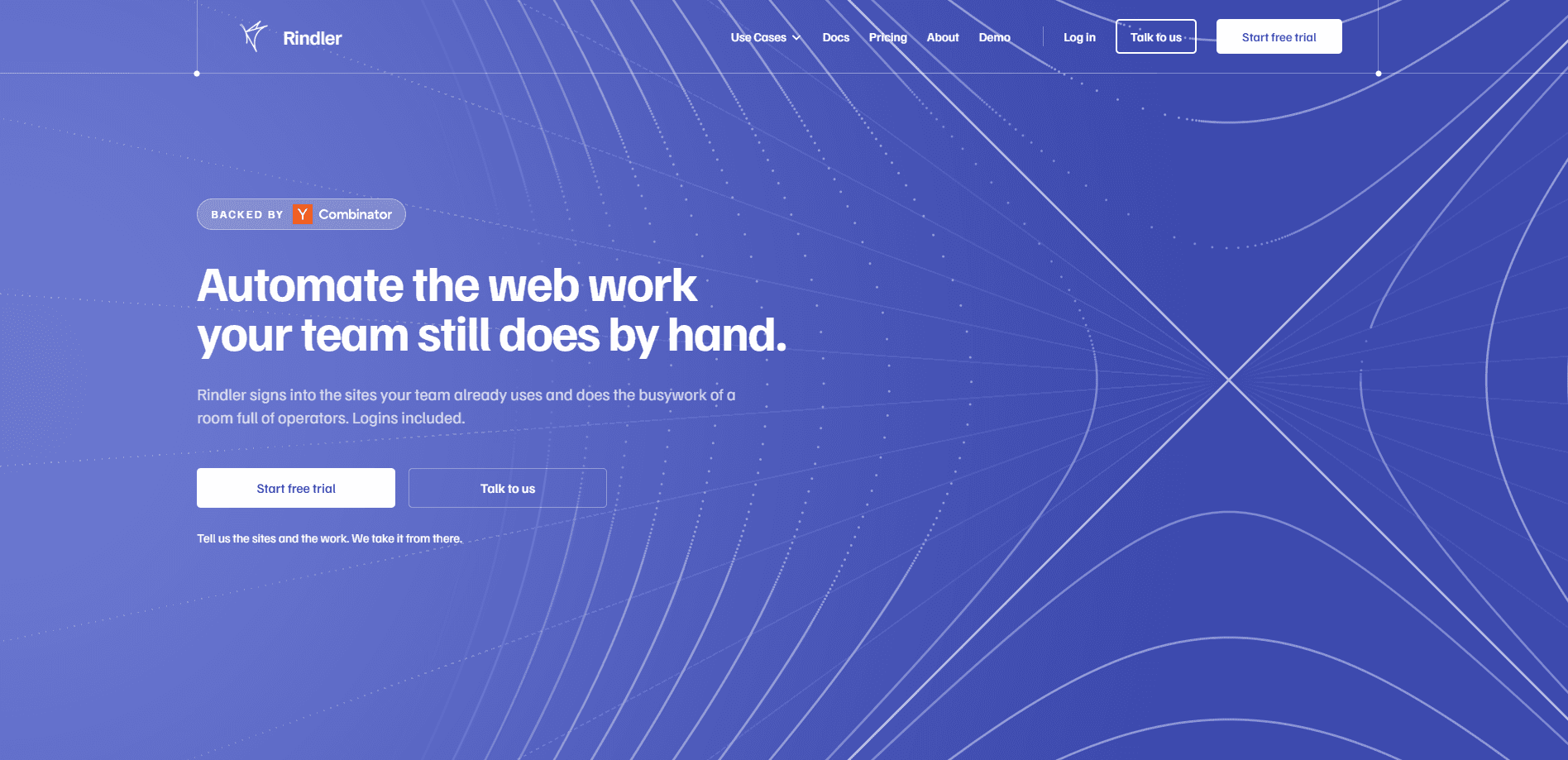
Rindler is an AI web automation service that turns the browser work teams still do by hand on login-gated portals into reliable portal automation. You describe a task in a sentence, and Rindler signs in, finds the right page, reads it, fills the form, and hands back clean records. It targets the sites an AI agent can't reach through an API. Carrier portals, payer dashboards, ATS and VMS systems, bank sites, government registries. The first run on a new site works out how to do the job. Every run after that repeats it the same way.
About Rindler
What Is Rindler
Rindler is a browser automation platform built for portals that have no API and never will. It's a rare case of AI agent web automation that treats a site as something to learn once, not something to rediscover on every call. Instead of asking your agent to work the site out again each time, Rindler works a site out once and then repeats the task the same way. That distinction matters. Pointed-at-the-page AI can return something different each run, and every redesign lands on your team. Rindler carries the maintenance itself.
The service exposes a single operation. Hand it a task in plain language. It opens a browser on its own infrastructure, uses a saved sign-in, decides which page the answer lives on, and closes up afterwards. Results come back as rows you can hand to your own system, quoted from the page in the site's own words. Not screenshots. Not paragraphs. A typical result is a few hundred tokens of JSON rather than the tens of thousands a raw DOM fetch returns.
The biggest caveat is scope. Rindler isn't a self-serve tool you point at any URL and forget. New sites are set up with you, and carrier, payer, supplier, and VMS portals are configured per customer. That model is why it handles the sites that fight automation hardest, but it also means the first pass through an unfamiliar site is slower and dearer. Run prices are flat per finished task, so a six-screen job costs the same as a one-screen job. Six screens or one. Same price.
Getting Started
- Tell Rindler the sites and the work in plain language, the way you would explain it to a new hire.
- Let the team set the portal up and test it against the real site before it goes live.
- Run a task once, or save it as an automation and put it on a schedule.
- Collect the result as structured rows, or connect the API so your own agent calls it directly.
- Add more sites or capacity as the volume grows, through your plan or an enterprise agreement.
Product Information
A quick look at Rindler's pricing, supported platforms, and performance.
Best for
The users, tasks, and scenarios where this tool fits best.
Users
- Insurance agencies working carrier portals
- Billing and revenue cycle teams on payer portals
- Staffing coordinators in ATS and client VMS portals
- AP and AR teams on supplier and customer portals
Tasks
- Downloading statements on a schedule
- Checking claim or order status at volume
- Submitting multi-step forms
- Gathering records for review
Scenarios
- Replacing offshore data entry on a fixed weekly workflow
- Running a task that repeats every Monday morning
- Working inside a legacy internal portal with no integration path
- Reaching a site whose redesign breaks a recorded RPA script
Key features
One-Call Automation API
Rindler does away with sessions, action names, and selectors. Its web automation API is a single run call. It takes a task in plain language, an optional list of sites named the way a person says them, and an optional session ID to continue an ongoing conversation. Auth, navigation, retries, and error recovery all run server-side. Your code stays small.
Sites Without an API
The service is built for the portals that never got an integration. Private SaaS dashboards, government systems, multi-step forms. No-API portal automation is the whole point. If your team can reach a site in a browser, Rindler does too. It works through the same screens they use, including behind a login. So what does it touch? Nothing spends money or files anything unless you asked for it.
Learn Once, Repeat After
The first run on an unseen site works out how to complete the task. Every run after that follows what it already knows. That's the opposite of pointing an AI at a page, where the screens get worked out again every time. When a portal changes enough to stop a task, repair becomes Rindler's job. The fix happens once, centrally, for everyone on that site.
Clean Records, Not Screenshots
Every site in a run returns one entry under results, carrying an outcome and the answer quoted from the page. What comes back is the same shape of rows on every run. Feed them straight to your own system. No retyping. No reading screenshots. No second-guessing what the page said.
Scheduled Runs and Automations
A task can run once on demand or be saved as an automation and placed on a schedule. Teams use this for recurring work like a Monday-morning pull. Nothing to remember. It just runs. The same task executes the same way at four in the morning. It runs the same at four in the afternoon.
Run Visibility and Honest Failure
Rindler tells you when a run doesn't complete. It won't report success and leave you to find out later. A result flag shows when a run explored a site for the first time, which explains why that run took longer. No silent failures. You aren't discovering three weeks later that forty submissions were never filed.
Managed Sign-In and Bot Evasion
Rindler stays signed in to the portals you use, using a saved login on its own browser infrastructure. That's a big part of why browser automation for AI agents works here when a plain fetch fails on a login-gated site automation. Bot evasion is handled for you rather than handed back as a project. Some sites tie a login to a single live browser, and there Rindler keeps the sign-in per task instead of sharing it.
Pros and cons
Pros
- Works on login-gated portals and sites with no API, where most integrations never get built.
- Flat per-run pricing means a six-screen task costs the same as a one-screen task.
- You only pay for runs that finish, so a failed run isn't billed.
- Maintenance and bot evasion are handled by Rindler, not your team.
- Returns structured rows your agent or system can consume directly, cutting token use versus a raw DOM fetch.
Cons
- New sites are set up with the team and tested first, so there's no instant, fully self-serve onboarding.
- Setup for carrier, payer, supplier, and VMS portals is configured per customer, which adds lead time.
- Run capacity is capped by plan and starts low on the entry tier, so heavy users move to higher tiers or enterprise.
- Your team still makes the judgment calls; Rindler gathers and prepares work but doesn't decide what to file.
Frequently asked questions
Rindler runs the web work teams still do by hand inside login-walled portals: pulling records, downloading statements, checking claim or order status, and submitting forms. You describe the task in plain language and it runs on the sites you log into, including ones that have no API.
Related content
Explore related tools, skills, and articles for Rindler.
Rindler Alternatives
Forefront
Forefront · CodingForefront is a web platform for building with open-source AI. It lets you fine-tune leading open-source language models on your own data, evaluate how they perform, and run them through an API or export them to host yourself. Developers who want the convenience of a closed-source platform but insist on owning their models and data are the target audience here.

Startkit
StartKit.AI · CodingStartkit is a boilerplate for building AI SaaS and AI wrapper products. Think of it as an AI startup boilerplate with the boring parts already wired up: authentication, Stripe and Lemon Squeezy payments, usage limits, transactional email, and an AI API starter that talks to OpenAI, Anthropic, Groq, or Llama. You clone the repo, set your price, and start on the part of your product that people actually pay for. It's Next.js under React and Tailwind, so most of the boilerplate code already feels familiar.
Testim
Tricentis · CodingTestim is an AI-powered test automation platform for building and running end-to-end tests across web, mobile, and Salesforce applications. It leans on machine learning to keep tests stable when an interface changes, so teams spend less time fixing broken selectors. Not bad for an automated testing tool you can start using today. You create tests by recording actions in a browser, then optionally add JavaScript when you need more control. It's a solid pick for busy QA teams.