

Ripplica
Ripplica · Coding
Ripplica is an AI browser automation platform that turns recorded clicks into working assistants. You capture a task once through video, and the system replays it across almost any web application, without code or API setup. The idea is that you record browser tasks instead of describing them in a script, so the assistant learns exactly what you do. It's built for teams drowning in repetitive browser work, from healthcare front desks to marketing ops and QA testing.
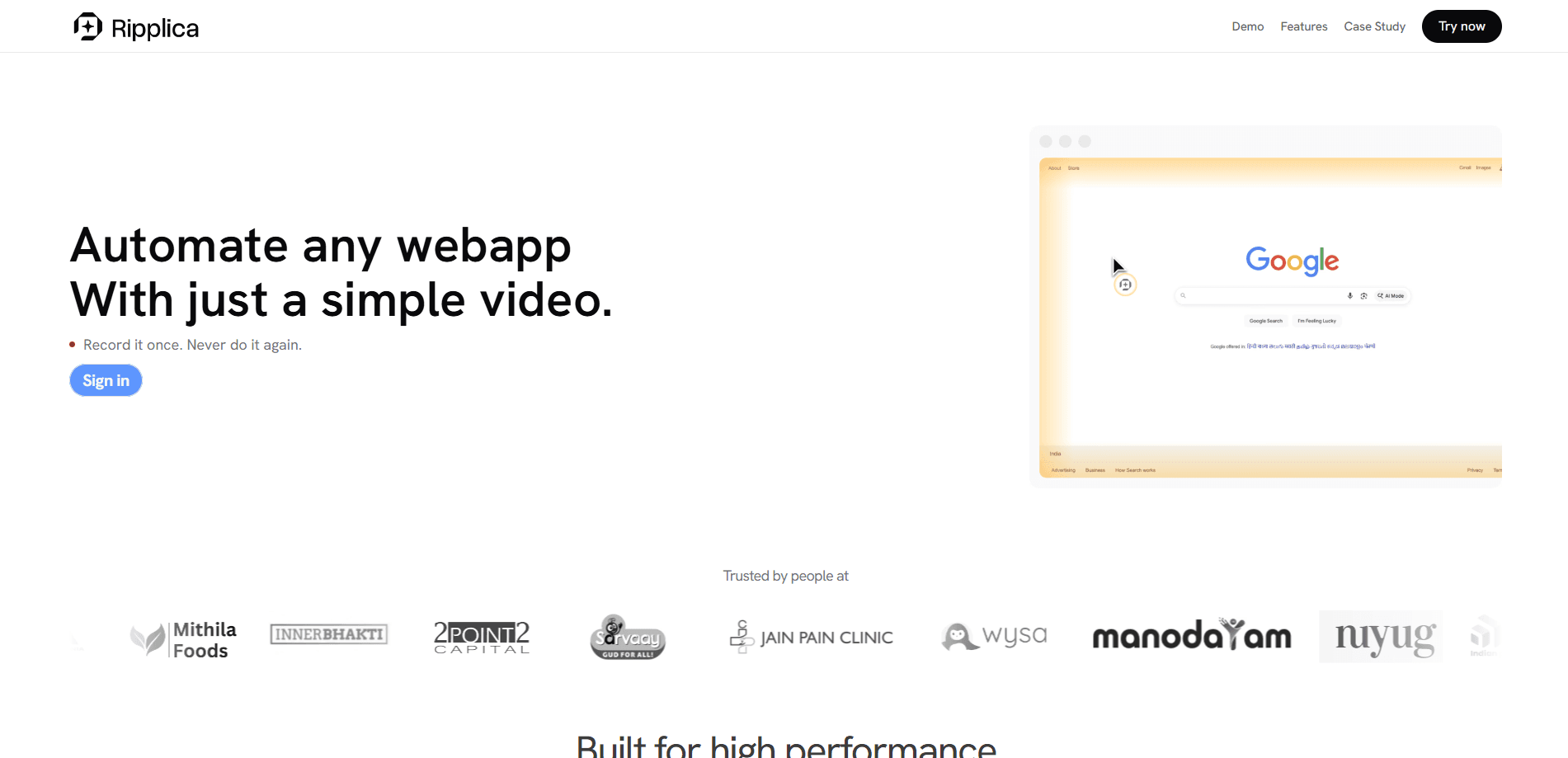
About Ripplica
What Is Ripplica
Ripplica is a VC-backed automation platform that creates AI assistants from videos of your browser tasks. Record a workflow once, and the platform learns the steps and repeats them on its own. The pitch is simple: the tools your team already uses usually don't talk to each other, and Ripplica bridges that gap without waiting on an API.
It's aimed at companies whose workflows run on browser busywork. Healthcare teams use it for patient replies, marketing teams for campaign operations, and QA teams for repeatable web and mobile tests. Ripplica says it serves over 1,000 customers. The company was built, in its own words, by gold medalists from IITs and BITS who wanted to take the grind out of routine software work.
The biggest limitation is that pricing isn't published. You have to talk to the team through [email protected] before you know what it costs. No transparency on price. There's also no free tier advertised, so you can't test the waters without a conversation. If you need a tool you can sign up for and try in five minutes, this isn't that.
Getting Started
- Request access or a demo through the contact email on the Ripplica site, since there's no public self-serve signup.
- Record the browser task you want automated, capturing each click and input the way you'd normally perform it.
- Let Ripplica turn the recording into a runnable assistant, and confirm it matches your intended workflow.
- Point the assistant at the apps it should operate and set how often it runs.
- Review the first few runs and hand off the routine work once the results look right.
Product Information
A quick look at Ripplica's pricing, supported platforms, and performance.
Best for
The users, tasks, and scenarios where this tool fits best.
Users
- Operations teams
- Healthcare front desks
- QA engineers
Tasks
- Repeating a login-and-data-entry sequence across a web tool
- Building no-code automation for a team with no developer
- Copying records between two apps that don't share an integration
- Running the same test pass after every release
- Freelancers who need one web automation tool for several jobs
Scenarios
- Handling daily recurring browser chores that eat an hour before real work starts
- Early project research across several web sources
- Content publishing on a fixed cadence
Key features
Record Once, Repeat Anywhere
The core of Ripplica is a recording-first approach to automation. You show the platform how a task works by doing it, and it builds an assistant that repeats those steps across nearly any web app. It records browser tasks without any setup beyond performing the task yourself. No API to wire up. No scripting language to learn. That matters most when the software you rely on has no integration options at all, and when the person who owns the workflow has zero interest in becoming an automation engineer just to stop copy-pasting between two browser tabs every afternoon.
No-Code Assistant Building
Building an assistant doesn't require a developer. If you can click through a workflow in a browser, you can hand that workflow to Ripplica. The trade-off is that recording quality drives output quality, so a sloppy capture with extra detours can produce a sloppy assistant. Garbage in, garbage out.
Cross-Application Workflows
Ripplica runs across multiple web apps in one flow. A routine that starts in one tool and finishes in another can be stitched together, since the assistant is driving the browser the same way a person would. This is where the no-API pitch pays off for teams stuck copying data between systems. What happens when the target app changes its layout? You'd need to re-record that step, since recording-based tools track the interface rather than a stable data connection.
Industry-Specific AI Tools
Beyond generic automation, Ripplica builds tools for specific industries. Healthcare customers get AI avatars for doctors and WhatsApp patient replies. Content teams get AI avatars that publish on a schedule. Marketing teams get campaign ops and lead workflows. QA teams get repeatable test runs, which means each department walks into a setup that already understands the shape of its work rather than a blank canvas they have to configure from scratch.
QA Test Automation
For testing, Ripplica records web and mobile flows and re-runs them whenever you need. Bugs surface through repeatable passes rather than one-off manual checks. It suits teams who want regression coverage but don't want to maintain a test framework, and it keeps the same test sequence consistent across releases so a regression is easier to spot when it shows up.
AI Avatars for Content
The content side of Ripplica centers on AI avatars. You build a realistic clone and let it publish without manual shoots or editing. Ripplica claims an avatar can post with discipline in about two minutes, which is the aggressive end of the marketing line and worth checking against a live demo before you build a content plan around it.
Pros and cons
Pros
- Recording a task is faster to learn than writing workflow automation scripts or wiring APIs.
- Works on web apps that have no integration or API, which covers a lot of internal tools.
- Serves several industries, so the templates and examples usually match your context.
- Combines browser automation with AI avatars and QA testing in one platform.
- Backed by a team Ripplica describes as gold medalists from IITs and BITS, with over 1,000 customers served.
Cons
- No published pricing, so you can't compare costs without contacting sales first.
- No free plan and no self-serve signup, which rules out quick hands-on testing.
- Settings and integrations rely on the vendor rather than a public API you control.
- Recording-based automation depends on a clean capture, so messy workflows need rework.
Frequently asked questions
Ripplica records a browser task once and turns it into an AI assistant that repeats the workflow across web apps. It's automation for teams whose daily work lives inside a browser, without needing APIs or code. You perform the task, the platform learns it, and future runs happen without you touching them.
Related content
Explore related tools, skills, and articles for Ripplica.
Ripplica Alternatives
Forefront
Forefront · CodingForefront is a web platform for building with open-source AI. It lets you fine-tune leading open-source language models on your own data, evaluate how they perform, and run them through an API or export them to host yourself. Developers who want the convenience of a closed-source platform but insist on owning their models and data are the target audience here.

Startkit
StartKit.AI · CodingStartkit is a boilerplate for building AI SaaS and AI wrapper products. Think of it as an AI startup boilerplate with the boring parts already wired up: authentication, Stripe and Lemon Squeezy payments, usage limits, transactional email, and an AI API starter that talks to OpenAI, Anthropic, Groq, or Llama. You clone the repo, set your price, and start on the part of your product that people actually pay for. It's Next.js under React and Tailwind, so most of the boilerplate code already feels familiar.
Testim
Tricentis · CodingTestim is an AI-powered test automation platform for building and running end-to-end tests across web, mobile, and Salesforce applications. It leans on machine learning to keep tests stable when an interface changes, so teams spend less time fixing broken selectors. Not bad for an automated testing tool you can start using today. You create tests by recording actions in a browser, then optionally add JavaScript when you need more control. It's a solid pick for busy QA teams.