

Rival Workshop
Rival · Coding · Productivity
Rival Workshop is a local app that puts every skill and rule file in your repo on a shelf, so you can see what Claude Code, Codex or Cursor loads before each task.
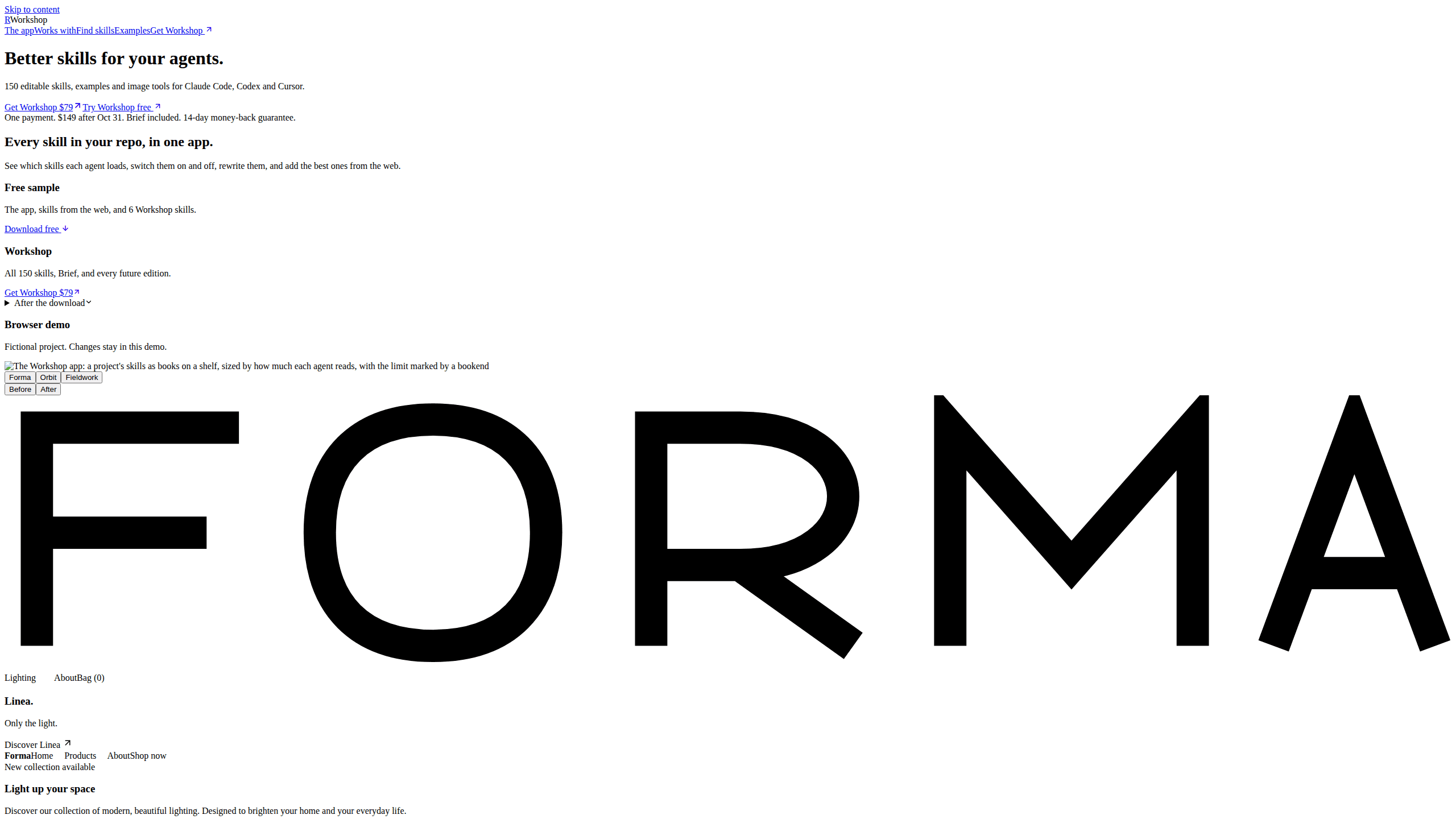
About Rival Workshop
What Is Rival Workshop
Rival Workshop reads the skills and rules folders of a project and draws them as a bookshelf. Each file becomes a book. The spine width tracks how much text the agent loads before a task starts, and a bookend shows where that file stops. It answers a question that is hard to settle from a terminal: what is in the agent's context right now?
AI agent skills pile up in most repos. Someone copies one from a blog, a second version arrives from a teammate, and a third sits in a hidden folder. Used as an agent skill manager, Rival Workshop shows that pile in one place and lets you switch a file off, keep it on demand, or rewrite it with Claude Code.
The app works on your local files rather than a hosted workspace. One node command starts it, and you pick the project folder it should read. That also sets the main limit: the usage view only reads local Claude Code and Codex session logs, so Cursor activity stays invisible, and a logged read does not prove the agent followed the instructions.
Getting Started
- Download the free sample from rival.tips and unzip it.
- With Node.js 20 or newer installed, run
node Library/app/workshop.mjsfrom the top folder. - Choose the project folder you want to inspect.
- Pick Cursor, Claude Code or Codex to see which files that tool can read.
- Turn a skill off, mark it on demand, or open Discover to add a new one after the safety scan.
Product Information
A quick look at Rival Workshop's pricing, supported platforms, and performance.
Best for
The users, tasks, and scenarios where this tool fits best.
Users
- Developers running Claude Code, Codex or Cursor across several projects
- Teams that inherit a repo with a folder of skills nobody documented
- People who collect skills from the web
Tasks
- Auditing context size
- Cleaning up duplicate versions
- Taking one skill out of a task
Scenarios
- Moving a repo from Cursor to Claude Code
- Handing a project to a teammate
- Testing a skill you found online
Key features
A shelf built from your repo
Each skill and rule file becomes a book. Spine width shows how much text the agent loads before a task, so a long skill looks different from a one paragraph note. Bookends mark where each file stops, which makes overlapping instructions easy to spot.
One view per agent
Switch between Cursor, Claude Code and Codex and the shelf redraws to show the files that tool can read. Claude Code skills do not always load in Cursor, and Cursor rules with file scoping behave differently again. The comparison saves you from guessing.
On, off, or on demand
A toggle takes a skill out of the agent's context without deleting the file. The on demand setting keeps it available for the moments you ask for it. Both changes are reversible, which matters when a skill is useful in one project and noise in another.
Discover with a scan first
You can pull a skill from the web inside the app. Workshop scans it and shows what it would write before anything lands in your project. That review step is the difference between a skill library and a folder of unknown markdown.
Editions and local edits
When a newer version of a skill exists, the app puts it next to your edited copy. You can compare the two and merge the parts you want. Skill version control usually means git and a careful diff; here it is a side by side read.
Usage logs, with limits
The usage view reads session logs from Claude Code and Codex and shows which skills were opened. Cursor sessions are not tracked. Treat the numbers as a signal about reads, not proof that the agent followed the instructions.
Library and saved shelves
The Library lists the skills that ship with the app and the optional 150 skill pack. Saved shelves keep a named view of a project, so you can return to the same arrangement of books instead of rebuilding it. Search finds a skill by task rather than by filename.
Pros and cons
Pros
- The free tier is usable: the app and six starter skills cost nothing, and the paid pack is optional.
- It runs locally with one node command, so no account or hosted workspace is required.
- Per-tool views answer a question that a file tree cannot: which rules each agent actually reads.
- Discover's scan and review step keeps unknown skills out of your repo until you approve them.
Cons
- Usage tracking covers Claude Code and Codex only, so Cursor users see an empty activity view.
- The skill pack costs $149 after the launch price ended on October 31, 2026.
- It manages skills rather than judging them: a badly written skill still loads, and the app will not tell you it is weak.
- Node.js 20 or newer and a terminal command are required, which rules out anyone who wants a one click install.
Frequently asked questions
It reads the skills and rules in a project folder and draws them as a bookshelf, so you can see each file the agent loads, how large it is, and where it stops. You can then switch files off, mark them on demand, or replace them.
Related content
Explore related tools, skills, and articles for Rival Workshop.
Rival Workshop Alternatives

Base Code
Base44 (Wix) · Coding · ProductivityBase Code is a shared cloud development environment from Base44. Teammates describe changes to an existing GitHub codebase in chat, preview them live and send them back as pull requests.

Google EmbeddingGemma 2
Google DeepMind · Writing · Image · CodingGoogle EmbeddingGemma 2 is a 740M-parameter open model that turns text, code, images, audio, and video frames into vectors in one 768-dimension space, running on phones and laptops.

GitGlow
GitGlow · Coding · ProductivityGitGlow is a local-first desktop Git client that lets independent developers review their own code and their AI agents' changes in one place before shipping.