

Roark
Roark (Y Combinator W25) · Voice & Language · Coding
Roark is a testing and monitoring platform for voice AI agents. It simulates callers before launch, scores every production call with audio models, and tracks whether a fix holds on live calls.
About Roark
What Is Roark
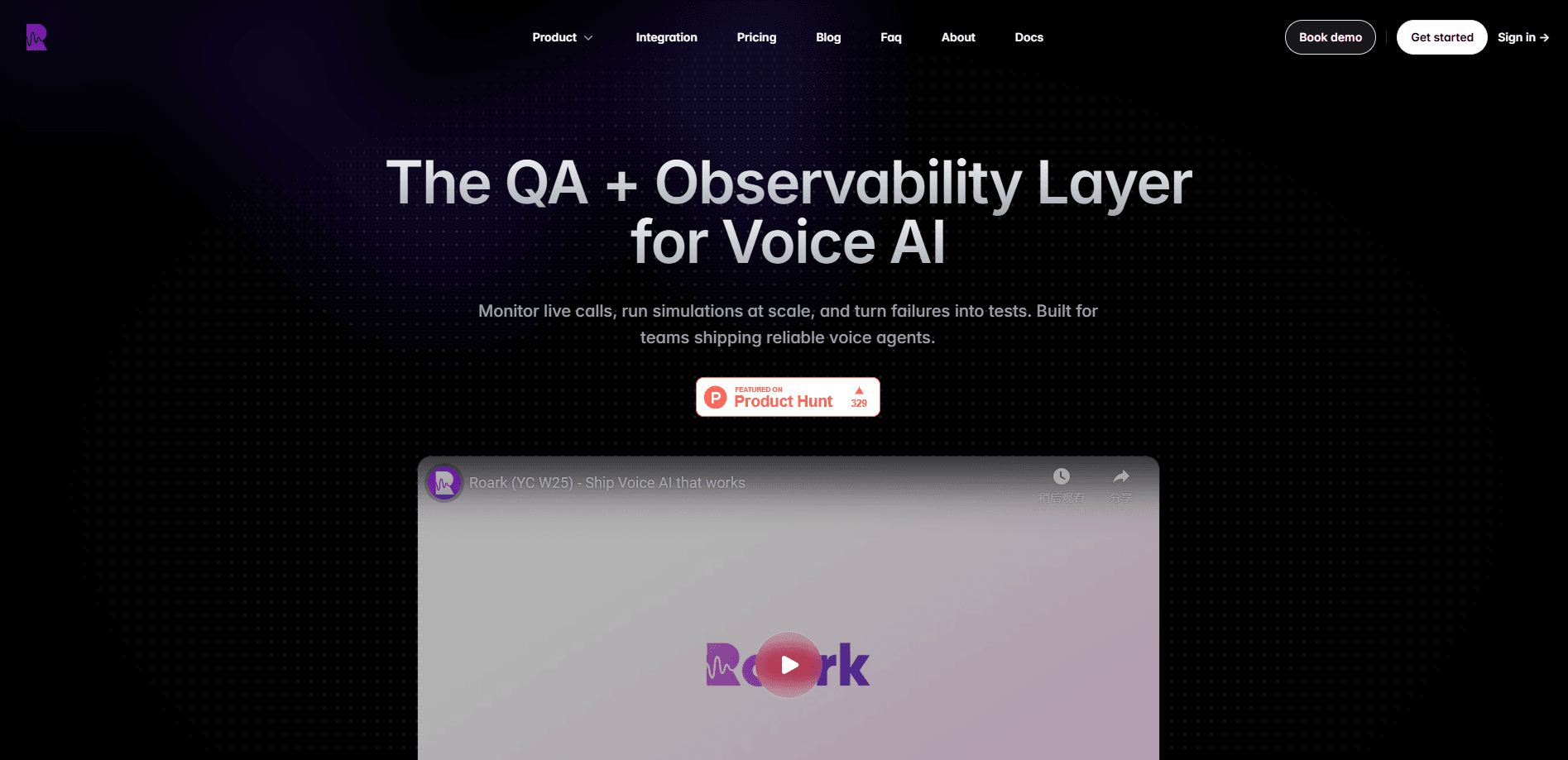
Roark is the QA and evals layer for voice AI agents. It doesn't build agents itself. You bring the voice agent you already run on Vapi, Retell, LiveKit, Pipecat or your own stack, and Roark watches what it does. It scores live calls, files what breaks, lets you replay a fix against simulated callers, then checks that the metric actually moved once you ship.
The problem it targets is blunt. A voice agent can sound fine in a demo and still mispronounce a drug name, miss an identity check or talk over a caller. Support and sales teams find those failures in complaints, not in logs. Roark turns each call into a score with the audio and the transcript attached, so a team can see which conversations went wrong and why.
Two things are worth knowing before you sign up. The platform is built for teams already running voice agents in production, so it's heavier than a scripted test tool. And the deeper metrics come from audio models Roark runs on the call itself, which is the company's main claim to being more than an LLM reading a transcript.
Getting Started
- Sign up at roark.ai and start with the $50 in free credit, with no card required
- Connect your voice stack, whether that's Vapi, Retell, LiveKit, Pipecat or a provider Roark supports
- Point it at live calls or send recordings, and let it score each one against the default metrics
- Add custom metrics and simulated callers, then review the failing calls and apply the fixes it drafts
Product Information
A quick look at Roark's pricing, supported platforms, and performance.
Best for
The users, tasks, and scenarios where this tool fits best.
Users
- Voice AI teams running agents in production
- Support operations managers
- Healthcare and regulated call teams
- AI engineers building evals
Tasks
- Pre-launch simulation
- Red teaming
- Post-call scoring
- Regression testing
- Fix verification
Scenarios
- A drug name comes out wrong
- A prompt change ships Friday
- An agent takes sales calls in several markets
- Launch day traffic spikes
- A compliance team needs evidence
Key features
Audio-Native Scoring
Most tools grade a transcript with an LLM and call it a day. Roark runs purpose-built audio models on the call itself. That's what lets it measure things a transcript loses, like pronunciation, accent clarity, vocal stress, pacing and how the agent handles interruptions. For teams whose product is the voice, that difference matters, since a transcript will never show that "metoprolol" came out wrong.
500+ Metrics and Custom Rubrics
Every call is scored against more than 500 metrics, split across audio, conversational, compliance and performance groups. Conversational metrics cover resolution, empathy, task success, hallucination and tone. Compliance tracks disclosures, PII exposure, identity checks and script adherence. You can write your own rubric too, and Roark scores it on every call automatically.
Simulation Against Realistic Callers
Before launch, you run the agent against hundreds of simulated callers built from your real call types. There's the angry one, the rambler and the interrupter. The simulation runs over real PSTN and WebRTC, so it exercises the same network path a customer uses. Red teaming callers try to break the agent on purpose, which is how you find out whether policy holds under attack.
Production Monitoring and Post-Call Analysis
Once the agent is live, Roark scores every call as it lands and files the failures it finds. For a call center AI QA workflow, that means every conversation gets a score instead of a sampled handful, with the audio kept behind it. Alerts fire on any metric threshold to Slack or a webhook, and dashboards let you track score trends by agent and version. OpenTelemetry traces break a conversation into per-turn spans, so you can follow one issue around the whole loop.
The Self-Improvement Loop
The product is built around one loop. Catch a failure in production, replay the fix against simulated callers, review the diff, then verify the metric moved on live calls. Roark drafts evidence-grounded prompt edits from the failing calls. When wording was never the problem, it suggests model, voice or infra swaps. You approve each change. The loop stays under your control.
Integrations, API and Live Bench
Roark connects to the major voice stacks, including Vapi, Retell, LiveKit and Pipecat, and ships an SDK, a REST API, an MCP server and a CLI. Its public leaderboard, Roark Live Bench, calls every speech-to-text, language model and speech engine combination over the real phone network and scores them end to end with the same engine that scores your calls.
Security and Compliance
Roark holds SOC 2 Type II and offers a HIPAA BAA on every plan, including pay-as-you-go. Enterprise adds SSO and SAML with SCIM provisioning, role-based access, IP whitelisting, data residency and a signed DPA. The company says it runs annual penetration tests, which is what a security review usually asks for before a vendor touches customer audio.
Pros and cons
Pros
- Scores the audio itself, so it catches pronunciation and vocal stress that transcript-based tools miss
- One free tier with $50 in credit and no card, so you can score real calls before paying
- Works with the stacks teams already run, including Vapi, Retell, LiveKit and Pipecat
- SOC 2 Type II and a HIPAA BAA on every plan, not paywalled behind Enterprise
- Simulation, monitoring and the self-improvement loop live in one platform instead of three tools
Cons
- Usage-based pricing means costs scale with call volume, so heavy monitoring needs a real budget
- The 500+ metrics take setup time, and teams that want a quick answer will find the depth overwhelming
- It only evaluates the agents you run, so it does nothing for teams still deciding what to build
- Some of the deepest features, like data residency and custom retention, are locked to Enterprise
Frequently asked questions
Roark is a testing and monitoring platform for voice AI agents. It simulates callers before launch, runs post-call analysis on every production call against more than 500 metrics using audio-native models, files the failures it finds, and verifies that a fix actually improved the metric on live calls. It doesn't build the agents, so you bring your own.
Related content
Explore related tools, skills, and articles for Roark.
Roark Alternatives

Prosp
Prosp · Writing · Voice & Language · MarketingProsp is an AI LinkedIn outreach tool built for agencies and sales teams, and it writes the message and the voice note in your own voice for each prospect so they actually reply. You connect your accounts, find leads, and let the AI draft and send personalized messages at scale, all from one inbox. It's built for people running outbound at volume. That's the whole pitch. Every touchpoint still has to feel human.

Wordly AI Translation
Wordly · Voice & Language · ProductivityWordly AI Translation is a real-time AI translation and captioning platform built for meetings, conferences, and events. It delivers live translation, captions, transcripts, and summaries in more than 60 languages, and attendees join by scanning a QR code or opening a link instead of using dedicated headsets. The platform works with Zoom, Microsoft Teams, Google Meet, and Webex, and it's designed for organizations that want multilingual access without hiring human interpreters for every session. Simple as that.
Musicful
Musicful AI · Voice & Language · VideoMusicful is an AI music generator and AI music video maker that turns text to music in minutes. Give it a text prompt, a set of lyrics, or a hummed melody and it returns a finished track with vocals and instruments. It also doubles as an AI song generator, produces music videos from the songs you create, and offers an AI cover tool plus a developer API. The platform runs in a web browser and through an Android app, so you can start a song on desktop and pick it up on your phone.