

Robomotion RPA
Robomotion · Coding · Productivity
Robomotion RPA is a cloud-native, low-code platform for building software robots and AI agents that automate repetitive work across web and desktop applications. You design flows on a drag-and-drop canvas, connect them to real business systems like ERPs, CRMs and banking portals, then run them on a schedule or on demand. The platform targets teams that want RPA's reliability plus AI's flexibility, without hiring a developer for every automation. It's workflow automation with a visual face.
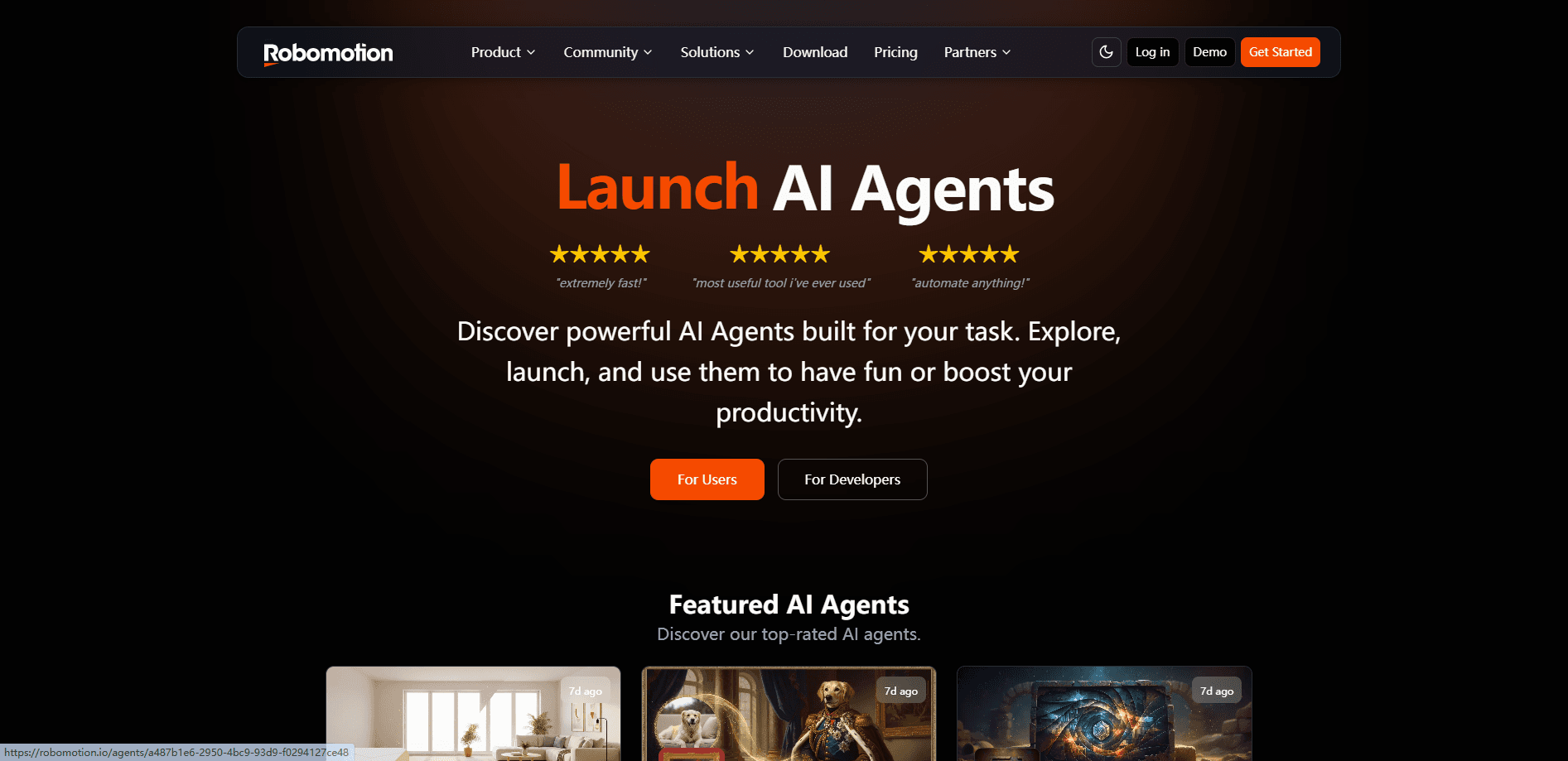
About Robomotion RPA
What Is Robomotion RPA
Robomotion RPA is a browser-based automation platform that runs in the cloud. This is low-code automation and no-code automation for teams that never wrote a script. You build flows by dragging nodes onto a canvas, wiring them together, and pointing them at the systems your team already uses. Those systems might be an ERP, a bank statement portal, a CRM, a help desk, or a tax filing site. The robots sign in, read records, fill forms, move data, and handle exceptions, much like a person would.
The pitch is that you don't need a computer science degree. Flows are visual. If you can describe the steps a task takes, you can usually draw them. So why pay for automation software at all? Because the tedious parts still add up. For teams drowning in copy-paste work such as invoice reconciliation or shipment tracking, that's the appeal.
Robomotion now markets itself as agentic RPA, where AI agents for business sit alongside classic software robots. Instead of only following fixed steps, agents can read a messy input and decide what to do next.
The main limit is scope. This is a serious automation tool, not a one-click fix. Complex flows with branching logic, credential handling and multi-factor sign-ins still take planning, and the free tier caps how much you can run each month. Small jobs may not be worth it. A quick script can often do the same work for free.
Getting Started
- Create a free Robomotion account and open the cloud designer in your browser.
- Pick a starting point: browse the template library or prompt the AI Assistant to draft a flow from a plain-language description.
- Drag nodes onto the canvas to define each step, then connect them and enter credentials for the systems the flow touches.
- Run the flow once in test mode to check each step, then schedule it to run automatically.
- Watch execution logs and adjust any node that fails before promoting the flow to production.
Product Information
A quick look at Robomotion RPA's pricing, supported platforms, and performance.
Best for
The users, tasks, and scenarios where this tool fits best.
Users
- Operations teams
- Small and mid-size businesses
- Non-developers
Tasks
- Bank reconciliation
- CRM duplicate cleanup
- Bulk shipment tracking
- Insurance eligibility checks
Scenarios
- Automating a daily fixed routine that eats hours of manual effort each week.
- Pulling data from a government or banking portal that has no API and requires a one-time code to sign in.
- Early-stage process research, where you sketch a flow to test whether automation is worth the effort.
Key features
Cloud Designer With a Drag-and-Drop Canvas
Flows are built in the browser on a visual canvas. You drag nodes, connect them, and configure each step without local installs or messy setup. No terminal. No setup script. Because everything lives in the cloud, a team can share flows and run them from anywhere, and every step stays open for editing, so you can jump in and change a node whenever the underlying process shifts.
AI Assistant That Builds Flows From a Prompt
Describe the automation you want in plain language and the AI Assistant assembles the nodes, connections and credentials on the canvas. Think of it as an AI agent for business that starts from your own words. This shortens the blank-canvas problem for newer users. The catch is that AI-built flows still need review before you trust them with live data, so treat the first draft as a starting point, not a finished robot.
Web and Desktop Automation in One Tool
Robomotion drives both web apps and desktop software. That matters for finance and healthcare teams whose work spans a browser portal and an installed ERP client. One flow covers both. A single flow can sign into a site, read a record, then update a desktop application, which is a step many single-purpose web automation tools simply can't handle without bolting on a second product.
Concurrency and Parallel Execution
Flows can run multiple workers side by side pulling from a shared queue. One shipped example checks around 200 shipment tracking numbers at once using 8 parallel workers. That's a lot of ground. For teams with long backlogs, that parallelism is the difference between a job finishing in minutes and crawling for hours.
Template Library and Prebuilt Use Cases
The platform ships with ready-made templates for common jobs like bank reconciliation, denial worklist triage and e-invoice harvesting. You can import a template and adapt it instead of starting from scratch. Each template also shows the skills it uses, such as flow control, branching or two-factor handling, so you can gauge the difficulty before committing.
Credential Management and Secure Sign-Ins
Robots sign into systems using your own credentials, and flows can handle one-time codes and multi-factor prompts. For teams wary of handing logins to a third party, keeping sign-ins tied to your accounts matters. Sensitive data stays within flows you control rather than passing through a shared pool.
Pros and cons
Pros
- Visual canvas makes web automation and desktop automation approachable for non-developers.
- Cloud-native design means no local installs and easy sharing across a team.
- Handles sign-ins with one-time codes and multi-factor prompts, which many basic tools can't.
- Parallel workers speed up high-volume jobs like bulk shipment tracking or eligibility checks.
- Free tier plus a 14-day trial lets you test real flows before paying.
Cons
- Free plan caps you at 50 credits a day, so heavy testing runs out fast.
- Complex flows with branching and credential handling still need real setup and testing time.
- No mobile app. Everything runs through a browser on a desktop or laptop.
Frequently asked questions
It's used to automate repetitive work across web and desktop systems, such as bank reconciliation, CRM cleanup, shipment tracking and insurance eligibility checks. The robots handle sign-ins, data entry, record updates and exception handling so people don't have to.
Related content
Explore related tools, skills, and articles for Robomotion RPA.
Robomotion RPA Alternatives
Forefront
Forefront · CodingForefront is a web platform for building with open-source AI. It lets you fine-tune leading open-source language models on your own data, evaluate how they perform, and run them through an API or export them to host yourself. Developers who want the convenience of a closed-source platform but insist on owning their models and data are the target audience here.

Startkit
StartKit.AI · CodingStartkit is a boilerplate for building AI SaaS and AI wrapper products. Think of it as an AI startup boilerplate with the boring parts already wired up: authentication, Stripe and Lemon Squeezy payments, usage limits, transactional email, and an AI API starter that talks to OpenAI, Anthropic, Groq, or Llama. You clone the repo, set your price, and start on the part of your product that people actually pay for. It's Next.js under React and Tailwind, so most of the boilerplate code already feels familiar.
Testim
Tricentis · CodingTestim is an AI-powered test automation platform for building and running end-to-end tests across web, mobile, and Salesforce applications. It leans on machine learning to keep tests stable when an interface changes, so teams spend less time fixing broken selectors. Not bad for an automated testing tool you can start using today. You create tests by recording actions in a browser, then optionally add JavaScript when you need more control. It's a solid pick for busy QA teams.