

RunInfra
RunInfra · Coding
RunInfra is an AI inference platform that handles two jobs in one account. You can call open-weight models it already hosts through an OpenAI-compatible API and an Anthropic-compatible one, or hand it a Hugging Face model in chat and let an agent tune the serving stack for you. It targets developers and small teams who want production endpoints without picking GPUs. Provisioning by hand isn't the job here. LLM serving on your own terms is.
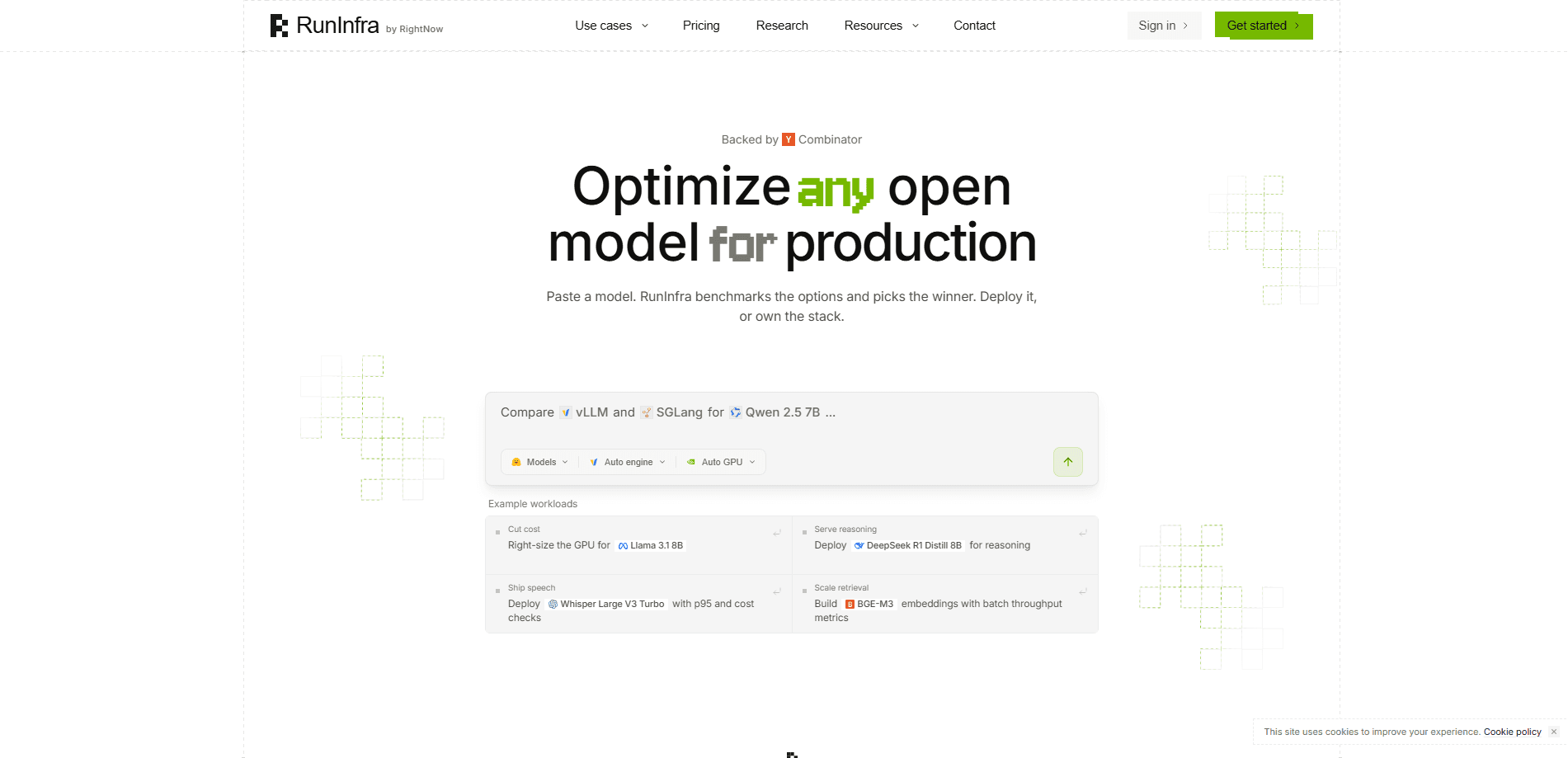
About RunInfra
What Is RunInfra
RunInfra is a hosted model API and an optimization service rolled into one workspace. The first half works like most model providers: you send an HTTP request to a base URL and get completions back. Chat completions and the Responses format follow the OpenAI spec, while Messages follows Anthropic, so existing SDKs usually drop in with a URL and key swap. There's no GPU to choose. No instance type to argue about.
The second half is the part that stands out. You describe a Hugging Face model in plain English, and RunInfra's agent benchmarks it, adjusts the serving stack, and returns a measured result rather than a marketing promise about how much faster it might eventually run. From there you either keep a live endpoint or export a deployment kit. The kit is inspectable and portable, which means you can move it onto your own hardware later.
The main constraint is money and scope. Access runs on prepaid credits rather than tiers, so you top up before you spend, and the workflow leans technical. If you've never touched an API key or a model repo, the agent chat will feel like a lot of moving parts. Is that a dealbreaker? Only you can say.
Getting Started
- Create a RunInfra account and add credits to the workspace balance. New accounts get $1 free, and the minimum top-up is $10.
- Generate an API key from the dashboard, then set the base URL to
https://api.runinfra.ai/v1. - For hosted models, point your existing OpenAI or Anthropic client at that base URL and pick a published model. For a custom model, paste its Hugging Face name into the chat agent.
- Review the benchmark result the agent reports, then choose an endpoint or export the deployment kit.
- Wire the endpoint into your app or coding tool and track usage against your balance.
Product Information
A quick look at RunInfra's pricing, supported platforms, and performance.
Best for
The users, tasks, and scenarios where this tool fits best.
Users
- Solo developers and small teams shipping AI features
- ML engineers with a Hugging Face model that needs tuning
- Cost-conscious builders
Tasks
- Swapping a hosted provider into an existing app
- Comparing serving configs for one model
- Moving off managed hosting
Scenarios
- Connecting a coding agent like Claude Code, Codex, or Cline to open-weight models through one workspace key.
- Standing up a prototype endpoint when you don't have GPUs yet and don't want to rent them blind.
- Keeping a model portable so a vendor change doesn't mean a rewrite.
Key features
OpenAI-Compatible and Anthropic-Compatible APIs
RunInfra exposes chat completions and Responses in the OpenAI format, and Messages in the Anthropic format. If your code already talks to either provider, you mostly change the base URL and the key. That keeps migration cheap. It also lets one workspace serve apps built on different SDKs.
Chat-Based Model Optimization
You name a Hugging Face model in the agent chat and describe what you need. The agent benchmarks it, tunes the serving stack, and reports a measured result, not a promise. It's the workflow that separates RunInfra from a plain model host, since the tuning step happens for you rather than staying your job.
Portable Deployment Kits
When optimization finishes, you can deploy an endpoint or export a deployment kit. The kit is inspectable, so you can read what was changed, and portable, so you can run it on your own hardware. That matters when you want the tuning work to outlive any single vendor.
One Workspace Balance
Agent chat, optimization runs, deployed endpoints, and model API calls all draw on the same balance. There's no plan to buy; you add credits as you go. One credit equals one dollar, so the math stays simple.
Broad Coding-Agent Support
RunInfra publishes connection steps for a long list of coding tools, including Claude Code, Codex, OpenCode, Aider, Cline, Zed, and others. This makes it a reasonable drop-in backend when you want open-weight models inside the editor or terminal you already use. Setup is documented, not guessed.
Pros and cons
Pros
- No GPU selection or provisioning, which removes the most error-prone part of self-hosting a model.
- Prepaid credits with no subscription, so light users aren't paying a monthly floor.
- Endpoints speak OpenAI and Anthropic formats, so most existing code needs only a URL and key change.
- The exportable deployment kit keeps the tuning work usable outside RunInfra.
- A published connection path exists for a wide set of coding agents.
Cons
- The workflow assumes comfort with APIs and model repos, so non-technical users will find it rough.
- Prepaid credits mean a call at zero balance returns a 402 before any work happens, so you have to watch the balance.
- The library lists no category for RunInfra, so the exact product family it belongs to isn't pinned down by the product data itself.
Frequently asked questions
It does two things. You can call open-weight models it hosts through OpenAI-compatible or Anthropic-compatible APIs, or hand it a Hugging Face model in chat and have an agent tune the serving stack into an endpoint or a portable kit.
Related content
Explore related tools, skills, and articles for RunInfra.
RunInfra Alternatives
Forefront
Forefront · CodingForefront is a web platform for building with open-source AI. It lets you fine-tune leading open-source language models on your own data, evaluate how they perform, and run them through an API or export them to host yourself. Developers who want the convenience of a closed-source platform but insist on owning their models and data are the target audience here.

Startkit
StartKit.AI · CodingStartkit is a boilerplate for building AI SaaS and AI wrapper products. Think of it as an AI startup boilerplate with the boring parts already wired up: authentication, Stripe and Lemon Squeezy payments, usage limits, transactional email, and an AI API starter that talks to OpenAI, Anthropic, Groq, or Llama. You clone the repo, set your price, and start on the part of your product that people actually pay for. It's Next.js under React and Tailwind, so most of the boilerplate code already feels familiar.
Testim
Tricentis · CodingTestim is an AI-powered test automation platform for building and running end-to-end tests across web, mobile, and Salesforce applications. It leans on machine learning to keep tests stable when an interface changes, so teams spend less time fixing broken selectors. Not bad for an automated testing tool you can start using today. You create tests by recording actions in a browser, then optionally add JavaScript when you need more control. It's a solid pick for busy QA teams.