

RunReact AI
Aditya Sharma (open source project) · Coding
ReactRun AI is a visual React component builder that lets you drag, drop and preview components while AI checks the code. It pairs live editing with GPT-4 reviews and exports production ready React.
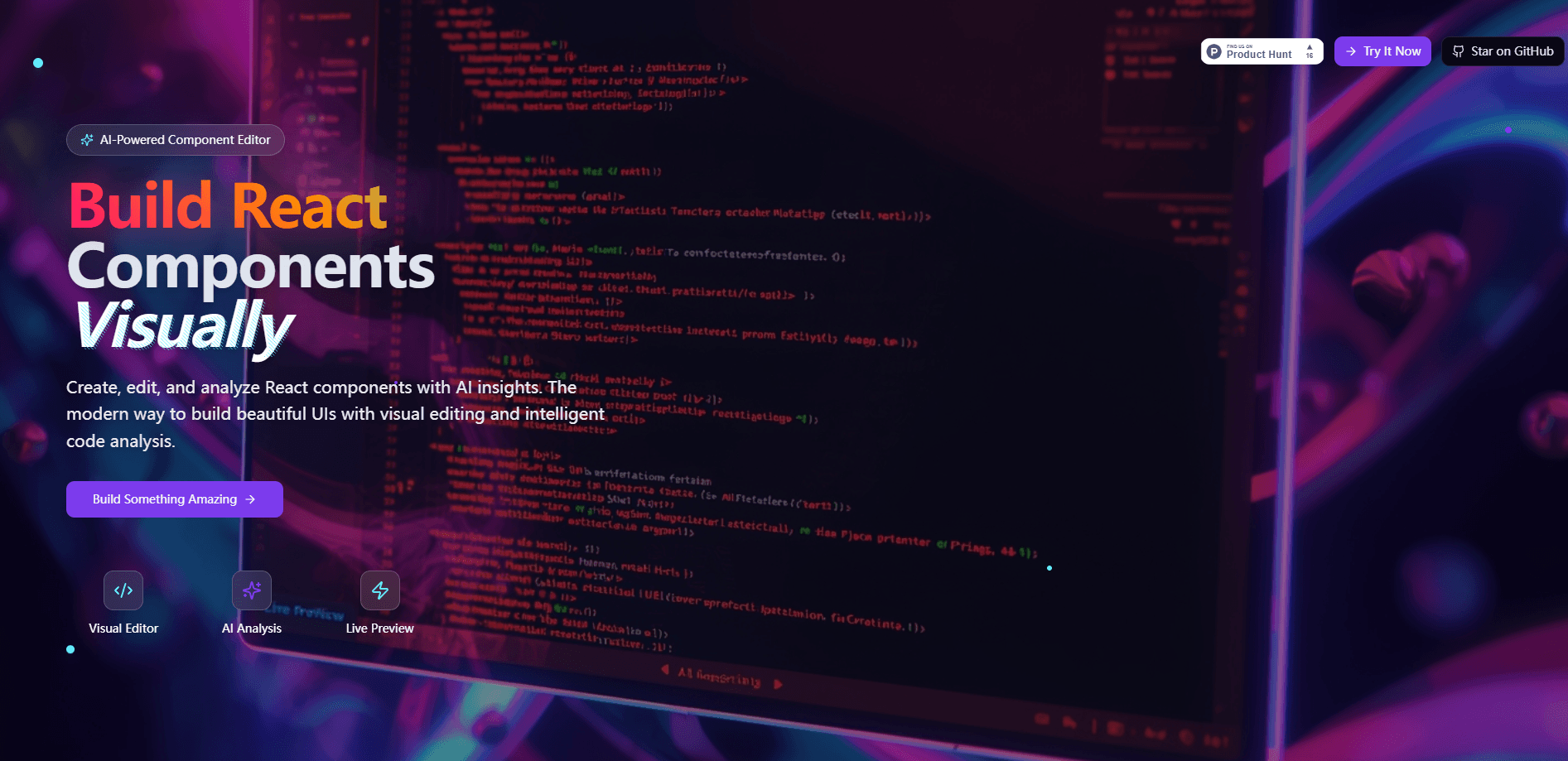
About RunReact AI
What Is ReactRun AI
ReactRun AI is a browser based workspace for building React components without hand writing all the scaffolding. You arrange elements visually, watch the code update in real time, and let an AI pass flag problems before the component ships. An open source project by an independent developer, it runs entirely in the browser at runreactai.vercel.app.
The problem it targets is the loop developers repeat for every new component. You write boilerplate, switch to the browser to check how it looks, then go back to review your own work. ReactRun AI folds those steps into one screen: build visually, see it render live, and get machine feedback on structure and performance in the same view.
The catch is maturity. The released build covers a visual editor, AI analysis, live preview and export, while features like team collaboration, version control and Figma to code remain on the roadmap. It's a young tool with a small community, so treat the AI suggestions as a second opinion rather than a final call.
Getting Started
- Open runreactai.vercel.app in a modern browser. No account or install is needed, and the tool loads in seconds.
- Drag components onto the canvas and arrange them into the layout you want.
- Watch the generated React and TypeScript update beside the preview as you build.
- Run the AI analysis to get suggestions on code quality, performance and best practices.
- Export the finished component as production ready code, or clone the repository to run it locally.
Product Information
A quick look at RunReact AI's pricing, supported platforms, and performance.
Best for
The users, tasks, and scenarios where this tool fits best.
Users
- React developers
- Front end beginners
- Solo builders and indie hackers
- Teams reviewing code quality
Tasks
- Prototyping a component's layout
- Catching code problems early
- Learning React patterns
- Exporting ready components
Scenarios
- Building a UI on a deadline
- Testing a layout idea
- Learning by doing
Key features
Visual Component Builder
The core workspace is a drag and drop editor on a canvas. You place elements, move them around and see the structure take shape without typing markup. Each change writes straight into the preview, so the gap between an idea and a rendered component shrinks to a few seconds.
AI Powered Code Analysis
ReactRun AI runs your component through GPT-4 and returns a review. It flags performance issues, suggests best practices and points out likely bugs, which is useful when you want a second opinion before review. The analysis reads like a code review rather than a generic linter report.
Real Time Live Preview
Components render as you build, with hot reload pushing changes to the preview instantly. You can resize the viewport and test responsive behavior in the same screen. No context switching between an editor and a browser tab.
TypeScript and Modern React Patterns
The builder targets TypeScript out of the box and follows current React conventions like hooks. Export produces typed, production ready code instead of throwaway snippets, so the output fits a real project.
Zero Configuration Setup
There's nothing to install. The tool runs in the browser, needs no environment variables or API keys from you, and loads in under thirty seconds. That makes it easy to try without committing to a toolchain.
Open Source and Self Hosting
The project is open source under the MIT License, so you can read the code, run the frontend and backend locally, and adapt it. Developers can clone the repository, point it at their own OpenAI key and deploy the frontend to Vercel and the backend to Render.
Pros and cons
Pros
- Combines a visual editor with live preview, so you build and check a component in one place.
- AI analysis returns concrete suggestions on performance, patterns and bugs rather than generic warnings.
- Exports typed, production ready React and TypeScript instead of placeholder code.
- Free and open source with no install, which lowers the barrier to trying it.
- Clear separation of frontend, backend and AI layers makes self hosting and tweaking straightforward.
Cons
- Team collaboration, version control and Git history are still on the roadmap, so it doesn't replace a shared workflow yet.
- The self hosted AI analysis needs your own OpenAI key, which adds setup and cost for local runs.
- Figma to code and design importing aren't available, so designs still need manual translation.
- With a small community and a young codebase, the tool is best for experiments rather than mission critical work.
Frequently asked questions
ReactRun AI builds React components visually and reviews them with AI. You drag elements onto a canvas, watch the React and TypeScript update live, run an AI analysis for code suggestions, and export production ready code.
Related content
Explore related tools, skills, and articles for RunReact AI.
RunReact AI Alternatives

Base Code
Base44 (Wix) · Coding · ProductivityBase Code is a shared cloud development environment from Base44. Teammates describe changes to an existing GitHub codebase in chat, preview them live and send them back as pull requests.

Google EmbeddingGemma 2
Google DeepMind · Writing · Image · CodingGoogle EmbeddingGemma 2 is a 740M-parameter open model that turns text, code, images, audio, and video frames into vectors in one 768-dimension space, running on phones and laptops.

GitGlow
GitGlow · Coding · ProductivityGitGlow is a local-first desktop Git client that lets independent developers review their own code and their AI agents' changes in one place before shipping.