

Salad - GPU Cloud
Salad Technologies · Coding
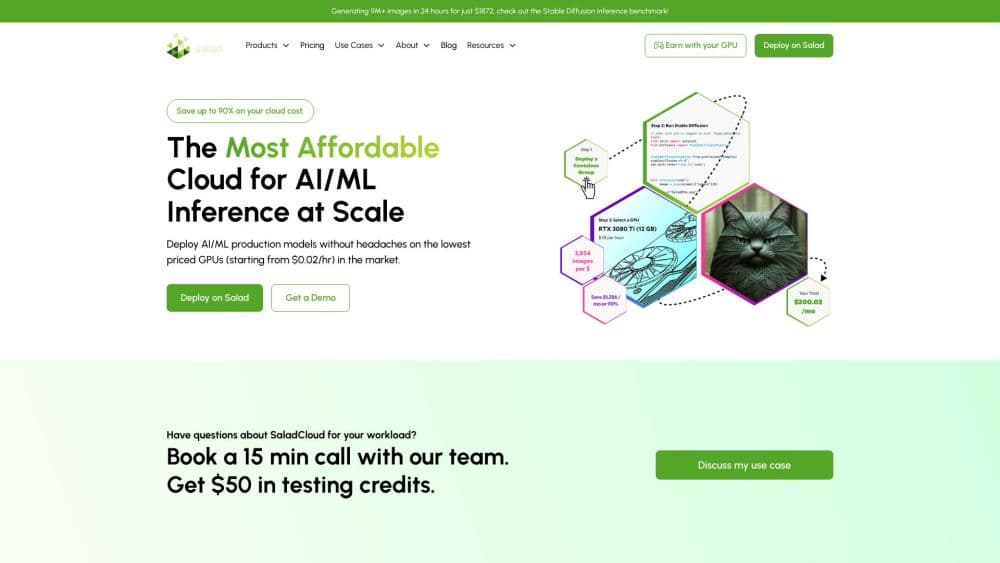
Salad is a distributed GPU cloud that runs AI containers and open-weight models across roughly 16,000 daily active GPUs in 190+ countries, starting near $0.015 per GPU-hour.
About Salad - GPU Cloud
What Is Salad
Salad is a GPU cloud built on hardware the company doesn't own. Instead of filling data centers with uniform racks, it pools idle consumer and workstation GPUs from gaming PCs and small offices around the world, then rents that capacity to developers and companies running AI workloads. The result is a compute pool that costs far less than traditional clouds. It also behaves differently in a few important ways.
The platform covers three things. You can deploy Docker containers to a distributed network of RTX-class GPUs, call open-weight models through an OpenAI-compatible token endpoint, or transcribe and synthesize audio with dedicated APIs. The same orchestration layer runs on Community Cloud, on reserved Dedicated hardware, and on Private Cloud inside your own machines.
The main trade-off is predictability. Because nodes belong to individuals, instances can be reallocated or disconnected when a machine goes offline. Salad handles this with priority levels and automatic reallocation, but it's a fit for workloads that tolerate interruption rather than for rigid, always-on clusters.
Getting Started
- Create a SaladCloud account and verify your details.
- Generate an API key from the portal, or grab a key for the AI Gateway if you only need model tokens.
- Package your workload as a Docker container, or pick an open-weight model from the Gateway catalog.
- Deploy through the portal or a single API call. Set a priority level and a replica count.
- Stream logs and check results; billing runs only while an instance is in the running state.
Product Information
A quick look at Salad - GPU Cloud's pricing, supported platforms, and performance.
Best for
The users, tasks, and scenarios where this tool fits best.
Users
- AI startups on tight budgets
- Solo developers and indie builders
- ML engineers prototyping inference pipelines
Tasks
- Batch image and video generation
- Audio transcription and text-to-speech
- Serving open-weight LLMs
Scenarios
- Scaling a demo into production without reserving data-center capacity
- Stretching a research grant further
- Keeping sensitive inference on your own hardware
Key features
Distributed GPU Pool
Salad schedules containers onto roughly 16,000 daily active GPUs drawn from gaming PCs and workstations in more than 190 countries. The hardware already exists, so the platform coordinates supply instead of financing new data centers, which is what keeps prices low.
Salad Container Engine
This orchestration layer handles container GPU deployment across nodes it has never seen. It verifies each machine, isolates it behind a hypervisor, and reallocates work the moment a node disappears. You ship a Docker image with a few resource settings instead of hand-tuning servers.
AI Gateway
The Gateway is an OpenAI-compatible API for open-weight models such as Qwen 3.6 and Qwen 3.5. The larger builds carry a 262,144-token context window. Point any OpenAI SDK at a new base URL and your agents, coding assistants, or apps start paying per token or a flat monthly fee.
Priority Levels and Per-Second Billing
Four priority tiers let you trade reliability against cost. High priority is never preempted; the lowest tier is cheapest and most interruptible. Billing stops the moment an instance stops, and allocation, image download, and cold start are free.
Specialized Modality APIs
Salad publishes tuned endpoints for specific jobs. Its transcription API reached 95.1% accuracy on CommonVoice, and its text-to-speech service is cited at up to 6 million words per dollar. Each figure links to a stated methodology rather than a marketing claim.
Private and Dedicated Deployments
Beyond the shared pool, Reserved Dedicated servers run on contract with RTX PRO 6000 Blackwell cards, and Private Cloud licenses the same orchestration stack for hardware you already own. Company data stays on company devices in the Private Cloud setup.
Pros and cons
Pros
- Cheap GPU rental: GPU-hour pricing starts around $0.015 for a distributed RTX 4090 cloud node, a fraction of what mainstream clouds charge for comparable work.
- Per-second billing with no contracts or minimums makes small experiments cheap to run.
- The container engine and AI Gateway reuse standard Docker and OpenAI tooling, cutting migration work.
- Specialized transcription and text-to-speech endpoints cover common audio tasks out of the box.
- Private Cloud and Dedicated options keep sensitive workloads on hardware you control.
Cons
- Instances can be preempted or disconnected when node owners go offline, so always-on services need retry logic.
- Nodes are consumer GPUs in homes and small offices, which rules out the tightly coupled multi-GPU training that data centers support.
- There is no free trial, so you pay from your first test run. The entry cost is small, but nothing is free.
- The AI Gateway is still in early access, and its model catalog is narrower than dedicated token providers.
Frequently asked questions
No. You're billed only for the seconds an instance spends in the running state. Allocation, image download, and container start are free.
Related content
Explore related tools, skills, and articles for Salad - GPU Cloud.
Salad - GPU Cloud Alternatives

Base Code
Base44 (Wix) · Coding · ProductivityBase Code is a shared cloud development environment from Base44. Teammates describe changes to an existing GitHub codebase in chat, preview them live and send them back as pull requests.

Google EmbeddingGemma 2
Google DeepMind · Writing · Image · CodingGoogle EmbeddingGemma 2 is a 740M-parameter open model that turns text, code, images, audio, and video frames into vectors in one 768-dimension space, running on phones and laptops.

GitGlow
GitGlow · Coding · ProductivityGitGlow is a local-first desktop Git client that lets independent developers review their own code and their AI agents' changes in one place before shipping.