

Sam Tts
Sam Tts · Voice & Language
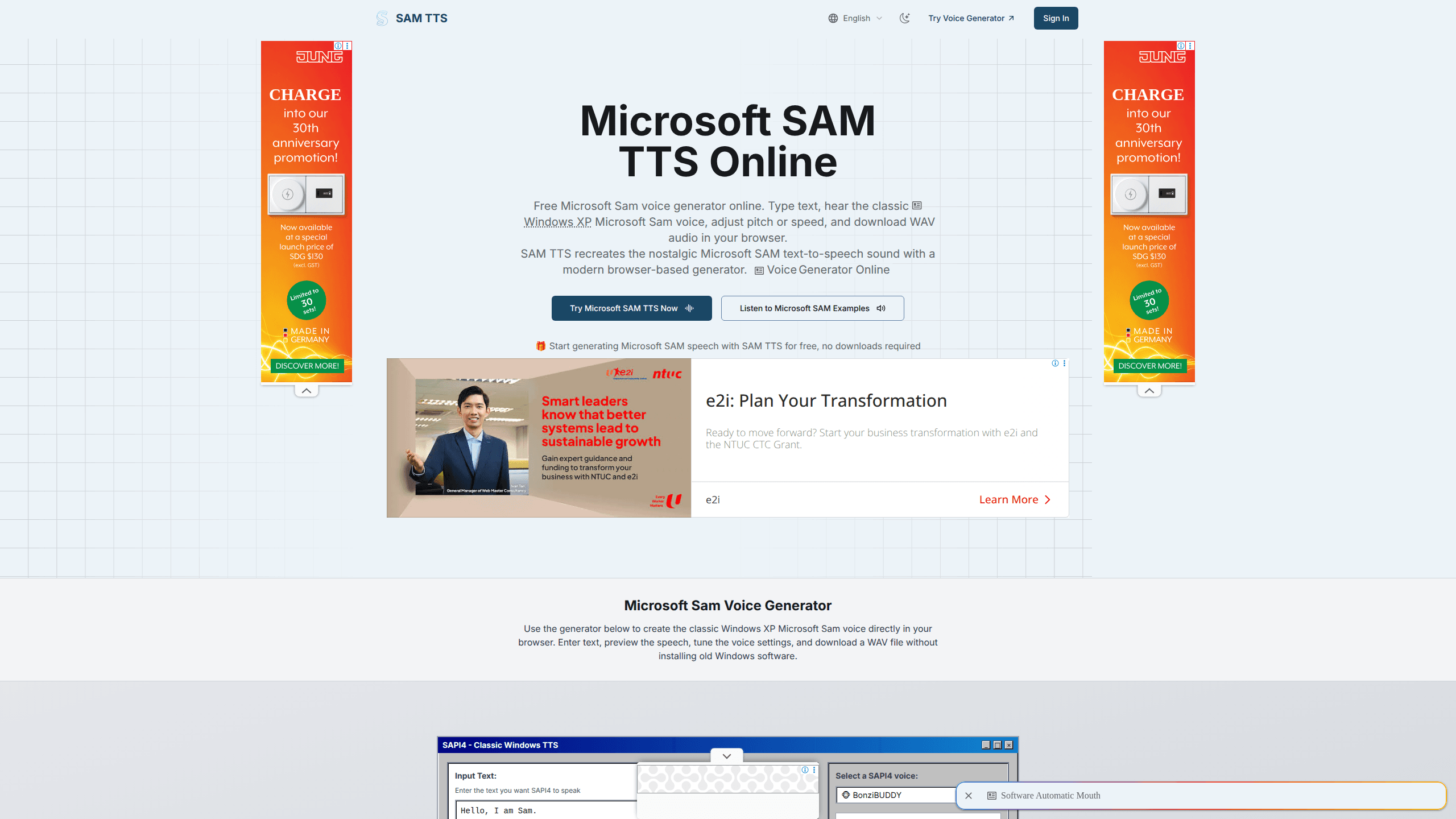
Sam Tts is a free browser-based Microsoft SAM text to speech tool that recreates the classic Windows XP voice in a modern web page. You type text, pick a SAPI4 voice like the default Microsoft Sam, BonziBUDDY or Elf, tune pitch and speed, then preview the speech and download a WAV file. It runs entirely in your browser with no install, which makes it handy for nostalgia clips, meme audio and quick character voices.
About Sam Tts
What Is Sam Tts
Sam Tts is a web reimplementation of the old Microsoft SAM voice, the robotic Windows XP narrator that shipped with the Microsoft Speech API. The original voice lived inside SAPI4 and SAPI5 builds of Windows, and it's the sound most people picture when they think of a creaky desktop computer talking back. Sam Tts rebuilds that voice engine in JavaScript so it plays through a modern browser instead of a 20-year-old operating system.
The pitch is the same as the original, which is the whole point. People come here to recover a specific sound, not to find a natural-sounding narrator, so Sam Tts leans on the authentic robotic tone and skips any attempt at lifelike audio. Pitch, speed, mouth and throat settings all carry over, which is what lets you bend the flat default voice into squeaky elves and slow, droning robots.
The biggest limit is scale. This is a single-voice novelty generator, not a production voiceover service. There's no account system, no voice cloning, and the audio comes out as a WAV file rather than a polished studio render. If you need hours of narration or multiple natural voices, a dedicated TTS platform will serve you better.
Are you here for the memes or for a real voiceover? That answer decides whether Sam Tts fits.
Getting Started
- Open samtts.com in Chrome, Firefox, Safari or a mobile browser. Nothing to download.
- Type or paste the text you want spoken into the input box.
- Pick a SAPI4 voice from the dropdown, such as the default Microsoft Sam, Elf, Little Robot or Stuffy Guy.
- Adjust the pitch and speed sliders until the playback sounds right. Hit the Magic button if you want random sample text.
- Play the preview. Then download the result as a WAV file.
Product Information
A quick look at Sam Tts's pricing, supported platforms, and performance.
Best for
The users, tasks, and scenarios where this tool fits best.
Users
- Nostalgia fans rebuilding the Windows XP era
- Meme makers and short-video creators
- Hobbyist developers testing a classic voice
Tasks
- Generating short meme or prank audio
- Making character voices for a game jam or animation test
- Prototyping a text to speech feature
Scenarios
- Late-night nostalgia browsing when you suddenly want to hear "the computer talk" again
- Adding a robot voice to a student video project on a school laptop
- Quick classroom or demo moment where you need a recognizable computer voice
Key features
Authentic Microsoft SAM voice
Sam Tts recreates the original Windows XP SAM narrator rather than approximating it with a generic engine. The output keeps the flat, buzzing cadence that made the voice memorable, so clips sound the way people remember them. If you want the exact tone from old Windows, this is the point of the tool. Nothing else here sounds quite like it.
Adjustable pitch, speed, mouth and throat
Sliders for pitch and speed let you push the default voice into something higher, lower, faster or slower, while mouth and throat settings shape the character of the sound. That's how you get a chirpy elf or a sluggish robot from one base voice. Small tweaks change the whole personality of a line, which matters for comedic timing. Want a squeaky villain? Two clicks.
Built-in SAPI4 voice presets
The site ships a preset library that includes the default Microsoft Sam, BonziBUDDY, Elf, Little Robot, Stuffy Guy, Little Old Lady and Extra-Terrestrial. Each preset is a pre-tuned character voice, so you can grab a distinct tone without dialing in settings from scratch. It's the quickest path from text to a specific character sound. Pick one and go.
Runs entirely in the browser
Sam Tts is a lightweight JavaScript implementation that runs client-side, with the engine reported at under 100KB. There's no plugin, installer or account, and Chrome, Firefox, Safari and mobile browsers all handle it. For anyone who just wants a quick result, that zero-setup approach is the real draw. Open the page and type.
WAV download and instant preview
You can hear the speech before you commit to a download, and finished audio exports as a WAV file you can drop into an editor or upload elsewhere. Preview-then-download keeps the loop tight when you're tuning pitch for a specific joke. No export queue and no watermark on the audio. Just clean files.
Simple developer API
The site offers an API so you can trigger SAM speech, generate audio buffers or handle downloads from your own code. For hobby projects that want a classic voice, it saves you from reimplementing the engine. It's a convenience layer here, not a full production speech platform. Good enough for a side project.
Pros and cons
Pros
- Free to use with no account, signup or install, so you can generate audio in seconds.
- The voice is faithful to the original Windows XP Microsoft Sam rather than a modern substitute.
- Adjustable pitch, speed, mouth and throat settings plus presets give you real control over the character voice.
- Works across Chrome, Firefox, Safari and mobile, including on locked-down machines.
- Exports WAV files for use in editing, and a simple API covers quick developer needs.
Cons
- It's basically one voice family, so there's no range for projects that need several natural narrators.
- The robotic tone is the appeal, which means it won't work if you want clear, lifelike speech for long-form narration.
- No account or saved projects, so settings and text aren't kept between visits.
Frequently asked questions
Sam Tts is a free online generator that turns typed text into speech using the classic Microsoft SAM voice from Windows XP. People use it for nostalgia clips, meme audio, character voices and quick text-to-speech experiments in the browser.
Related content
Explore related tools, skills, and articles for Sam Tts.
Sam Tts Alternatives

Foley
Hanamori Labs, LLC · Voice & Language · Productivity · AI AssistantFoley is a voice to-do list that turns a spoken sentence into a filed task, complete with project, date and time, then helps you plan the day around what is already there.

HireKey
HireKey · Voice & Language · Productivity · LeaningHireKey is an AI job search copilot built by a former tech recruiter. It checks role fit, tailors resumes, runs interview practice and tracks every application.

Fluence
Yay Software (Yannick Huchard) · Writing · Voice & Language · ProductivityFluence is an Android app that reads PDFs, EPUBs, Word files and web articles aloud, follows each sentence as it speaks, and answers questions about the text on the phone itself.