

Sapling
Sapling.ai · Writing · Marketing
Sapling is a language AI platform with a writing assistant plus a developer API. It handles grammar fixes, AI text detection, rewriting, text analysis.
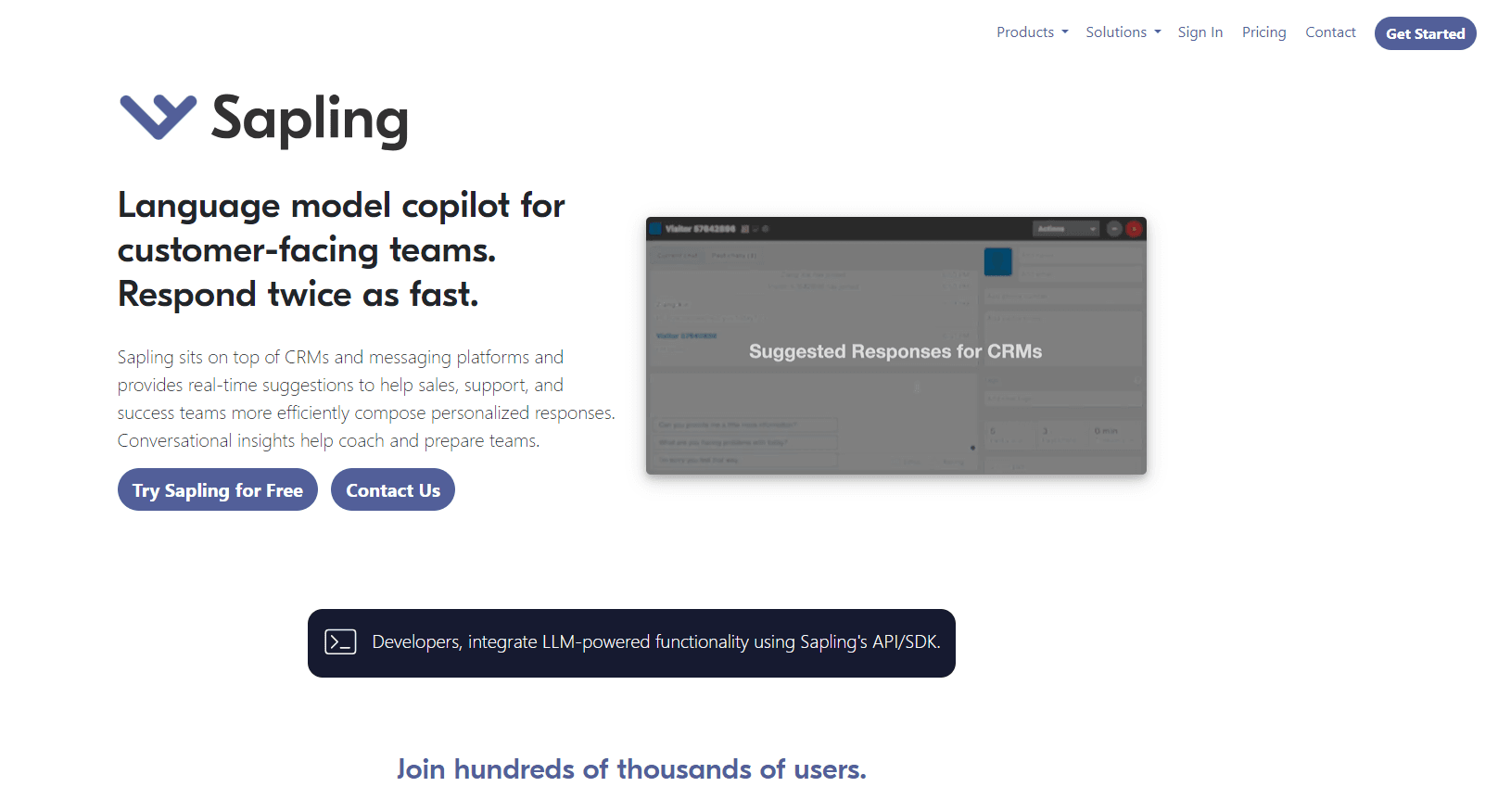
About Sapling
What Is Sapling
Sapling is a language AI platform from Sapling.ai, a company founded by former researchers from Google and Meta. It ships in two shapes: a writing assistant that sits inside the tools people already type in, and an HTTP API with SDKs and an MCP server for teams that process text at volume. Both run on the same models. A support rep fixing a reply and a developer scoring thousands of tickets pull from one system.
The assistant handles grammar, spelling, and punctuation as you type, and it works much like the grammar checker most people already know. It also flags AI-generated text, rephrases uneven sentences, and finishes sentences as you go. For developers, the API adds the parts a browser plugin can't reach: zero-shot classification into your own labels, typed field extraction, named-entity recognition, PII detection and redaction, tone and sentiment scoring, readability stats, content safety scoring, and translation across more than 170 languages. Every text call returns JSON with exact character offsets, which is the point. You get structured data back, not a chat reply.
The main catch is positioning. Sapling isn't a general chatbot, and it doesn't pretend to be. It does specific text operations and stops there. If you want a model to draft a blog post from scratch, look elsewhere. If you want deterministic output to plug into a pipeline, that's the lane it runs in. Enterprise buyers also get controls a consumer tool won't offer: SOC 2 Type II, GDPR, HIPAA support, zero data retention options and self-hosting.
Getting Started
- Register at sapling.ai with an email, then confirm the account to start a free one-month trial of Pro.
- Install the browser extension to get writing suggestions in web editors, Google Docs, Outlook and Word, or keep working in a supported integration.
- For the API, create a key in the API settings dashboard. New keys come with a free developer quota of 50,000 characters per day.
- Send a POST request with your text and a session ID to the endpoint you need, then read the JSON response and apply the suggested edits by offset.
Product Information
A quick look at Sapling's pricing, supported platforms, and performance.
Best for
The users, tasks, and scenarios where this tool fits best.
Users
- Customer support teams
- Non-native English speakers
- Developers building text features
- Editors and content reviewers
Tasks
- Fixing grammar and spelling at scale
- Screening text for AI authorship
- Redacting personal data
- Restyling a draft
- Classifying and extracting from unstructured text
Scenarios
- A support org tightening replies across a large team
- A product team adding an AI check to a job board or review site
- A company handling sensitive data
Key features
Writing Assistant Across Apps
The writing assistant for Google Docs is the same tool that runs in Outlook, Word and a browser extension, and it connects to 70 or more apps. Install it once and you get suggestions in most web editors and business apps. That breadth matters. People don't write in one place all day; they move between a help desk, an inbox and a document.
AI Content Detector
The detector estimates whether text was written by a machine, and it shows a score for the whole piece and for each sentence. Longer texts give better results; the tool gets noticeably more accurate past roughly 50 words. Sapling itself warns against using any detector, its own included, as a standalone verdict, since false positives and missed detections happen. Free checks cap at 2,000 characters, while Pro and Enterprise reach 100,000.
Grammar and Spelling Edits
The edits endpoint and the in-app assistant correct grammar and spelling, and they catch punctuation slips. Each fix comes with an exact character offset. Offsets mean a program can apply the fix without guesswork, and a person can accept or skip it in the editor. A spelling-only endpoint covers cases where grammar changes aren't wanted.
Rephrase and Simplify
Rephrasing reshapes a sentence while keeping its meaning, and simplify rewrites text to a chosen reading level. You can shift formality or tone too. This is the part that helps when a draft is technically correct but reads awkwardly, and it's available both in the app and through the API.
Text Analysis Endpoints
The API returns tone, sentiment, readability statistics, a writing-quality rubric and SEO metadata, all as structured JSON. Language detection and content-safety scoring round out the set. Each endpoint answers a narrow question well instead of bundling everything into one vague call.
Structure and Redaction
Zero-shot classification sorts text into labels you define, with no training step. Extraction returns typed fields with the spans that support each value, named-entity recognition tags people and places, and PII detection returns the positions of personal data so it can be masked. These calls suit pipelines that need to route or clean text before it's stored.
Autocomplete and Completion
The complete endpoint finishes sentences based on context, and Autocomplete Everywhere brings that into the editor. It's meant for repetitive writing where a phrase repeats across tickets or notes. The suggestions stay editable, so writers keep control instead of accepting a block of prewritten text.
Security and Deployment Choices
Sapling runs on AWS with TLS in transit and AES-256 at rest, on isolated networks with default-deny access. It holds SOC 2 Type II and GDPR compliance, supports HIPAA and PCI needs, and undergoes annual penetration testing. Enterprise accounts add audit logs, role-based access control, single sign-on and self-hosting for teams that can't send text off-site.
Pros and cons
Pros
- One platform covers both an everyday writing assistant and a developer API, so a team can standardize on the same models.
- The API returns JSON with character offsets, which makes results easy to apply in code rather than parse by hand.
- A free developer quota of 50,000 characters per day lets you test the API without a credit card.
- Enterprise controls are real: SOC 2 Type II, HIPAA support, zero data retention and self-hosting.
- Per-endpoint pricing means you pay for the calls you use, not a flat fee for functions you ignore.
Cons
- It's a text-processing tool, not a general chatbot, so it won't draft long content from a prompt.
- The AI detector can produce false positives and misses, and Sapling says it shouldn't be the only check you rely on.
- Costs scale with character volume, so heavy usage on large documents adds up faster than a flat seat price lets on.
- Some of the most useful features, like style guide enforcement and self-hosting, sit behind the Enterprise plan.
- The free tier caps AI detection at 2,000 characters, too short for full articles in one pass.
Frequently asked questions
Sapling corrects grammar and spelling, and it catches punctuation slips. It also detects AI-generated text, rewrites and simplifies writing, and analyzes text for tone, sentiment and readability. It offers a writing assistant for everyday tools and an API for developers who process text at scale.
Related content
Explore related tools, skills, and articles for Sapling.
Sapling Alternatives

Google EmbeddingGemma 2
Google DeepMind · Writing · Image · CodingGoogle EmbeddingGemma 2 is a 740M-parameter open model that turns text, code, images, audio, and video frames into vectors in one 768-dimension space, running on phones and laptops.

MePersona
MePersona, Inc. · Writing · Productivity · MarketingMePersona is an AI unified inbox for creators. It learns your voice, drafts replies to fan messages from 12 platforms, and sends only what you approve.

Fluence
Yay Software (Yannick Huchard) · Writing · Voice & Language · ProductivityFluence is an Android app that reads PDFs, EPUBs, Word files and web articles aloud, follows each sentence as it speaks, and answers questions about the text on the phone itself.