

Saski AI
Saski AI · Marketing · Chatbot
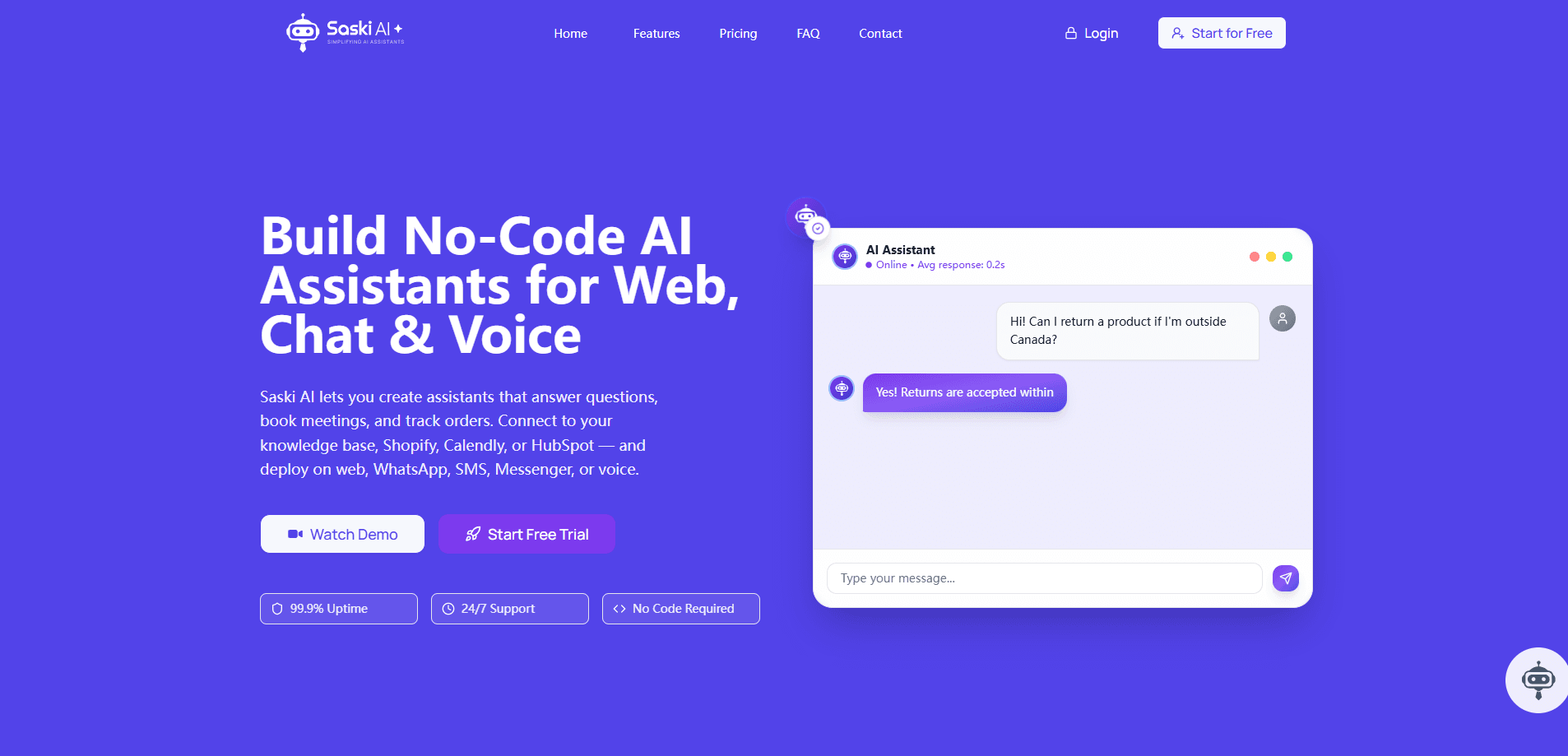
Saski AI is a no-code platform for building AI customer service assistants that answer customers on WhatsApp, SMS, voice, and your website, capture leads, and sync them to your CRM.
About Saski AI
What Is Saski AI
Saski AI is a customer service automation platform that lets small teams build and launch AI assistants without writing code. You train an assistant on your own content, connect it to messaging channels, and it answers customer questions around the clock. It brings omnichannel customer support, lead capture, and CRM integration into one workspace.
The product targets businesses that get the same handful of questions all day. Instead of staffing a chat window 24/7, you let the assistant handle routine replies, capture contact details, and hand off anything complex to a human. It works as an AI chatbot builder for people who want a WhatsApp chatbot, an SMS chatbot, or a voice agent without hiring engineers.
The main limit is that Saski AI is a builder, not a full contact center. It manages conversations and leads well, but teams that need deep ticketing, call recording, or heavy analytics will still run those in a separate system.
Getting Started
- Create an account and open the no-code assistant builder.
- Feed it your knowledge base by scraping a website URL or sitemap, or by uploading PDFs, Word docs, Excel files, or pasted text.
- Connect the channels you want, such as WhatsApp, SMS, Facebook Messenger, website chat, or voice.
- Link tools like Shopify, Calendly, or HubSpot so the assistant can book, track orders, and update records.
- Test the assistant in the built-in playground, then deploy it live.
Product Information
A quick look at Saski AI's pricing, supported platforms, and performance.
Best for
The users, tasks, and scenarios where this tool fits best.
Users
- Small support teams
- Ecommerce sellers
- Appointment-based businesses
Tasks
- Answering common questions
- Capturing and syncing leads
- Booking and rescheduling
Scenarios
- After-hours coverage
- Multichannel support
- Voice call handling
Key features
No-Code Assistant Builder
Saski AI walks you through a guided, form-based flow to create and launch an assistant. You pick a name, load content, and set how it should respond without touching code. That keeps setup within reach for a marketing or ops person rather than a developer.
Omnichannel Deployment
One assistant can run on website chat, WhatsApp, SMS, Facebook Messenger, and voice. Customers reach out on whatever channel they already use, and replies stay consistent across all of them. Managing everything from one dashboard saves the work of running separate bots per channel.
Flexible Knowledge Base
You train the assistant by scraping a website URL or sitemap, or by uploading PDFs, Word docs, and Excel files, plus pasted text. All of it lands in one place you can update. The quality of your answers depends on how current and complete that content is.
Tool Integrations
Saski AI connects to Shopify, Calendly, HubSpot, and similar tools to automate bookings, order tracking, and CRM updates. Rather than just answering questions, the assistant can act, which is what separates it from a plain FAQ bot. Each integration needs a quick setup in the workspace.
Lead Capture and CRM Sync
Every conversation can turn into a contact record. The assistant collects details such as name, email, and intent, then syncs them straight to your CRM or lead management tool, so lead capture and CRM integration run on autopilot. For teams where chat is a sales channel, that means fewer leads slipping through the cracks.
Voice Assistant
Assistants can be deployed to your phone system to handle calls. This lets you cover routine phone questions without a receptionist on duty. It's best for straightforward requests, since complex calls still need a person.
Multilingual Support
Assistants respond in 12 languages automatically, so you can serve customers outside your home market from the same setup. The assistant picks the language from the conversation, which means no separate builds per region.
Conversation History and Live Testing
A built-in playground lets you test assistants before they go live. After launch, you get full visibility into past interactions across every channel, so you can track logs, follow up with leads, and spot where the assistant struggles.
Pros and cons
Pros
- No-code builder means non-technical staff can launch an assistant in a short session.
- One platform covers website, WhatsApp, SMS, Messenger, and voice instead of separate tools.
- Direct integrations with Shopify, Calendly, and HubSpot turn chat into bookings and CRM updates.
- Lead capture and history tracking give sales teams a clear record of every conversation.
Cons
- Answer quality tracks your knowledge base, so outdated content produces outdated replies.
- It's not a full help desk, so teams needing ticketing, SLAs, or call recording still need another tool.
- Setup work shifts to whoever maintains the knowledge base and channel connections, not just the builder.
Frequently asked questions
Saski AI automates customer conversations. You build an AI assistant that answers questions, captures leads, and books appointments across messaging channels and voice.
Related content
Explore related tools, skills, and articles for Saski AI.
Saski AI Alternatives

ngram 2.0
ngram · Video · Marketingngram 2.0 is an AI video generator for teams. It turns a prompt, a screen recording, or a product URL into a narrated explainer, product demo, or AI avatar video, and every scene stays editable.

shippedit.me
Krawlup · Marketing · Businessshippedit.me now redirects to Krawlup, a web platform that audits SEO, AEO and page speed every week, then hands the fixes to AI coding agents over MCP.

MePersona
MePersona, Inc. · Writing · Productivity · MarketingMePersona is an AI unified inbox for creators. It learns your voice, drafts replies to fan messages from 12 platforms, and sends only what you approve.