

Saydi: AI Real Time Translator
Saydi · Writing
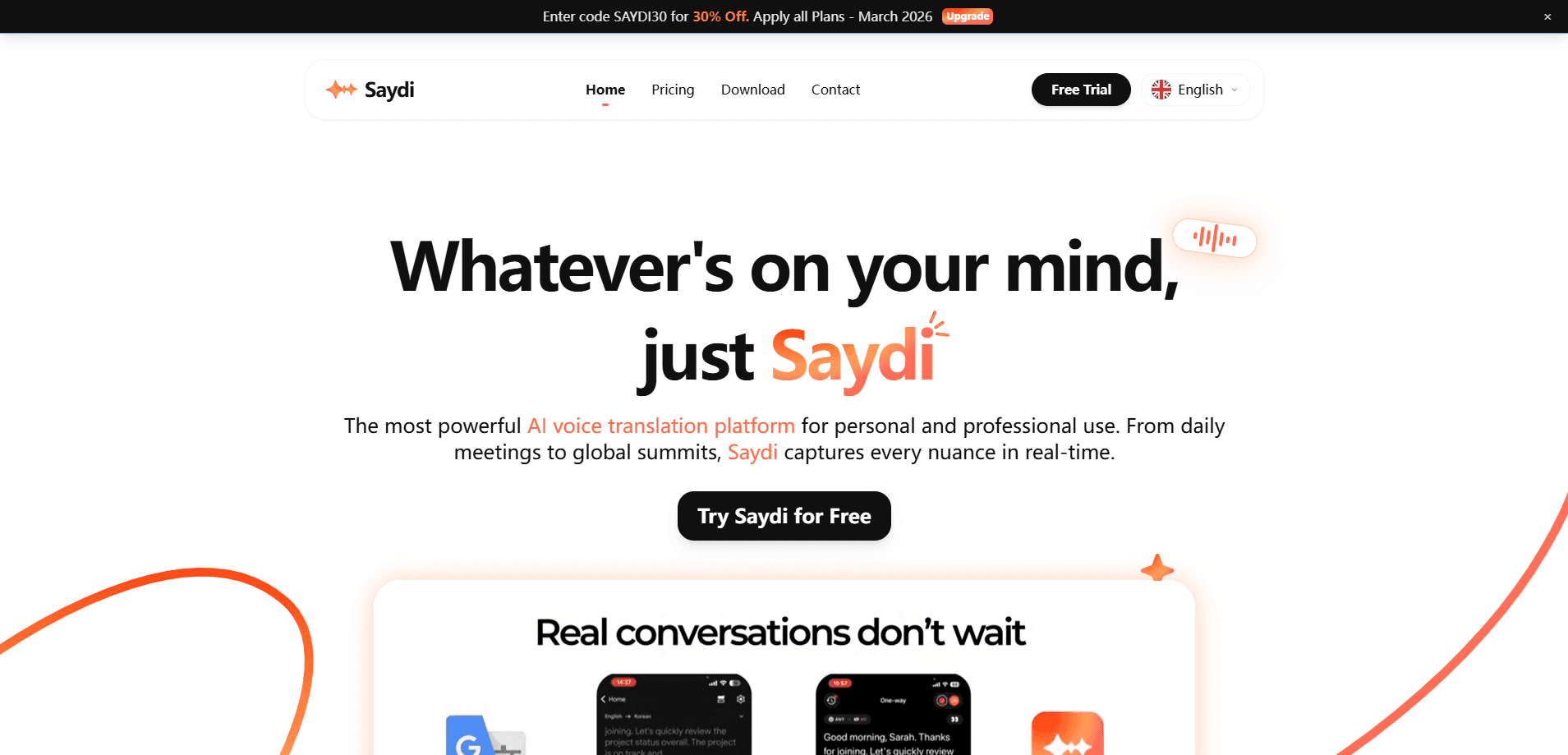
Saydi: AI Real Time Translator is an AI voice translation platform built for meetings, conferences, and everyday cross-language conversation, plus a transcription tool for teams that need notes later. It listens as people speak and returns translated speech in 60+ languages with near-zero latency, so a room full of people who all speak different languages can follow the same discussion without waiting for anyone to finish a sentence. That covers meeting translation, live interpretation software, and multilingual communication in one app. The platform runs in a web app, a mobile app, and a Chrome extension that plugs straight into Google Meet, Zoom, and Teams. If your work crosses borders and you're tired of waiting on human interpreters, this real-time translation app is aimed squarely at you.
About Saydi: AI Real Time Translator
What Is Saydi
Saydi is a real-time AI translation and transcription service from the team behind saydi.ai. It targets the gap between text translators and full human interpretation. Text tools handle documents fine, but live conversation is a different problem. You need output the moment someone stops talking, and you need it to sound natural enough that people keep eye contact instead of staring at subtitles.
The product's pitch is context awareness. Rather than translating word by word, Saydi leans on an AI context engine that takes scenario presets (Tech, Sales, Events), imported meeting keywords and names, and a custom dictionary of up to 50 industry terms. Why bother? Because a sales call and a technical standup use the same words to mean different things. Getting those wrong is worse than a slight delay.
Two limits are worth knowing up front. First, the platform bills by credits, so heavy events burn through a plan faster than casual users expect. Second, the audio quality feeds straight into accuracy. A noisy conference hall or a bad microphone will drag the output down no matter how good the model is, because even the best translation engine can only work with the audio it actually receives from the room. According to the company, it has been used in 1,500+ high-stakes sessions. That's a marketing figure, not an independent benchmark.
Getting Started
- Create an account on saydi.ai and pick a plan or buy a credit top-up to get started.
- Set your source and target languages, then add any meeting keywords, names, or custom terms the AI should recognize.
- Choose a mode (voice-to-text, basic voice-to-voice, or premium voice-to-voice) based on how much fidelity you need, since each mode draws credits at a different rate.
- Launch a session in the web app, mobile app, or Chrome extension, and share a QR code so others can join. No install needed for guests.
- Review the labeled transcript afterward, since speaker diarization marks who said what.
Wondering how long setup takes? Most people are running their first session within ten minutes.
Product Information
A quick look at Saydi: AI Real Time Translator's pricing, supported platforms, and performance.
Best for
The users, tasks, and scenarios where this tool fits best.
Users
- Global sales teams
- Event and conference organizers
- International students
- Cross-border entrepreneurs
Tasks
- Live meeting interpretation
- Voice-to-text transcription
- Event document localization
- Multilingual conference hosting
Scenarios
- Daily standups across time zones
- International trade shows and summits
- Travel and in-person negotiations
Key features
Three Flexible Translation Modes
Saydi offers voice-to-text, basic voice-to-voice, and premium voice-to-voice modes. The cheaper modes cost fewer credits per hour. The premium tier is meant for moments where tone and nuance carry weight. Pick based on whether you need readable notes or a natural-sounding voice.
AI Context Engine
The context engine lets you set scenario presets, load meeting-specific keywords and names, and save up to 50 custom industry terms. This is what separates Saydi from a generic dictionary tool. It tries to translate business logic, not just words. Feed it the right context and accuracy improves noticeably. Skip that step and you get the usual mess of literal translations.
Zero-Touch Interaction
Auto language detection means you don't press a button every time someone new speaks. Speaker diarization then labels who said what in the transcript. For a long meeting with several voices, that labeling turns a wall of text into something you can actually scan later. Nice to have. Even better, it saves real cleanup time.
Cross-Platform Integration
A Chrome extension drops Saydi into Google Meet, Zoom, and Teams directly, while web and mobile apps cover everything else. Same account, any surface. That spread means it works at a desk or on the road. No single-platform lock-in is a real advantage here.
B2B and Event Tools
For organizers, Saydi adds DocTranslate for localizing event documents and a QR-code join flow that gets hundreds of attendees into a session quickly. The business plan throws in unlimited members, a centralized credit pool, an admin dashboard, and custom concurrent sessions. That's aimed at enterprises, not individuals.
Credit-Based Pricing
The platform runs on credits, with voice-to-text at 30 credits per hour, basic voice-to-voice at 300, and premium at 600. Entry pricing starts around $9 for 10 hours of use, and top-up credits never expire. It's a pay-for-what-you-use model. Cost tracks with how much you actually translate.
Pros and cons
Pros
- Supports 60+ languages with near-zero latency for live dialogue.
- Runs across web, mobile, and a Chrome extension that plugs into Meet, Zoom, and Teams.
- Context engine with custom dictionaries reduces errors on industry-specific terms.
- Speaker diarization labels transcripts, which saves cleanup time.
- Business plan supports unlimited members and custom concurrent sessions for events.
Cons
- No free plan, so you can't test it without paying something first.
- Credit consumption climbs fast in premium voice-to-voice mode, which surprises heavy users.
- API availability isn't documented, which blocks teams wanting to build it into their own apps.
Frequently asked questions
Saydi provides AI real time translation for live meetings, conferences, and conversations. It converts speech between 60+ languages as people talk, then keeps a labeled transcript for later review, which means you can walk out of a two-hour multilingual session with searchable notes instead of a vague memory of what everyone agreed to.
Related content
Explore related tools, skills, and articles for Saydi: AI Real Time Translator.
Saydi: AI Real Time Translator Alternatives

Google EmbeddingGemma 2
Google DeepMind · Writing · Image · CodingGoogle EmbeddingGemma 2 is a 740M-parameter open model that turns text, code, images, audio, and video frames into vectors in one 768-dimension space, running on phones and laptops.

MePersona
MePersona, Inc. · Writing · Productivity · MarketingMePersona is an AI unified inbox for creators. It learns your voice, drafts replies to fan messages from 12 platforms, and sends only what you approve.

Fluence
Yay Software (Yannick Huchard) · Writing · Voice & Language · ProductivityFluence is an Android app that reads PDFs, EPUBs, Word files and web articles aloud, follows each sentence as it speaks, and answers questions about the text on the phone itself.