

ScaryStories Live
ScaryStories Live · Writing · Video
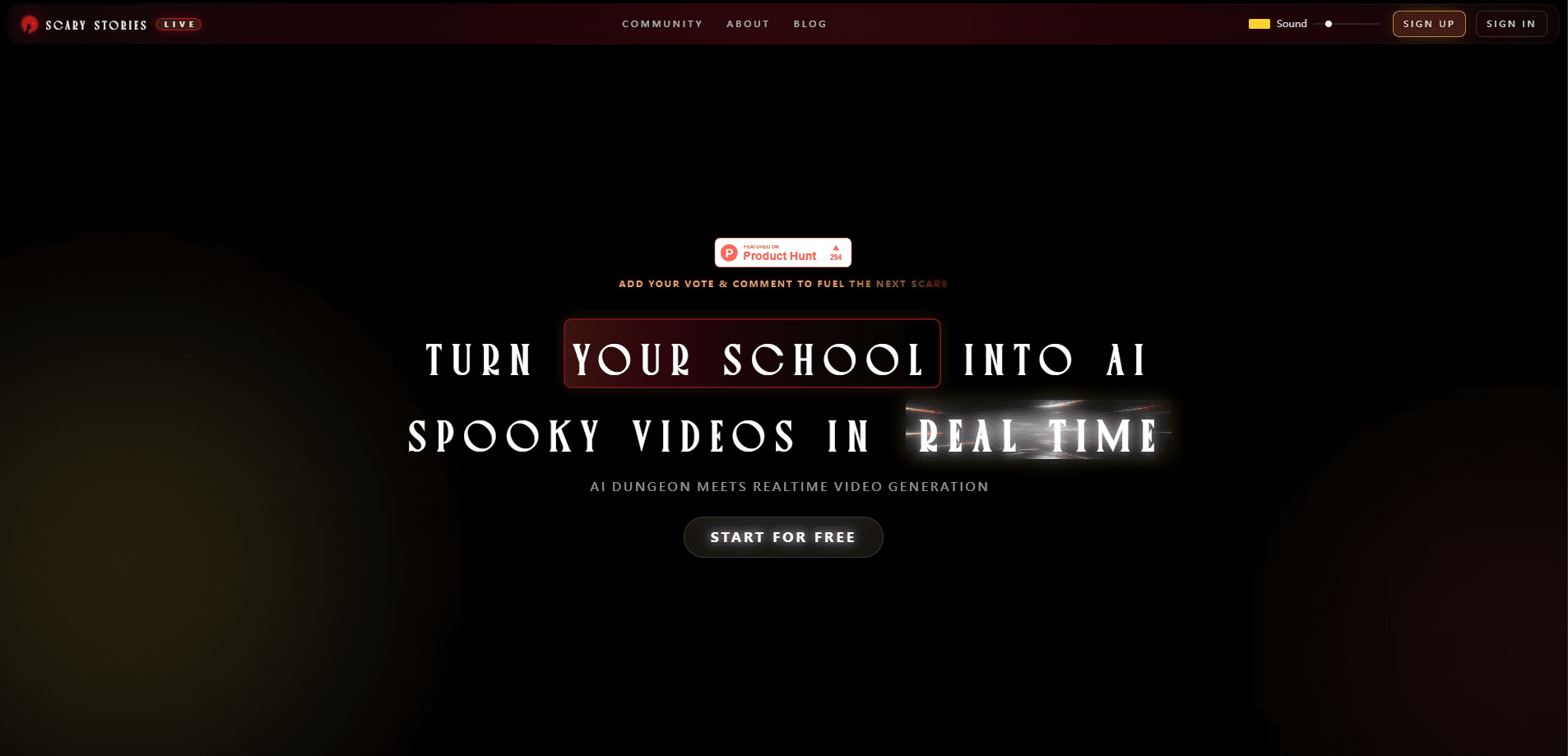
ScaryStories Live is an AI video platform that turns a single image into an interactive horror scene, directing it in real time as the story unfolds. You feed it a picture, the tool reads the mood and builds a short horror sequence around it, and the scares react to how the scene develops rather than following a fixed script. It sits somewhere between an AI video generator and a storytelling toy, aimed at people who want spooky content without a film crew.
About ScaryStories Live
What Is ScaryStories Live
ScaryStories Live pitches itself as the first real-time AI horror video generator. The core idea is directable horror. Instead of prompting an AI once and waiting for a clip, you stay in the loop while the scene generates. You upload an image, and the system builds a horror sequence from it, with jump scares that adapt to what the scene is doing rather than firing at preset timestamps.
That "real-time" clip matters here. Most AI video tools are one-shot. A prompt goes in, and a finished video comes out minutes later. ScaryStories Live frames itself as interactive, so the tension builds during generation, not just at the end.
The honest caveat is scale. This is a niche, horror-first tool, not a general video editor. If you need clean product demos or polished brand videos, a broader AI video generator will serve you better. ScaryStories Live is for spooky, atmospheric, or just-for-fun moments.
Getting Started
- Go to the ScaryStories Live site and set up an account, since the tool runs in the browser.
- Upload the image you want to build a scene around, ideally something with strong mood or a clear focal point.
- Kick off generation and let the system read the image and start building the sequence.
- Direct the scene as it runs, watching for the adaptive jump scares to land.
- Export or share the finished sequence once the take looks right.
Product Information
A quick look at ScaryStories Live's pricing, supported platforms, and performance.
Best for
The users, tasks, and scenarios where this tool fits best.
Users
- Horror content creators
- Storytellers and roleplay fans
- Casual users chasing a scare
Tasks
- Turning a single photo into a short horror sequence
- Building tension with reactive jump scares
- Fast spooky content for feeds
Scenarios
- A rainy night when a friend dares you to make something genuinely creepy
- Filling a short-form video slot with a Halloween-style clip when the holiday rolls around.
- Previsualizing a horror idea before committing budget to a real shoot, using it as a cheap mood board for tone and pacing.
Key features
Real-Time AI Horror Generation
The tool builds horror video as you watch, not through a single long render. So what does that actually change? It lets you nudge the direction mid-scene. A take that isn't landing can be shaped before it finishes. For anyone used to waiting on AI video queues, the live loop is the part that feels different.
Adaptive Jump Scares
Jump scares respond to the scene rather than firing on a fixed schedule. The system watches how the sequence develops, tracks where the tension is heading, and places the scare at the moment that best fits the mood. It's the feature that separates this from a plain video generator with a spooky preset. The payoff stays less predictable.
Image-to-Scene Generation
You start with an image, and the platform builds a horror scene from it. A moody hallway, a foggy street, an empty room: the image sets the tone and the tool expands it into motion. That makes input simple. You don't need a script, just a picture with some atmosphere.
Interactive Direction
You stay in control during generation instead of writing one prompt and hoping. The interactive angle is the product's whole pitch: direct the horror as it happens. It suits people who want to steer a scene rather than accept whatever the model returns. That control is the draw.
Instant Scene Generation
Scenes build quickly, which keeps the live-directing loop workable. Slow generation would kill the interactive feel. Speed matters. It isn't a nice-to-have, it's what makes the rest of the tool function.
Pros and cons
Pros
- Real-time generation lets you shape a scene while it runs, which suits horror pacing better than one-shot clips.
- Jump scares that adapt to the scene are harder to predict than fixed-timer effects.
- Image-based input keeps the starting point simple, no script or storyboard needed.
- Fast scene builds keep the interactive loop from stalling.
Cons
- It's a niche horror tool, so anyone wanting general video editing or clean marketing clips will need a different app.
- It's web-only, so there's no mobile app for grabbing a quick scare on the go.
- Pricing details are thin, and the official site is currently offline, so you should confirm plans before committing.
Frequently asked questions
It turns an image into a short, interactive horror video. You upload a picture, the tool builds a scene around it in real time, and the jump scares adapt to how the scene develops rather than firing on a fixed script.
Related content
Explore related tools, skills, and articles for ScaryStories Live.
ScaryStories Live Alternatives

Google EmbeddingGemma 2
Google DeepMind · Writing · Image · CodingGoogle EmbeddingGemma 2 is a 740M-parameter open model that turns text, code, images, audio, and video frames into vectors in one 768-dimension space, running on phones and laptops.

MePersona
MePersona, Inc. · Writing · Productivity · MarketingMePersona is an AI unified inbox for creators. It learns your voice, drafts replies to fan messages from 12 platforms, and sends only what you approve.

Fluence
Yay Software (Yannick Huchard) · Writing · Voice & Language · ProductivityFluence is an Android app that reads PDFs, EPUBs, Word files and web articles aloud, follows each sentence as it speaks, and answers questions about the text on the phone itself.