

Scene
Scene · Coding
Scene is an AI storytelling tool that turns a deck, report, or set of notes into a short narrated presentation in your own voice, sent as a single trackable link.
About Scene
What Is Scene
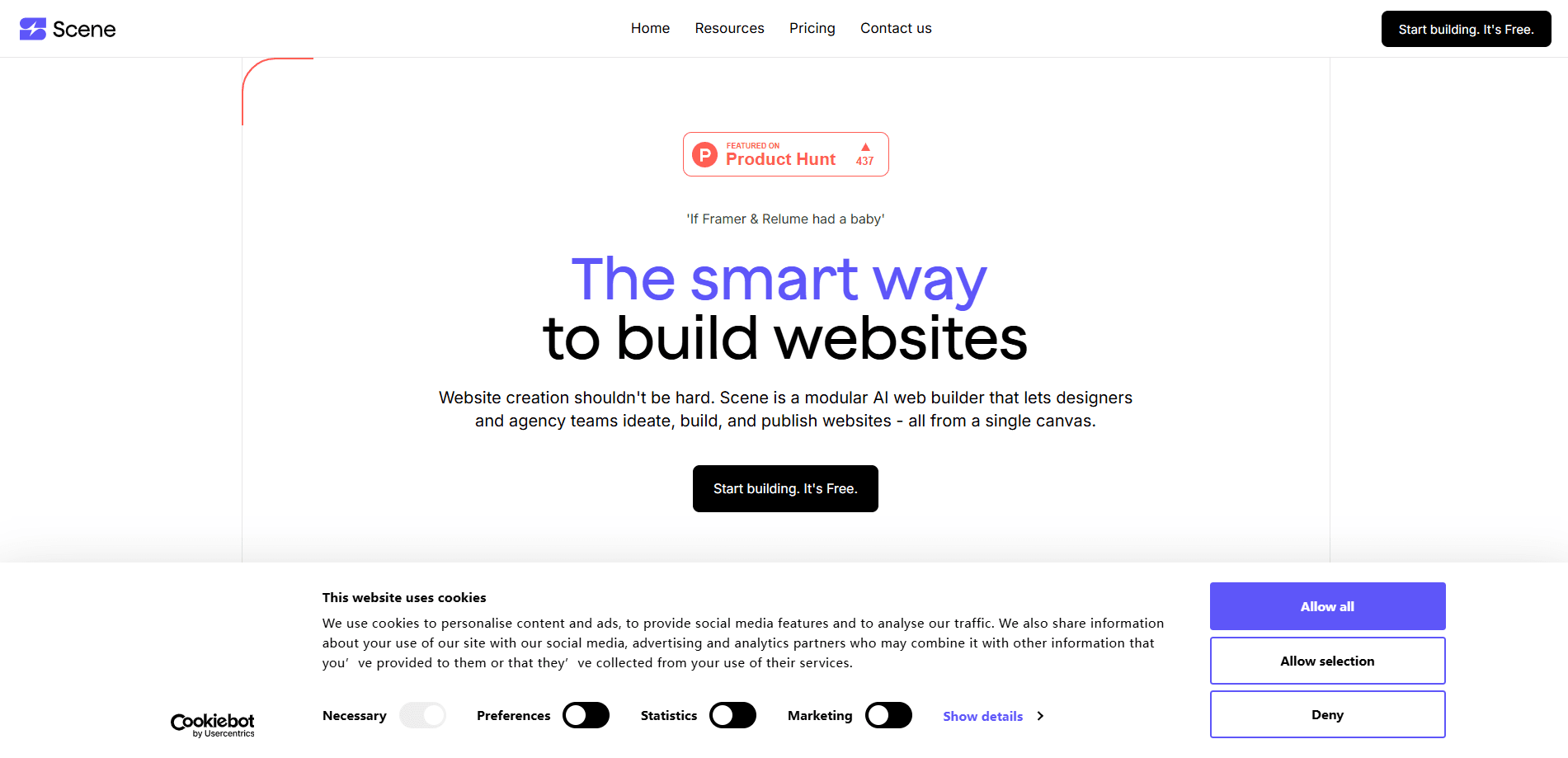
Scene is an AI tool for turning material you already have into a short story that someone can press play on. You feed it a deck, a report, a transcript, or a few notes, and an agent shapes it into chapters with narration, then delivers it as one link. The pitch is simple: the story is not the hard part, telling the same story to three hundred people is.
It is built for people who owe a lot of others the same conversation, like account managers, client leads, advisers, and marketing teams. Instead of making a fresh deck for every recipient, you build one story and it adapts per account, all narrated in your voice. Recipients open the link on any phone with no app or account, and you can see who watched, how far they got, and which chapter they replayed.
The main limit is that this is early. The narrated-story product is in a pilot with ten brands, six of them already in, so general access and public pricing are not settled. The earlier web-builder platform still lives at app.scene.io, and Scene runs its voice models on AWS Bedrock, which the company says does not train on your data.
Getting Started
- Bring your material: a deck, a report, a transcript, call notes, or a single sentence describing what you need to explain.
- Let the agent draft the story, splitting it into chapters and writing the narration.
- Edit anything by hand or in plain language, and approve each draft before it goes out.
- Add your voice by recording a short consent sample once, or pick a studio voice, then set your fonts and colors.
- Share the link and watch engagement, replies, and bookings come back in the dashboard.
Product Information
A quick look at Scene's pricing, supported platforms, and performance.
Best for
The users, tasks, and scenarios where this tool fits best.
Users
- Account managers
- Client leads and advisers
- Marketing and event teams
Tasks
- Quarterly account reviews
- Renewals
- Client results readouts
- Proposals to a committee
Scenarios
- Sending a story to hundreds of accounts
- Following up after a call
- Tracking a critical send
Key features
Story From Anything You Have
Scene starts from a sentence, a deck, a report, or call notes, and an agent finds the story inside it. You can say what you need to explain and who it is for, and it writes the story, the slides, and the narration. If you already have material, it cuts what does not help and retells the rest for the person receiving it.
Voice Narration
Record a short consent sample once, and every Scene after that is read in your own voice from a script you approved. This AI voice narration is the part that makes a story feel personal, since it sounds like the sender rather than a synthetic reader. If you would rather not clone your voice, you can use a studio voice with your name on it, and you still get narration without recording anything new each time.
Edit Everything
The story, a line of narration, or a single visual can all be changed, either in plain language or by hand. Nothing goes out until you approve it, so every draft stays yours to fix. That control matters when the same story has to hold up for a formal client or a committee.
Listen or Read
Recipients can watch slides that play with word-by-word subtitles, or switch to a transcript and read at their own pace. One tap moves between the two, so people on a train with no headphones can still take in the whole thing.
One Link, No Login
Scene arrives as a single link that opens on any phone with no app and no account. It carries your fonts, your colors, and the way you say things, so it looks and sounds like you the moment it loads. That low friction is the point, since the recipient just taps and starts.
Share and Track
Sending a deck leaves you guessing, but a Scene shows who opened it, how far they got, and which chapters they replayed. This view tracking turns a client update into something you can follow up on, because you see the moment a recipient reaches the pricing chapter. You can add a reply button on every slide and a booking link at the end, and the dashboard reports opens, listen-through, replies, and bookings for each recipient.
Per-Account Personalization
One story can be told three hundred times, once per account, with each version aimed at that recipient and still in your voice. A personalized story like this is how a team keeps a consistent message while making each person feel the update was written for them.
Pros and cons
Pros
- Turns material you already have into a finished narrated story, which is faster than building a deck per recipient.
- Sends as one link with no app or account, so recipients are more likely to actually open it.
- Voice cloning from a single consent sample keeps every story sounding like the sender.
- View tracking shows who opened, how far they got, and which chapters were replayed.
- Encrypted handling with AWS Bedrock, which the company says does not train on your data.
Cons
- The narrated-story product is in a pilot with ten brands, so general access and self-serve plans are not available yet.
- Pricing is anchored to a one-time pilot fee, which puts it out of reach for individuals or small teams.
- Voice cloning needs a consent sample and depends on trust, so it will not suit everyone.
- No public API is documented, so teams wanting to automate sends would need to wait or ask directly.
Frequently asked questions
Scene turns material you already have, like a deck, report, or call notes, into a short narrated story in your own voice. You send it as one link and track who watched, which makes it useful for client updates, renewals, and reports.
Related content
Explore related tools, skills, and articles for Scene.
Scene Alternatives

Base Code
Base44 (Wix) · Coding · ProductivityBase Code is a shared cloud development environment from Base44. Teammates describe changes to an existing GitHub codebase in chat, preview them live and send them back as pull requests.

Google EmbeddingGemma 2
Google DeepMind · Writing · Image · CodingGoogle EmbeddingGemma 2 is a 740M-parameter open model that turns text, code, images, audio, and video frames into vectors in one 768-dimension space, running on phones and laptops.

GitGlow
GitGlow · Coding · ProductivityGitGlow is a local-first desktop Git client that lets independent developers review their own code and their AI agents' changes in one place before shipping.