

SClawHub
SClawHub · AI Detection
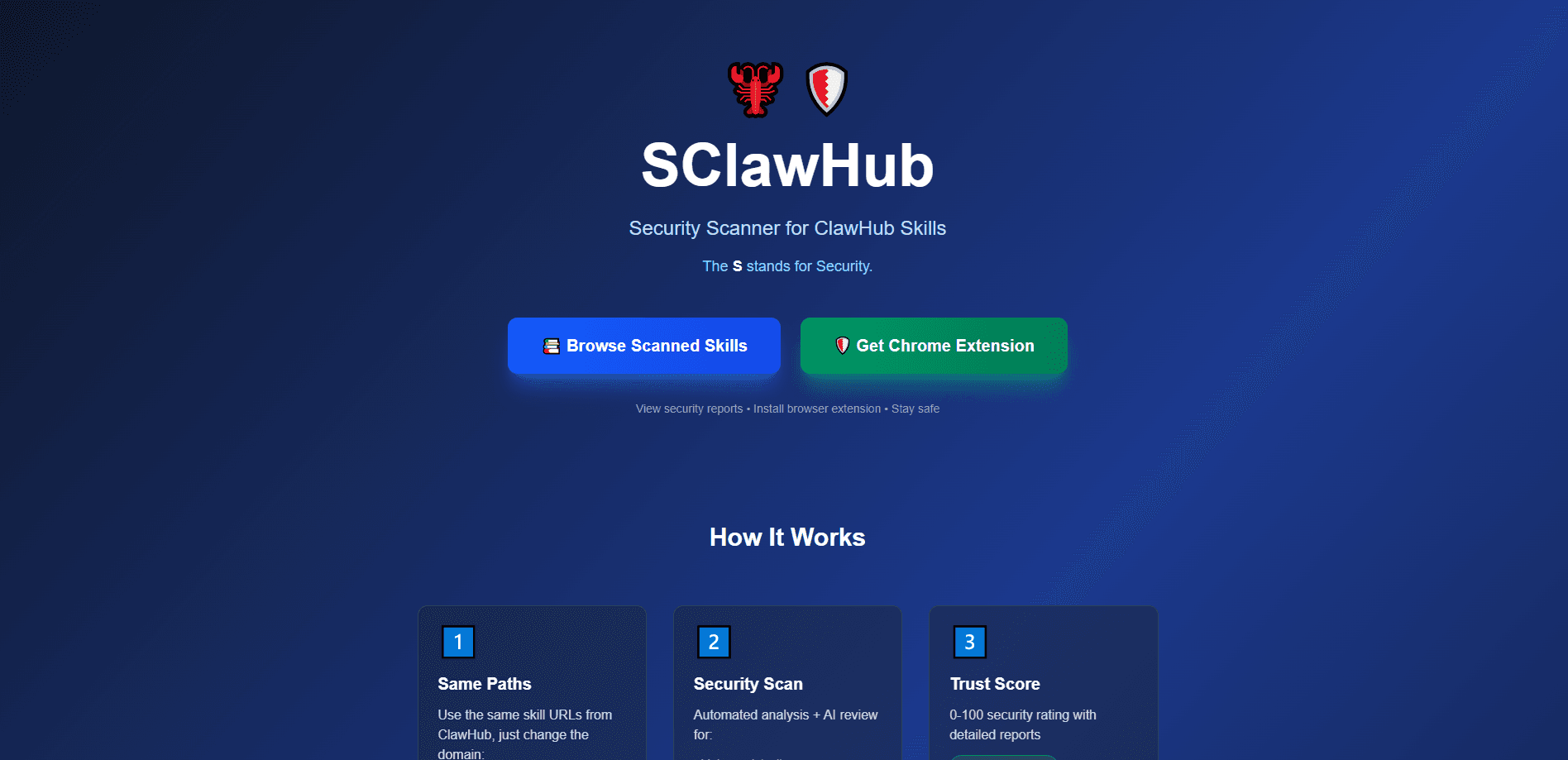
SClawHub is a free security scanner built for ClawHub skills. It's an AI skill security scanner and skill verification service rolled into one: hand it any skill URL, and it runs automated analysis plus an AI review, then returns a 0-100 trust score with a written report on malware detection, credential theft, network calls and code execution risks. You use the same paths you already know, just swap the domain. There's a browser extension too, for people who'd rather check skills while browsing.
About SClawHub
What Is SClawHub
SClawHub is an open source skill scanner and skill verification platform for ClawHub skills. Its job is narrow and clear. It tells you whether a skill is safe to install before you install it, and the trust score is the part you'll actually act on.
ClawHub skills can ship real code, and some of them make network calls or touch credentials. SClawHub reads that code the way an auditor would, then boils the findings down to one number. A 95 means safe, 65 puts you in review territory, and 25 is a hard stop.
The whole project is open source under the MIT license, so you can audit the scanner itself instead of trusting a black box. That's the main limit too. It scans ClawHub skills, not arbitrary GitHub repos or packages, and a clean score isn't a guarantee. It's a signal.
Getting Started
- Open sclawhub.com and paste a skill path, or just change the domain on a ClawHub URL you already have.
- Let the scanner run its automated pass and AI review over the skill's code.
- Read the trust score and the findings list, checking the risk level and any flagged network or execution behavior.
- Add the Chrome extension if you want live checks while browsing the ClawHub directory.
- Fork the scanner on GitHub if you want to run it yourself or contribute fixes.
Product Information
A quick look at SClawHub's pricing, supported platforms, and performance.
Best for
The users, tasks, and scenarios where this tool fits best.
Users
- OpenClaw users installing third-party skills
- Security-minded developers
- Teams that share skills internally
Tasks
- Vetting a skill before install
- Spotting credential theft and unwanted network calls
- Tracking skill risk over time
Scenarios
- Browsing ClawHub and stumbling on an unfamiliar skill
- Onboarding someone to a skill-heavy setup
- Reviewing a batch of skills before a team rollout
Key features
Automated plus AI Security Scanning
This AI skill security scanner combines Semgrep's rule-based static analysis with a Claude AI review pass. Semgrep catches known patterns. The AI reads intent that rules miss, which is where subtle credential grabs and shady network calls tend to hide. On a real scan of the GitHub CLI skill, it graded 85/100 with one info-level finding. It also confirmed no executable code in the skill itself.
0-100 Trust Score
Every scan lands on a single number from 0 to 100. Anything around 95 is safe, 65 signals medium risk and deserves a read, and 25 or below is critical. One number beats a wall of raw findings when you're deciding fast, and the detailed report is still there when you want the why. Simple as that.
Same-Path Scanning
You don't learn a new URL scheme. Take a ClawHub skill path like clawhub.ai/skills/github and change the domain to sclawhub.com/skills/github. The path stays identical, so bookmarking and sharing skill links keeps working. No migration headaches.
Chrome Extension
The extension puts the scan where you already are. Instead of copying URLs into a separate tab, you check trust scores while browsing the ClawHub directory. It saves a step you'd do dozens of times. Useful when you're skimming a list and want to filter out the obvious stinkers first.
Open Source Under MIT
The scanner, the extension and the report format are all open. You can inspect the code, improve it, or fork it for your own projects. For a security tool, that matters more than usual. You're trusting it to judge other code, after all. A closed scanner asking for blind faith would be a hard sell.
Detailed Findings Reports
Reports break out a risk level, the number of issues, and each finding with a recommendation. A typical entry notes code size and Semgrep finding counts, so you can see how much there was to analyze. What does that buy you? A report you can actually read, not just a score to squint at, which matters when a finding sits somewhere between harmless and alarming and you need the context to judge it yourself.
Pros and cons
Pros
- Free, MIT-licensed and fully auditable, so you aren't trusting a closed black box
- Combines rule-based static analysis with AI review to catch both obvious and subtle risks
- Single trust score makes fast decisions possible without reading raw findings
- Browser extension checks skills without breaking your browsing flow
- Public reports on dozens of skills, so you can see how the scoring behaves in practice
Cons
- Covers ClawHub skills only, so it won't help you vet packages from other registries
- A high score is a signal, not a guarantee, and passing the scan doesn't mean a skill is risk-free
- The API availability isn't documented, so anyone hoping to automate scans has to dig or wait
Frequently asked questions
It scans ClawHub skills for security problems and returns a 0-100 trust score with a written report. The scan looks for malware, credential theft, network calls and code execution risks.
Related content
Explore related tools, skills, and articles for SClawHub.
SClawHub Alternatives
Isgen AI
Isgen · AI DetectionIsgen AI is a web-based AI detector that scores text for machine authorship and shows you which sentences and phrases push the number up. It's built for teachers, editors, students, and writers. Their question is simple: did this draft come from ChatGPT, GPT-5, Claude, Gemini, DeepSeek, or another model? You paste or upload content, run a scan, and get a Human, AI, and Mixed breakdown in seconds. There's also a companion editor that scores text while you write it.
Humanizeai Tools
Humanizeai Tools · Writing · AI DetectionHumanizeai Tools is a web-based AI humanizer that rewrites machine-generated text so it sounds like a person wrote it, which is the whole point of the category it belongs to. Paste a draft from ChatGPT, Claude, or Gemini, run it through the tool, and it swaps out the phrases and sentence patterns that AI detectors flag. If your goal is to make AI text sound human before you publish it, this is the kind of tool built for exactly that. It suits students, bloggers, and marketers who need copy that reads naturally and clears tools like GPTZero, Copyleaks, and Winston AI after a single pass.

Hidemyai
Hidemyai · Writing · AI DetectionHidemyai is an AI content humanizer. It rewrites text from ChatGPT, Jasper, and similar tools so the result reads like a person wrote it. You paste your draft, pick a document type and tone, and the service returns a version meant to bypass AI detectors such as Originality.ai, Turnitin, and ZeroGPT. It targets writers, marketers, and students who lean on AI drafts but can't ship copy that sounds robotic. The promise is simple: make AI content undetectable.