

Scorecard
Scorecard · Coding · Other
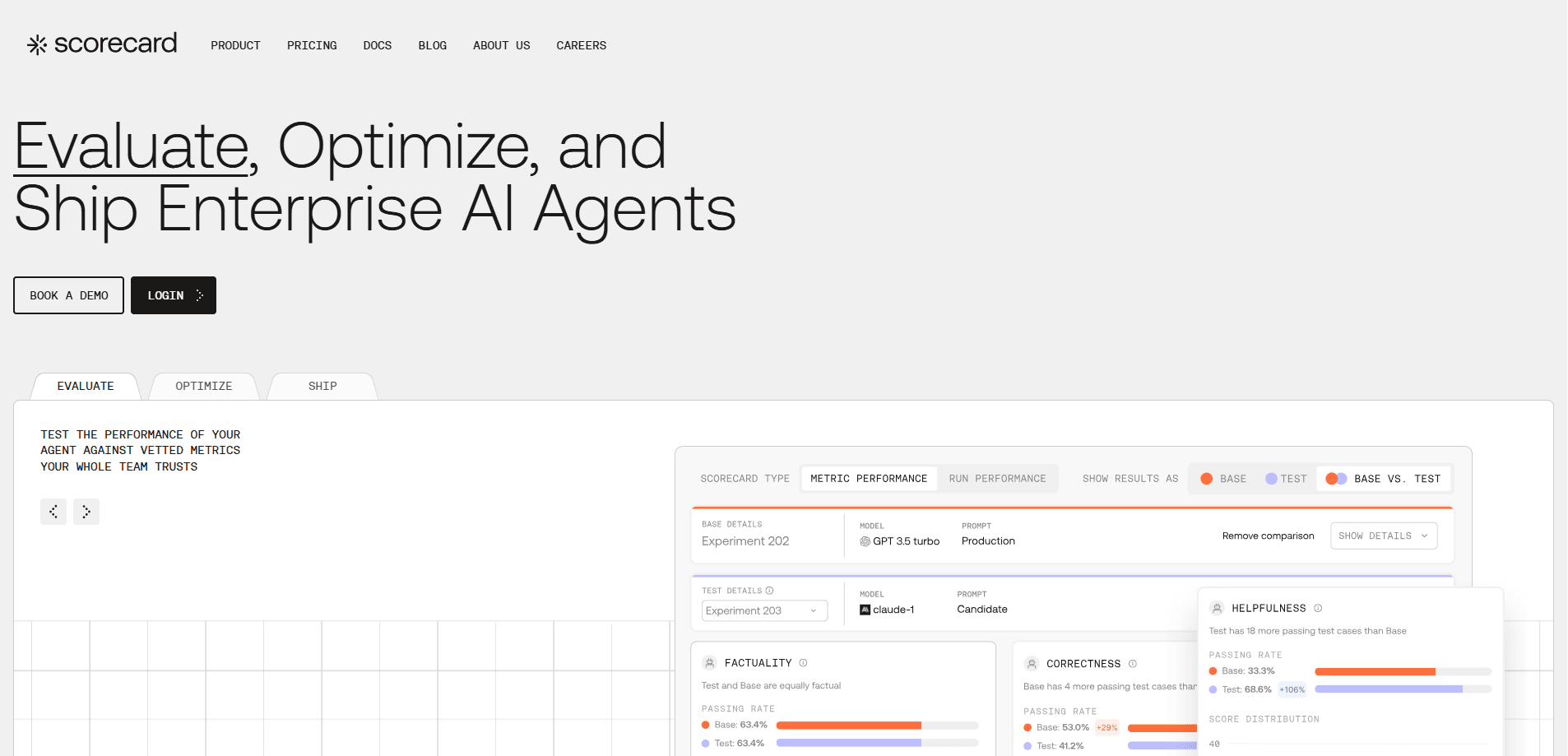
Scorecard is an AI evaluation platform for teams that build with large language models. It runs AI agents through thousands of simulated scenarios, scores the results against tested metrics, and hands back feedback in minutes instead of weeks. LLM testing used to mean waiting on humans to read logs. Not anymore. If you ship LLM features and keep guessing whether a prompt change broke something, this is the tool that answers that question before your users do.
About Scorecard
What Is Scorecard
Scorecard is a simulation platform for AI agent and LLM application development where you describe the scenarios your product needs to handle, connect your agent, and run structured tests that return scores on each one. The point is a fast feedback loop: change a prompt or a model, rerun the suite, and see what moved.
Most teams building with LLMs hit the same wall. Manual review of production logs takes weeks, and by then the conversation has moved on. That lag is brutal. No one wants to wait that long. Scorecard replaces the bottleneck with automated runs against a validated metric library, so quality checks happen on your release schedule rather than a reviewer's.
The catch is that it's a platform for developers and technical teams, not a plug-in for non-coders. You need an agent or API endpoint to test, and the more scenarios you can define, the more useful the results are. Small hobby projects will find the free tier plenty; serious evaluation costs money.
Getting Started
- Create an account on the Scorecard site and pick a plan, starting with the free Starter tier.
- Connect your agent or LLM application by sending traces or pointing Scorecard at your endpoint.
- Define test cases and scenarios, or start from Scorecard's validated metric library for industry benchmarks.
- Run your scenarios in the Playground and review the scores, then compare runs as prompts and models change.
Product Information
A quick look at Scorecard's pricing, supported platforms, and performance.
Best for
The users, tasks, and scenarios where this tool fits best.
Users
- AI engineers
- Product teams at AI startups
- QA specialists moving into AI
Tasks
- Regression testing after a prompt change
- Benchmarking models against each other
- Building custom metrics
Scenarios
- Pre-release checks on a customer support agent
- Tracking prompt versions over time
- Continuous evaluation in production
Key features
Scenario Simulation at Scale
Scorecard runs your agent through thousands of realistic scenarios and returns results in minutes. Instead of reconstructing what went wrong from weeks-old logs, you get structured output you can act on the same day. This is the core of the fast feedback loop the platform is built around, and it's the difference between shipping on schedule and shipping whenever the review finally lands.
Validated Metric Library
Evaluation lives or dies on whether the metrics measure the right thing. Scorecard ships a library of validated metrics with industry benchmarks, and you can customize proven ones or build your own. It saves teams from inventing scoring logic from scratch, which is usually where LLM evaluation projects stall.
Prompt Playground
The Playground lets you test prompts without wiring up a full integration first. You can try an idea, see how it scores, and only then commit to a change. Want a quick answer on a prompt tweak? It's right there. For teams still figuring out what "good" looks like for their use case, this is the lowest-friction entry point.
Version Control for Prompts
Scorecard stores your best-performing prompts and tracks them over time, so the team shares one source of truth instead of scattered notes. When a change underperforms, you can compare against the previous version. No more guessing. Keep a history of what works and give your team access to a single source of truth.
Production Monitoring
Structured tests cover pre-release checks, but real usage is messier. Scorecard helps you identify and address issues that show up in live traffic by monitoring production runs and surfacing quality drops between releases, closing the gap between lab results and what your users actually experience. A drop shows up in the data early.
API Access
Scorecard exposes an API, so evaluation can be wired into your own tooling and CI pipeline rather than staying a separate manual step. Run it when you ship. Teams running frequent releases can trigger runs programmatically and pull scores into their existing dashboards.
Pros and cons
Pros
- Feedback in minutes, which beats waiting weeks for a human to review logs. Simple as that.
- Validated metric library gives you a sane starting point instead of a blank page.
- Free Starter tier with 100,000 scores and unlimited users makes it easy to try.
- Prompt versioning keeps a history of what worked and what didn't.
- API access lets you fold evaluation into your own release process.
Cons
- The Growth plan jumps to $299/mo. That's steep for solo developers and small side projects.
- You need a working agent or endpoint to test, so it adds nothing during early prototyping.
- It's aimed at technical teams; non-coders will struggle to define useful scenarios without help.
Frequently asked questions
Scorecard is used for LLM evaluation and AI agent testing. Teams run their agent through simulated scenarios, score the results against defined metrics, and use that feedback to improve prompts and models before and after release. Think of it as a test suite for AI behavior rather than for code.
Related content
Explore related tools, skills, and articles for Scorecard.
Scorecard Alternatives
Forefront
Forefront · CodingForefront is a web platform for building with open-source AI. It lets you fine-tune leading open-source language models on your own data, evaluate how they perform, and run them through an API or export them to host yourself. Developers who want the convenience of a closed-source platform but insist on owning their models and data are the target audience here.

Startkit
StartKit.AI · CodingStartkit is a boilerplate for building AI SaaS and AI wrapper products. Think of it as an AI startup boilerplate with the boring parts already wired up: authentication, Stripe and Lemon Squeezy payments, usage limits, transactional email, and an AI API starter that talks to OpenAI, Anthropic, Groq, or Llama. You clone the repo, set your price, and start on the part of your product that people actually pay for. It's Next.js under React and Tailwind, so most of the boilerplate code already feels familiar.
Testim
Tricentis · CodingTestim is an AI-powered test automation platform for building and running end-to-end tests across web, mobile, and Salesforce applications. It leans on machine learning to keep tests stable when an interface changes, so teams spend less time fixing broken selectors. Not bad for an automated testing tool you can start using today. You create tests by recording actions in a browser, then optionally add JavaScript when you need more control. It's a solid pick for busy QA teams.