
ScreenTranslate
Filient · Writing
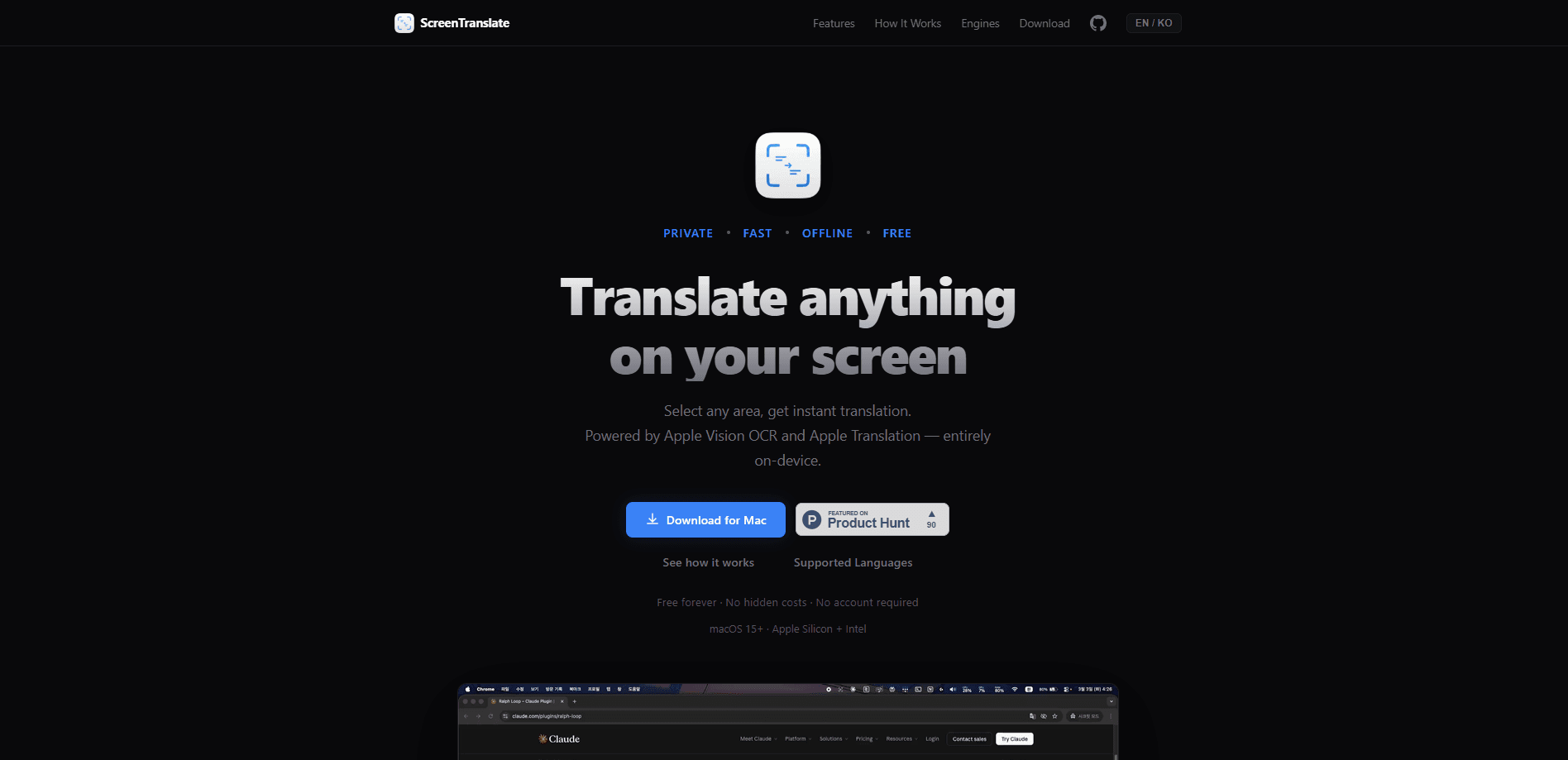
ScreenTranslate is a Mac app that translates text on your screen the moment you select it. You drag a box over a game menu, a manga page, a PDF, or a crowded website, and the translation appears right there. It runs on Apple Vision for text recognition and Apple Translation for the actual conversion, so it works offline and keeps everything on your device. Filient built it for readers who want an answer fast without moving text into another app.
About ScreenTranslate
What Is ScreenTranslate
ScreenTranslate turns any visible text on a Mac into a language you can read. The appeal is simple: you don't copy, you don't paste, you don't switch windows. Select an area and you're done.
It's a screen translator that leans entirely on Apple's own frameworks. Vision handles the OCR. Translation handles the language conversion. Both run locally, which is why the app can promise that your screens stay yours. Nothing gets uploaded to a server.
The trade-off is scope. Because everything is on-device, how far the translation goes depends on what macOS supports. Apple ships a set of languages and downloads them as packs, so the list isn't as long as a cloud service like Google Translate. Need a rare pair? Check that your combo is covered before you commit. There's also no Windows or Android version. This is a Mac-only tool.
Getting Started
- Download ScreenTranslate from the Filient site and drag it into your Applications folder.
- Launch it and grant the screen recording permission when macOS asks. OCR can't read pixels it can't see.
- Open Settings and download the language packs for the source and target languages you want, so the app can translate without a connection.
- Set a shortcut in the preferences, then press it anywhere and drag a box over the text you want translated.
- Read the result in the overlay, then copy it if you need to paste it somewhere else.
Product Information
A quick look at ScreenTranslate's pricing, supported platforms, and performance.
Best for
The users, tasks, and scenarios where this tool fits best.
Users
- Gamers playing titles that never got an English port
- Manga and manhwa readers working through raw scans
- Students and researchers facing PDFs and scanned papers
- Anyone working across languages all day
Tasks
- Reading a foreign app or website UI
- Understanding in-game dialogue and item stats
- Pulling text out of a screenshot or video frame
- Checking a sentence in a document you can't select text in
Scenarios
- Playing an imported game late at night with no stable internet
- Reading a manga chapter on a train with no signal
- Reviewing a multilingual contract or spec sheet on a locked-down work laptop
Key features
Select-and-translate overlay
The core move is a drag-select over whatever you're looking at. ScreenTranslate reads the pixels inside the box and drops the translation over or next to it. You never leave the window you were in, which matters when the source is a game you can't pause or a site you don't want to reload. It's the same gesture whether you translate games and manga or a dense spec sheet, so the habit carries over everywhere.
Offline translation with downloaded language packs
Once you've pulled down the language packs you need, the app translates with no connection at all. That's the selling point for travel, flights, and any place the Wi-Fi is unreliable. It's also why the tool feels instant: there's no round trip to a server, and on a long flight with no signal you can keep reading foreign pages while everyone else is stuck waiting for a captive portal that never loads.
Apple Vision OCR doing the reading
Text recognition is handled by Apple Vision, the same engine behind Live Text on iPhone and Mac. It reads screen text, images, and scanned documents rather than just clean digital type. Accuracy tracks how legible the source is, so crisp UIs and printed pages come through better than blurry video frames.
Privacy by architecture
Because both the recognition and the translation run on-device, your screen contents aren't sent anywhere, which makes it a genuine privacy translation tool rather than one that just says so. There's no account to create and no cloud bucket holding your screenshots. For people handling confidential material, that's the reason to pick this over a web translator.
Mac-native and lightweight
ScreenTranslate is built on Apple's frameworks rather than a browser wrapped in an app shell, so it stays small and starts fast. It lives behind a shortcut instead of a dock icon and an open window, which keeps it out of the way until you call it. Because it's a small native build with no bundled browser engine, it also uses far less memory than the Electron-based translation apps that quietly eat a gigabyte of RAM in the background.
Works across apps and content types
The selection approach means the app doesn't care what's on screen. Games, PDFs, image files, video frames, and sites that block text selection all get the same treatment. If you can see it, you can box it. That flexibility is what lets you translate on-screen text that every other tool forces you to retype by hand, whether it's a locked-down PDF or a dialogue box in a game you can't pause.
Pros and cons
Pros
- Translation happens in about a second, and the overlay means no window switching.
- Fully offline once language packs are downloaded, so it works without Wi-Fi.
- On-device processing keeps sensitive on-screen text off any server.
- Handles text inside images, games, and PDFs that normal copy-paste can't touch.
- Native Mac build stays light and stays out of your way.
Cons
- Mac only. There's no Windows, Android, or web version.
- Language coverage depends on Apple's packs, so it trails cloud services on rare pairs. You'll want to confirm your combination is supported.
- It's a paid tool with no free tier, so you can't test it before buying.
- OCR quality drops on low-resolution or heavily stylized text, which shows up most in fast-moving video and some game fonts.
Frequently asked questions
It captures the area of your Mac screen you select, recognizes the text with Apple Vision OCR, and translates it with Apple Translation, showing the result on the spot. You don't copy text into a separate translator.
Related content
Explore related tools, skills, and articles for ScreenTranslate.
ScreenTranslate Alternatives

Google EmbeddingGemma 2
Google DeepMind · Writing · Image · CodingGoogle EmbeddingGemma 2 is a 740M-parameter open model that turns text, code, images, audio, and video frames into vectors in one 768-dimension space, running on phones and laptops.

MePersona
MePersona, Inc. · Writing · Productivity · MarketingMePersona is an AI unified inbox for creators. It learns your voice, drafts replies to fan messages from 12 platforms, and sends only what you approve.

Fluence
Yay Software (Yannick Huchard) · Writing · Voice & Language · ProductivityFluence is an Android app that reads PDFs, EPUBs, Word files and web articles aloud, follows each sentence as it speaks, and answers questions about the text on the phone itself.