

Scribeist
Scribeist · Writing
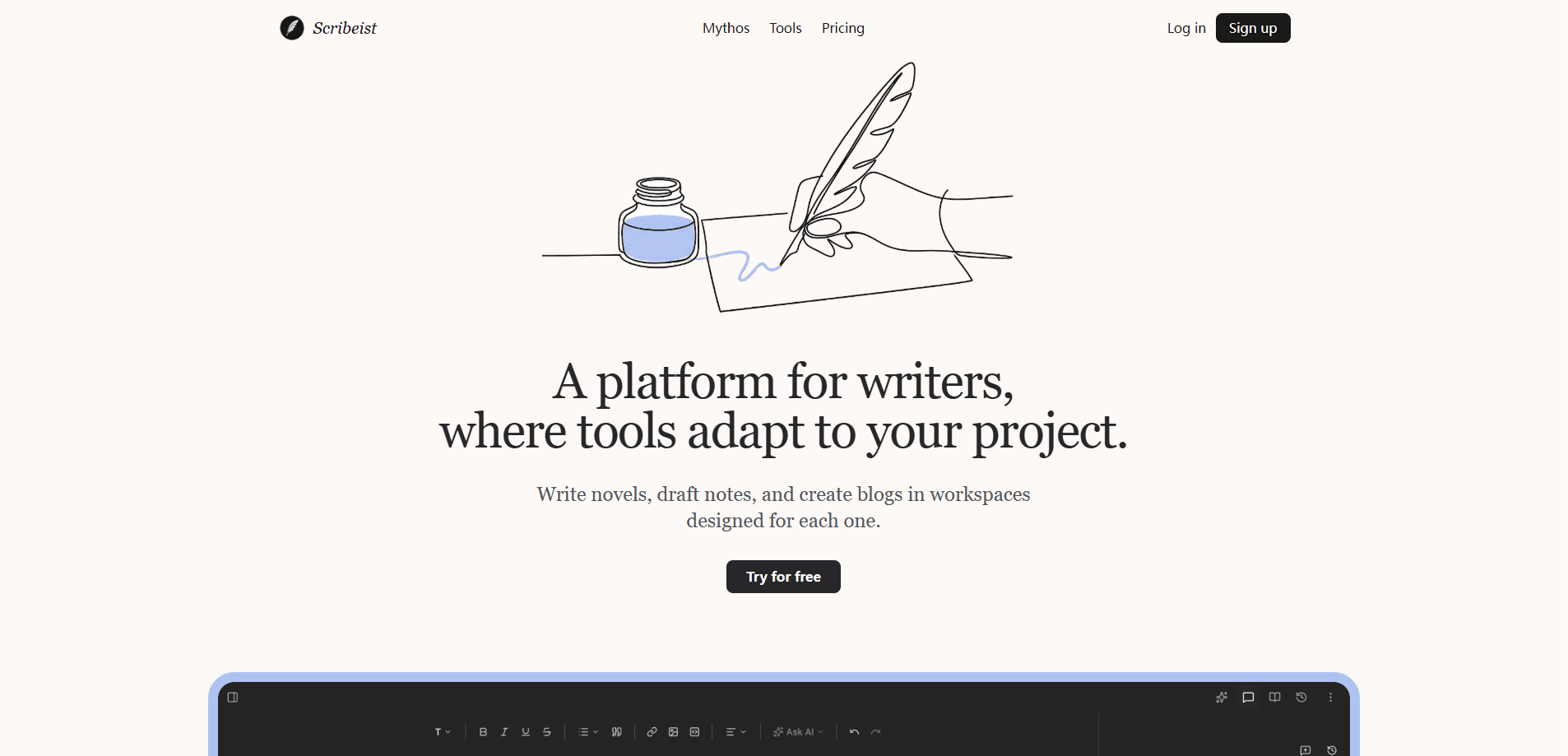
Scribeist is an AI writing platform that splits long-form writing into dedicated workspaces for novels, blogs, essays, and notes. Instead of forcing every project into one editor, it gives each kind of writing its own set of tools, then connects them through a shared AI assistant and a visual planning board called Canvas. So why bother with separate workspaces? It suits writers who plan, draft, and publish inside one place rather than juggling a notes app, a word processor, and a formatting tool.
About Scribeist
What Is Scribeist
Scribeist is a web-based AI writing assistant built around the idea that novels and blog posts don't need the same editor. A novelist tracks characters, chapters, and continuity. A blogger wants SEO structure and a clean export. Scribeist answers both with separate workspaces that share one login and one AI engine, so novel writing software and a blog writing tool finally live in the same place.
The platform's second pillar is visual planning. Canvas turns a linear document into a visual map, so you can wire themes, scenes, and research together and see how a project fits before you commit words to the page. For a first draft that feels messy, visual planning often matters more than raw text generation.
The main limits are scope and maturity. Scribeist is a young product, and the AI runs on monthly usage caps tied to your plan, so heavy users will hit the ceiling before a dedicated model service would. It's for people who write and publish themselves, not for teams that need live co-editing.
Getting Started
- Create a free account on the Scribeist website; no card is required for the Free tier.
- Pick a workspace type for your project, such as Novelist, Blogger, Essay Writer, or Note-Taker.
- Set up your project structure, then open Canvas if you want to sketch scenes, themes, and research as a visual map.
- Draft with the built-in editor while the AI assistant handles outlines, rewrites, and continuity checks.
- Export your finished piece to PDF, EPUB, DOCX, or another supported format, or publish directly.
Product Information
A quick look at Scribeist's pricing, supported platforms, and performance.
Best for
The users, tasks, and scenarios where this tool fits best.
Users
- Novelists
- Bloggers
- Essay writers
- Note-takers
Tasks
- Drafting a first chapter
- Outlining a blog post
- Mapping a plot
- Exporting a manuscript
- Organizing research notes
Scenarios
- Working on a book across months
- Publishing a weekly post
- Early-stage project research
- Turning scattered notes into a draft
Key features
Purpose-Built Workspaces
Scribeist gives novels, blogs, essays, and notes separate workspaces rather than one generic editor. Each workspace exposes tools that fit its craft, so a novelist sees continuity and character tracking while a blogger sees SEO and publishing controls. The point is simple. Stop bending one tool to do four jobs.
Canvas for Visual Planning
Canvas moves you off the linear page when you need to connect themes, scenes, and research. You lay ideas out as a map and see how pieces relate. It's handy when a plot branches or a long article has too many threads for a bullet list. Think of it as a planning surface, not a second draft editor.
AI That Understands Your Project
The assistant reads the project it sits inside, so its suggestions fit your characters, tone, and structure instead of generic text. Early users describe it less as "AI writing for you" and more as help with thinking and organizing. That distinction matters. If you want to stay the author, context-aware help beats a wall of auto-generated prose.
Multi-Format Export
Finished work exports to PDF, EPUB, DOCX, and other common formats, so you don't have to rebuild formatting in another app. Manuscript export is a single step. For self-publishing and blog workflows, that removes a task that usually eats an afternoon.
Planning, Timeline, and Mythos Tools
Hobby tier and above add planning, a timeline, and Mythos, which help long-form writers keep events, chronology, and world details consistent. For a novel, a timeline view catches ordering mistakes. Those mistakes are painful to fix after the fact.
Writing Analytics
The Pro plan adds writing analytics, which shows how your output and habits trend over time. It's a small feature. But for writers trying to build a daily habit, seeing the pattern is useful feedback.
Publishing, Imports, and Sharing
Hobby and above add publishing, imports, and sharing, closing the loop between drafting and getting work in front of readers. You can bring existing text in, push a piece out, or share a draft for feedback. No need to leave the platform.
Every Workspace Alongside One AI Engine
The workspaces stay connected through a single AI layer and account. You can move from note to draft to published post without re-explaining context. That's the practical payoff of keeping everything under one roof.
Pros and cons
Pros
- Separate workspaces for novels, blogs, essays, and notes mean fewer tools to juggle.
- Canvas visual planning suits branching plots and messy early ideas, where a linear outline stops working and you need to see how themes, scenes, and research actually connect before committing to a structure.
- The AI reads project context, so suggestions stay on-theme rather than generic.
- Multi-format export (PDF, EPUB, DOCX) cuts out third-party conversion.
- A genuinely usable free tier covers the editing and export basics.
Cons
- AI usage is capped per plan, so heavy drafters will run out on Hobby and Pro.
- No real API or documented integration path, which rules out custom pipelines.
- It's a young product, so expect the feature set to shift between releases.
- Canvas and analytics sit behind the Pro plan, so the free tier misses the visual planning that makes Scribeist distinctive.
Frequently asked questions
Scribeist is an AI writing platform for long-form projects, mainly novels, blogs, essays, and notes. It combines a focused editor with an AI assistant and a visual planning board so you can plan, draft, and export in one place.
Related content
Explore related tools, skills, and articles for Scribeist.
Scribeist Alternatives

Claude for Google Workspace
Anthropic · Writing · Productivity · BusinessClaude for Google Workspace puts Claude in a sidebar inside Google Docs, Sheets, and Slides, where it reads the file you have open and edits it in place.

Claude Haiku 5.5
Anthropic · Writing · Coding · ChatbotClaude Haiku 5.5 is Anthropic's fastest and cheapest small model, built for high volume tasks at $0.10 per million input tokens with a 1M token context window.

NoteWorthy
Suman Hansada · Writing · Productivity · AI AssistantNoteWorthy is a notes app for iPhone, iPad and Mac that writes titles, tidies formatting, summarizes long notes and files each one with on-device AI. No account, no upload, no network requests.