

SemanticGuard
SemanticGuard · Coding
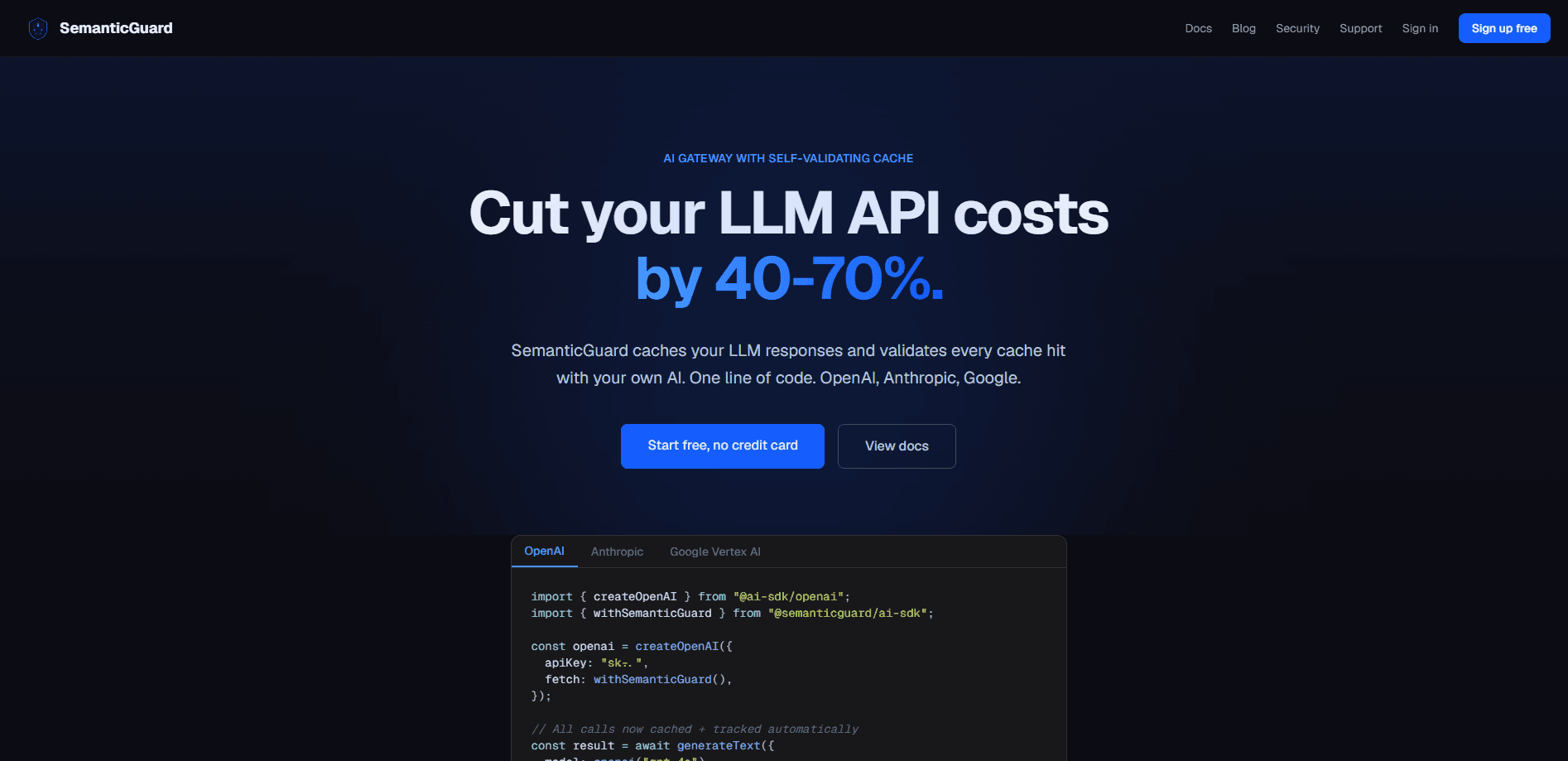
SemanticGuard is an AI gateway that sits between your app and the LLM providers you already use. It does two jobs at once: it caches responses so you stop paying full price for repeat questions, and it audits and controls the tool calls your AI agents make. The vendor reports a median 50% savings on LLM spend in its own benchmark. There's a free tier sized for 10K requests a month and a Pro plan at $49/mo.
About SemanticGuard
What Is SemanticGuard
SemanticGuard is an OpenAI-compatible proxy with a self-validating semantic cache. Point your client at it instead of the provider, drop in an SG API key, and every request gets cached, logged, and tracked. The selling point? The cache doesn't trust itself. A second layer checks hits with your own AI before serving them, so a paraphrase that lands close to an old query won't quietly return the wrong answer.
The second half is AI agent governance. Every tool call your LLM emits shows up in an activity feed with its name, arguments, model, and session attribution. A classifier grades each call as read, write, or destructive. A policy engine then allows, denies, or flags it for approval. That catches the classic failure where a benign-looking run_shell quietly wraps rm -rf, or an agent tries to push straight to main. Nobody wants that.
The catch is that this is infrastructure, not a consumer app. You need somewhere to run it, API keys to manage, and at least a working sense of how your LLM traffic flows. The caching also assumes real repetition in your traffic. A low-volume app with unique prompts every time will see little benefit. Shadow Mode exists so you can measure your own savings before committing a dollar. Use it.
Getting Started
- Sign up at semanticguard.dev and create an API key on the dashboard. No credit card is needed for the free tier.
- Turn on Shadow Mode first. It logs every request and shows what you would save before any cached response is actually served.
- Route your traffic through the proxy. Either set
ANTHROPIC_BASE_URLfor Claude Code, or add the AI SDK fetch wrapper with your SG key to OpenAI, Anthropic, Google, Azure, Bedrock, or Mistral calls. - Review the dashboard until you're comfortable with the projected savings, then enable caching and set your policy rules for destructive tool calls.
Product Information
A quick look at SemanticGuard's pricing, supported platforms, and performance.
Best for
The users, tasks, and scenarios where this tool fits best.
Users
- Developers chasing LLM cost savings
- Engineering teams using AI agent governance
Tasks
- Cutting LLM API spend
- Auditing agent tool calls
- Blocking destructive agent actions
Scenarios
- Production agents that touch live systems
- Multi-provider setups
- Teams that want a single Claude Code proxy
Key features
Self-validating semantic cache
The cache matches on meaning, not just wording, so a rephrased question can still hit. That's the whole trick. What sets it apart is the validation layer: hits are checked with multi-layer verification and continuous AI-judged sampling, so correctness is treated as something to prove rather than assume. The vendor claims 100% cache correctness on its public benchmark, and cross-provider caching means a response from one model can serve a paraphrase aimed at another.
Agent tool-call governance
Every tool call your LLM emits lands in an activity feed with the tool name, arguments, model, and full session attribution. A deterministic classifier grades each call as read, write, or destructive. If you already proxy through SemanticGuard, this works with zero code changes. No rewiring needed.
Policy engine with approval rules
You set what runs and what doesn't, by pattern, risk tier, workspace, or user. Sensible defaults ship on day one: deny destructive calls in prod, require approval for deploys, block PRs to main. Rule edits show up in the audit path within seconds. No ticket queue.
One-line AI SDK integration
Add a fetch wrapper to any provider using the Vercel AI SDK. It works with OpenAI, Anthropic, Vertex AI, and anything else that accepts a custom fetch function. For Claude Code and other Anthropic-SDK clients, setting one environment variable routes traffic through the gateway with cost tracking, audit, and PII redaction included. One line does a lot.
Shadow Mode
Before you trust the cache, Shadow Mode logs everything and reports what you would have saved, without serving a single cached response. It's the honest way to find out whether your traffic repeats enough to justify the switch. The free tier is built around this, with no credit card required.
Self-hosted deployment in your tenant
Installing from the Vercel Marketplace deploys the proxy into your own Vercel account, backed by your Neon Postgres, Upstash Redis, and Upstash Vector. Prompts, responses, embeddings, and cache contents never leave your tenant. Only license, API-key validation, and a health heartbeat reach SemanticGuard's control plane.
Observability and per-tenant controls
The dashboard covers cost analytics and per-request tracing, with a Prometheus endpoint for teams that pipe metrics into their own stack. Each tenant gets its own kill switch and audit log.
Pros and cons
Pros
- Funds its own cost by cutting the LLM spend it eliminates, rather than adding a separate line item.
- Cross-provider caching is genuinely uncommon. Native OpenAI and Anthropic caches each stay inside their own models.
- Governance arrives via one env var or a fetch wrapper, so adoption doesn't require an agent rewrite.
- Self-hosted option keeps prompts, responses, and embeddings inside your own VPC.
- Correctness validation with AI-judged sampling addresses the main fear people have about semantic caching.
Cons
- Savings depend on your traffic repeating. Unique prompts with no overlap will show little benefit, so Shadow Mode is a required first step.
- Enterprise tier is billed at 15% of documented savings with a $500/mo floor, which is harder to predict than a flat fee.
- Some governance pieces, like the human-in-loop approval inbox and the MCP-layer proxy, are still on the roadmap.
- The free tier's 10K requests/mo runs out fast for teams testing at real volume.
Frequently asked questions
It's an AI gateway with two halves. One caches LLM responses to cut API costs, and the other audits and controls the tool calls your agents make. You route your existing LLM traffic through it and both functions run on the same requests.
Related content
Explore related tools, skills, and articles for SemanticGuard.
SemanticGuard Alternatives
Forefront
Forefront · CodingForefront is a web platform for building with open-source AI. It lets you fine-tune leading open-source language models on your own data, evaluate how they perform, and run them through an API or export them to host yourself. Developers who want the convenience of a closed-source platform but insist on owning their models and data are the target audience here.

Startkit
StartKit.AI · CodingStartkit is a boilerplate for building AI SaaS and AI wrapper products. Think of it as an AI startup boilerplate with the boring parts already wired up: authentication, Stripe and Lemon Squeezy payments, usage limits, transactional email, and an AI API starter that talks to OpenAI, Anthropic, Groq, or Llama. You clone the repo, set your price, and start on the part of your product that people actually pay for. It's Next.js under React and Tailwind, so most of the boilerplate code already feels familiar.
Testim
Tricentis · CodingTestim is an AI-powered test automation platform for building and running end-to-end tests across web, mobile, and Salesforce applications. It leans on machine learning to keep tests stable when an interface changes, so teams spend less time fixing broken selectors. Not bad for an automated testing tool you can start using today. You create tests by recording actions in a browser, then optionally add JavaScript when you need more control. It's a solid pick for busy QA teams.