

SendStock AI
SendStock AI · Other
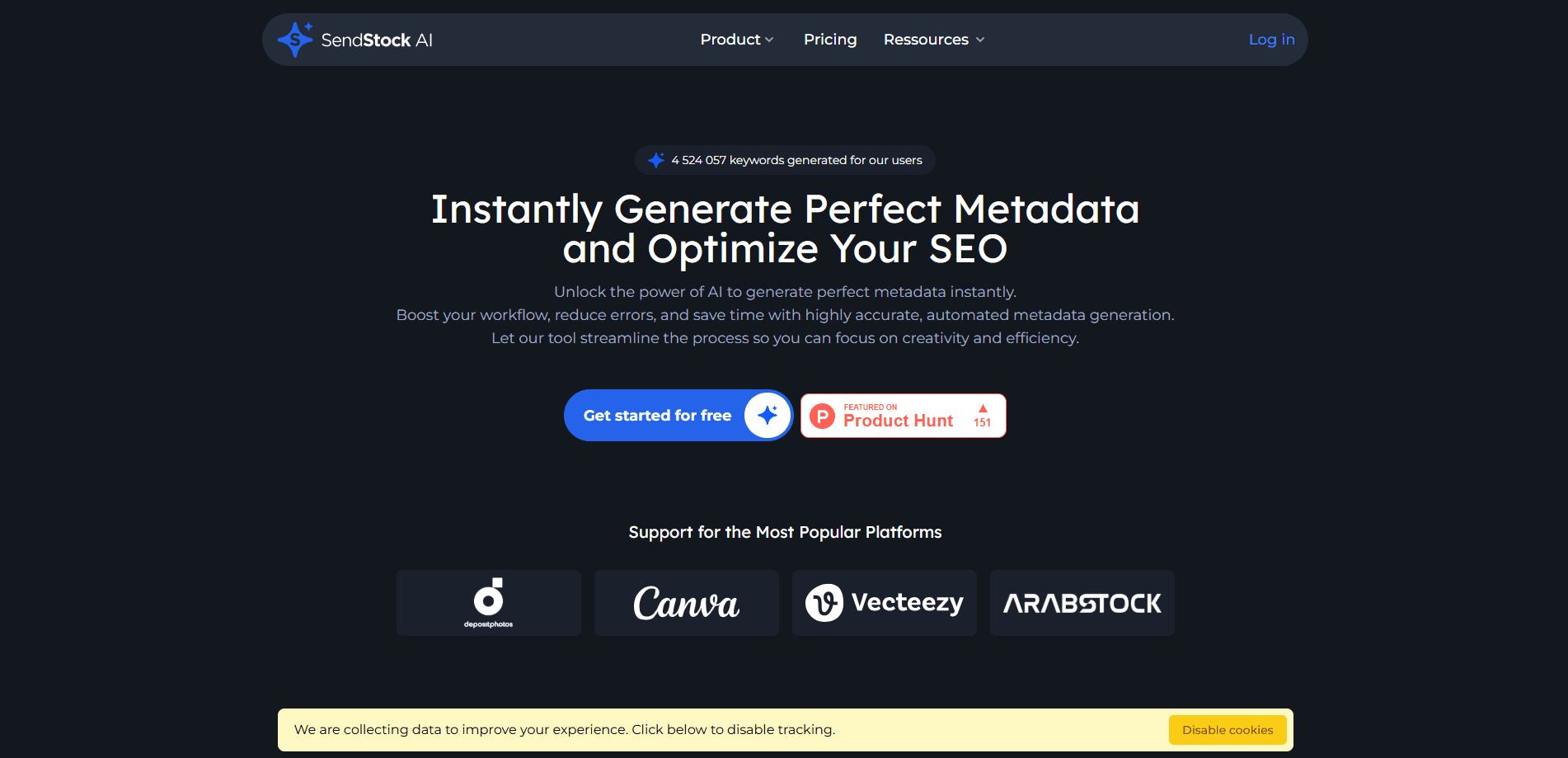
SendStock AI is an AI metadata generator for stock photos, vectors, and videos. It batches hundreds of files in one click, embeds IPTC/XMP tags, and runs a local model that needs no API key.
About SendStock AI
What Is SendStock AI
SendStock AI targets a narrow, painful job in the stock photography business: keywording. If you sell photos, vectors, or clips on Adobe Stock, Shutterstock, Freepik, or any of dozens of other agencies, every upload needs a title, a description, and a stack of tags before it can go live. Do that by hand for 500 files and your day is gone.
The app reads each image or video and writes metadata for it like a tireless AI caption generator. A local vision model handles the classification, so nothing gets sent to a cloud service unless you choose to. The team built it around the assumption that contributors care about volume, and that shapes the whole design: batch first, individual edits second.
The main catch is that it's built primarily for Windows and macOS, and the deepest features, like IPTC embedding and Adobe Stock analytics, sit inside the desktop app. A lighter web version covers basic generation. There's also a credit system for cloud AI features, which adds a layer of bookkeeping on top of the subscription.
Getting Started
- Create an account on the SendStock AI website or download the desktop app for Windows or macOS.
- Add your images or videos by dragging a folder into the app.
- Let the AI generate titles, keywords, and descriptions, or set your own prompt to steer the output.
- Review and tweak the metadata, then embed it into the files as IPTC/XMP.
- Export a CSV or push the files straight to your agency over FTP/SFTP.
Product Information
A quick look at SendStock AI's pricing, supported platforms, and performance.
Best for
The users, tasks, and scenarios where this tool fits best.
Users
- Microstock contributors
- Teams comparing stock contributor tools
- Video and vector creators
- Part-time sellers testing the waters
Tasks
- Batch keywording a folder
- Editing metadata in one place
- FTP upload to stock agency
- Embedding IPTC and XMP metadata
- Studying which keywords sell
- Generating missing content
Scenarios
- Clearing a backlog after a shoot
- Running the whole workflow from one app
- Keeping metadata generation offline
Key features
Batch Metadata Generation
Drop a folder and SendStock AI processes every file inside it in one pass. The company says the app handles 500 images in one click, which is the difference between keywording being a task and keywording being a queue you never clear. Titles and keywords come out together, and you can review the batch before anything is applied.
Local AI Model With No API Key
The desktop app ships a vision model that runs on your own machine, so generating metadata doesn't touch a cloud service or burn through a per-request quota. With enough VRAM, specifically 24 GB for the largest model, contributors can get near cloud-quality output offline. This matters most for people who upload in high volume on a fixed budget.
IPTC and XMP Embedding
Instead of handing you a spreadsheet to paste elsewhere, SendStock AI writes the title, description, and keywords into the file itself using IPTC and XMP standards. You can choose which formats get written and up to what size, and CSV exports still carry everything. Metadata that lives in the file travels with it to every agency.
FTP and SFTP Upload
Once files are tagged, the app can send them to Adobe Stock, Freepik, 123RF, and other agencies over FTP or SFTP. Pro users can push to multiple servers, which saves the manual transfer step that usually follows a keywording session.
Adobe Stock Portfolio Analytics
For Adobe Stock contributors, the app syncs your contributor account and shows a dashboard of sales data. You get upload frequency, sales ratios by category, best-performing keywords, and trends pulled from your actual downloads, which turns metadata decisions into something you can back with your own numbers.
Image and Video Generation
SendStock AI can create stock-ready images and videos from text prompts, with style presets, aspect ratios, variants, and 4K upscaling for images, plus camera motion and duration controls for video. It's a way to fill gaps in a portfolio without a separate generator. The heavier generation runs on AI credits.
Pros and cons
Pros
- Batch processing handles hundreds of files at once, which removes the main bottleneck for high-volume contributors.
- The local AI model generates metadata with no API key and no per-request cloud limits.
- IPTC and XMP embedding writes metadata straight into files so it carries to any agency.
- FTP/SFTP upload closes the loop from import to agency delivery inside one app.
- Adobe Stock portfolio analytics uses your real sales data to point at keywords and categories that earn.
Cons
- The deepest features, like IPTC embedding, portfolio analytics, and the local model, require the desktop app, so the web version is limited.
- The largest local model needs 24 GB of VRAM, meaning contributors on ordinary laptops fall back to lighter, less accurate models.
- Cloud AI features run on a credit system that sits on top of the subscription, so heavy users face a second cost to track.
- There's no published public API, so teams wanting to build metadata generation into their own pipeline can't call SendStock AI directly.
Frequently asked questions
It generates titles, descriptions, and keywords for stock photos, vectors, and videos. You point it at a folder, and it reads each file and writes metadata you can review, edit, embed, and upload to stock agencies.
Related content
Explore related tools, skills, and articles for SendStock AI.
SendStock AI Alternatives

Odyssey 3
Odyssey · OtherOdyssey-3 is Odyssey's foundation world model. It simulates physics in real time, turns a prompt into an interactive environment, and adapts to robots, cars and games.

JarvisCore
Prescott Data · Coding · Productivity · OtherJarvisCore is an open source Python runtime where AI agents work as equal peers on an agent mesh, claim tasks from a shared ledger, and reach external services through a zero-trust broker.
Clef
Cloudflare · Business · OtherClef is Cloudflare's open-source decision model for Workers AI. It returns calibrated probabilities for typed questions, not generated text, so agents can classify, route, and act fast.