

Monitoro
Monitoro, Inc. · Coding
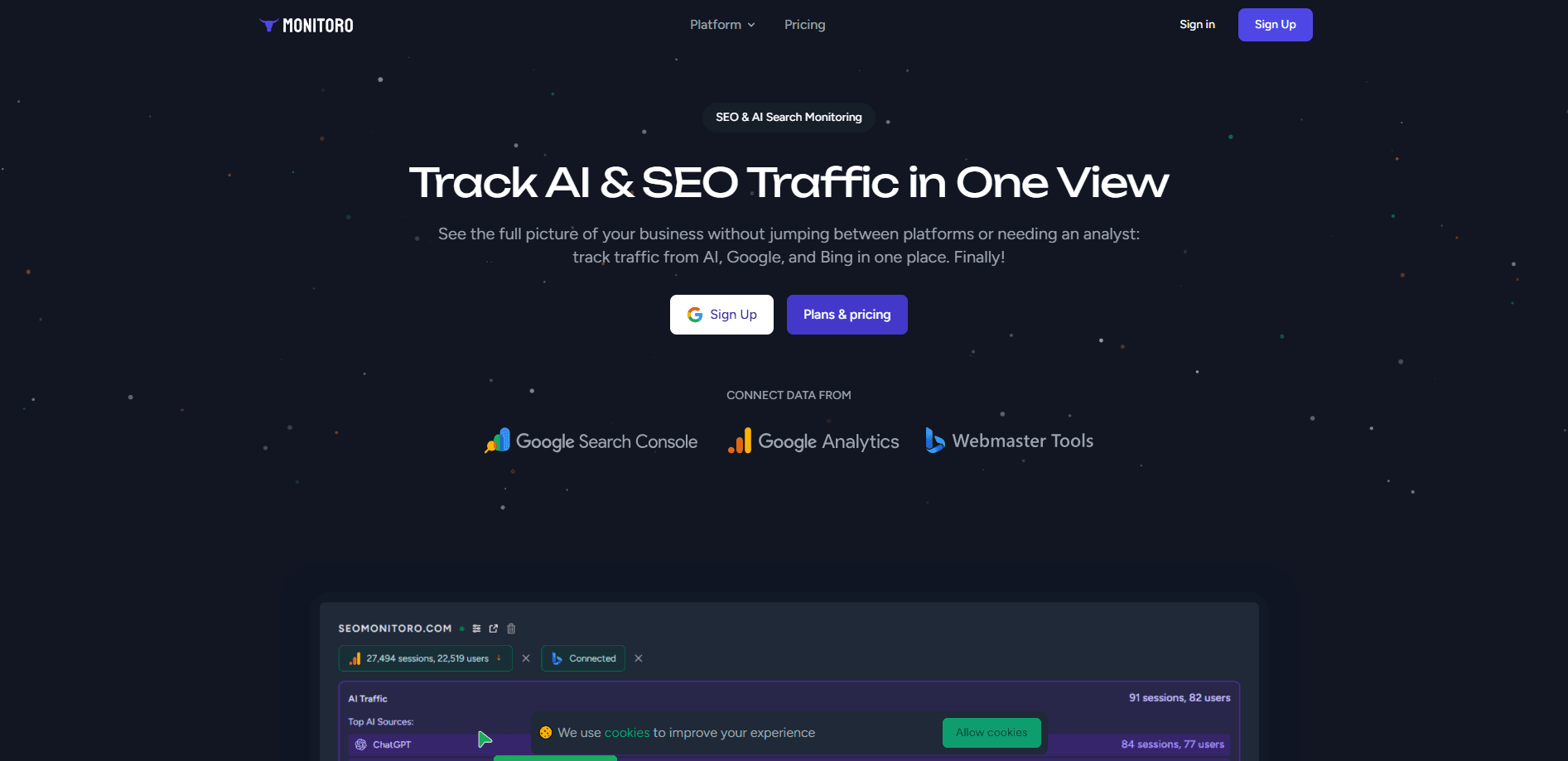
Monitoro is a no-code website monitoring and automation tool that watches pages for you and reacts the moment something changes. Instead of refreshing a product page, a job board, or a competitor's pricing table by hand, you point Monitoro at a URL and tell it what to watch. It reloads your chosen sites around the clock, pulls out the data you care about, and fires real-time alerts or pushes that data into Slack, Discord, Google Sheets, Airtable, or Zapier. It suits marketers, e-commerce sellers, and researchers who need web data extraction without writing any code.
About Monitoro
What Is Monitoro
Monitoro is a browser-based tool built for people who want to catch website changes automatically. You add a URL, pick the element you want to track, and set how often it should check. The tool then reloads the page 24/7 and compares what it finds against the last check. Simple as that.
The main problem it solves is the sheer waste of manual checking. Someone tracking competitor prices, new job listings, or restocked inventory ends up opening the same tabs every morning. Monitoro turns that routine into a background job that pings you only when there's real news. What if you stopped checking and let the tool do it? That's the entire pitch. Its no-code approach means you don't need to write scrapers or maintain a script when a site changes its layout.
The biggest limitation is scope. Monitoro is a lightweight monitoring service, not an enterprise data pipeline. It works best on stable, public pages, and heavy JavaScript sites or login-walled content can be harder to track. That's a real constraint. Treat it as a fast way to watch a handful of key pages, not as a full replacement for a dedicated engineering data stack.
Getting Started
- Install the Monitoro browser extension or sign in on the web app.
- Add the URL of the page you want to watch, then select the element or text you want to monitor.
- Choose a check frequency and set the conditions that should trigger an alert.
- Connect your destinations, such as Slack, Discord, Google Sheets, Airtable, or Zapier.
- Save the monitor and let Monitoro run the checks in the background.
Product Information
A quick look at Monitoro's pricing, supported platforms, and performance.
Best for
The users, tasks, and scenarios where this tool fits best.
Users
- E-commerce sellers
- Digital marketers
- Researchers and analysts
Tasks
- Price monitoring
- Content change tracking
- Competitive analysis
- Data collection
Scenarios
- Daily routine checks
- Limited drop hunting
- Lead and listing feeds
Key features
No-Code Data Extraction and Web Scraping
Monitoro lets you grab data from a page by pointing and clicking rather than writing selectors by hand. You select the text, price, or table you want, and the tool keeps pulling it on a schedule. That means a non-technical user can build a small web scraping tool in minutes. The trade-off? Pages that change constantly sometimes need extra care to track reliably.
Real-Time Change Alerts
Once a monitor is running, Monitoro compares each check against the previous state and alerts you when something moves. You can watch for price fluctuations, stock levels, or plain content updates. Alerts land wherever you've connected them, so you don't have to sit in the Monitoro dashboard waiting. That matters. A check that only surfaces real changes frees you from sorting through noise.
Workflow Automation and Integrations
The tool connects to Slack, Discord, Google Sheets, Airtable, and Zapier, which turns a simple alert into a wider workflow. A price change can drop a row into a sheet, or a new listing can post into a team channel. This integration layer is what makes it useful for website monitoring and automation rather than just notifications.
Round-the-Clock Page Reloading
Monitoro reloads your monitored sites 24/7 so you don't have to keep a tab open. It runs in the background and only surfaces the results that matter. No tab babysitting. For teams tracking time-sensitive pages, that constant watch means you act on changes instead of discovering them hours later.
Element-Level Tracking
You can target a specific element on a page instead of monitoring the whole thing. That keeps alerts focused on the number, headline, or table cell you actually care about, and cuts down on noise from unrelated parts of the page. Focus beats volume here.
Pros and cons
Pros
- No coding needed, so beginners can set up website monitoring and automation quickly.
- Alerts and data output flow into tools like Slack, Discord, Sheets, Airtable, and Zapier.
- Runs checks 24/7 in the background, which removes manual refreshing.
- Element-level targeting keeps notifications focused on the values you want.
- Works as a browser extension, so it fits into an existing browsing routine.
Cons
- Not ideal for heavy JavaScript pages or login-walled content, so some targets need workarounds.
- Built for light monitoring rather than large-scale data pipelines, so high-volume scraping can outgrow it.
- Pricing and plan details are hard to confirm right now, which makes budgeting harder for teams.
Frequently asked questions
Monitoro watches websites for you and reacts when they change. You point it at a page, choose what to track, and it reloads the site on a schedule, then sends alerts or moves the data into another app.
Related content
Explore related tools, skills, and articles for Monitoro.
Monitoro Alternatives
Forefront
Forefront · CodingForefront is a web platform for building with open-source AI. It lets you fine-tune leading open-source language models on your own data, evaluate how they perform, and run them through an API or export them to host yourself. Developers who want the convenience of a closed-source platform but insist on owning their models and data are the target audience here.

Startkit
StartKit.AI · CodingStartkit is a boilerplate for building AI SaaS and AI wrapper products. Think of it as an AI startup boilerplate with the boring parts already wired up: authentication, Stripe and Lemon Squeezy payments, usage limits, transactional email, and an AI API starter that talks to OpenAI, Anthropic, Groq, or Llama. You clone the repo, set your price, and start on the part of your product that people actually pay for. It's Next.js under React and Tailwind, so most of the boilerplate code already feels familiar.
Testim
Tricentis · CodingTestim is an AI-powered test automation platform for building and running end-to-end tests across web, mobile, and Salesforce applications. It leans on machine learning to keep tests stable when an interface changes, so teams spend less time fixing broken selectors. Not bad for an automated testing tool you can start using today. You create tests by recording actions in a browser, then optionally add JavaScript when you need more control. It's a solid pick for busy QA teams.