

Sequence
Sequence · Coding
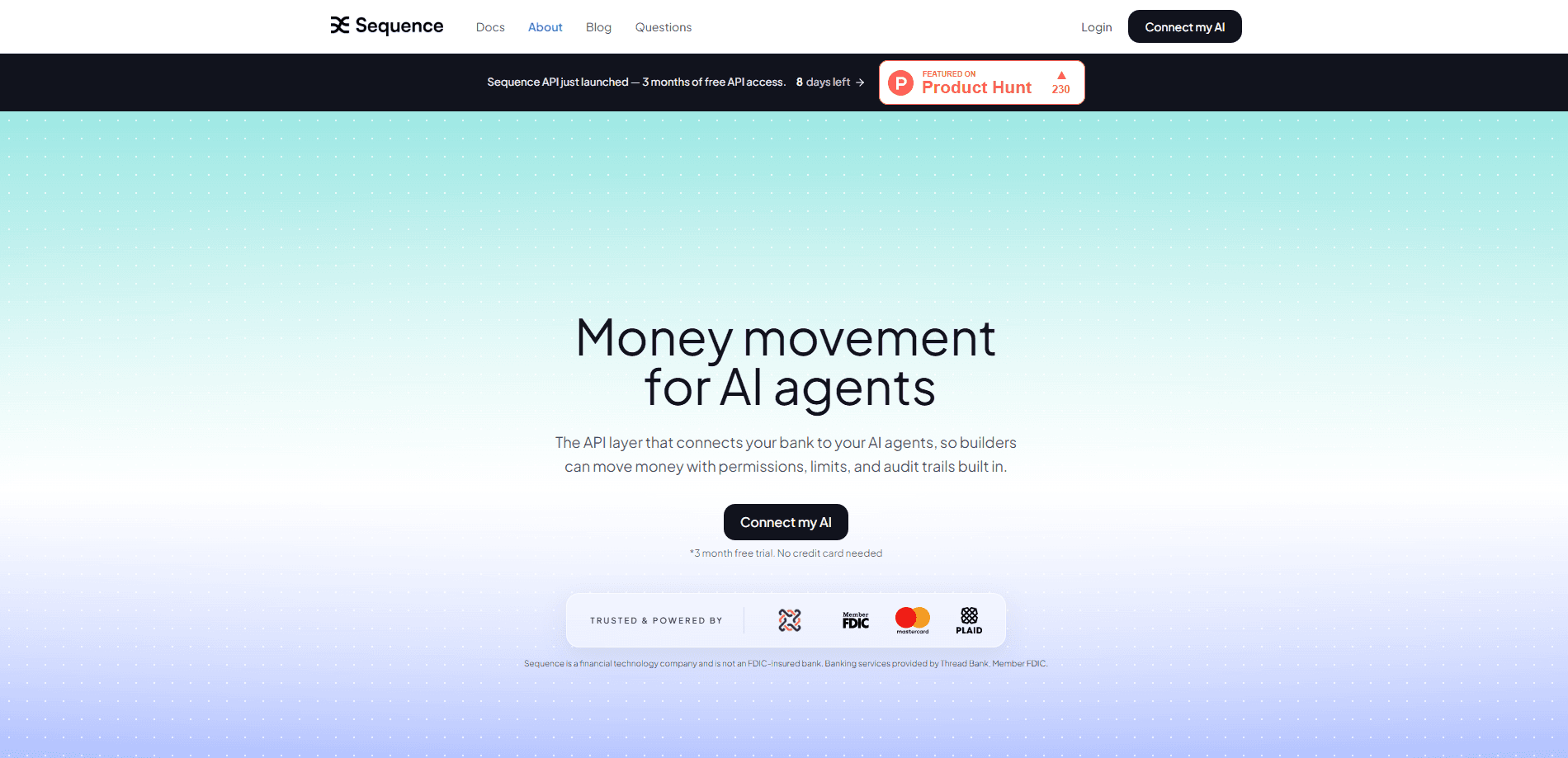
Sequence is a financial API for moving money with AI agents. It connects your bank accounts to the agents you build, so a program can transfer funds, fund accounts, and follow rules you set. Every action runs with permissions, spend limits, and audit trails built in, which is the part most agent stacks are missing.
About Sequence
What Is Sequence
Sequence is a financial execution layer, not another AI model. You already built the brain that decides what should happen with money. Sequence is the set of hands that actually moves the dollars, and it does that on regulated US banking rails through its partner Thread Bank. The company calls this agentic money movement, and some people in the space have started calling it vibe banking. Think of it as a money movement API that understands rules instead of a dashboard you click through.
The core problem it solves is trust. Wiring an LLM straight into a bank account is a bad idea. One hallucinated transfer and your rent money is gone. So what stops that? Sequence sits between the agent and the bank, so an agent never touches an account directly. Instead, it authenticates with a scoped API key, calls a transfer, and the platform enforces hard limits you control on the server side. If something looks wrong, you revoke the key.
There are real limits. Sequence only reaches US institutions, mainly through Plaid and similar data providers, so it won't help you move money in most other countries. You handle the agent logic yourself, and the tool assumes you're comfortable describing a workflow rather than writing code by hand. The company is also clear that it isn't a bank, so your money sits in accounts you own or in FDIC-insured accounts at Thread Bank.
Getting Started
- Create an account at the Sequence site. The current cohort gets a 3-month free trial, and there's no credit card required to start.
- Connect the bank accounts you want in the flow. Sequence reaches most US institutions through Plaid, so the accounts you already use can be added without switching banks.
- Generate a scoped API key and set the spend limits and rules for it. These limits are enforced on the server, so the agent can't slip past them.
- Test the whole flow in simulation mode first. You get simulated accounts and instant test transfers, so your agent can move fake money end to end before anything goes live.
- Drop the Sequence step into your build, whether that's Claude, ChatGPT, Cursor, Lovable, n8n, or Zapier, and flip it to real transfers when you're ready.
Product Information
A quick look at Sequence's pricing, supported platforms, and performance.
Best for
The users, tasks, and scenarios where this tool fits best.
Users
- Founders and operators
- Developers building agent products
- Automation tinkerers on n8n or Zapier
Tasks
- Splitting income automatically
- Paying approved invoices
- Routing project deposits
Scenarios
- Managing several business accounts
- Running a client wallet that needs topping up
- Testing an idea before launch
Key features
Scoped Transfers
Transfers are the basic unit of the product. Your agent calls a transfer, and Sequence runs it on real banking rails and logs every step. You scope each API key to specific accounts and rules, so a key can only move money where you allowed it. Transfers between Sequence-held accounts are instant, while external transfers run over ACH and settle same or next business day.
Spend Limits
You set spend limits per key and per rule, and Sequence enforces them on its side rather than trusting the agent to behave. That distinction matters, because an agent that wants to move $50,000 can't override a $500 cap you set. Hard limits are the main safety net for anyone worried about giving software control of real money.
Audit Trails
Every action gets written to audit logs with the agent session ID, a timestamp, and the reasoning behind the move. If a payment looks off, you can trace exactly which agent session triggered it and why. For anyone who needs to explain money movements later, this is the difference between a guess and a record.
Simulation Mode
Simulation mode ships free with every account. You get simulated accounts and instant test transfers, so your agent can run a full workflow without touching real dollars. It's the fastest way to catch a bug in your logic before it becomes an actual mistaken payment. No real money moves. That's the point.
Human in the Loop
Not every transfer should run on autopilot. The Human in the Loop feature lets you insert an approval step, so an agent can propose a payment and a person signs off before it moves. This is useful for larger amounts or new payees where you want oversight without dropping the automation.
Automations and Pods
Automations let you describe the rules that govern when money should move, by client, project, or property. Pods group accounts and workflows so related money stays organized. Together they turn a pile of scattered accounts into a cashflow system that runs without you logging into each bank.
Broad Platform Support
Sequence plugs into the tools builders already use. There's a one-step integration for Claude, ChatGPT, Cursor, Lovable, n8n, and Zapier, and the team ships tool definitions for MCP, Anthropic, OpenAI, and LangChain if you call models directly. Bank connectivity reaches most US institutions through Plaid and other data providers.
Pros and cons
Pros
- Agents never touch a bank account directly, so money moves through a security and compliance layer instead of a raw connection.
- Scoped keys can be revoked instantly, and spend limits are enforced server-side, which gives you a real kill switch.
- Free simulation mode lets you test a full money workflow before any real transfer happens.
- One-step integrations for Claude, n8n, Zapier, and others keep the setup light for non-engineers.
- Every action is logged with the agent session ID and reasoning, so you can audit what happened and why.
Cons
- US only. Connectivity runs through Plaid and similar providers covering US institutions, so it won't move money for users elsewhere.
- It isn't an AI agent and doesn't build your logic. You still need to design the workflow and decide when money should move.
- Pricing is transitional. It's free for the initial cohort right now, and the company says that will change, so long-term costs aren't known yet.
Frequently asked questions
Sequence moves real money for AI agents and automations. You describe how funds should flow, and the platform runs the transfers on US banking rails, so the thing you built can pay invoices, split income, or route deposits on its own.
Related content
Explore related tools, skills, and articles for Sequence.
Sequence Alternatives
Forefront
Forefront · CodingForefront is a web platform for building with open-source AI. It lets you fine-tune leading open-source language models on your own data, evaluate how they perform, and run them through an API or export them to host yourself. Developers who want the convenience of a closed-source platform but insist on owning their models and data are the target audience here.

Startkit
StartKit.AI · CodingStartkit is a boilerplate for building AI SaaS and AI wrapper products. Think of it as an AI startup boilerplate with the boring parts already wired up: authentication, Stripe and Lemon Squeezy payments, usage limits, transactional email, and an AI API starter that talks to OpenAI, Anthropic, Groq, or Llama. You clone the repo, set your price, and start on the part of your product that people actually pay for. It's Next.js under React and Tailwind, so most of the boilerplate code already feels familiar.
Testim
Tricentis · CodingTestim is an AI-powered test automation platform for building and running end-to-end tests across web, mobile, and Salesforce applications. It leans on machine learning to keep tests stable when an interface changes, so teams spend less time fixing broken selectors. Not bad for an automated testing tool you can start using today. You create tests by recording actions in a browser, then optionally add JavaScript when you need more control. It's a solid pick for busy QA teams.