

SermonAI
HotCiti LLC · AI Assistant
SermonAI is an AI sermon preparation platform for pastors. It combines a sermon writer, Greek and Hebrew Bible study tools, a chattable theological library, and a preaching mode.
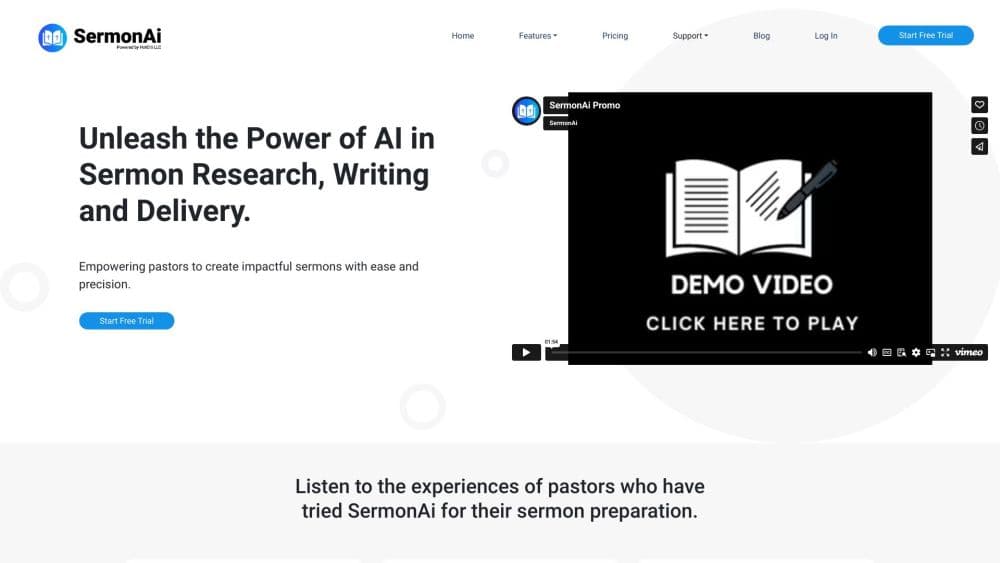
About SermonAI
What Is SermonAI
SermonAI is a browser based workspace for sermon preparation, run by HotCiti LLC, a Massachusetts company. A pastor opens one account, and the whole week of prep sits inside it: passage study, research, the manuscript, the delivery view, and the follow up material for the congregation. The product is explicit about its limits. It won't write the sermon for you, and it says so on the homepage.
The design leans on planning rather than improvisation. Around 8,000 pastors use it, according to the company, and the pricing page lists churches of every size on the same feature set. Inside the app, an AI research assistant answers theological questions with citations and respects the denomination you set. There's no premium tier holding back tools. What you pay for is access, period.
Two things decide whether SermonAI fits. It's web only. The terms state plainly that there's no desktop software and no mobile app, so the preaching view is a full screen browser tab, ideally on a tablet. And it works best for preachers in a liturgical or lectionary driven tradition, since the calendar ships with the Revised Common Lectionary. Pastors in a tradition that keeps its own calendar can still build series manually, but they'll do some setup work.
Getting Started
- Open sermonai.com and take the one hour test drive. It needs no credit card, so you can poke around with real features before deciding anything.
- Set your profile. Pick your denomination, your preferred Bible translation, and the teachers you trust. These settings shape the AI research in every tool, so it's worth doing properly.
- Plan the preaching year. Add services to the calendar, map a sermon series, or let the AI draft a series with titles, passages, and big ideas from a single theme.
- Study and research the passage. Build the sermon in the writer, pulling research sections straight into the draft as editable blocks.
- Convert and deliver. Turn the finished manuscript into a Bible study, a devotional, social posts, slides, or an MP3, then preach it from preaching mode.
Product Information
A quick look at SermonAI's pricing, supported platforms, and performance.
Best for
The users, tasks, and scenarios where this tool fits best.
Users
- Solo pastors who preach weekly
- Pastors in lectionary traditions
- Ministry teams at larger churches
- Seminary students and lay preachers
Tasks
- Cutting research time for a Sunday sermon
- Structuring a three point sermon
- Preparing a passage with the original languages
- Turning Sunday's message into midweek material
- Planning a teaching series across a season
Scenarios
- Saturday afternoon with a blank page
- Last minute substitution
- Producing clips without an editor
- Studying for a midweek class
Key features
Sermon Writer With Two Modes
The sermon writer itself comes in two forms. Block Writer lets you assemble a sermon from labeled pieces, and each block knows what job it has, so an illustration block gets stories and a passage block gets exegesis. Classic Writer is plain longhand prose with a clean page. You can switch between them on the same document without converting anything.
Twelve Section Research Tool
Research runs on a fixed set of twelve sections, covering passage overview, exegesis, original language notes, key words, historical background, commentary insight, and illustration ideas among others. Any section you keep moves into the manuscript as an ordinary block you can reword or delete. Citing sources happens inside the tool, so the commentary travels with the quote.
Greek and Hebrew Bible Tool
For biblical research software, this is the core: the Bible tool puts up to four translations side by side and opens the original text underneath. Clicking a word brings up the Greek or Hebrew, the grammar, and the Strong's entry. It's the part of the platform that most resembles a classic Bible study program, and it's included in the single plan.
Chattable Library of 500+ Books
The library holds public domain theological works, from Calvin's Institutes to Augustine's Confessions, and you can search across the whole set or open any book and ask it questions. You can also upload your own PDFs into a private library, which matters if your sources sit on a shelf the platform doesn't stock.
Preaching Mode With Auto Scroll
Preaching mode turns the manuscript into a full screen view built for a tablet, with auto scroll, a countdown timer, and MP3 recording. A built in copilot listens while you preach and only speaks up when it hears something worth correcting, such as a misquoted reference.
Format Converter for Ten Outputs
One finished sermon converts into ten formats: a Bible study guide, youth talk, small group format, devotional, bulletin summary, social posts, and more. Translation into another language is part of the same menu. You choose how much the AI touches the wording, from none to a full rewrite.
Preaching Calendar and Series Planner
The calendar supports month, week, day, and list views and can preload the Revised Common Lectionary. From there you can map a series and let the AI generate titles, passages, and big ideas from one theme, then track each message from idea to preached.
Media Mode for Clips
Media mode takes a sermon video or a YouTube link, transcribes it, ranks the most shareable moments, and opens a browser based editor with captions, face tracking, and branding. Each plan includes 2 hours of video a month, and extra hours cost $14.99 for 20 hours.
Pros and cons
Pros
- Research, writing, study tools, and delivery sit in one workspace, and that cuts the tab hopping that eats prep time.
- The denomination setting carries across every tool, so commentary and persona answers match your tradition instead of generic theology.
- Both plans include every feature, so there's no upsell wall in the middle of sermon prep.
- The one hour test drive needs no card and runs the real product rather than a demo reel.
- Annual billing saves $103 compared with twelve monthly payments.
Cons
- There's no mobile app and no offline mode. If the pulpit tablet loses the connection, the preaching view goes with it.
- Only four Bible translations ship with the plan, so preachers tied to a less common translation will keep a separate Bible app open.
- Uploaded documents go through a cloud service, and the platform is web only, so churches with strict data rules need to check with their leadership first.
- The library focuses on public domain works, which leaves out most modern commentaries and recent scholarship.
- Fees are non-refundable once charged, and the trial converts to a paid subscription automatically unless you cancel first.
Frequently asked questions
SermonAI handles sermon preparation from planning to delivery. You plan a preaching calendar, study the passage in the original languages, research it, write the manuscript, and then preach from a tablet view. The same material converts into Bible studies, devotionals, and social posts after Sunday.
Related content
Explore related tools, skills, and articles for SermonAI.
SermonAI Alternatives

Iplan AI
Iplan AI · Productivity · AI AssistantIplan AI is an AI travel planner that turns a few trip details into a full day-by-day itinerary in seconds. You answer questions about your destination, interests, budget, and travel companions, and the tool builds a plan you can edit, share, and carry with you on any device. It targets travelers who want a solid draft without spending hours in spreadsheets and browser tabs. Think of it as an itinerary generator that does the tedious part for you.

Screenhelp
Screenhelp · Productivity · AI AssistantScreenhelp is an AI screen assistant that turns a single keyboard shortcut into real-time help. You press Ctrl+Shift+Space, it captures what's on your screen, and it streams an answer into a private panel in about two seconds. Think of it as an AI screenshot helper you trigger on demand. It runs on Mac, Windows, and the web, starts free with 30 answers a month, and stays invisible during screen sharing on Zoom, Teams, and Google Meet.

Rainbow
Rainbow · AI AssistantRainbow is an AI weather forecast app built around short-term precipitation nowcasting. Its engine pushes min-by-min rain and snow predictions up to four hours ahead, blending live satellite and radar feeds into hyperlocal forecasts. The app adds live rain radar, a seven-day outlook, precipitation alerts, home-screen widgets, and a hurricane tracker, and it runs on both Android and iOS with a free tier plus paid upgrades.