

ShellDef
ShellDef · Coding
ShellDef is an AI shell script scanner that reads your Linux scripts, flags dangerous commands and vulnerabilities, and returns a corrected version you can run safely.
About ShellDef
What Is ShellDef
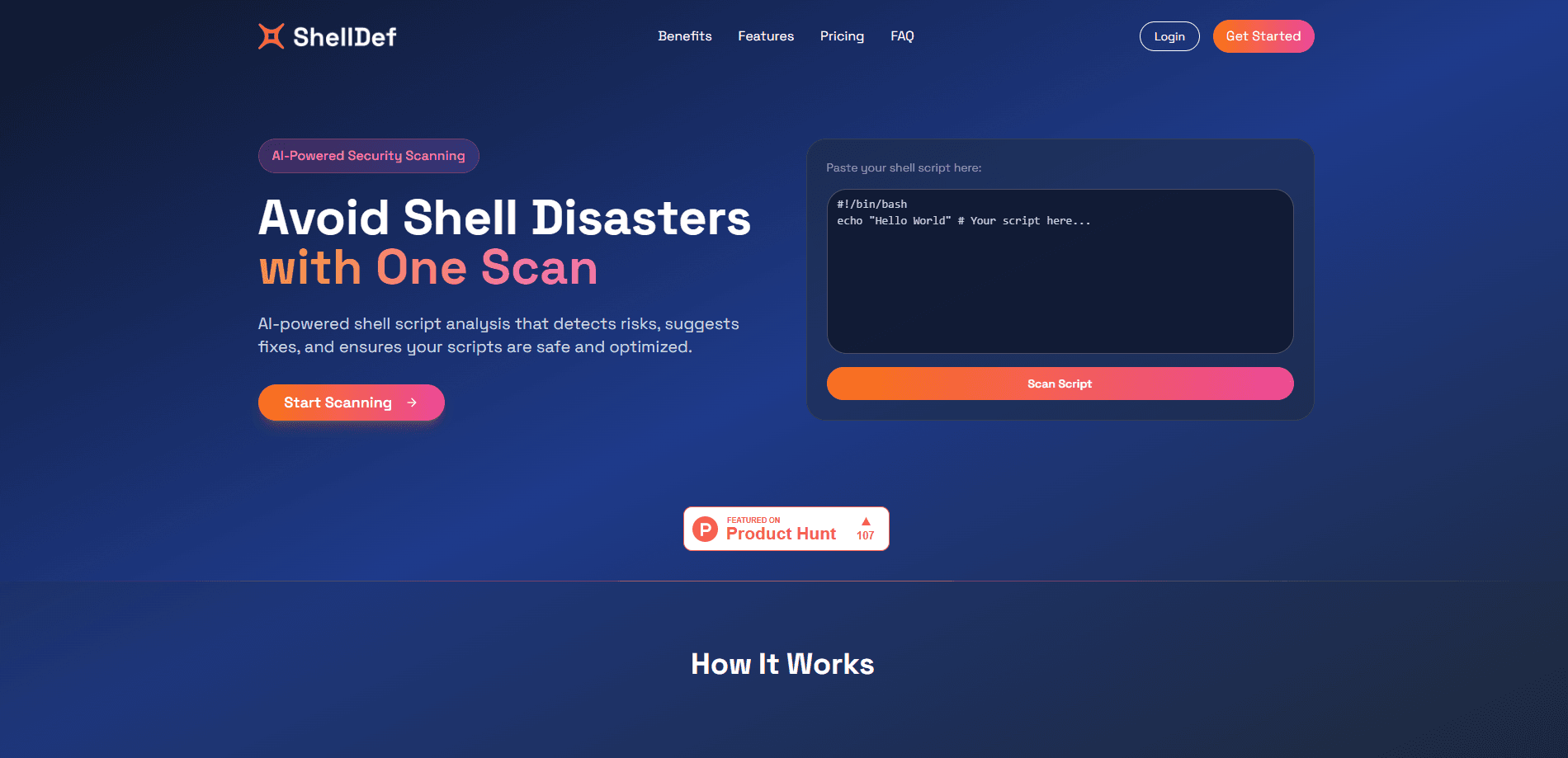
ShellDef is a web tool that checks shell scripts for security problems before they reach a server. You upload a .sh file or paste code into a box, and the scanner returns a report in seconds. It points at risky commands, insecure patterns, and plain mistakes, then hands back a cleaned-up script you can copy straight into production.
The main job is catching the stuff that slips past a quick read. A rm -rf aimed at the wrong path, an unquoted variable that breaks on spaces in a filename, a curl | bash that runs whatever the network sends back. ShellDef rates each finding by severity, so you can see what actually needs fixing first.
It's built for people who write or inherit shell scripts but don't want to memorize every footgun. The trade-off is scope: it only reads shell scripts, so Python, PowerShell, or YAML automation files are outside what it handles. It also leans on AI, which means occasional false positives on unusual one-off scripts.
Getting Started
- Create an account at shelldef.com, or start with the free scan allowance.
- Upload a
.shfile or paste your script text into the analyzer. - Read the report, which lists each issue with a severity rating and a plain-language explanation.
- Download the corrected script, or copy the fixed lines back into your own version.
- Re-scan after edits and keep the result in your scan history for later reference.
Product Information
A quick look at ShellDef's pricing, supported platforms, and performance.
Best for
The users, tasks, and scenarios where this tool fits best.
Users
- Developers who write shell scripts
- DevOps engineers
- System administrators
- Security-minded teams
Tasks
- Reviewing a script from GitHub before running it
- Cleaning up a script that fails on edge cases
- Auditing cron jobs and boot scripts
- Learning shell best practices
Scenarios
- Preparing a production deploy script
- Onboarding onto a legacy codebase
- Reviewing scripts shared in a team chat
- Hardening CI/CD automation
Key features
AI-Powered Script Repair
Beyond flagging problems, ShellDef rewrites the script and returns a corrected version. The fixes cover known issues in the scan, so you get a file that's closer to safe without editing every line by hand. It's the feature that separates it from a plain linter.
Dangerous Command Detection
The scanner calls out commands that can wreck a system or leak data, like forced recursive deletes, disk formatting, or piping a remote download straight into a shell. Each one comes with a risk note so you can judge whether it belongs in your script at all.
Severity-Rated Reports
Every finding gets a severity level, from low to critical. That ordering matters when a script has dozens of notes and you only have time for the top few. You fix the critical items first and leave the cosmetic warnings for later.
Smart Tooltips
Each flagged line carries an explanation of what's wrong and why it matters. That turns a scan into a short lesson, which helps if you're still learning shell quirks or handed a script full of patterns you haven't seen.
Script Upload and Paste
You can drop a .sh file or paste raw code. Both paths feed the same analyzer, so a quick snippet check and a full-file audit take the same effort. This makes it easy to check something before you even save it to a file.
Fixed Script Download
Once the scan finishes, you can download the corrected .sh file for immediate use. That saves the round trip of copying fixes out of a report and back into your editor.
Scan History Tracking
ShellDef keeps a record of past scans. You can revisit an older report, compare what changed, or pull up the details on a script you reviewed weeks ago. Useful when you're tracking a fix across several iterations.
Pros and cons
Pros
- Turns a wall of shell warnings into a severity-ranked list you can act on.
- Returns a fixed script, not just a list of complaints, cutting manual debugging.
- Runs in the browser, so there's nothing to install on your machines.
- Free tier lets you test scans before paying.
- Tooltips teach the reasoning, which builds shell judgment over time.
Cons
- Only handles shell scripts, so other automation languages are out of scope.
- AI analysis can raise false positives on unusual or heavily obfuscated scripts.
- The free tier caps scans and script size, so heavy users hit the paid plan fast.
- Pricing and feature tiers aren't laid out in much detail on the site.
Frequently asked questions
It scans shell scripts with AI and reports security risks, bad practices, and errors, then gives you a corrected version. You upload a file or paste code, and the analysis comes back in seconds.
Related content
Explore related tools, skills, and articles for ShellDef.
ShellDef Alternatives

Base Code
Base44 (Wix) · Coding · ProductivityBase Code is a shared cloud development environment from Base44. Teammates describe changes to an existing GitHub codebase in chat, preview them live and send them back as pull requests.

Google EmbeddingGemma 2
Google DeepMind · Writing · Image · CodingGoogle EmbeddingGemma 2 is a 740M-parameter open model that turns text, code, images, audio, and video frames into vectors in one 768-dimension space, running on phones and laptops.

GitGlow
GitGlow · Coding · ProductivityGitGlow is a local-first desktop Git client that lets independent developers review their own code and their AI agents' changes in one place before shipping.