

Shhshot — Screenshots with auto-masking
Shhshot · Other
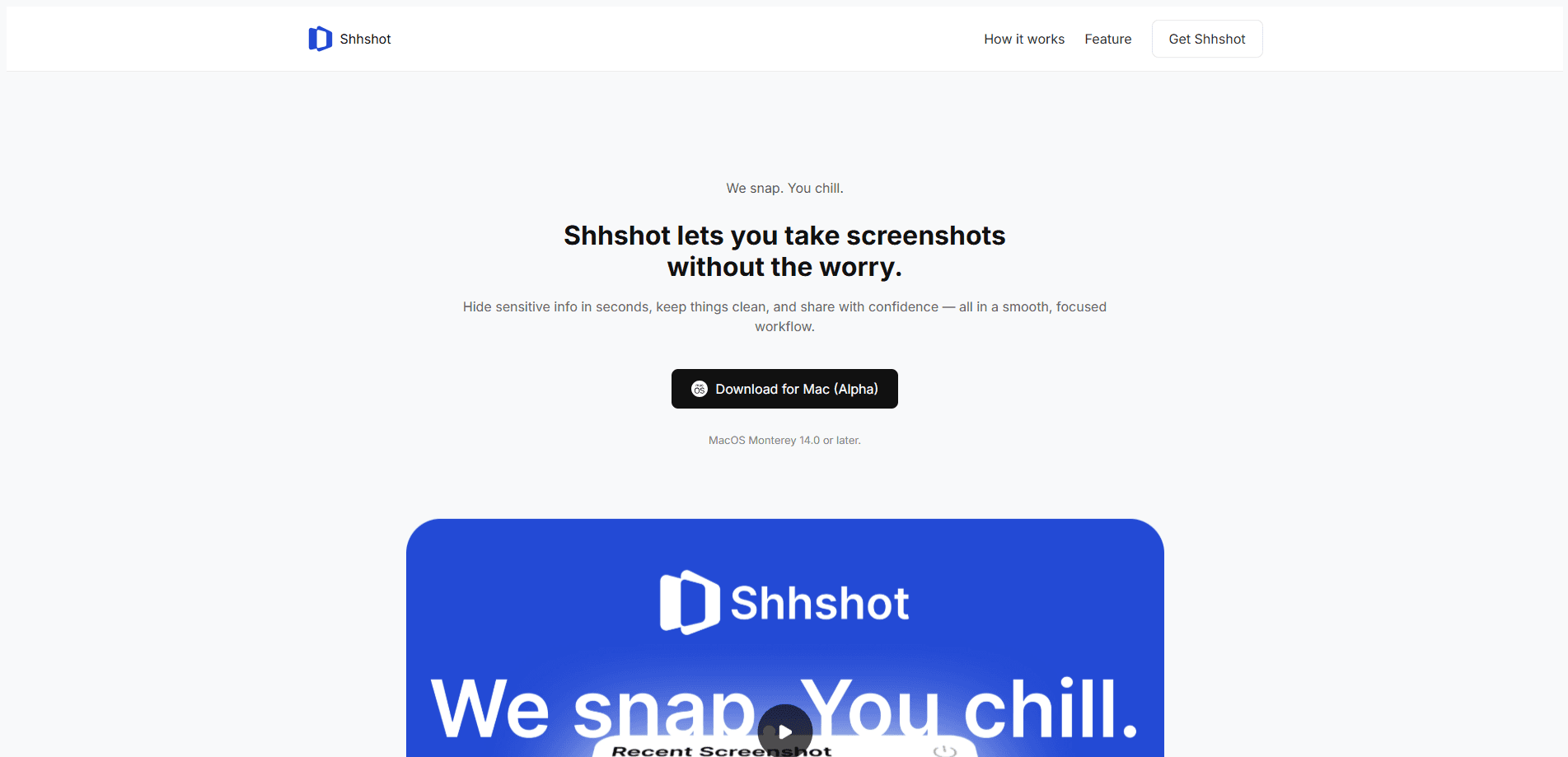
Shhshot is a macOS screenshot tool that finds and masks sensitive details such as API keys and card numbers before you share an image, and it keeps every file on your Mac.
About Shhshot — Screenshots with auto-masking
What Is Shhshot
Shhshot is a screenshot app for macOS and a privacy screenshot tool built around one idea: the capture you share shouldn't leak the details behind it. It scans a shot for things like API keys, card numbers and other private strings, then masks them automatically so you can pass the image along without scrubbing it by hand first.
The problem it targets is common. Screenshots get shared in chats, tickets and posts, and the sensitive parts are rarely in the middle of the frame. A key sits in a corner of a terminal window, a card number hides in a checkout form, an email address trails off at the edge. People either miss these details or spend minutes blurring them one by one.
Two limits shape what it can do. It runs on macOS only, so Windows and Linux users are out of scope. And the company behind it keeps its public pages thin, so details like the full pricing list and API support aren't documented on a reachable site right now.
Getting Started
- Get the Shhshot app for macOS from the developer.
- Launch it and grant the screen-capture permission macOS asks for.
- Take a screenshot the way you normally would on your Mac.
- Let the app scan the shot and mark anything that looks sensitive.
- Review the masks, adjust them if needed, and share the cleaned image.
Product Information
A quick look at Shhshot — Screenshots with auto-masking's pricing, supported platforms, and performance.
Best for
The users, tasks, and scenarios where this tool fits best.
Users
- Developers who paste terminal shots into bug reports
- Support agents sharing customer screenshots
- Freelancers sending work-in-progress to clients
- Anyone who posts screenshots publicly
Tasks
- Cleaning a screenshot before sharing it
- Blur sensitive information in a code or terminal shot
- Hiding a card or account number in a form
- Preparing a screenshot for a ticket or post
Scenarios
- Filing a bug with a screen capture
- Answering a customer in a chat tool
- Sharing a build or setup screenshot in a team channel
- Posting a how-to guide with images
Key features
Automatic detection of sensitive data
Shhshot scans a screenshot and looks for the strings people usually want hidden, such as API keys, card numbers and similar private values. Instead of you spotting each one, the app flags them for review, and auto masking becomes the default rather than a manual step. That shift from manual to assisted is the core of the product.
Automatic masking before you share
Once a sensitive spot is detected, the app covers it so the shared image no longer shows the detail. Masking happens in the flow of taking the shot rather than as a separate cleanup pass. The point is to make the safe version the easy version.
Local processing on your Mac
Shhshot runs local processing on your machine, so screenshots and the details inside them don't have to leave your device to be scanned. For people who screenshot sensitive material for a living, that's the difference that makes the tool usable at all.
Built for macOS
The app targets the Mac screenshot workflow, so it fits how captures already happen on that platform. The trade-off is the narrow scope: there's no Windows, Linux or mobile build to fall back on.
Review before sharing
Detection isn't the same as certainty, so the app leaves the final call to you. You check what got flagged, adjust the masks and decide when the image is ready to send. That keeps you in control rather than trusting an automatic pass.
A privacy-first focus
Shhshot's whole pitch is protecting what a screenshot reveals, not adding more editing tools. That focus means fewer extras, but a clearer reason to pick it over a general screenshot utility.
Pros and cons
Pros
- Detects and masks sensitive strings automatically, which cuts the manual blurring that most screenshot tools leave to you.
- Processes images locally on the Mac, so private details don't need to go to a server to be found.
- Fits the normal macOS screenshot flow instead of adding a separate cleanup step.
- Lets you review and adjust the masks before sharing, so you keep the last word on what gets covered.
Cons
- Runs on macOS only, so Windows, Linux and mobile users can't use it.
- Detection can miss or over-flag details, which is why the app asks you to review before sharing.
- The developer's public pages are thin right now, so pricing, free-plan details and API support aren't clearly documented.
- As a focused privacy tool it does less beyond masking, so it won't replace a full screenshot editor.
Frequently asked questions
Shhshot is used to take screenshots on a Mac and mask sensitive parts before sharing them. It looks for things like API keys and card numbers, covers them automatically, and keeps the processing on your machine. The goal is a shareable image without a manual cleanup pass.
Related content
Explore related tools, skills, and articles for Shhshot — Screenshots with auto-masking.
Shhshot — Screenshots with auto-masking Alternatives

JarvisCore
Prescott Data · Coding · Productivity · OtherJarvisCore is an open source Python runtime where AI agents work as equal peers on an agent mesh, claim tasks from a shared ledger, and reach external services through a zero-trust broker.
Clef
Cloudflare · Business · OtherClef is Cloudflare's open-source decision model for Workers AI. It returns calibrated probabilities for typed questions, not generated text, so agents can classify, route, and act fast.

iFixAi
iFixAi · Business · OtheriFixAi is an open-source auditor for AI agents. It runs your agent through a simulation of your business, grades every reply, and returns an A to F scorecard backed by evidence.