

ShipAny
ShipAny · Coding
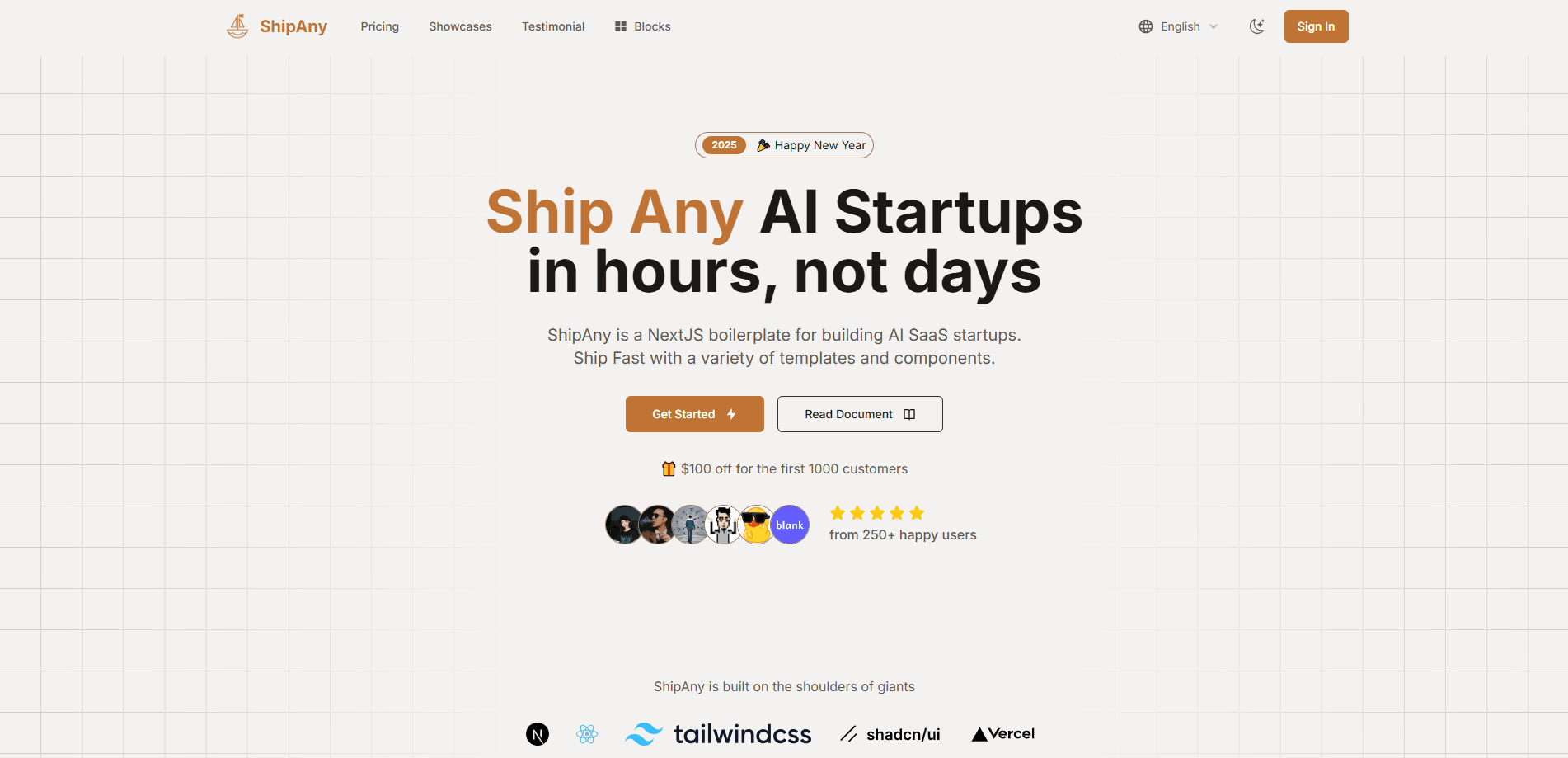
ShipAny is an agent-native Next.js boilerplate for launching AI SaaS products. It bundles authentication, payments, credits, subscriptions and i18n so coding agents can build on proven template code.
About ShipAny
What Is ShipAny
ShipAny is a Next.js boilerplate for building AI SaaS startups. It works as an agent-native development framework, so instead of wiring up logins, billing and a dashboard from scratch, you clone a template that already has those pieces and spend your time on the product itself. The current line-up runs on Next.js 16 and is designed to be driven by coding agents like Claude Code.
The idea is that the boring parts of a SaaS launch are already solved. Authentication, Stripe and regional payment options, a credits system for AI calls, subscriptions, role-based access and a content management layer all ship in the box. You describe what you're building, run a quick-start command, and the agent scaffolds pages and modules on top of that base.
Two things set the limits. It's a developer tool, so you need to be comfortable in a code editor and with a terminal, even if an agent does most of the typing. And the templates are sold as one-time purchases rather than a free tier, so there's a real cost before your first line of code.
Getting Started
- Buy ShipAny Premium or a single template on the pricing page with a one-time payment.
- Activate your order in the order center and bind the GitHub username that should get repository access.
- Accept the GitHub invitation, then clone your chosen template and run pnpm install.
- Open the project in a coding agent like Claude Code and run /quick-start with a description of your product.
- Customize the pages, connect your own payment and storage keys, and deploy to Vercel, Cloudflare Workers or Docker.
Product Information
A quick look at ShipAny's pricing, supported platforms, and performance.
Best for
The users, tasks, and scenarios where this tool fits best.
Users
- Indie developers
- Small startup teams
- Product managers who code
Tasks
- Launching an AI SaaS MVP
- Monetizing AI features
- Building an AI image or video app
Scenarios
- Validating an AI product idea
- Going global from day one
- Running a client project
Key features
Agent-native Skills
ShipAny is built so coding agents can work with it, not against it. As a Next.js AI template, it ships with ready-made Skills like /quick-start, /new-page and /clone-website that let an agent scaffold pages and modules from a plain-language prompt. The payoff is that a non-expert can describe a product and get a working structure back.
Auth, payments and subscriptions
Authentication, Google login, Stripe and regional payment options come pre-wired, along with subscription plans and billing history. You connect your own keys and the checkout flow is live, which removes the piece most side projects stall on.
Credits and API key management
A credits system bills users per model call and ties usage to their subscription, and API keys let you resell model access to developers. It's the monetization layer for anything that calls an AI model repeatedly.
User dashboard and admin panel
The front end ships with a self-service dashboard covering plans, payments, credits and API keys, plus an admin panel for users, orders, invites and system settings. Both are ready to restyle, and you don't build them from nothing.
Internationalization and SEO
i18n support and an SEO-friendly structure are built into the templates, and a visual configuration layer keeps code changes to a minimum. That combination matters if you plan to rank and sell outside your home market.
Multi-platform deployment
The same codebase can go to Vercel, Cloudflare Workers, Docker or Dokploy, and there are separate editions for Next.js, TanStack and a Cloudflare-native build. You pick the runtime you already trust instead of being locked to one host.
Pros and cons
Pros
- One-time pricing with lifetime access, so there's no subscription that keeps charging after launch.
- Auth, payments, credits and i18n ship working, and that alone cuts the setup which usually eats the first weeks of a project.
- You own the code you clone, which keeps you free to host and modify it however you like.
- Templates are organized for coding agents, so an AI assistant can extend the project from natural-language prompts.
Cons
- There's no free tier, so you pay before you've written any code, and it starts at $199 for a single template.
- It assumes you're comfortable with Next.js and the command line, which shuts out non-technical users without an agent at hand.
- You still handle deployment, keys and your own hosting, so it lowers the build cost without removing the run cost.
Frequently asked questions
ShipAny is an agent-native Next.js boilerplate for building AI SaaS startups. It bundles authentication, payments, credits, subscriptions, i18n and a dashboard into templates you clone and customize, so you start from a working base instead of an empty project.
Related content
Explore related tools, skills, and articles for ShipAny.
ShipAny Alternatives

Base Code
Base44 (Wix) · Coding · ProductivityBase Code is a shared cloud development environment from Base44. Teammates describe changes to an existing GitHub codebase in chat, preview them live and send them back as pull requests.

Google EmbeddingGemma 2
Google DeepMind · Writing · Image · CodingGoogle EmbeddingGemma 2 is a 740M-parameter open model that turns text, code, images, audio, and video frames into vectors in one 768-dimension space, running on phones and laptops.

GitGlow
GitGlow · Coding · ProductivityGitGlow is a local-first desktop Git client that lets independent developers review their own code and their AI agents' changes in one place before shipping.